
Model Reviews
Nano Banana Pro vs Nano Banana 2: Which Should You Use?
Nano Banana Pro vs Nano Banana 2 compared on 4K, speed, text and price — plus how to run Nano Banana 2 free and watermark-free, with no API key.
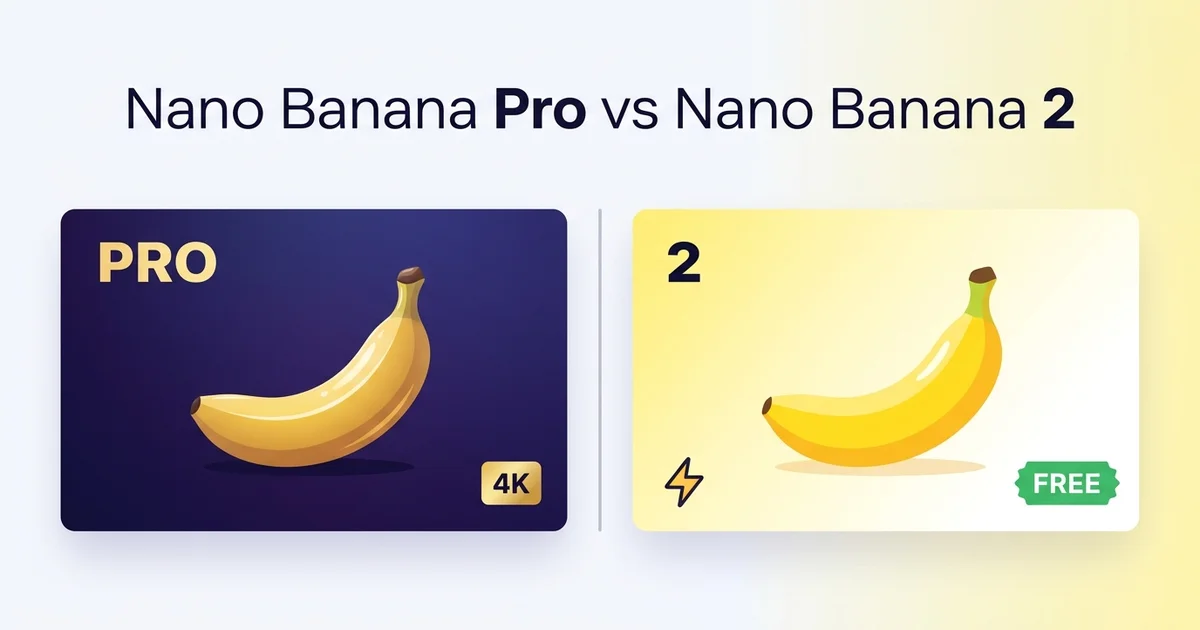
Google now ships two versions of its Nano Banana image model, and the naming does you no favors. Nano Banana Pro and Nano Banana 2 sound like the same thing at two sizes. They're not. One is a paid 4K flagship; the other is a faster model that Google itself says reaches about 95% of the flagship's quality — and it's the one you can run free, without a watermark, in our generator.
Short answer up front: pay for Pro when you need native 4K or the most reliable text-in-image rendering. For nearly everything else — social posts, photo edits, drafts, batch work — Nano Banana 2 gets you there faster and for nothing.
One note on honesty before the details. We host Nano Banana 2, not Pro. So the Pro figures below come from Google's specs and independent comparisons; the Nano Banana 2 images are our own, straight from the endpoint our site calls.
The short answer
| Nano Banana Pro | Nano Banana 2 | |
|---|---|---|
| Underlying model | Gemini 3 Pro Image | Gemini 3.1 Flash Image |
| Resolution | Native 4K (4096×4096) | Up to 4K, tuned for speed |
| Speed at 1K | ~10–20s | ~4–6s |
| Reference images | Up to 8 | Up to 4 |
| Text rendering | Best-in-class | Strong for everyday use |
| Price per image | Premium (~2× Nano Banana 2) | Lower |
| Free, no watermark | No free API tier; watermarked in the Gemini app | Yes, on our generator |
Numbers here are drawn from fal's side-by-side and Analytics Vidhya's breakdown; the rest of this piece explains what they mean in practice.
What Nano Banana Pro is
Nano Banana Pro is the community nickname for Google DeepMind's Gemini 3 Pro Image model. Its headline feature is native 4K — 4096×4096, 16 megapixels, generated at that resolution rather than upscaled after the fact. It also takes up to eight reference images at once (double the original four), locks exact hex colors, and renders text inside images better than anything else on the market right now.
According to fal's comparison, generating an image on Pro runs roughly twice the cost of Nano Banana 2, and text-heavy prompts cost more still.
The catch for casual use is simple: there's no free API tier. You can try Pro inside the Gemini app's free quota, but Google stamps those images with a visible watermark. If you want to use Pro seriously, you pay.
Where that price makes sense: 4K work that gets printed or shown large, dense infographics with paragraphs of correct text, and brand assets that need precise colors. If your output is read closely or blown up, that's the tier to buy.
What Nano Banana 2 is
Nano Banana 2 runs on Gemini 3.1 Flash Image. Google's own framing is unusually blunt — "Pro-level capabilities with lightning speed," landing around 95% of Pro's quality in most scenarios. That last 5% turns up in extreme detail and the most punishing text layouts, not in a typical social image or a photo edit.
Two things make it our default. It's roughly 2–3× faster than Pro. And on our site it's free to start, with no watermark on what comes out.
Here's a plain edit it handled — an outfit swap that keeps the same face and pose:
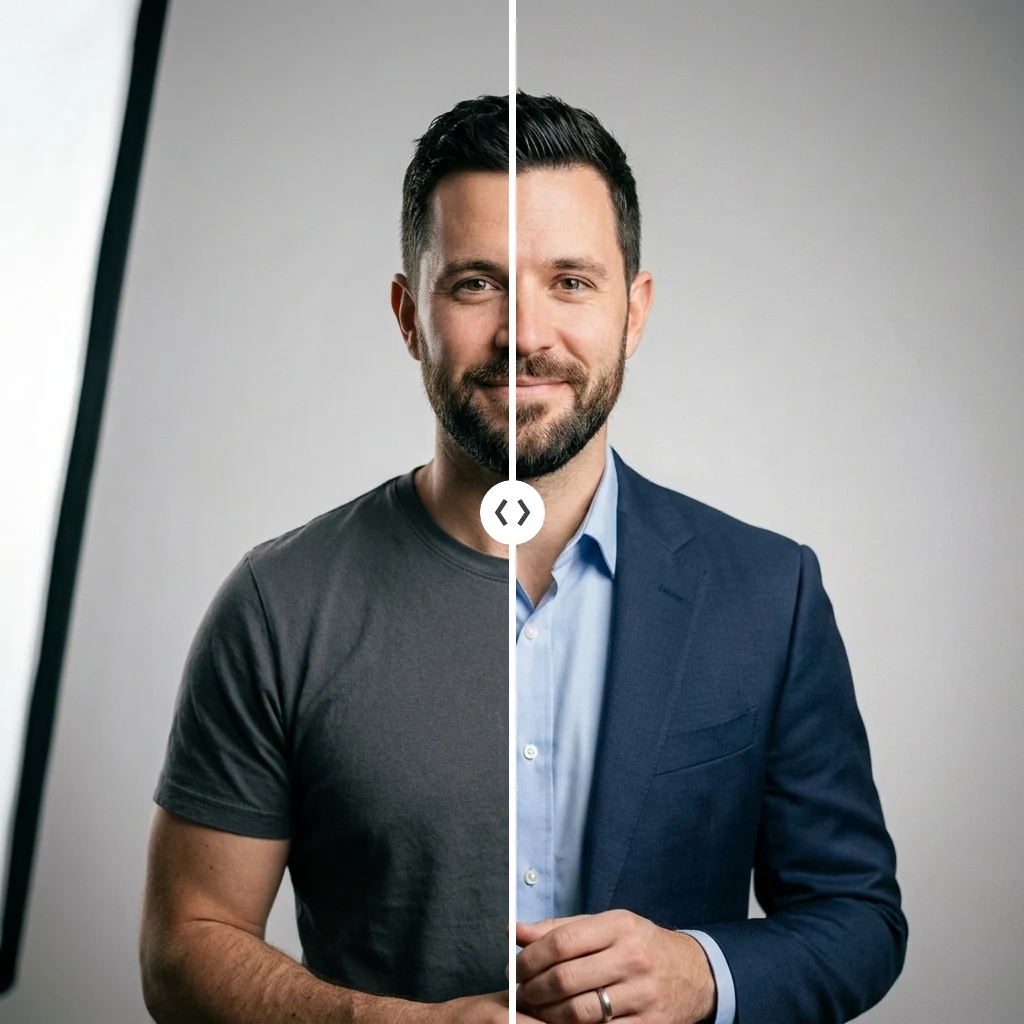
Nothing exotic. That's the point — most real image work is exactly this ordinary, and NB2 does it in seconds.
Where the difference actually shows up
Native 4K and fine detail
Pro's 4K is the real thing, rendered at full resolution rather than enlarged afterward. Nano Banana 2 also reaches up to 4K but trades a sliver of fidelity for speed. On a screen, that difference is invisible. On a poster you'll stand in front of, Pro's extra detail earns the extra wait.
Dense text and infographics
This is Pro's clearest lead. Multilingual signage, a six-panel explainer with body copy, a spec sheet with callout labels — the hard text layouts are where the flagship pulls away. Nano Banana 2 handles everyday text cleanly: a headline, a product label, a short caption. Push it to paragraphs of small type and Pro is the safer bet.
Speed and batch generation
The gap is concrete. Roughly 4–6 seconds versus 10–20 at 1K, and about 15–30 versus 30–60 at 4K. On a single image that's a shrug. Across a batch of forty variations, it's the difference between a coffee break and a lunch break. Any workflow where you iterate favors Nano Banana 2.
Editing everyday photos
This is where we have first-hand mileage. Nano Banana 2's image-to-image endpoint powers our image-to-image editor, and it's dependable at the boring, common jobs — remove a distraction, change a color, swap an outfit — while holding the rest of the frame in place.
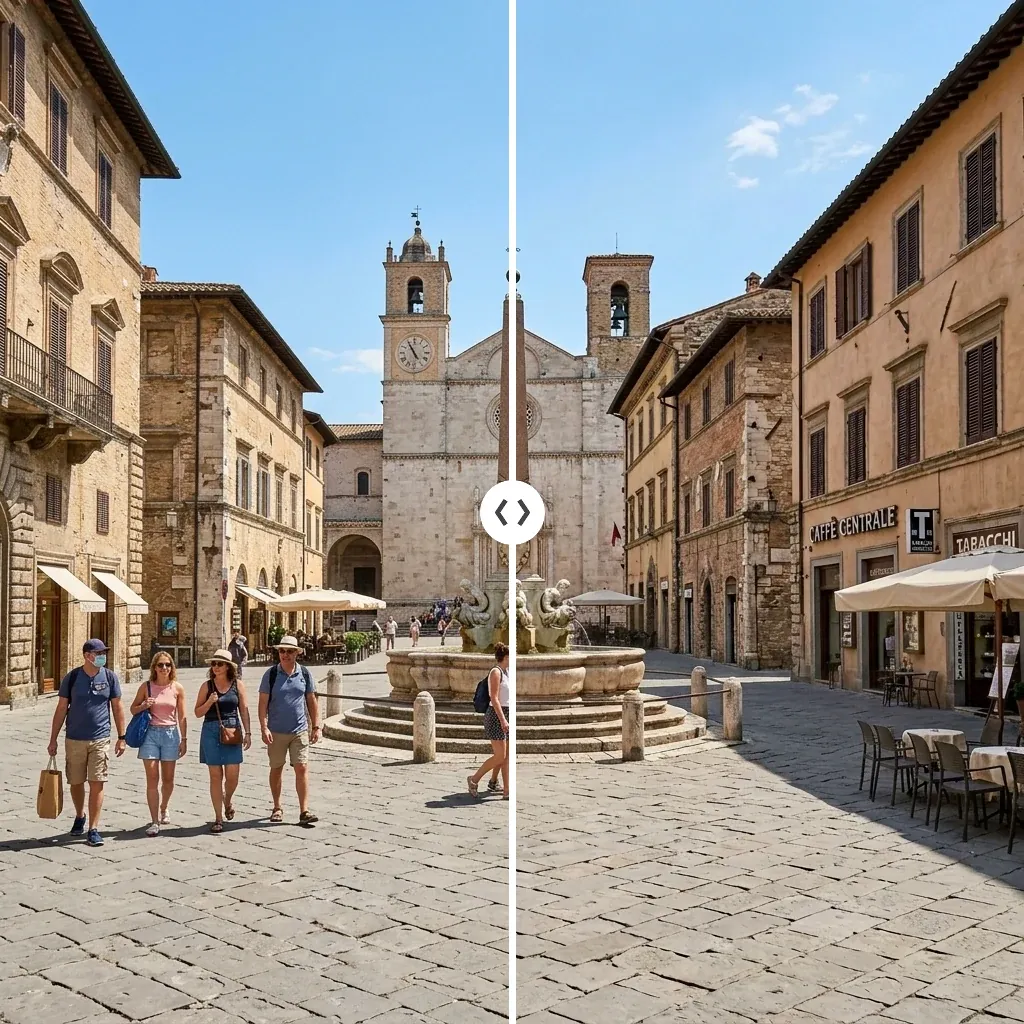
The object comes out; the background behind it stays consistent instead of smearing. That consistency is the whole game in photo editing, and it's what people usually mean when they search for a "z image edit" or a free way to restyle a photo.
Price and access
Pro is the premium SKU with no free path. Nano Banana 2 is cheaper per image and, on our generator, free to try with no watermark. For raw model prices, fal's writeup has the current per-image numbers; for what you'll actually spend generating here, see our credit pricing.
Which one should you use?
Choose Nano Banana Pro if:
- You need native 4K for print or large displays
- Your images are dense with text, or need exact brand colors
- You're fine paying, and the watermark on the free app tier isn't a dealbreaker
Choose Nano Banana 2 if:
- You want ~95% of the quality at 2–3× the speed
- You're iterating, drafting, or generating in batches
- You want to start free, watermark-free, with no API key
Most people reading a "Pro vs 2" comparison are looking for permission to buy the upgrade. For the bulk of everyday image work, the honest answer is that you don't need it.
If you're also weighing ByteDance's flagship, our Seedream 5.0 Pro review runs that model through the same kind of hands-on tests. And if you want the reasoning-first option, GPT Image 2 is the third model worth a look.
How to run Nano Banana 2 free (no watermark)
No API key, no install:
- Open the Nano Banana 2 generator — the model is pre-selected there, or pick it from the dropdown on the main text-to-image generator.
- Type a prompt, or upload a photo and describe an edit to use it as an image-to-image editor. New accounts start with free credits; after that, credit pricing is per image.
- Download the result at full resolution, no watermark.
That's the pitch in one line: the model Google positions at 95% of its flagship, with none of the paywall or watermark, running in your browser.
References
- Nano Banana Pro vs. Nano Banana 2 — fal — capability and per-image pricing comparison
- Nano Banana 2 vs Nano Banana Pro — Analytics Vidhya — Google's "~95% quality" framing, plus the speed and price deltas
- Nano Banana 2 vs Nano Banana Pro: What's Actually Different — WaveSpeed — model and architecture breakdown
Frequently Asked Questions
Related reading

Model Reviews
Seedream 5.0 Pro Review: 5 Real Tests of ByteDance's New Model
Seedream 5.0 Pro tested on real prompts: dense infographics, bilingual posters, photoreal portraits, plus a shootout vs Nano Banana 2 and GPT Image 2.
Guides
What Is Looksmaxing? An Honest Guide to AI Glow-Ups
What is looksmaxing, and does it actually work? An honest guide to the PSL scale, AI glow-ups, and what you can realistically change about your looks.