
Grok Imagine 2.0 Online: Designer-Grade AI Images in Your Browser
Grok Imagine 2.0 is xAI's image model, released in August 2026 — ranked #2 in the world on LMArena for both generation and editing, behind only GPT Image 2. It plans typography and layout the way a designer would: posters with sharp small text, precise 'change only this' edits, and consistent subjects across a series. Use it right here in the browser — no X app, no X Premium, no API setup. Free credits on signup.
Image resolution quality
File format for the generated image
Est. time: up to 40 sec
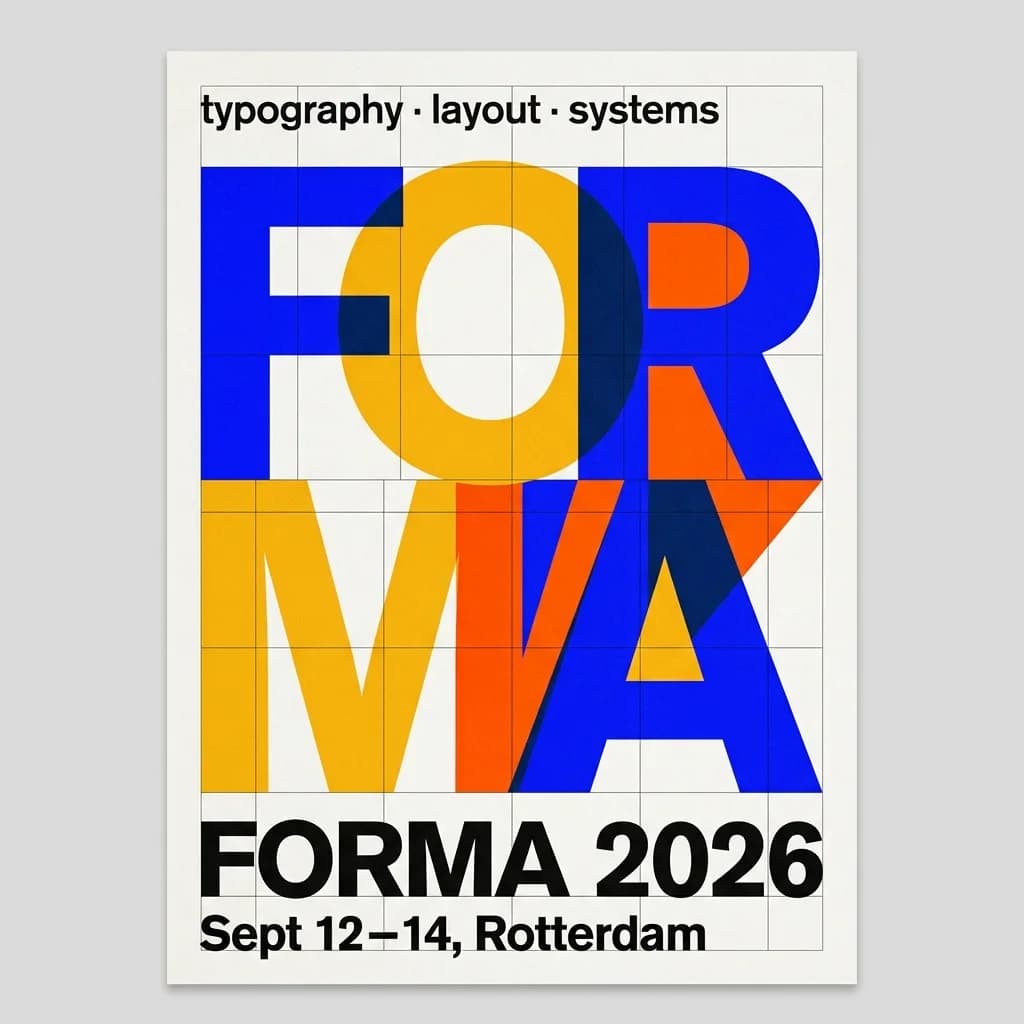
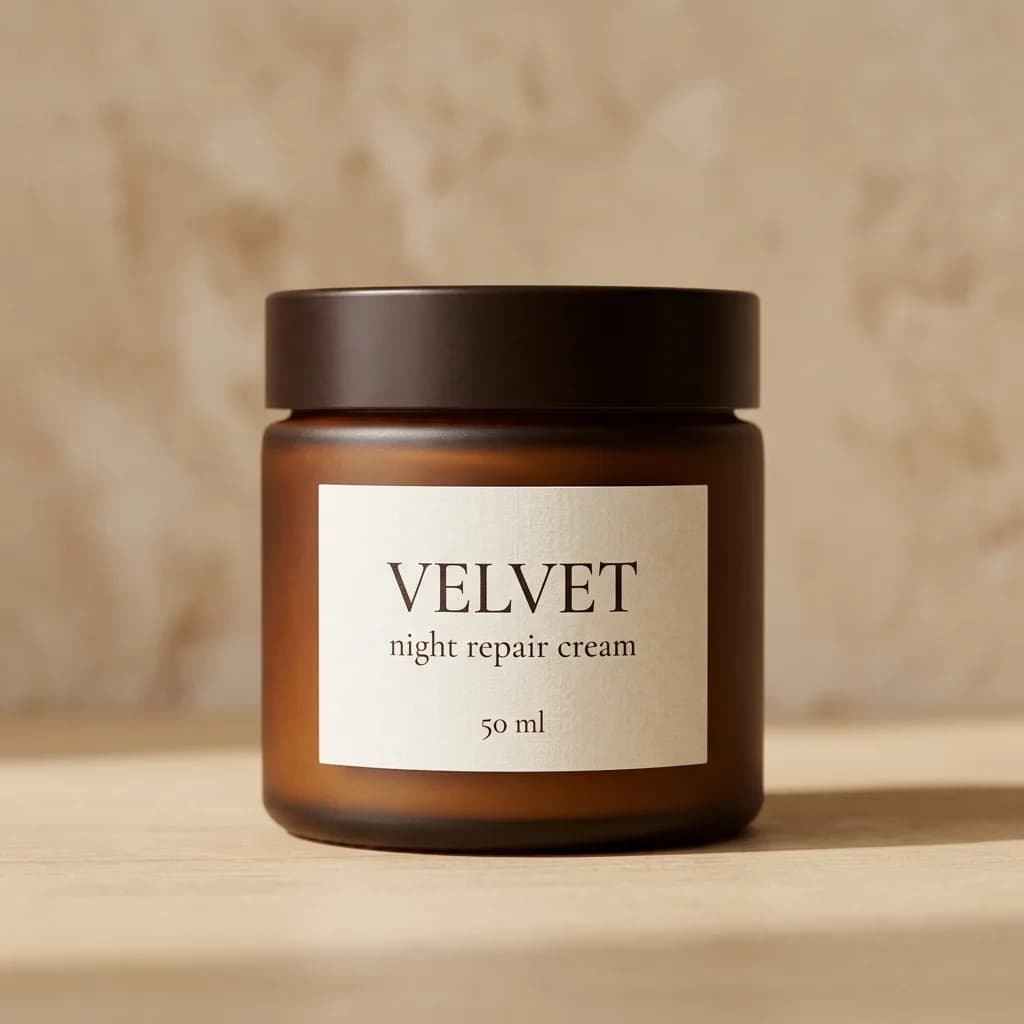
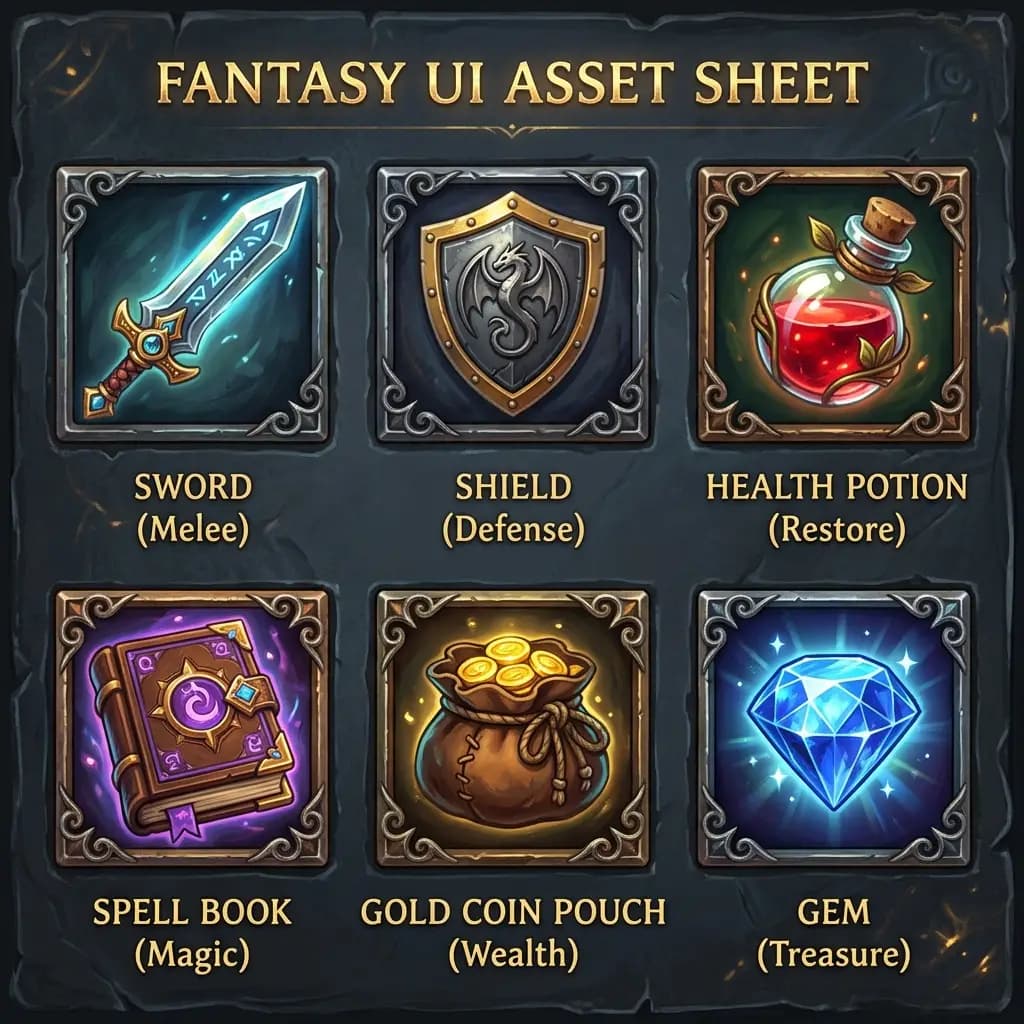

Example results — your generations will appear here.
Grok Imagine 2.0 specs: what the model actually does
Key facts about Grok Imagine Image 2.0, verified against the API schema and real generations on our platform.
#2 on LMArena — twice
As of its August 2026 launch, Grok Imagine 2.0 ranks second in the world in both text-to-image and image editing on LMArena's blind-vote leaderboard, behind only GPT Image 2 — and in editing the gap is small. One model, top-tier at both jobs.
Typography that survives
xAI built 2.0 to plan layout and lettering before drawing — headlines, small print, and multi-part compositions come back sharp and correctly spelled. If your image has words in it, this is one of the two or three models worth using.
Precise instruction edits
Upload a photo and describe the change in plain words — the edit endpoint follows instructions closely and preserves everything you didn't mention. Prompts up to 8,000 characters, so a detailed brief fits.
Reference-image editing
Upload a source image and describe the change in plain language — restyle it, swap the background, or keep the subject consistent while everything else moves. Edit mode follows your image’s aspect ratio by default.
9 ratios, up to 2K
Nine aspect ratios from ultra-wide 2:1 to tall 1:2, at 1K or 2K (2048×2048) resolution. The 2:1 / 1:2 extremes are ones most models don't offer natively — banners and story formats without cropping.
Moderated output
xAI applies its own content policy on every API generation and it can't be switched off. Prompts that violate the policy are blocked before an image is produced — this is a safe-for-work surface, on our platform and at the model level.
What Grok Imagine 2.0 does best
These are the jobs where 2.0's layout planning and edit precision beat both cheaper and more expensive alternatives.
Posters and social cards
Event posters, quote cards, and announcement graphics with the headline actually spelled right. Sharp small text means the date line and the venue address survive too — not just the big title.
Product and e-commerce shots
Studio-style product images where the label on the jar stays readable. Combine with a reference image of your real product to keep branding consistent across a listing set.
Headshots and avatars
Professional portraits and stylized avatars from a description or a reference photo. Instruction-following means 'same person, navy suit, white background' does exactly that.
Icons and game assets
Icon sets, UI sprites, and character art in a consistent style across a whole batch — 2.0 holds style across generations instead of drifting halfway through a set.
Multi-format ad creative
Generate the hero visual once, then re-run it per placement: 2:1 banner, 1:1 feed, 9:16 story. Nine native ratios cover every ad slot without cropping the composition apart.
Targeted photo edits
Swap a background, recolor a jacket, remove an object — described in a sentence, applied without collateral damage to the rest of the frame. Editing is where 2.0 gets closest to the #1 spot.
Grok Imagine 2.0 vs other AI image models
Every model in the lineup earns its slot — here's when Grok Imagine 2.0 is the right pick, and when another model does the job better or cheaper.
Use GPT Image 2 (High) for the single most polished asset
GPT Image 2 still holds #1 on the arena and its High tier produces the most refined individual images — at a higher cost and minutes of wait. Grok Imagine 2.0 gets close at a fraction of the time, which makes it the better default for volume work.
Learn more →Use Nano Banana 2 for identity-critical edits
When the face must not change — family photos, brand mascots — Nano Banana 2's identity preservation is still the benchmark. Grok Imagine 2.0 is the stronger pick for design-oriented edits where typography and layout matter more than pixel-exact faces.
Learn more →Use Seedream 5.0 Pro for dense multilingual infographics
For six-panel explainers and native text in 14 languages, Seedream 5.0 Pro's deep-reasoning pass is purpose-built. Grok Imagine 2.0 wins on poster-style typography, edit precision, and the ultra-wide formats Seedream doesn't offer.
Learn more →Use Z-Image Turbo to iterate on ideas
At a fraction of the cost with 5–10 second generations, Z-Image Turbo is the right tool for exploring compositions. Re-run the winning prompt on Grok Imagine 2.0 for the final, text-perfect version.
Learn more →Examples
Grok Imagine 2.0 examples: real prompts, unedited outputs
Every image below was generated on this platform with Grok Imagine 2.0 — headlines, labels, and small print exactly as the model returned them.
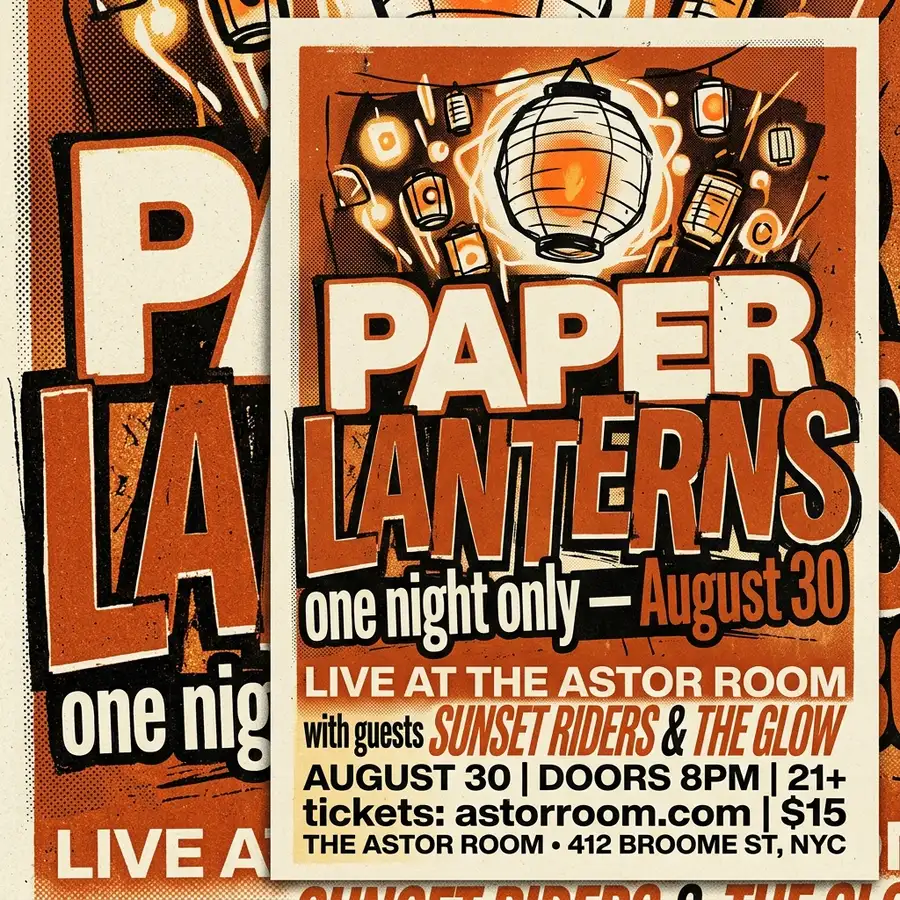
Concert poster with layered type
Gig poster for an indie band titled "PAPER LANTERNS" with subtitle "one night only — August 30", bold overlapping typography in cream and burnt orange, grainy riso print texture, off-center composition
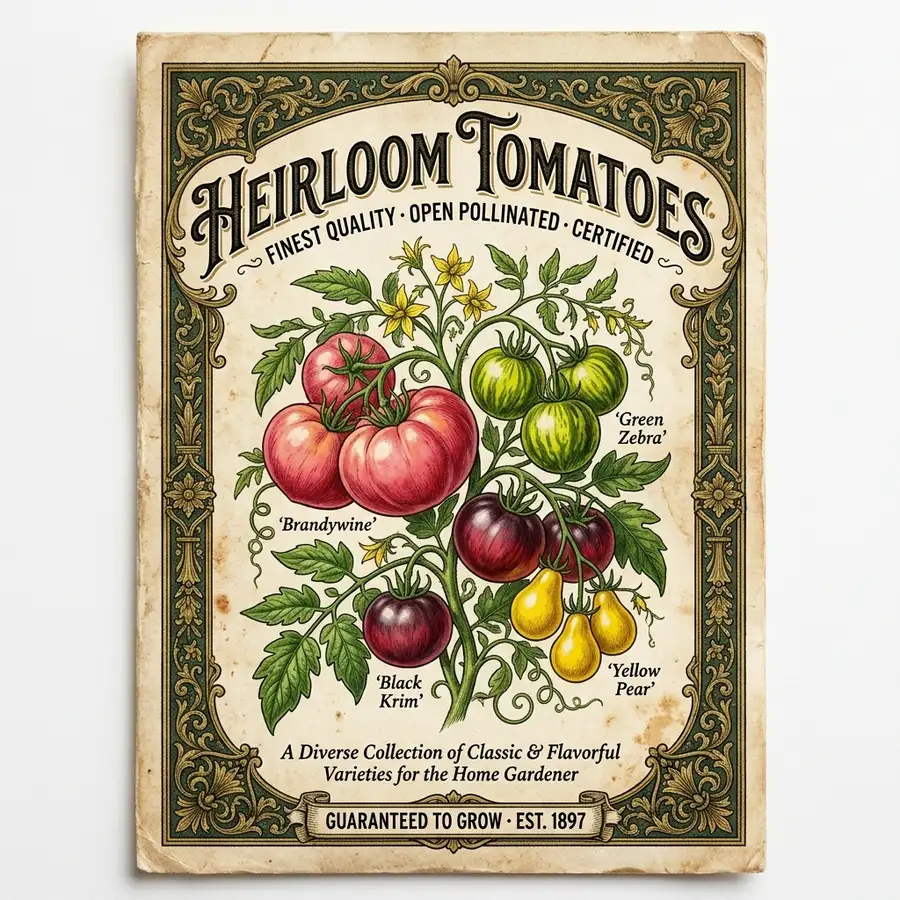
Vintage seed packet label
Vintage seed packet design for "Heirloom Tomatoes", ornate Victorian border, botanical illustration of tomatoes on the vine, small text "Guaranteed to Grow · Est. 1897" at the bottom, aged paper background
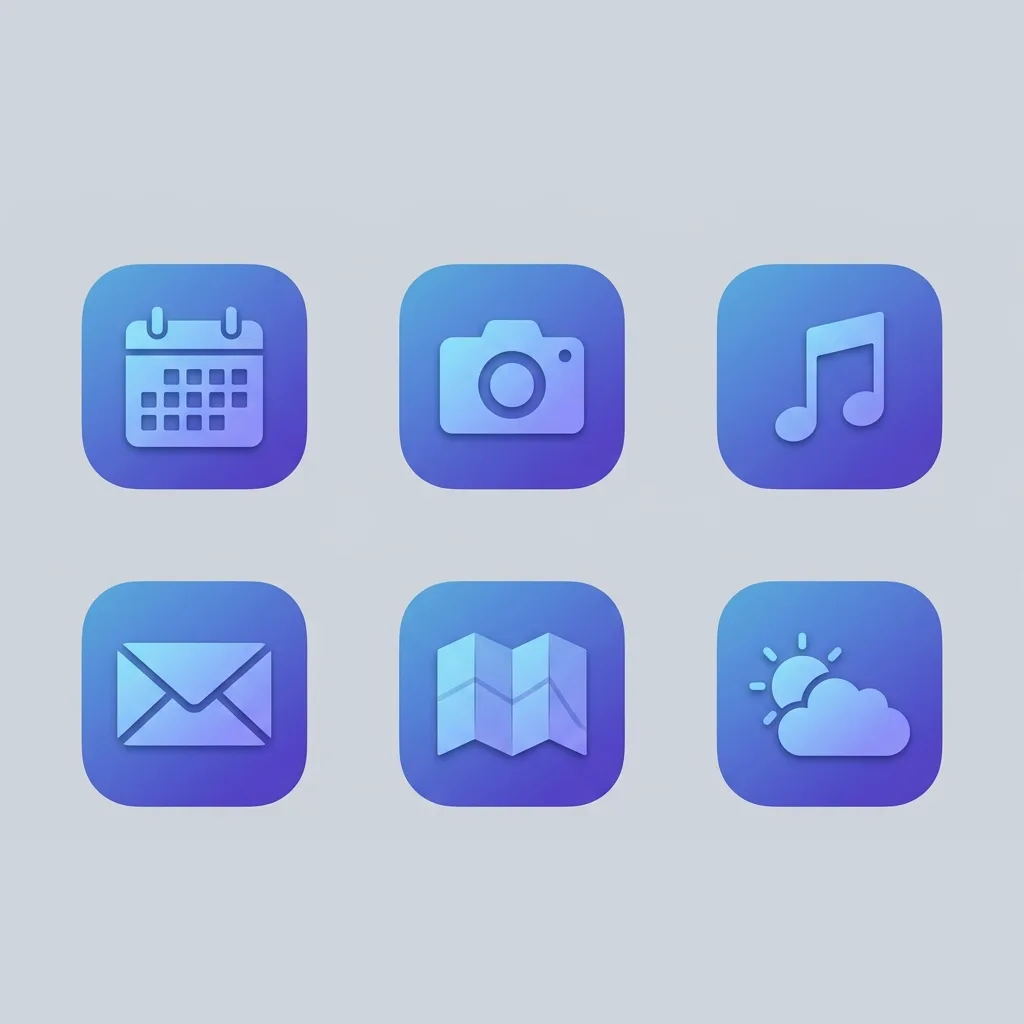
App icon set
Set of six iOS app icons on a soft gray background: calendar, camera, music, mail, maps, weather — rounded squares, consistent flat gradient style in a blue-violet palette, subtle inner shadow
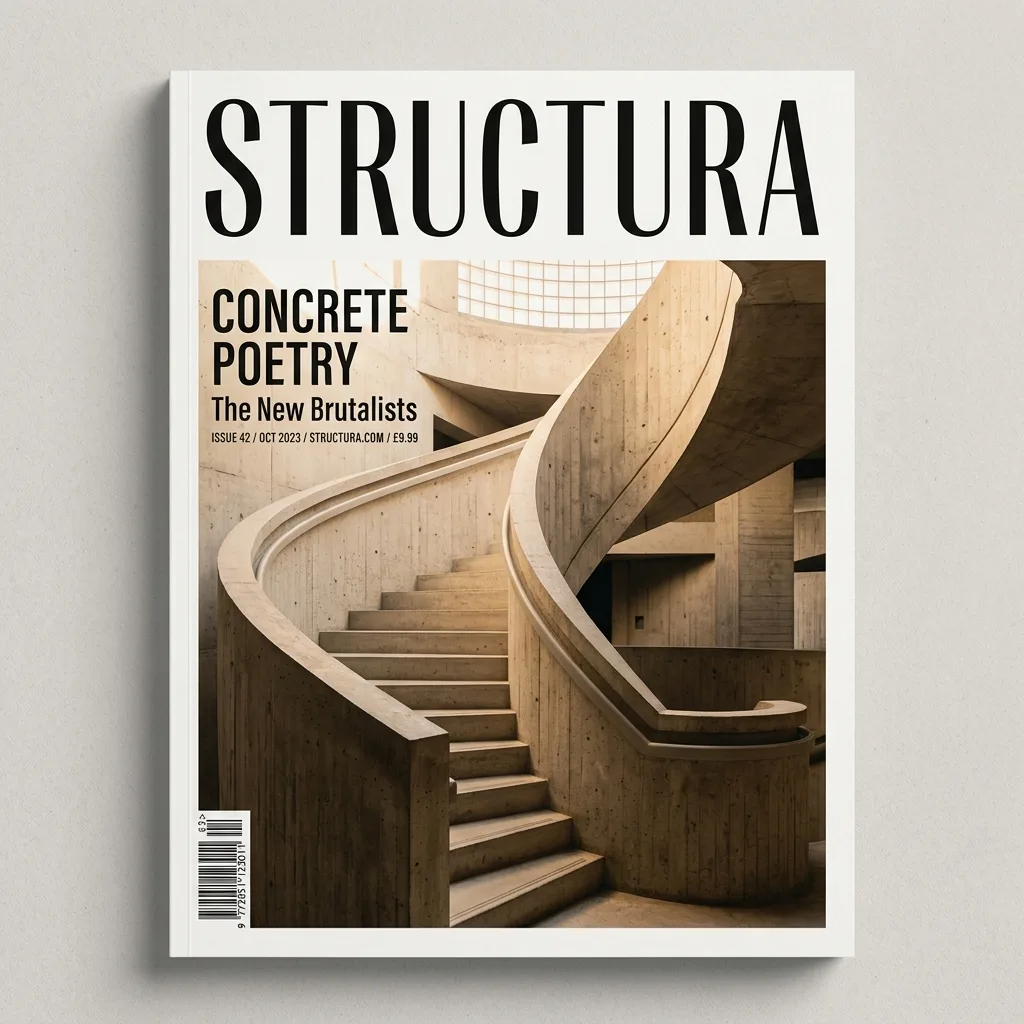
Magazine cover layout
Minimal architecture magazine cover titled "STRUCTURA" with cover lines "Concrete Poetry" and "The New Brutalists", photo of a curved concrete stairwell in warm light, masthead in a tall condensed serif, barcode bottom left
Grok Imagine 2.0 tips: brief it like a designer
Three habits that get the most out of 2.0's layout planning and instruction following.
1. Put exact text in quotes
Words you want rendered — titles, dates, labels — go in quotation marks: a poster titled "PAPER LANTERNS". Quoted strings come back verbatim, which is the difference between August 30 and Augvst 3O. The model also returns a revised_prompt showing how it expanded your brief — useful for learning what it responds to.
2. Direct the layout, not just the mood
2.0 plans composition, so art-direction language works: 'masthead top center in a condensed serif', 'off-center composition', 'small print at the bottom'. There's room for it too — edit prompts accept up to 8,000 characters, a full design brief.
3. Iterate cheap, finalize on Grok
Explore ideas with Z-Image Turbo at a fraction of the cost, then re-run the winning prompt here for the text-perfect final. And since there's no seed parameter, save the prompts you like — an exact rerun isn't guaranteed to be identical.
Grok Imagine 2.0 FAQ
Common questions about Grok Imagine 2.0 — how to use it online, what it costs, and how it compares.
What is Grok Imagine 2.0?
Grok Imagine 2.0 is xAI's second-generation image model, released in August 2026. It generates images from text and edits uploaded photos from plain-language instructions, and it debuted at #2 in the world on LMArena's blind-vote leaderboard for both text-to-image and image editing — behind only GPT Image 2. Its signature strengths are typography, layout planning, and precise edits.
How can I use Grok Imagine 2.0 online for free?
Sign up here and your free signup credits cover your first Grok Imagine 2.0 generations — in the browser, with no X app, no X Premium subscription, and no API setup. After the free credits, generations are pay-as-you-go.
Do I need X Premium to use Grok Imagine 2.0?
Not here. On X, Grok Imagine access is tied to the app and subscription tiers with shifting free limits. This site runs the same model through xAI's API, so you use it like any other tool on the web — sign in, type a prompt, generate.
Does Grok Imagine have an API?
Yes — xAI offers Grok Imagine Image 2.0 through its developer API. If you just want images rather than an integration project, you don't need it: this page is the model, ready to use, with your credits handling the billing.
Can Grok Imagine 2.0 generate NSFW images?
No. The 'spicy mode' you may have read about exists only in the Grok consumer app. The API that powers this site enforces xAI's content policy on every generation and has no setting to loosen it — prompts that violate the policy are blocked. Treat this as a safe-for-work tool.
What's new in 2.0 compared to the first Grok Imagine?
The jump is large: the original Grok Imagine image model sits around #20 on the arena; 2.0 debuted at #2. The practical differences are designer-grade typography, much closer instruction following, stronger reference-image editing, and consistent subjects across a series.
What aspect ratios and resolutions does it support?
Nine ratios in our UI — 1:1, 3:2, 2:3, 4:3, 3:4, 16:9, 9:16, plus ultra-wide 2:1 and tall 1:2 — at 1K or 2K resolution (2K is 2048×2048 at square). In edit mode the output follows your uploaded image's ratio by default.
Does Grok Imagine 2.0 support seed-locking?
No. The API has no seed parameter, so bit-exact reproduction of a previous image isn't possible. It does return a revised_prompt with each generation — save that alongside prompts you like for the closest possible rerun.
How much does Grok Imagine 2.0 cost?
Mid-tier: more than Z-Image Turbo and Seedream 4.5, less than GPT Image 2 on High. The rate depends on resolution (1K or 2K), and image-to-image adds a small per-reference-image amount. The generator shows the exact credit cost before each run.View current pricing
Try Grok Imagine 2.0 free
Sign up for free credits and generate posters, product shots, and precise edits with typography that actually reads — no X Premium required.
Disclaimer: Zeva AI is an independent product and is not affiliated with, endorsed by, or sponsored by xAI. Grok Imagine 2.0 is developed and owned by xAI. All model names, logos, and trademarks are the property of their respective owners. Zeva AI accesses Grok Imagine 2.0 through the fal.ai platform.