
Seedream 4.5: Photorealistic AI Image Generation
Seedream 4.5 is ByteDance's photorealistic image model, with strong subject consistency, accurate text rendering, and lifelike lighting and skin tones at a balanced cost. It's the photoreal default in our lineup, a great pick when you need photo-quality results without premium-tier wait times. Free credits on signup.
Advanced Settings▼
Use -1 for random seed
Est. time: up to 45 sec
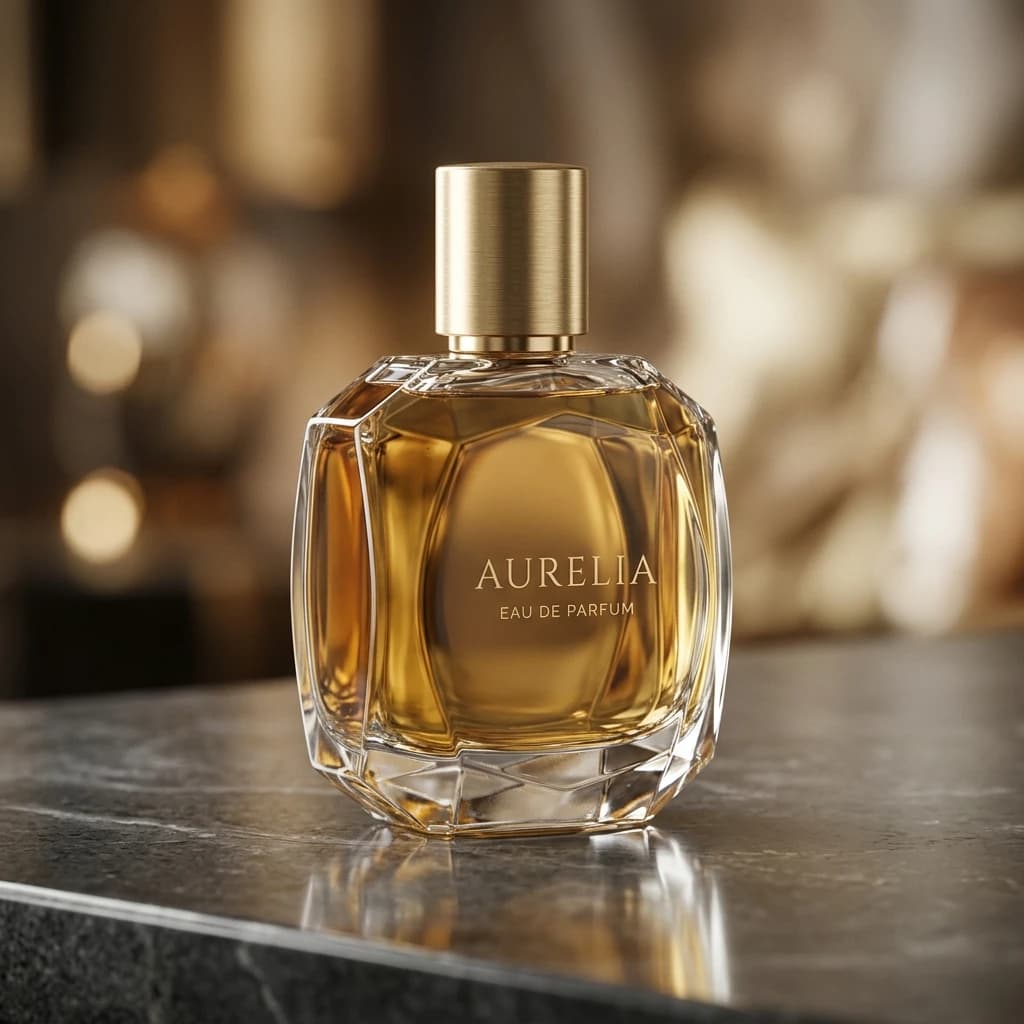
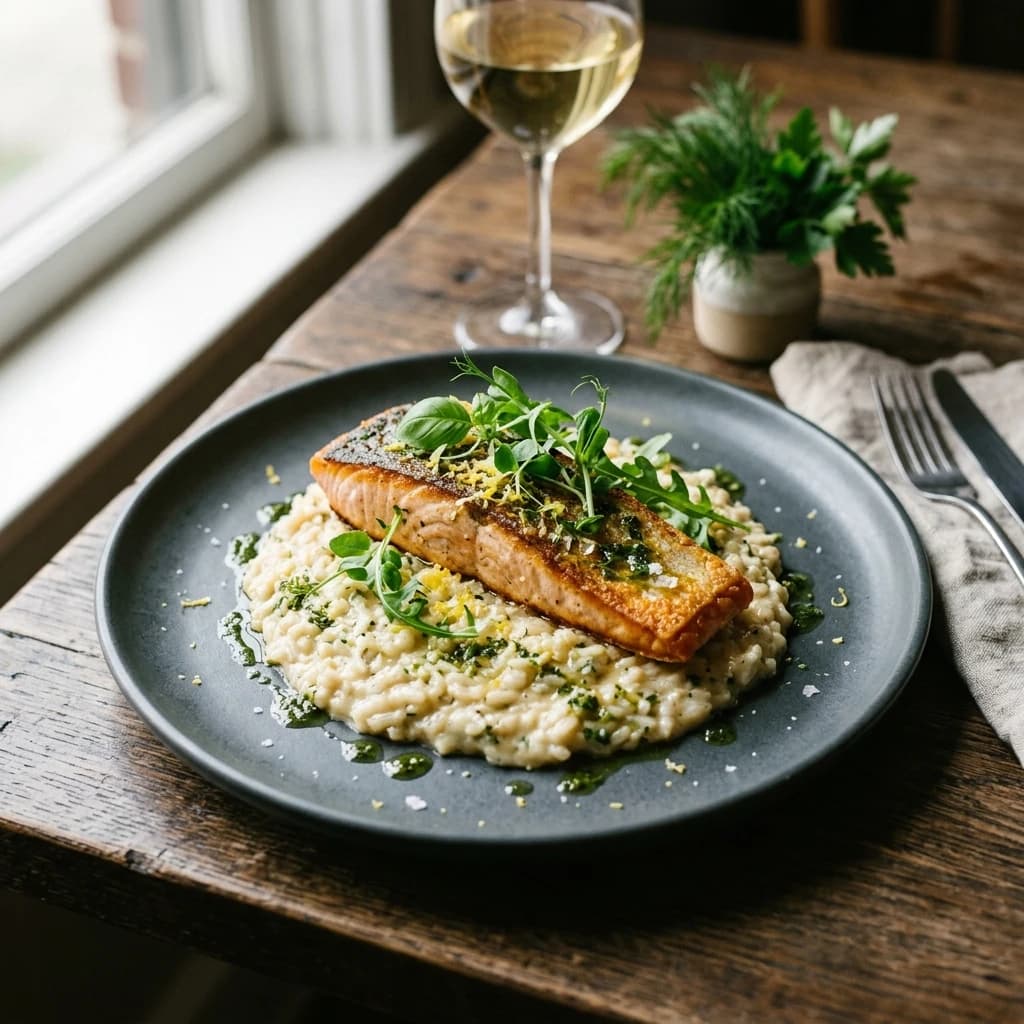
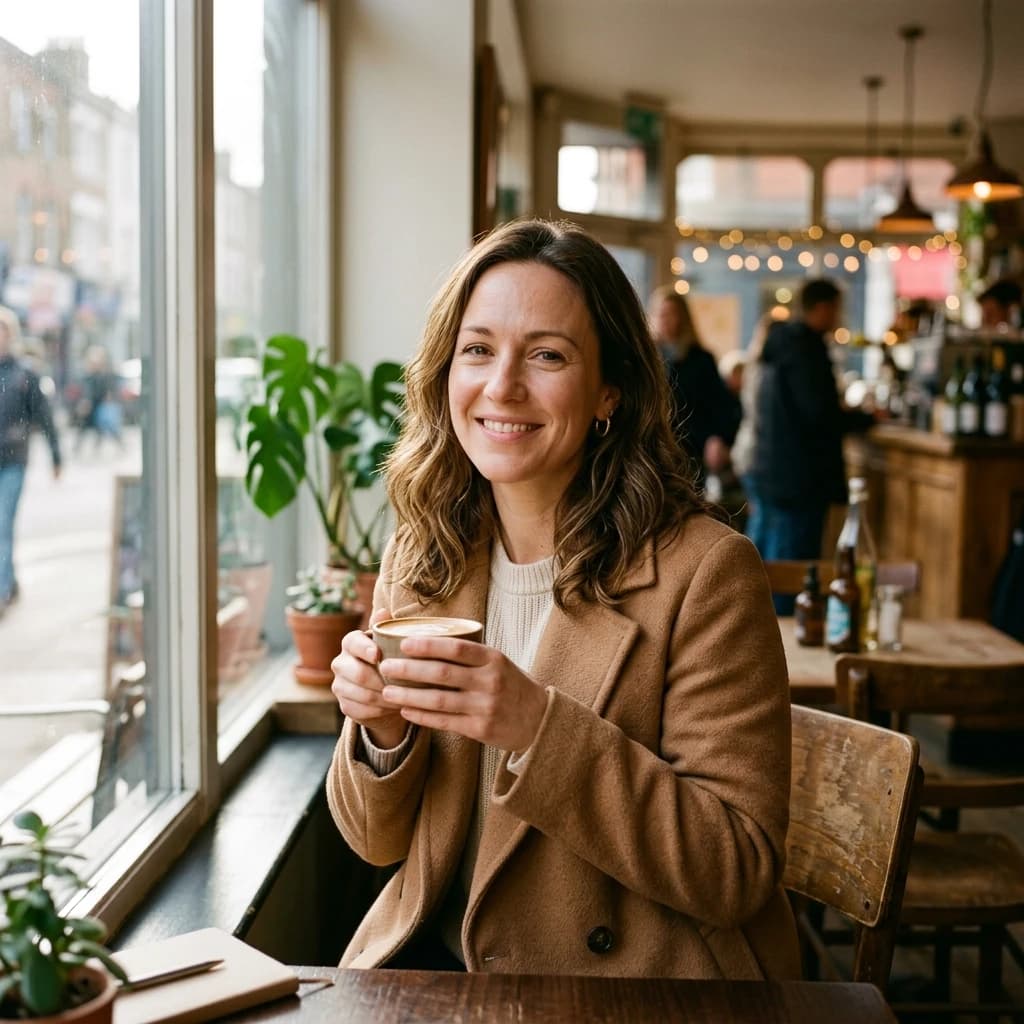
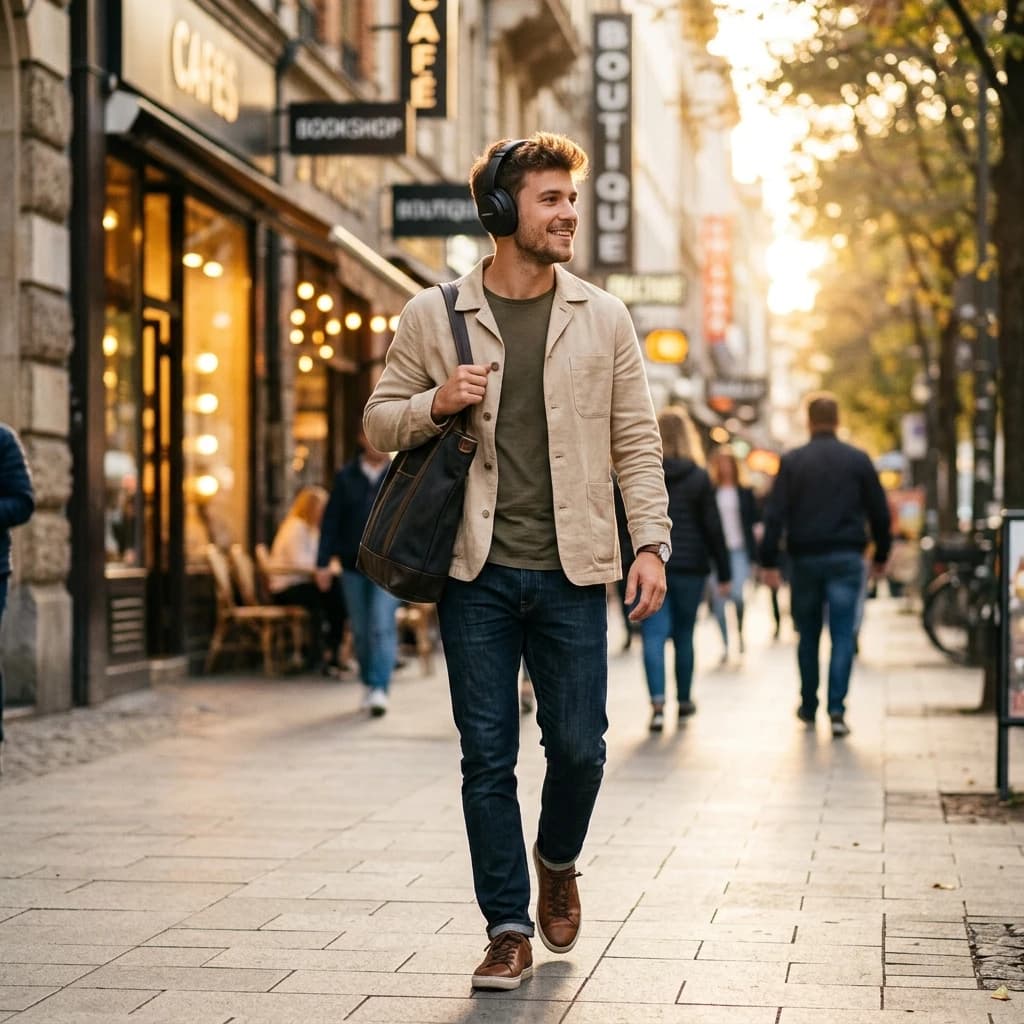
Example results — your generations will appear here.
Seedream 4.5 specs: a photorealistic AI generator at a glance
Key facts about Seedream 4.5, verified through real testing on our platform.
Photorealistic by default
Seedream 4.5 produces lifelike skin tones, accurate lighting, and convincing material rendering by default — the output looks like a photograph, not an illustration, which is useful when you want realism without prompt engineering tricks.
Strong in-image text rendering
After GPT Image 2, Seedream 4.5 is the next most reliable model for rendering readable text inside images (product labels, signs, posters). Less polished than GPT Image 2 but much faster and cheaper.
Balanced mid-range pricing
Priced between our fast budget model and our premium tier, a middle ground that keeps photoreal output affordable. Flat rate with no quality tiers to choose; the cost is the same regardless of aspect ratio or scene complexity. See the pricing page for current rates.
5 aspect ratios up to 2K
1:1 (square_hd, 2048×2048), 16:9 / 4:3 landscape and 9:16 / 3:4 portrait. Larger native output than Z-Image Turbo by default, useful for print and high-DPI uses without separate upscaling.
Up to 10 reference images in i2i
Image-to-image edit endpoint accepts an array of up to 10 source images. Useful for style blending, combine the lighting from one reference with the subject of another, or use multiple angles of the same product.
Built-in safety checker
A content safety filter runs on every generation and can't be disabled by the client. Policy-violating outputs are blocked and credits are auto-refunded.
What Seedream 4.5 does best for photorealistic images
The use cases where Seedream 4.5 is the right choice — projects where its photoreal strengths give you a clear advantage over faster or cheaper models.
Product photography for e-commerce
Realistic product shots that look like they came from a photo studio — natural lighting, proper material reflectivity, and convincing backgrounds. The right choice when your listing or ad needs professional photographic quality.
Lifestyle and brand imagery
People using products, ambient brand moments, in-the-wild product shots. Seedream 4.5 produces images that feel like brand photography from a stock library, but customized to your needs.
Food photography
Food shots are notoriously hard for AI. Many models produce uncanny-valley results. Seedream 4.5 handles food texture, plating, and overhead/45-degree shots noticeably better than other models in the lineup.
Portrait photography
Realistic portraits with natural skin tones and lighting. Strong on environmental portraits (subject in a meaningful location), corporate headshots, and editorial-style photography.
Marketing graphics with embedded text
When you need a graphic with a tagline or product name visible in the image, Seedream 4.5 is the right balance, cheaper and faster than GPT Image 2, more reliable than diffusion models that can't render text.
Multi-reference style blending
Upload several reference images (up to 10) to combine styles. Useful when you have a moodboard and want to generate something that captures multiple visual references at once.
Seedream 4.5 vs other AI image models: when to choose photoreal
When to pick Seedream 4.5 over another model, and when not to.
Use Seedream 5.0 Pro for text and layout work
Seedream 5.0 Pro is the newer flagship in the same family: infographics, posters with rendered text in 14 languages, annotated diagrams. If your image needs readable words or a structured layout, step up to 5.0 Pro — if it is a clean photoreal shot, 4.5 stays the better value.
Learn more →Use Z-Image Turbo for non-photoreal work
Illustrations, flat design, concept art, isometric renders, Seedream 4.5 will produce them but doesn't have an advantage. Z-Image Turbo is 8× cheaper and 5-10× faster for these styles. Save Seedream 4.5 for when realism matters.
Learn more →Use GPT Image 2 (High) for premium final output
When the result needs to be 'expensive-looking' (campaign hero shots, brand identity work, premium portfolio pieces), GPT Image 2 High produces visibly more polished output. Seedream 4.5 is for 'looks like a great photo', GPT Image 2 is for 'looks like a hand-crafted final asset'.
Learn more →Use Nano Banana 2 for instruction-based edits
Seedream 4.5 can do image-to-image but it's a diffusion model, better at restyling than surgical edits. If your task is 'change one specific element while keeping the rest identical', Nano Banana 2 is the right tool.
Learn more →Examples
Seedream 4.5 examples: photoreal prompts and outputs
Examples showcasing Seedream 4.5's photorealistic strengths, product photography, lifestyle imagery, food shots, and environmental portraits.
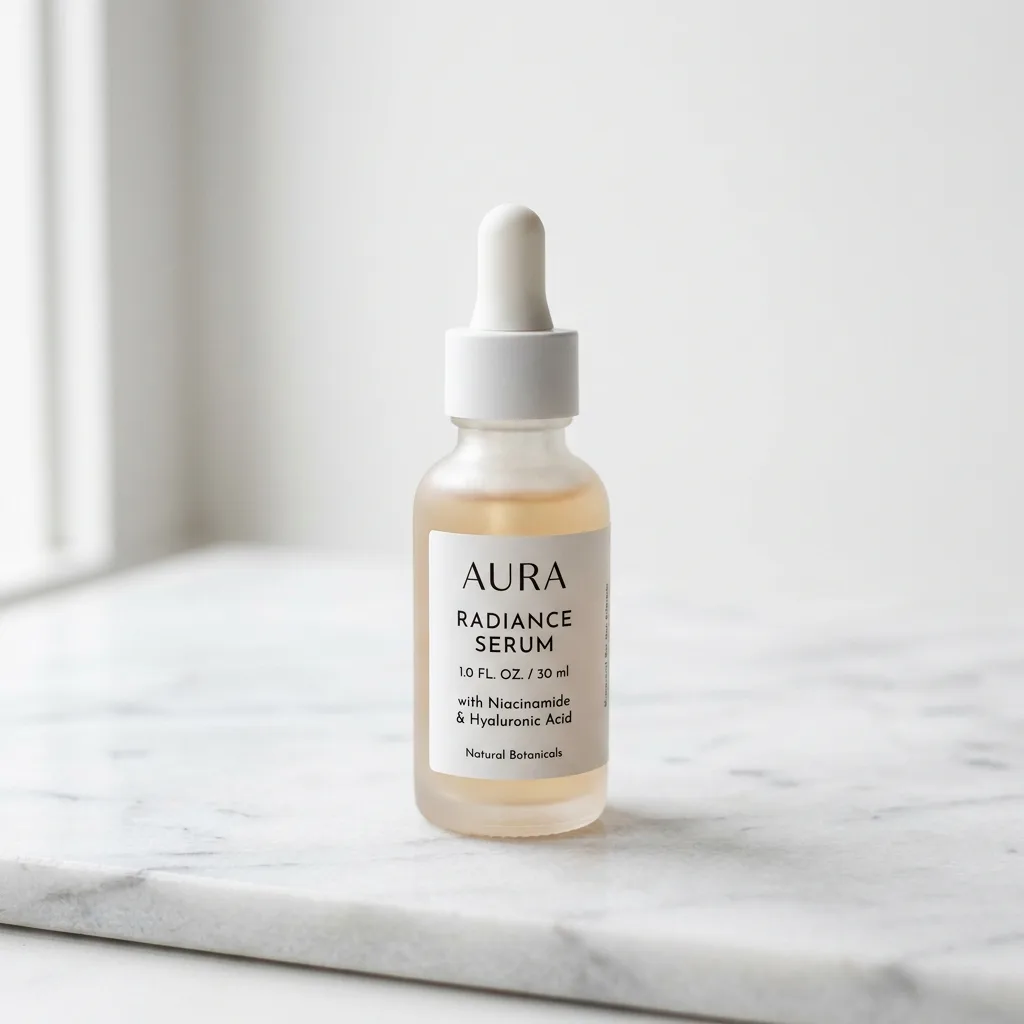
Marble skincare serum
Skincare serum bottle on a white marble pedestal, soft natural lighting from the side, minimalist composition, professional product photography
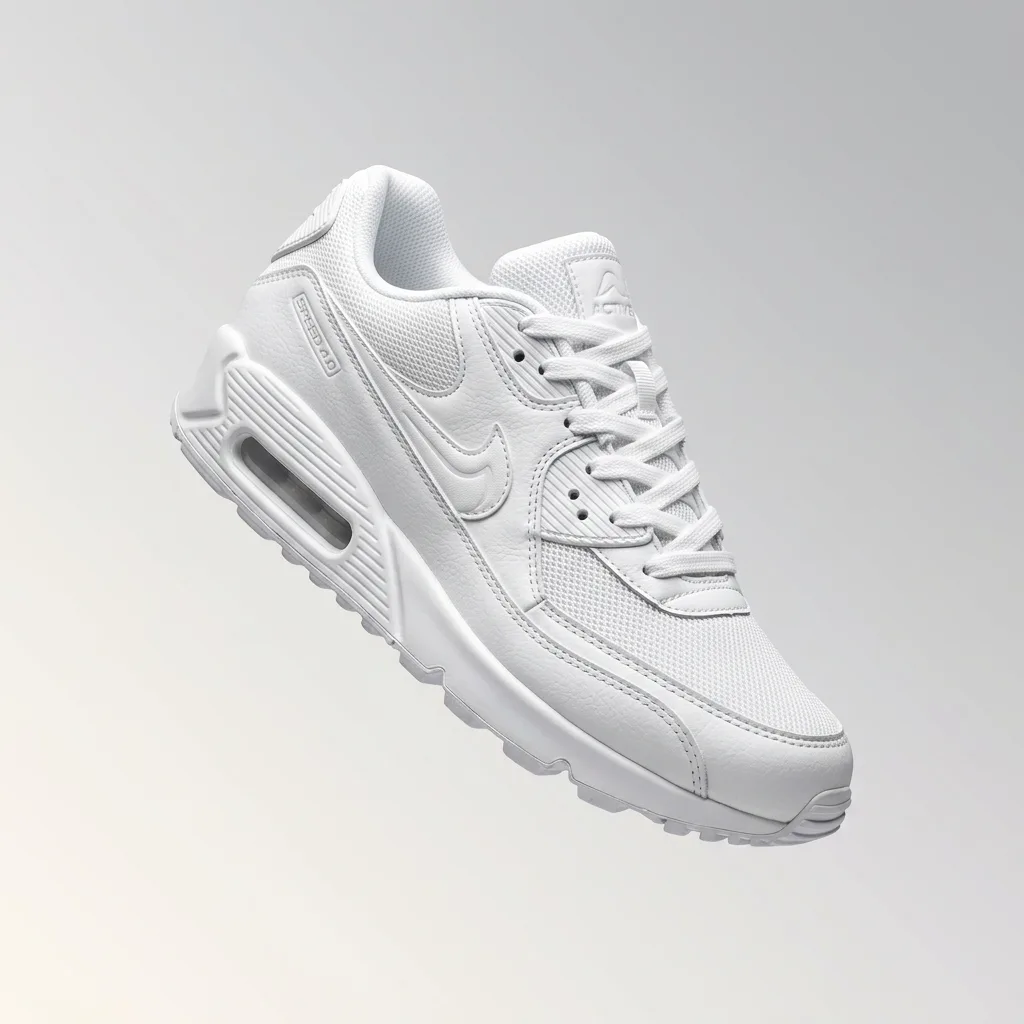
Floating sneaker shot
Premium sneaker floating against a gradient background, dramatic studio lighting, soft shadow underneath, product hero shot
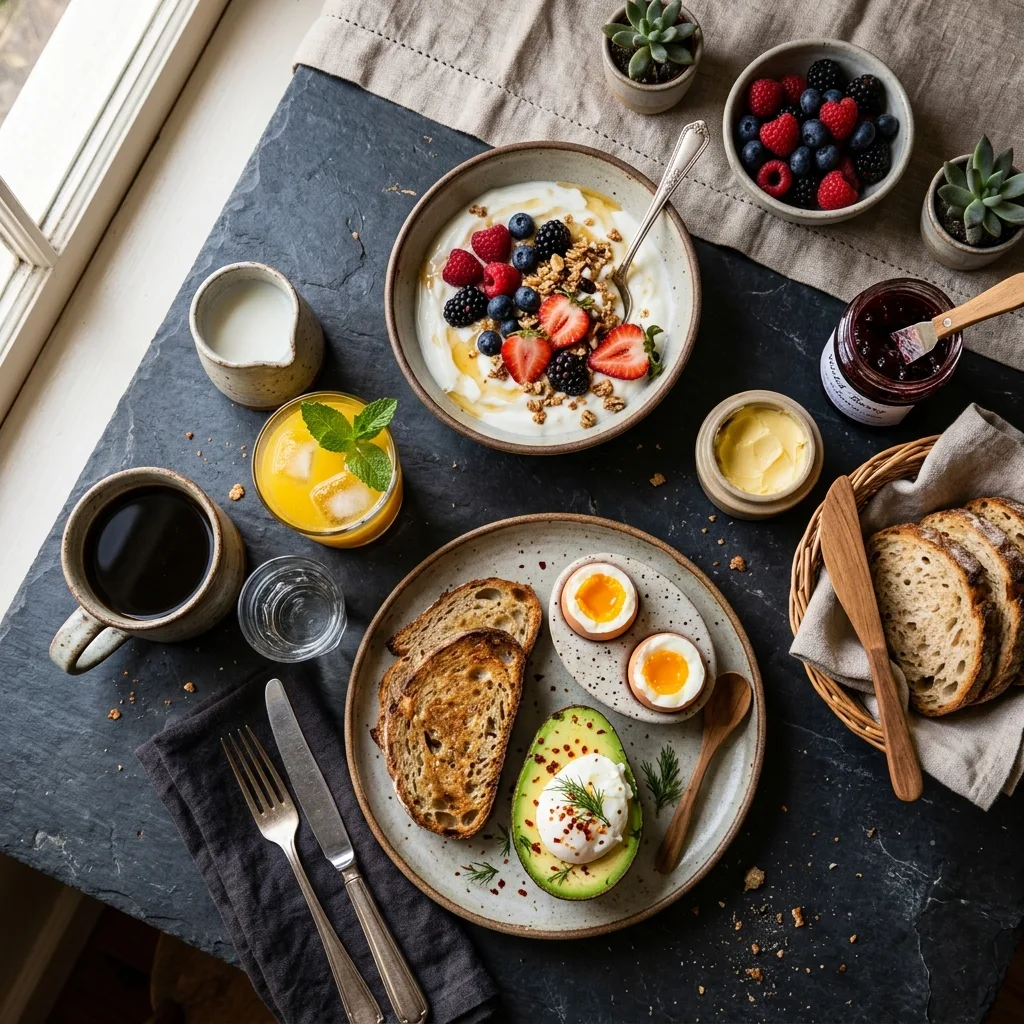
Rustic food flatlay
Overhead flatlay of rustic Mediterranean lunch, bread, olives, cheese, herbs on a worn wooden table, natural window light
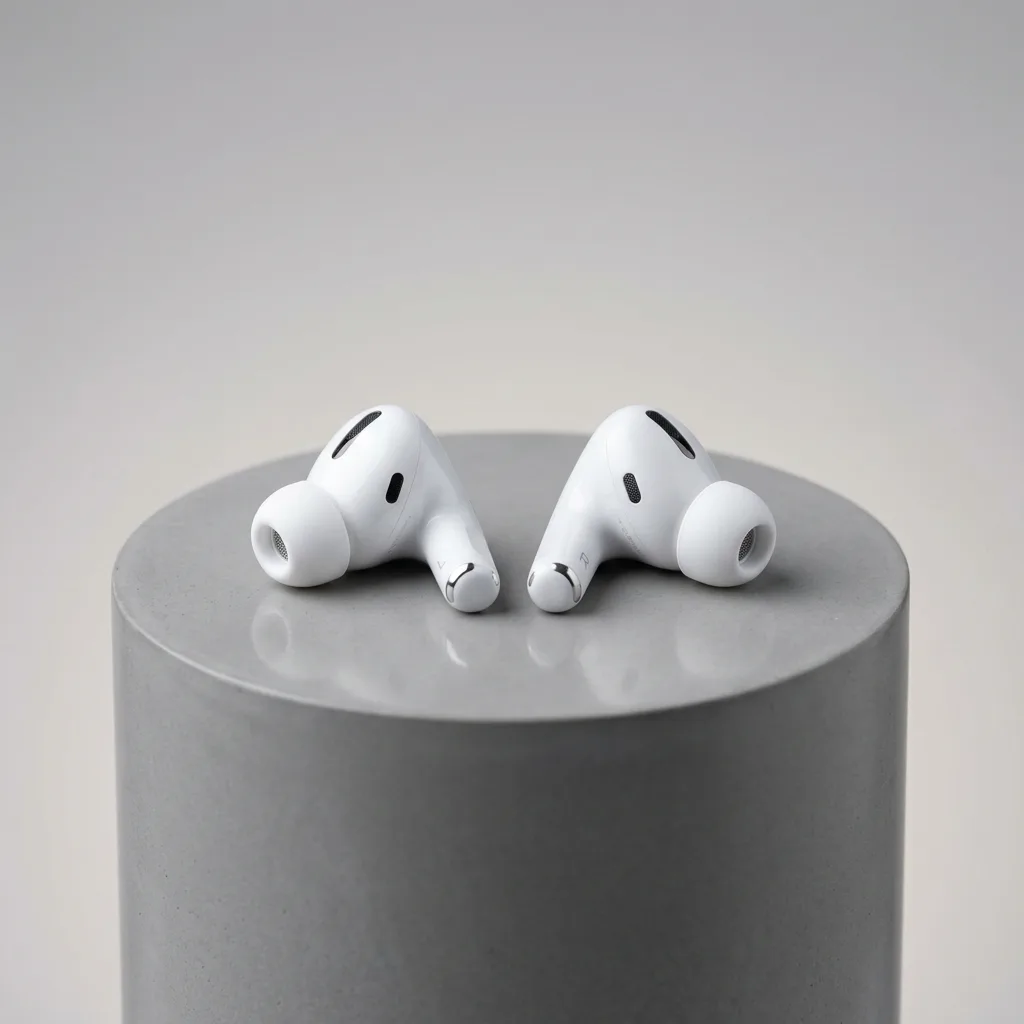
Studio product shot
Hero product shot of a leather wallet on a textured concrete surface, directional studio lighting, shallow depth of field
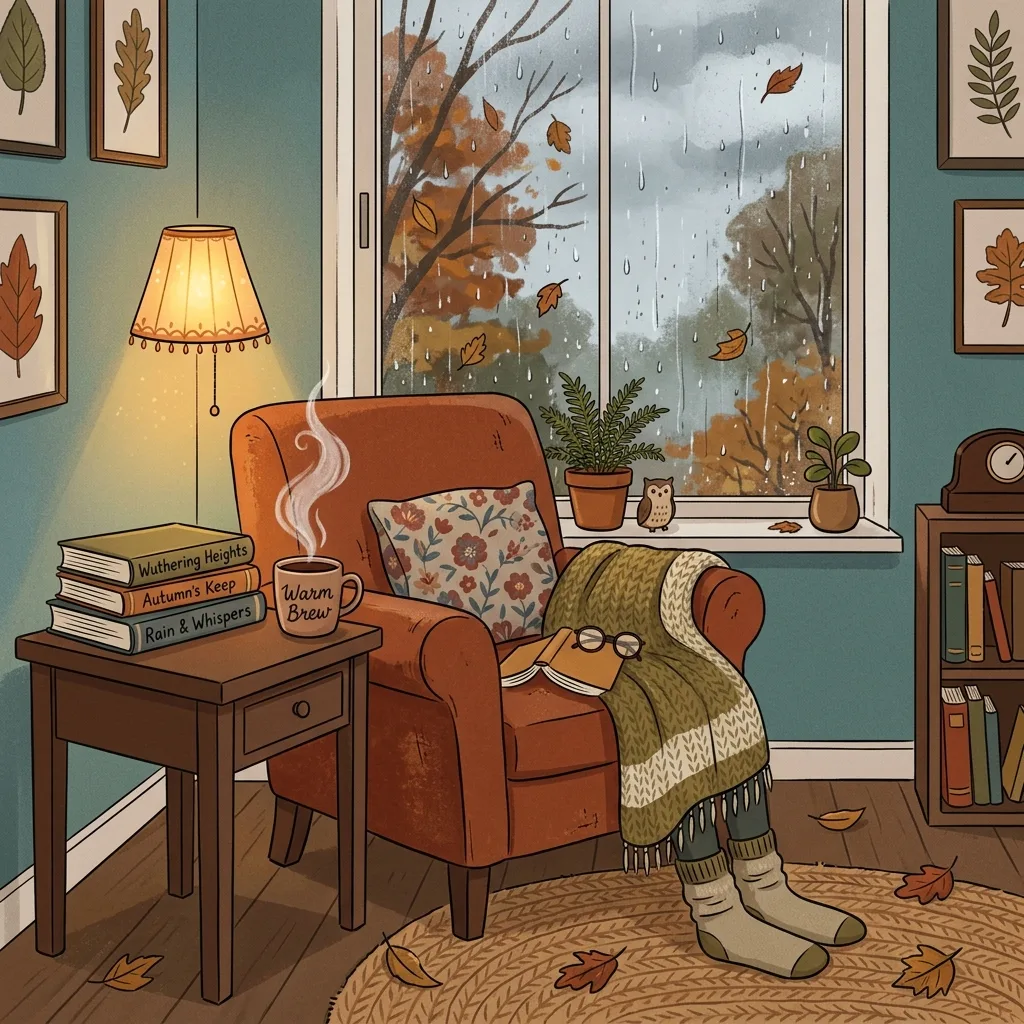
Cozy reading nook
Cozy reading nook by a window, warm afternoon light, open book on a knit blanket, steaming mug, lifestyle photography
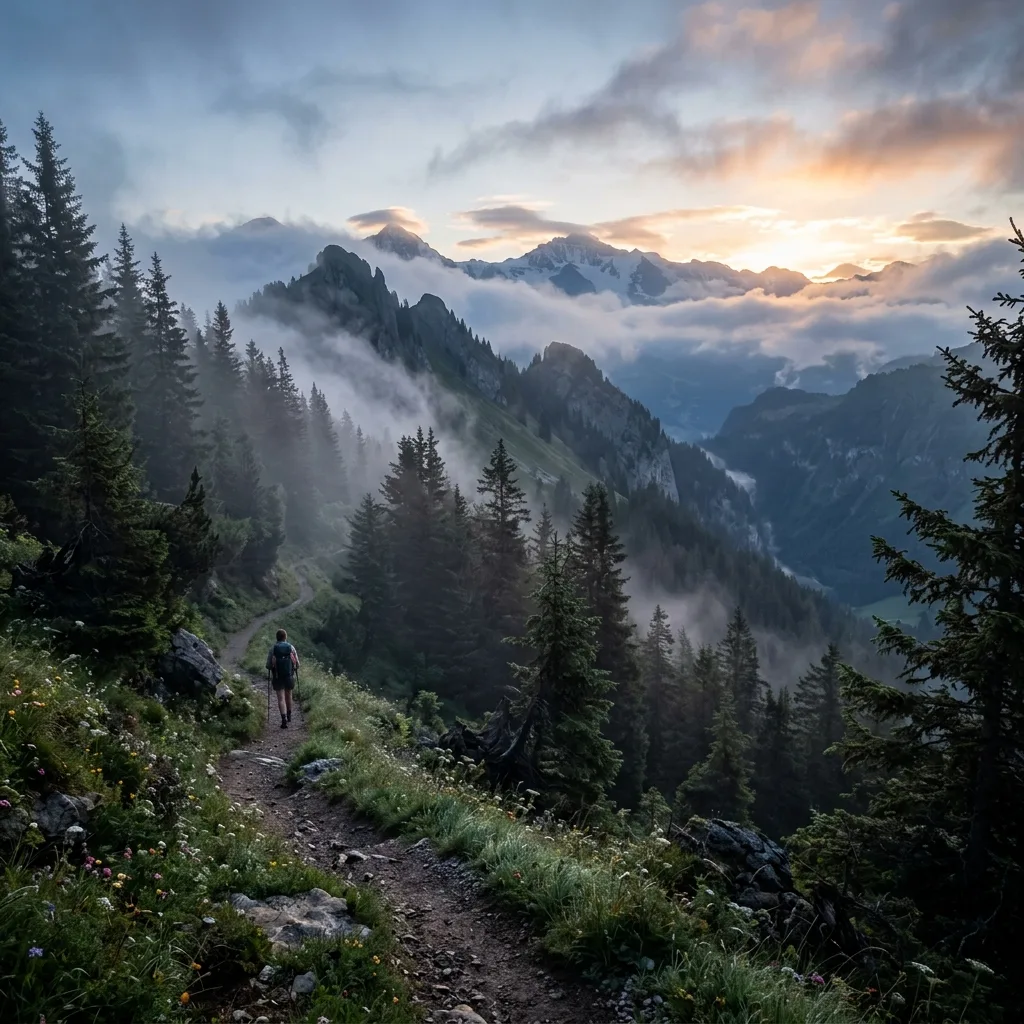
Mountain trail at dawn
Mountain hiking trail at dawn, golden sunrise light through pine trees, morning mist in the valley, photoreal landscape
Seedream 4.5 tips: prompts for better photorealistic results
Three habits that get the best photorealistic output from Seedream 4.5.
1. Talk like a photographer: lens and lighting
Seedream 4.5 was trained on captioned photos, so photography terms land well. Borrow them — '50mm f/1.8', 'shallow depth of field', 'golden hour', 'studio softbox', 'editorial style' — and always name the light: 'warm afternoon window light' or 'dramatic single-source lighting from the left'. Lighting is what separates a photo from a render, so don't leave it to chance.
2. Let photoreal be the default
Seedream 4.5 already outputs photoreal by default. 'photorealistic' or 'hyperrealistic' reinforces that strength, but avoid 'illustration', 'painting', or 'flat vector' unless you specifically want to override the look.
3. For products and series, set the scene and add references
Where a product sits changes the whole mood — 'on a white marble pedestal' reads very differently from 'on a worn wooden table'. Be specific. And when you need a consistent series (e.g. 10 shots for one campaign), upload one or two reference images alongside your prompt; multi-image input keeps the look coherent across the set.
Seedream 4.5 FAQ: photoreal output, pricing, and editing
Answers to common questions about Seedream 4.5 — its photorealistic output, pricing, supported aspect ratios, and how it compares to Nano Banana 2 for image-to-image.
What is Seedream 4.5?
Seedream 4.5 is ByteDance's image generation model, version 4.5. It's built for photorealistic output with strong subject consistency and accurate text rendering. The middle-tier model in our lineup, better photoreal results than fast/cheap models, lower cost than premium models.
Who made Seedream 4.5?
Seedream is developed by ByteDance (the parent company of TikTok). We access version 4.5 through fal.ai. ByteDance has been investing heavily in AI image and video generation, Seedream is the consumer-facing image model from this work.
Is Seedream good for photo-realistic portraits?
Yes, Seedream 4.5 is one of the strongest models in our lineup for realistic portraits, with natural skin tones and lighting. Pair it with a detailed prompt (camera lens, lighting setup, mood) for best results. For instruction-based portrait editing (change clothes, change hair), Nano Banana 2 is more precise.
How does Seedream compare to Nano Banana 2 for image-to-image?
Seedream 4.5 is stronger for general image-to-image transformations: style transfer, restyling, color and mood changes, photoreal refinement. Nano Banana 2 is better when you need precise instruction-based edits like 'change X to Y while preserving everything else'. Try both on the same task and pick the result you prefer.
What aspect ratios does Seedream 4.5 support?
Five ratios in our UI: 1:1 (square_hd), 4:3 (landscape), 3:4 (portrait), 16:9 (landscape), 9:16 (portrait). Seedream 4.5's API also supports auto_2K and auto_4K, we may expose more in the future based on user demand.
Can I generate multiple variations in one request?
No, each generation produces one image (we cap num_images at 1 server-side to keep credit accounting accurate). To get variations, run multiple generations with the same prompt and a random seed, or vary the prompt slightly between runs.
What does the multi-image input do?
Seedream 4.5's image-to-image edit endpoint accepts up to 10 reference images. Useful for style blending (combine multiple visual references), multi-angle subject reference (provide front, side, back views), or moodboard-style generation. Currently our UI uploads one reference at a time, we may expand to multi-upload later.
How much does Seedream 4.5 cost?
Seedream 4.5 sits in the mid-range of our lineup, more than our fast budget model, less than our premium tier. Pricing reflects fal's rate for the model plus a small margin, charged in credits. Larger output sizes may cost slightly more, and your Generation page shows the exact cost before each run.View current pricing
Does Seedream 4.5 support seed-locking?
Yes. Lock the seed (Advanced Settings) for reproducible variations, same seed + same prompt produces the same image. Useful when iterating on a prompt: lock the seed once you have a base composition you like, then tweak words to refine details.
Can I use Seedream 4.5 outputs commercially?
Yes, on all paid plans. You retain rights to the images you generate. As with any AI-generated content, jurisdiction-specific copyright considerations may apply — see ourTerms of Service →
Is Seedream 4.5 free unlimited?
It's free to start but not unlimited: every new account gets free credits and each Seedream 4.5 image deducts the amount shown on the button. That is enough to judge the model's quality yourself; heavier use runs on the standard credit packs.
Try Seedream 4.5 free
Free credits when you sign up. Generate photorealistic AI images in seconds.
Disclaimer: Zeva AI is an independent product and is not affiliated with, endorsed by, or sponsored by ByteDance. Seedream 4.5 is developed and owned by ByteDance. All model names, logos, and trademarks are the property of their respective owners. Zeva AI accesses Seedream 4.5 through the fal.ai platform.