
AI Background Changer: Put Your Photo in Any Scene
Change the background of any photo online in two moves: upload your picture, then type the scene you want behind it — a sunset beach, a blurred office, a plain white studio. The AI swaps the background while your subject stays exactly as photographed, with realistic lighting and clean edges. Download your finished photo free, ready to post, list or print.
Click to upload an image
or drag and drop • Max 10MB
Image resolution quality
Seed for reproducible results
File format for the generated image
Est. time: up to 25 sec
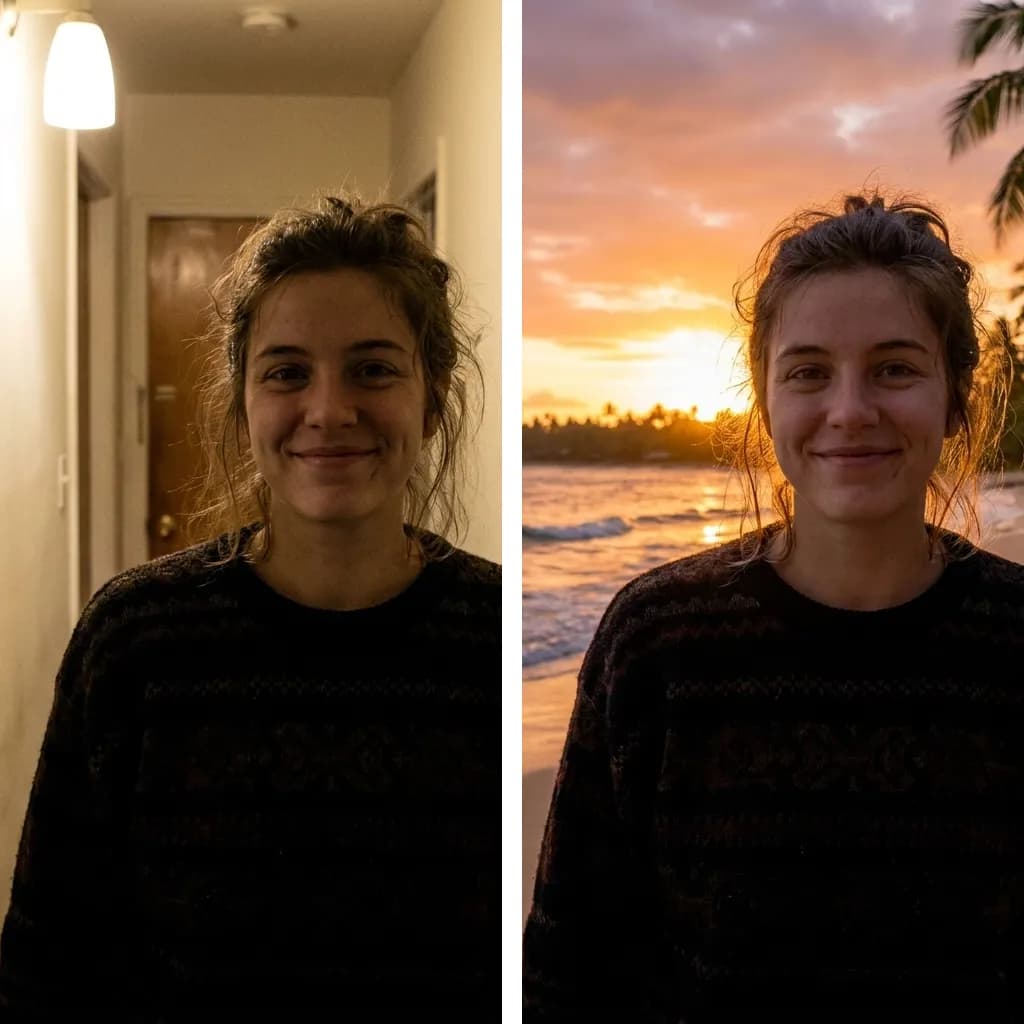
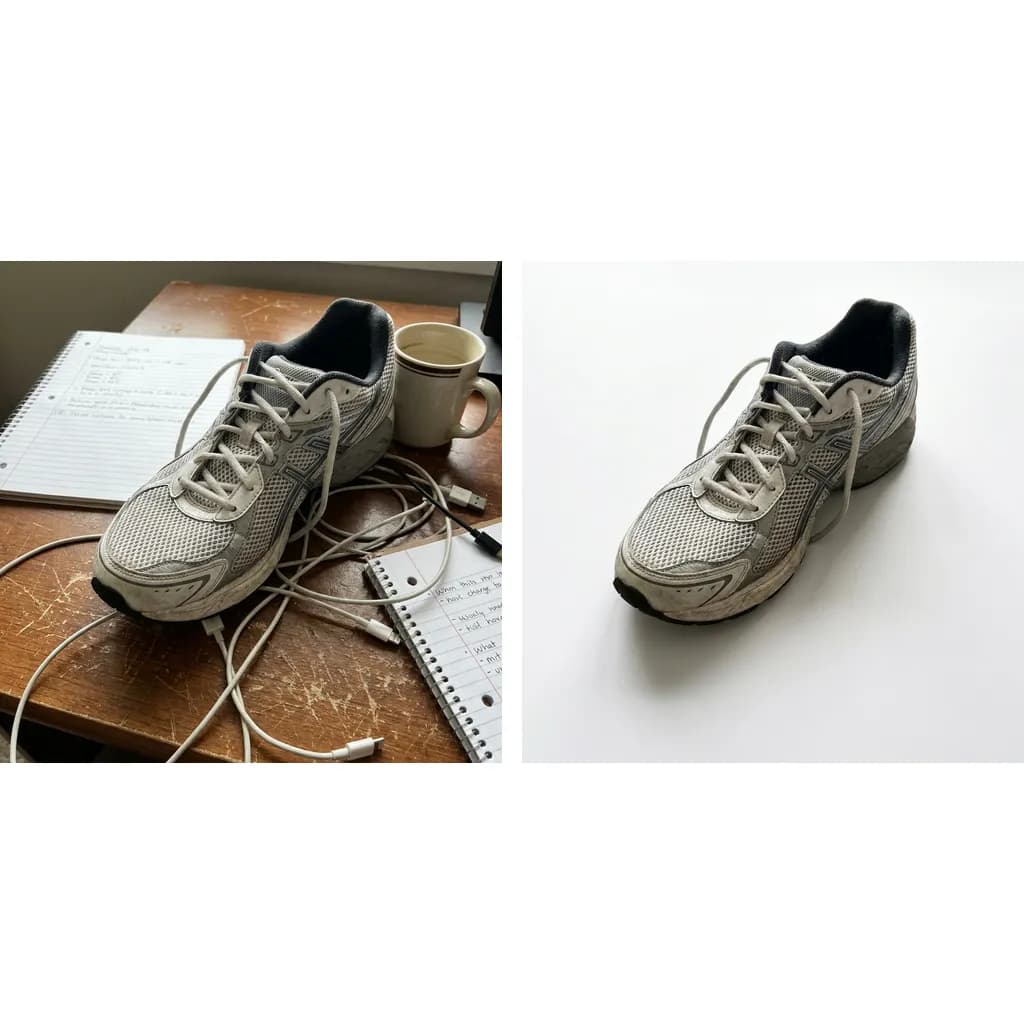
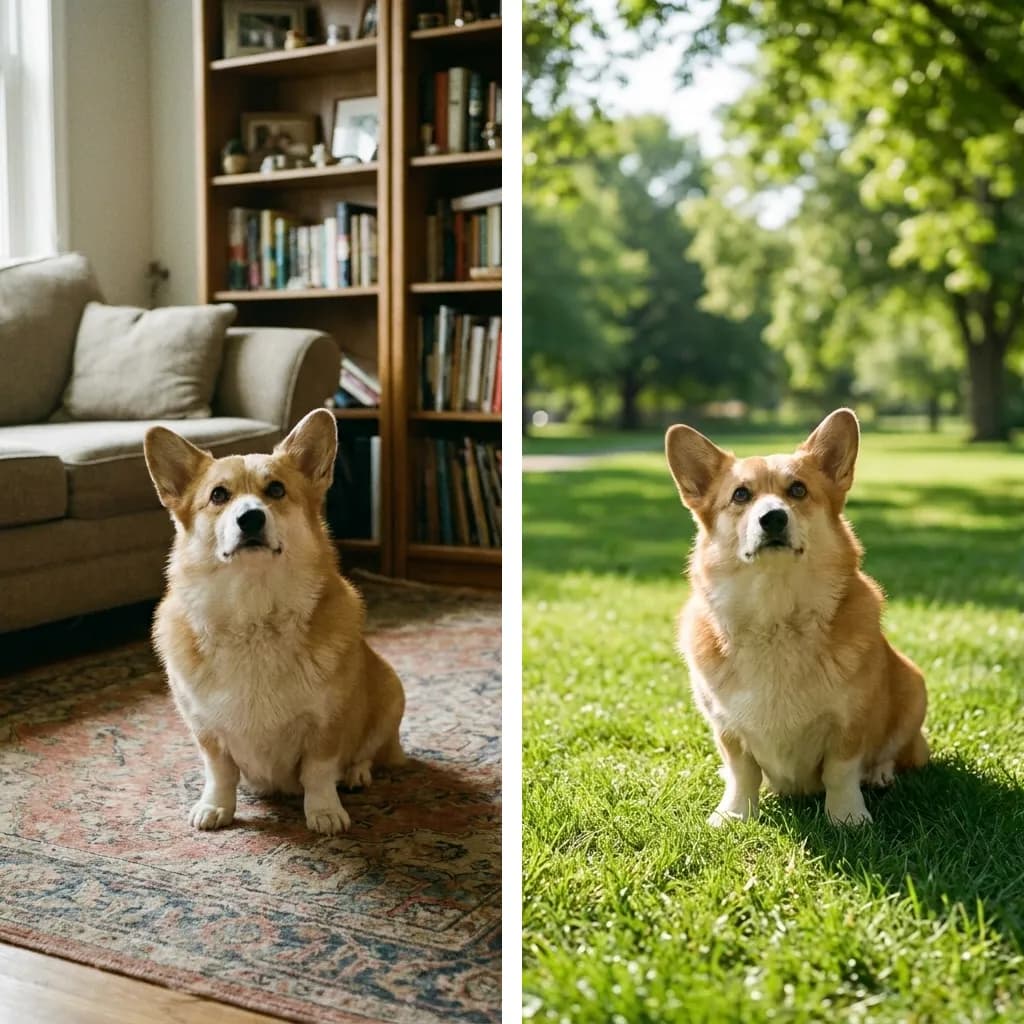
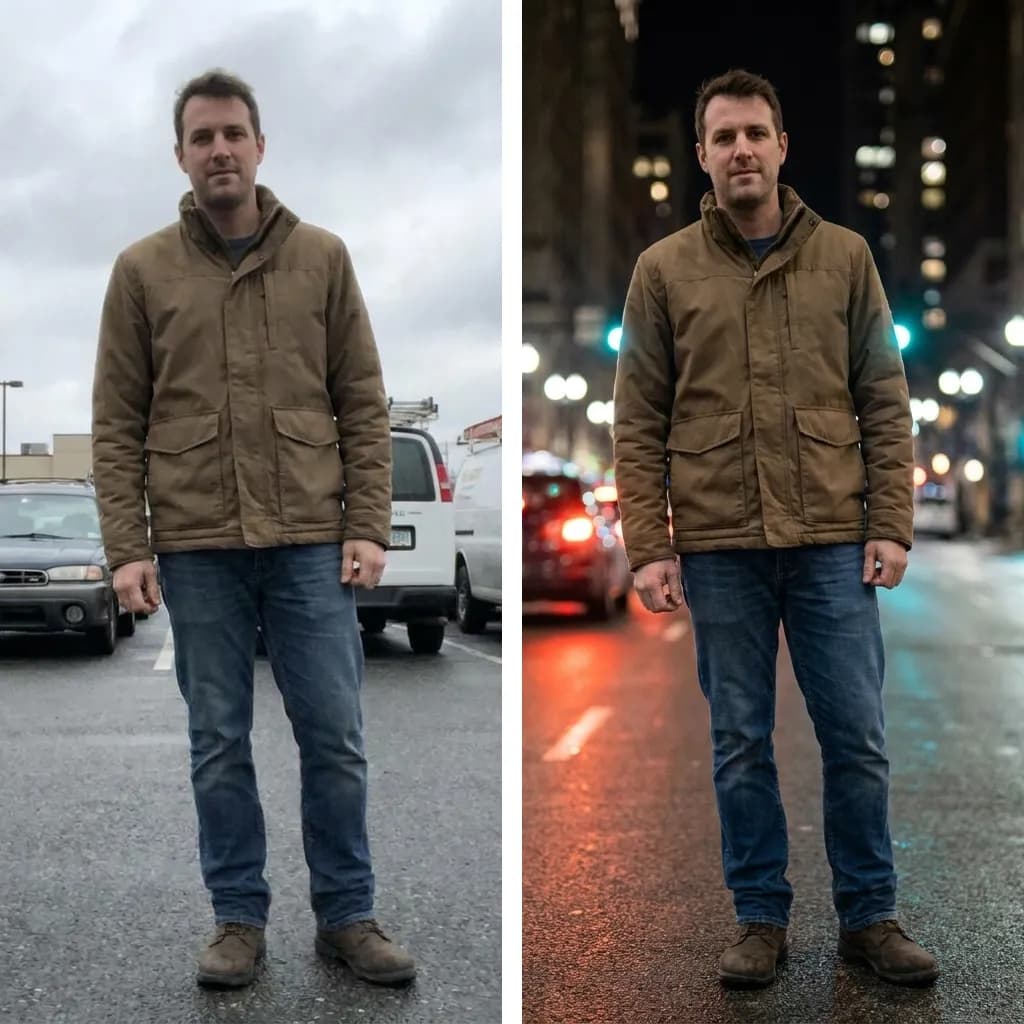
Example results — your generation will appear here.
Change a Photo Background in 3 Steps
No masking, no cutting paths, no photo editor to learn — you describe the new background in plain words and the AI does the compositing.
1. Upload your photo
Drop in a portrait, product shot, pet photo or any picture whose background you want to replace. JPEG, PNG or WebP all work.
2. Describe the new background
Type the scene you want in a few words — 'tropical beach at sunset', 'blurred modern office', 'plain white studio'. This is the one thing the tool needs from you: it won't guess a background you didn't ask for.
3. Generate and download
Click Generate. The subject is kept exactly as photographed and composited into the new scene with matching light and clean edges — then download the result watermark-free.
Replace a Photo Background with AI: Real Before & After Results
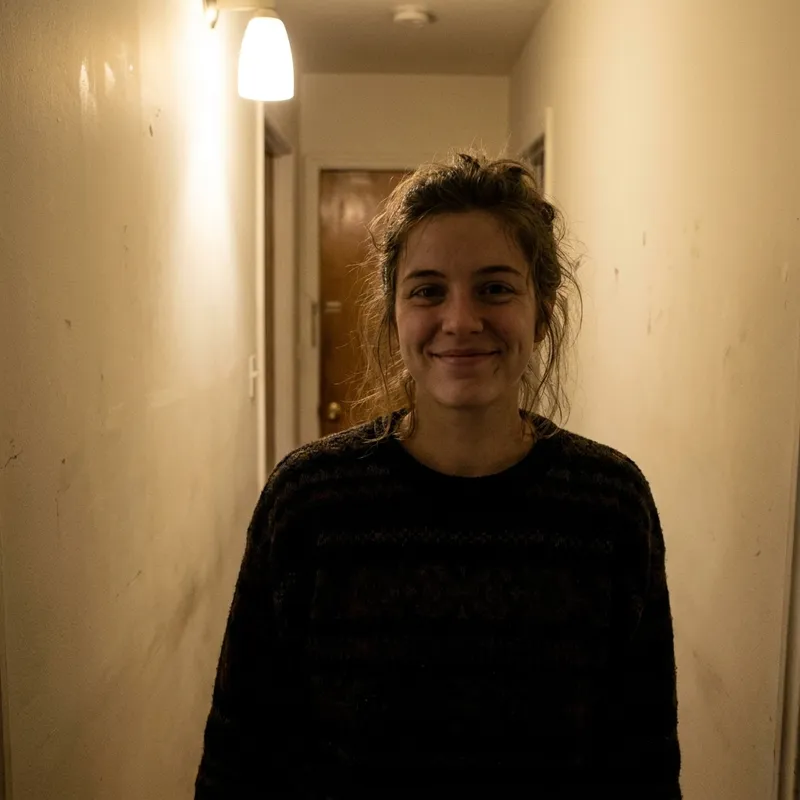
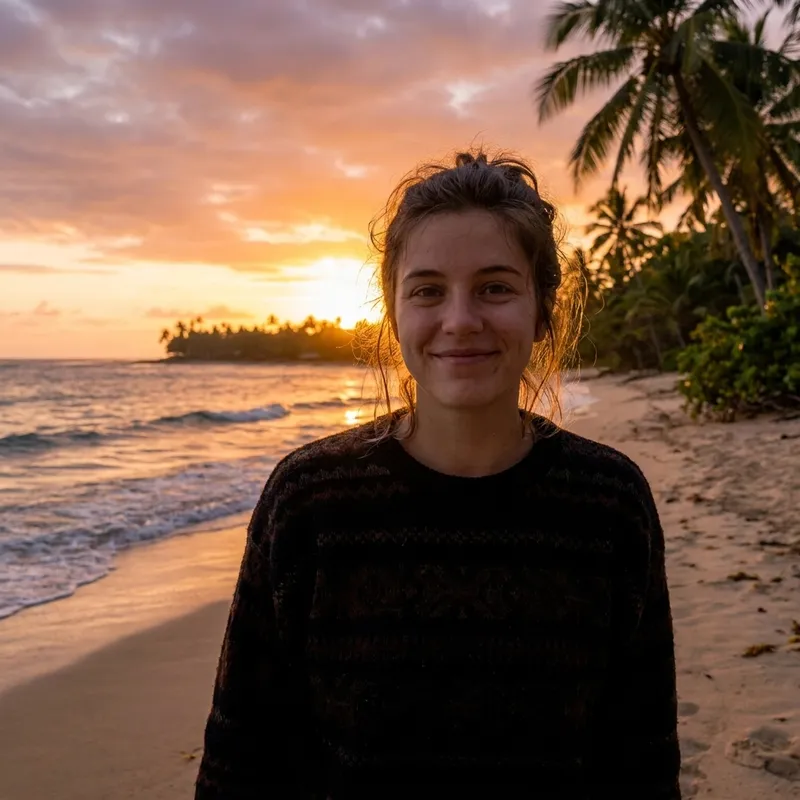
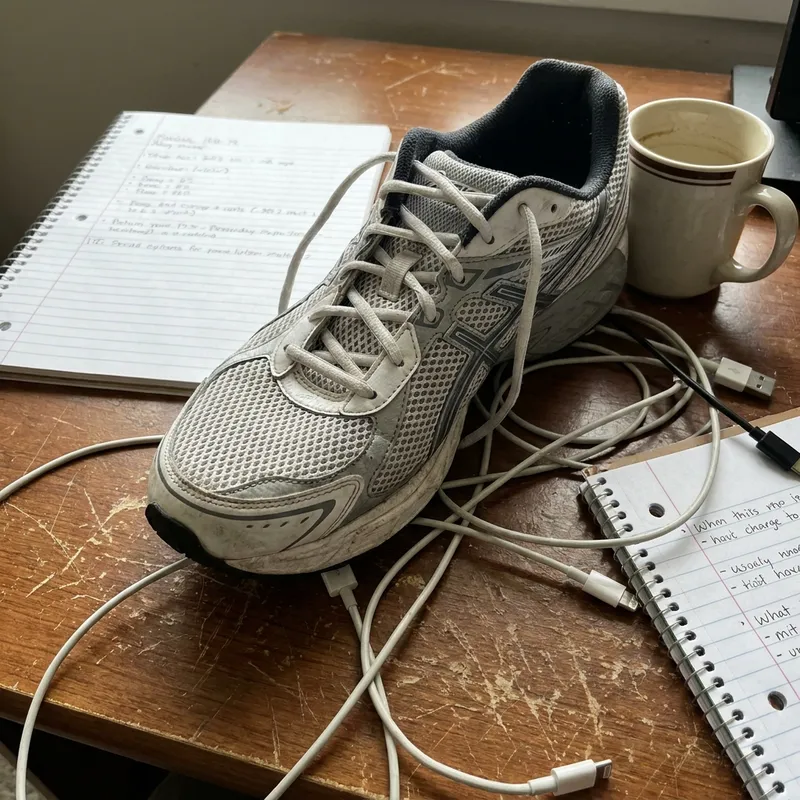
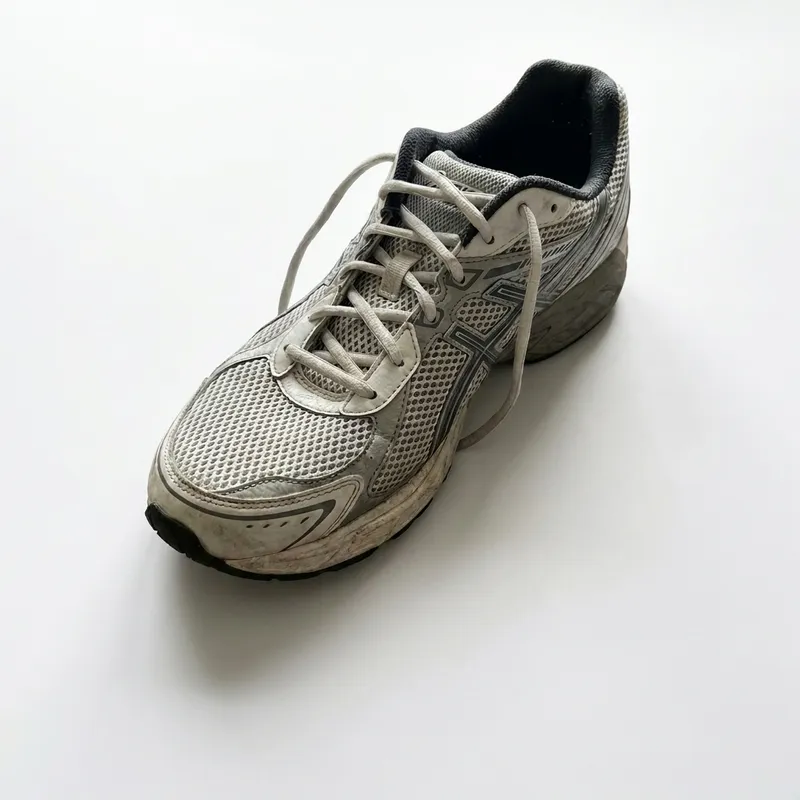
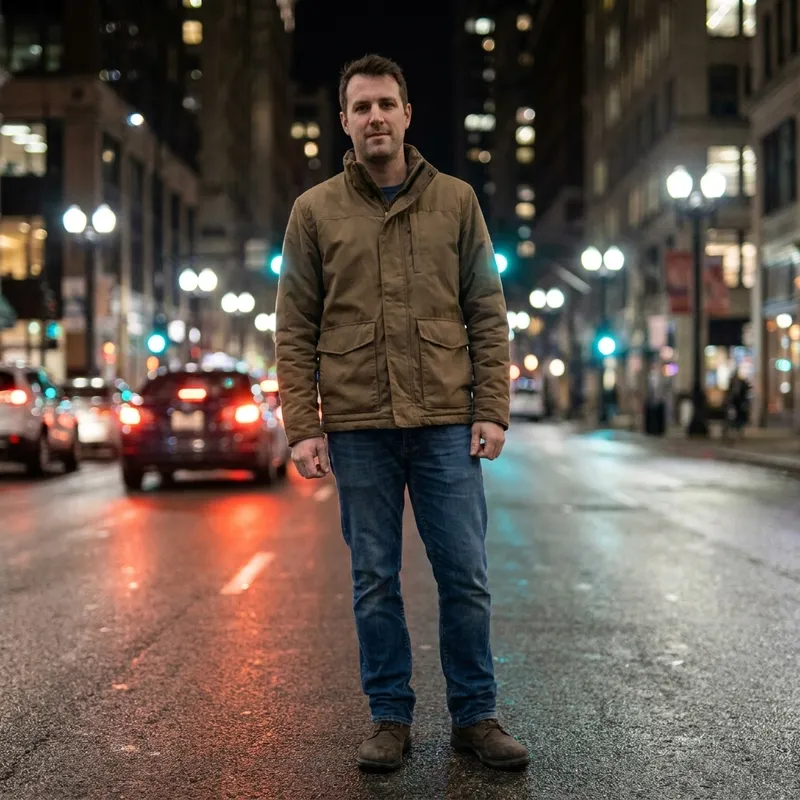
Each example below is a real photo with its background replaced by this tool from a one-line description — the subject itself was not edited.

What People Change Photo Backgrounds For
People replace photo backgrounds when the subject is right but the setting is wrong — a good portrait in a messy room, a product on a kitchen table, a profile photo that needs a neutral backdrop.
Product & listing photos
Move a product from wherever you photographed it onto a clean white or branded background for shops and marketplaces.
Profile & dating photos
Keep the photo where you look your best and swap the cluttered bedroom behind you for a beach, café or city scene.
ID-style & application photos
Change a photo background to plain white or a solid color when a form, badge or document asks for one.
Travel photos you never took
Place yourself, your kids or your pet in front of landmarks and landscapes for fun, cards and gifts.
Change Background AI: Describe Any Scene
It works like a photo background editor without the editing: you say what the new scene should be, and the compositing — lighting, shadows, edges — is handled for you.
Any background you can describe
You're not picking from a fixed gallery. Type any scene in plain words and the AI builds it behind your subject.
Your subject stays untouched
Face, pose, clothing and proportions are preserved exactly — only the background changes, with light and shadows matched to the new scene.
Free to try, no watermark
New accounts start with free credits — no purchase needed. Download your finished photo clean and ready to use.
Your Questions About Changing Backgrounds, Answered
These answers cover what to type in the description box, what stays unchanged in your photo, and which pictures give the cleanest background swap.
Change your photo background now
Upload a photo, describe the scene, and download the result in seconds — free credits on signup, no credit card required.