
Free AI Text to Image Generator
An AI image generator built for creators. Transform any text prompt into photorealistic photos, digital art, anime, and more — instantly. Simply describe what you want, and your image is ready.
Low = fast draft (~40 s). Medium = balanced (~1.5 min). High = best detail, slow (3–4 min) & far more credits.
Advanced Settings▼
File format for the generated image
Est. time: up to 40 sec
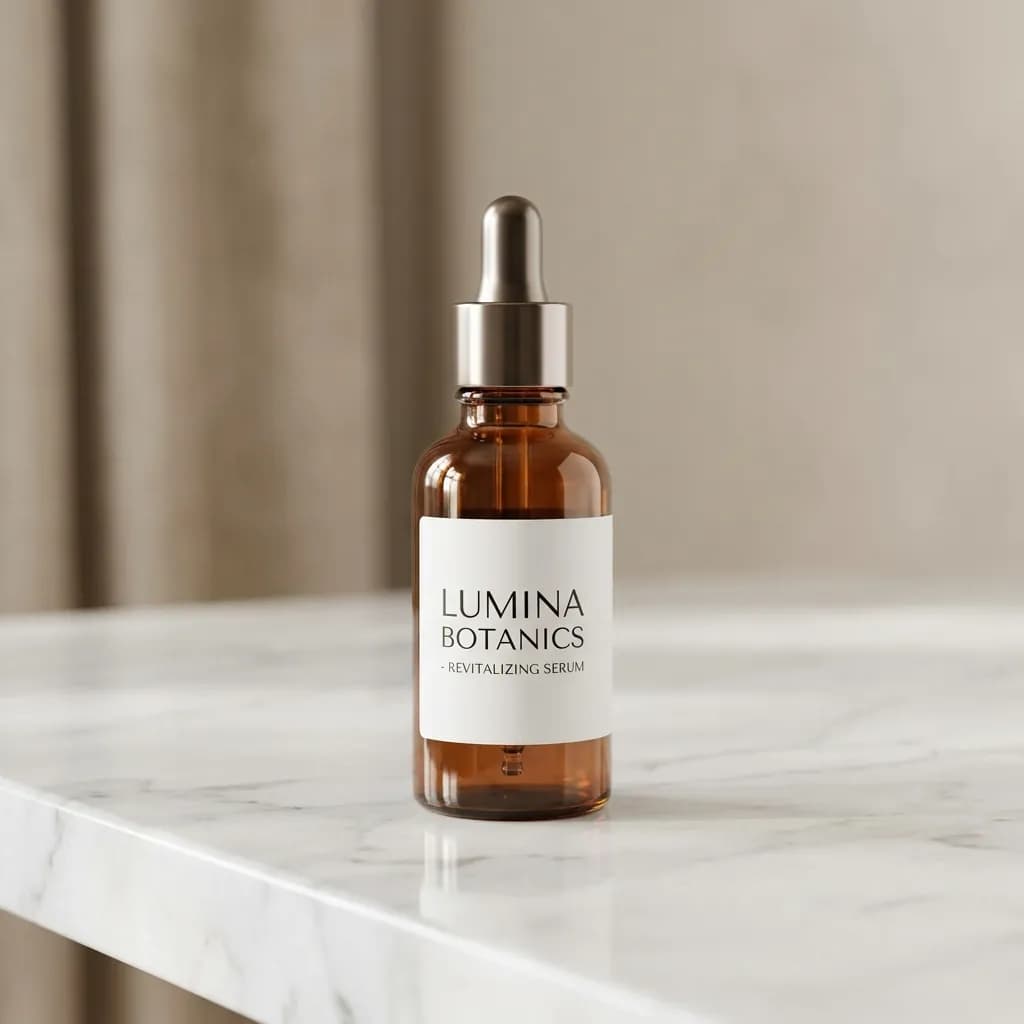
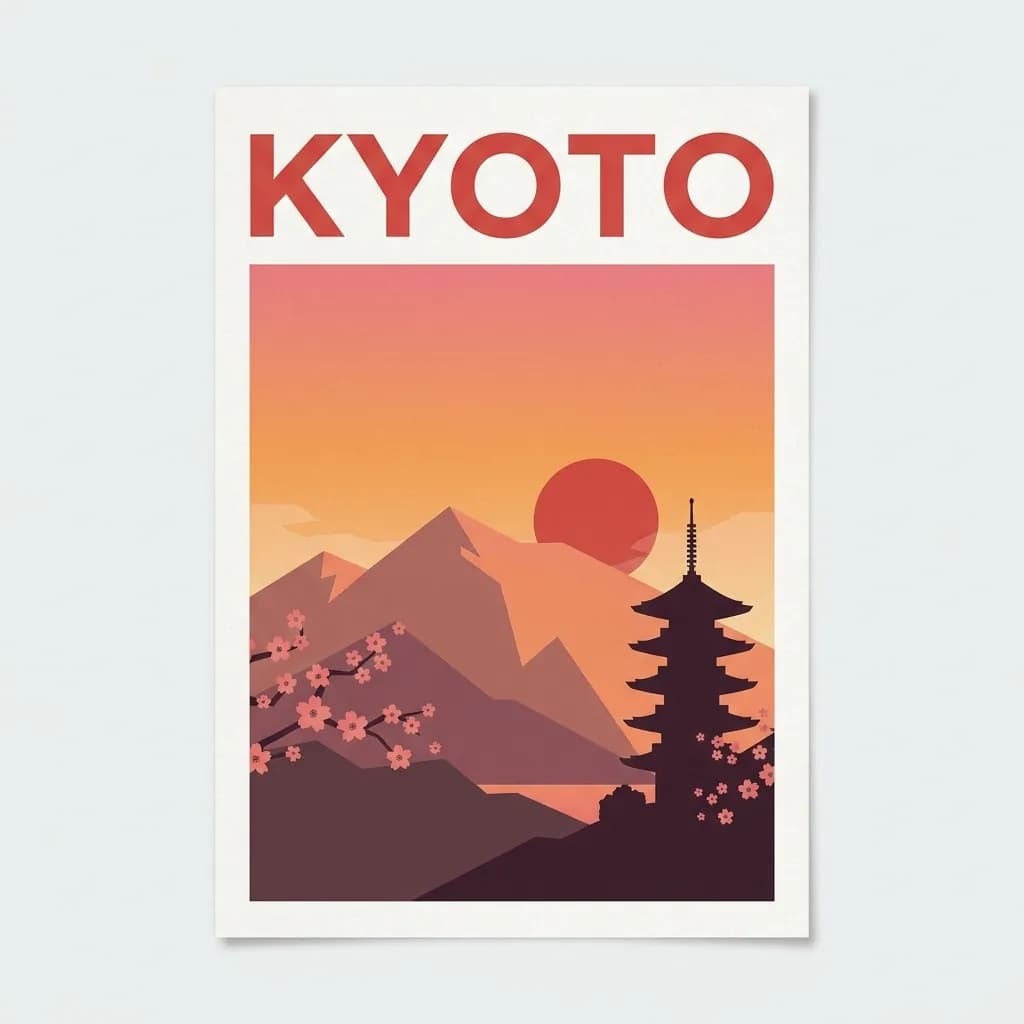
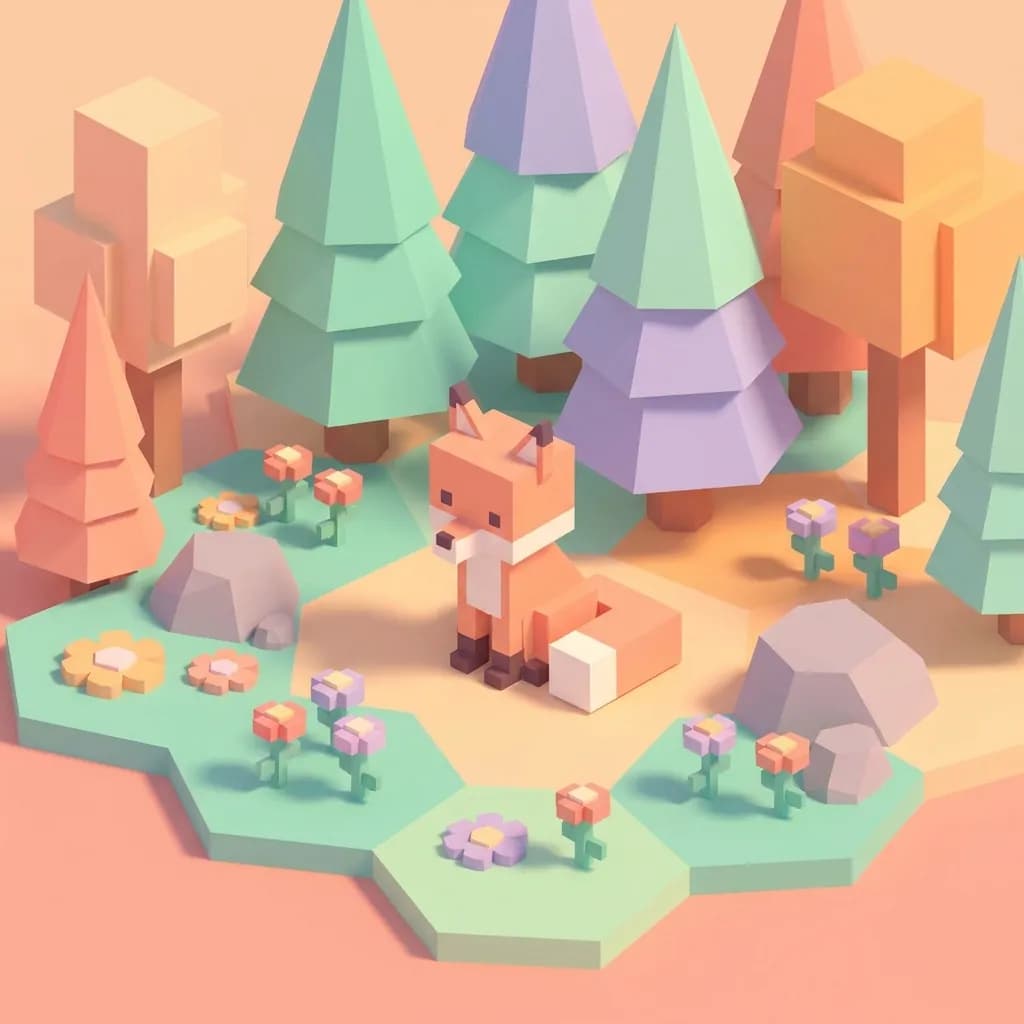
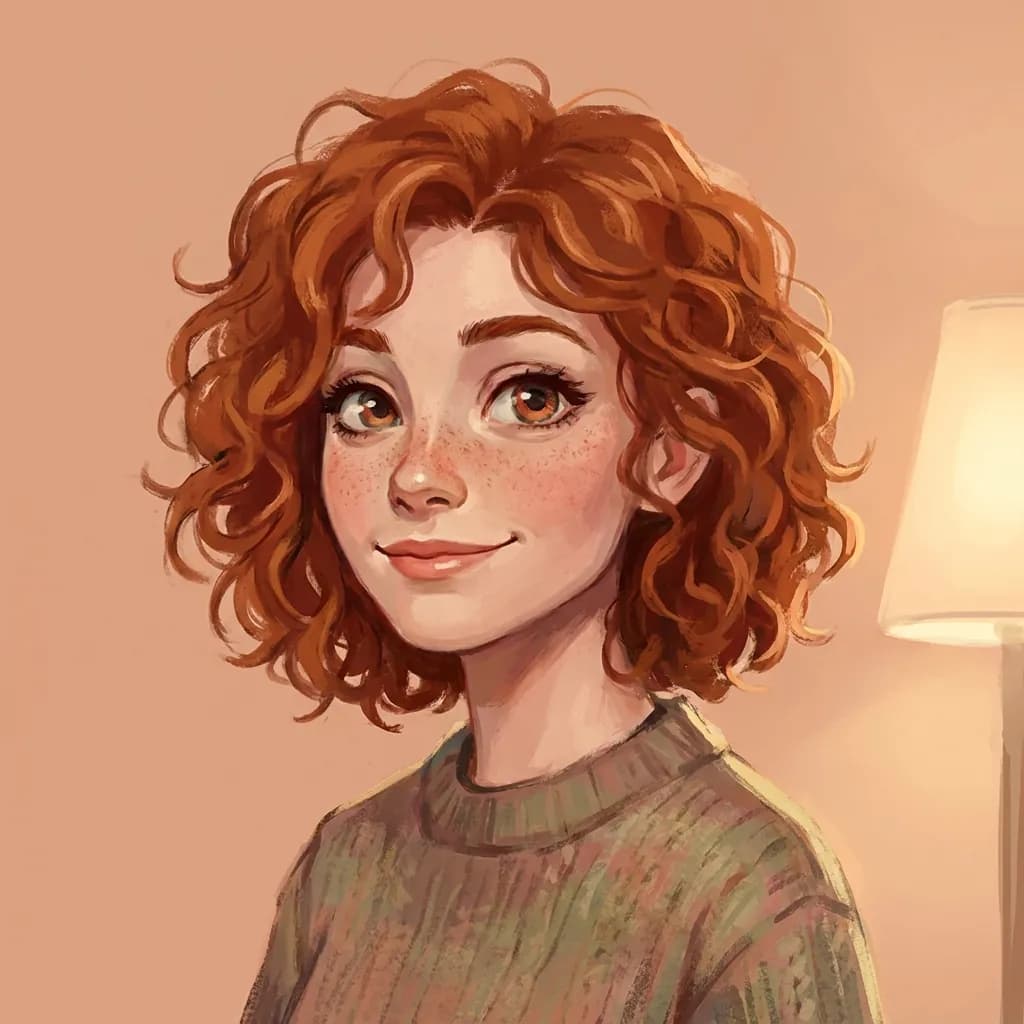
Example results — your generations will appear here.
AI Image Models for Every Image Style and Creative Need
From rapid ideation in seconds to professional-grade finals, photorealism to anime — each model covers a different creative need. Every card below shows exactly what that model does best.
Z-Image Turbo: Fastest & Cheapest
By Alibaba. The fastest and most cost-effective model in the lineup — results in seconds. Best for rapid ideation, batch generation, and full-scene rewrites. Start here, then switch to a higher-quality model for finals.
Learn more →GPT Image 2: Highest Quality
By OpenAI. Three quality tiers: Low (~40 s, draft), Medium (~1.5 min, balanced), High (3–4 min, professional). Best at complex compositions and accurate text rendering (signs, posters, product labels). Costs more. Pick it for final deliverables.
Learn more →Nano Banana 2: Instruction-Following
By Google. Strongest at understanding natural language commands and preserving subject identity across generations. Use when you have a specific edit or want the same character/scene in multiple variations.
Learn more →Seedream 4.5: Photorealistic Middle-Ground
By ByteDance. Delivers photorealistic skin tones, natural lighting, and accurate text rendering. The right choice for product photography, food shots, and lifestyle imagery — professional results at a practical cost.
Learn more →Seedream 5.0 Pro: Layout & Multilingual Text
By ByteDance. The flagship reasons before drawing — dense infographics, annotated diagrams, and posters with native text in 14 languages come back structured as asked. Pick it when layout and labels must hold together.
Learn more →Grok Imagine 2.0: Designer-Grade Typography
By xAI. Arena #2 for both generation and editing. Plans typography and layout like a designer — posters, covers, and labels with sharp, correctly spelled text — plus ultra-wide 2:1 and tall 1:2 formats most models don't offer.
Learn more →Write Text-to-Image Prompts That Get Better Results
Better text-to-image results start with a better prompt, not a better model. These habits apply to every model on this page and take a generation from generic to usable.
1. Subject first, details after
Lead with the main subject and what it's doing, then layer details. 'A golden retriever puppy sitting in autumn leaves, soft morning light, shallow depth of field, photorealistic' beats 'beautiful photo of a happy dog' every time.
2. Specify the medium and style
Say it explicitly: 'photorealistic', 'watercolor illustration', 'flat vector style', 'oil painting', '3D render', 'pencil sketch'. Without this, the model picks something average. Adding a style word changes the entire output character.
3. Set the lighting, mood, and camera detail
Lighting and lens choices define the final look. Mood words like 'golden hour', 'soft window light', or 'cinematic dramatic shadows' set the atmosphere; for photoreal output, add photography terms like '50mm lens', 'shallow depth of field', or 'studio softbox'. The models were trained on captioned photos full of these terms, so they respond precisely.
4. Iterate, don't restart
If the first generation is close but not perfect, tweak the prompt, don't rewrite from scratch. Lock the seed (Advanced Settings) to keep the same base composition while you adjust details. This is much faster than rolling the dice.
Examples
Text-to-Image Prompt Examples
Browse working text-to-image examples across photography, illustration, design, 3D, and concept art. Click any prompt to copy and try it yourself.
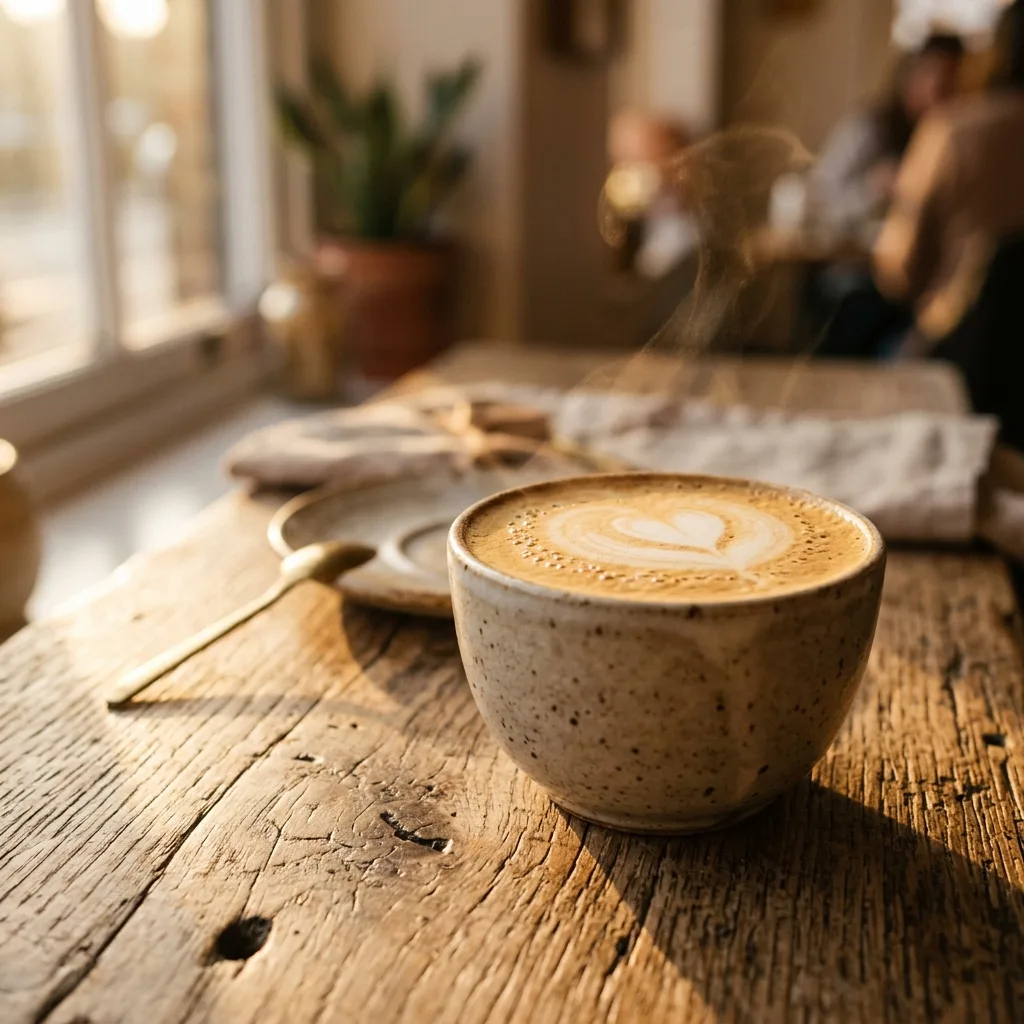
Product photography
Studio shot of a ceramic coffee mug on a marble countertop, soft window light, depth of field, editorial style
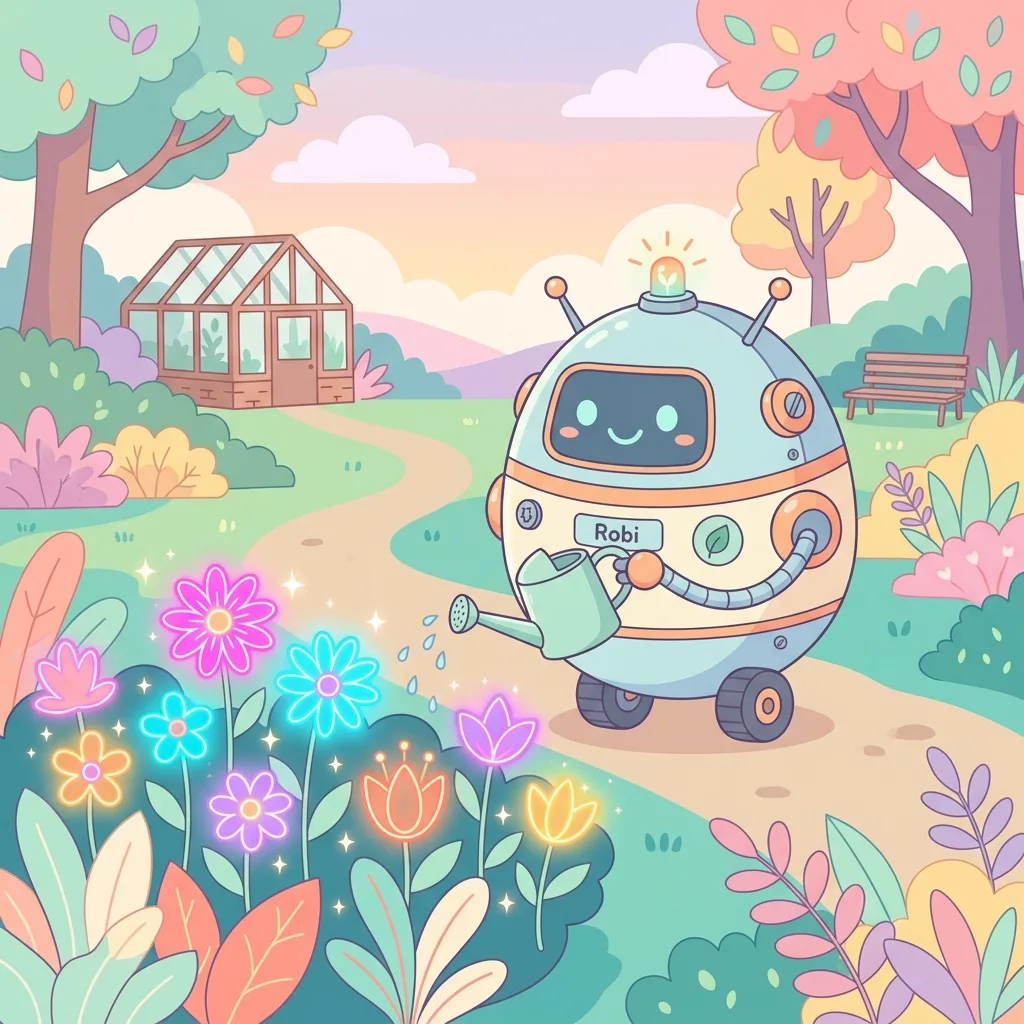
Character illustration
A friendly robot gardener watering glowing neon flowers, flat vector style, pastel palette
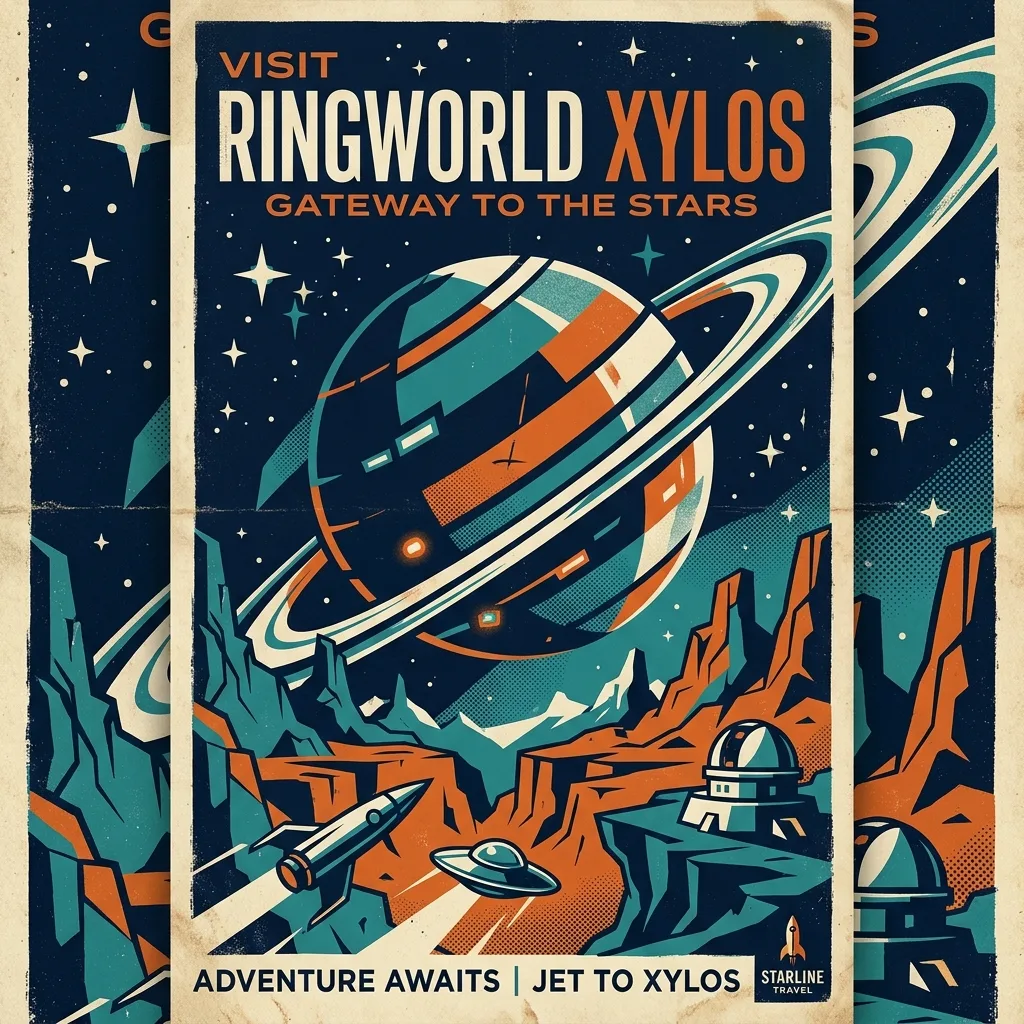
Travel poster
Minimalist travel poster of a desert canyon at dusk, bold sans-serif headline reading EXPLORE
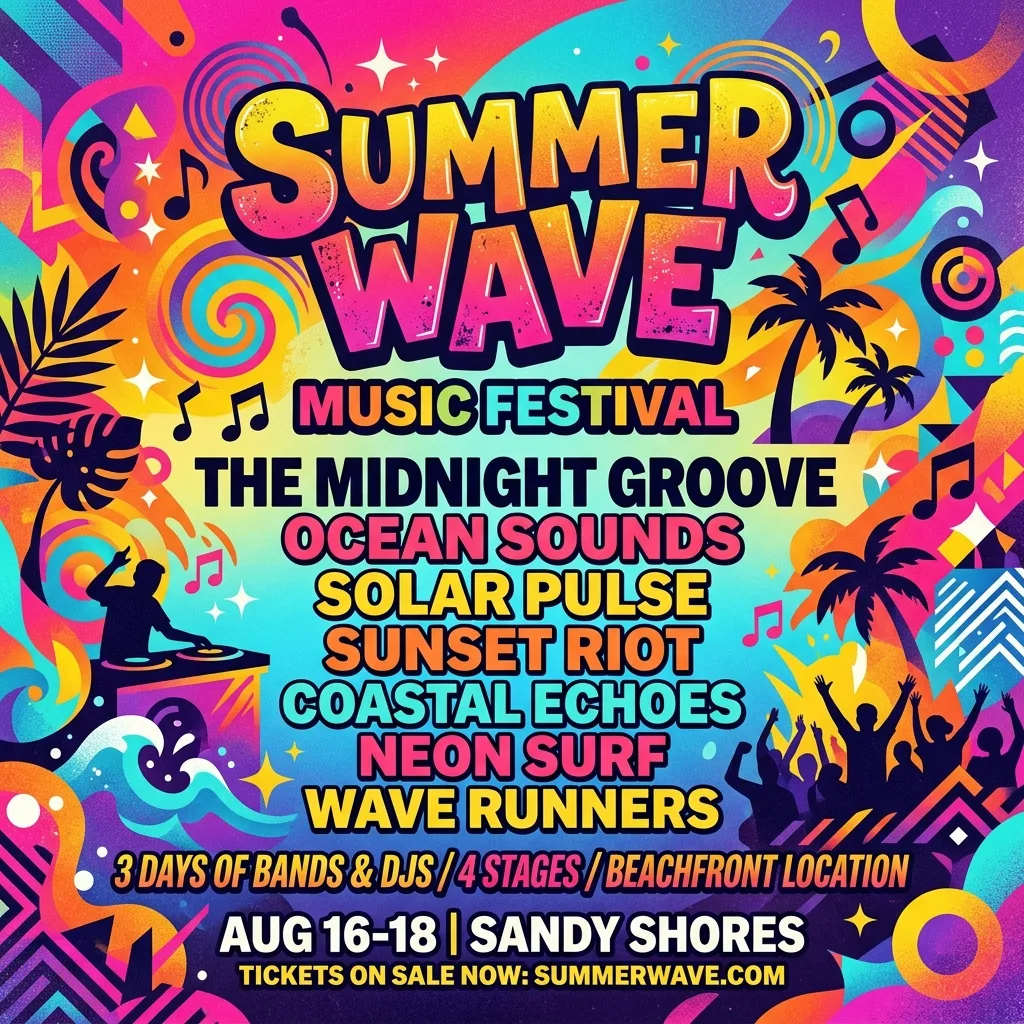
Event poster
Music festival poster, geometric shapes, vibrant gradient background, bold typography, summer vibes
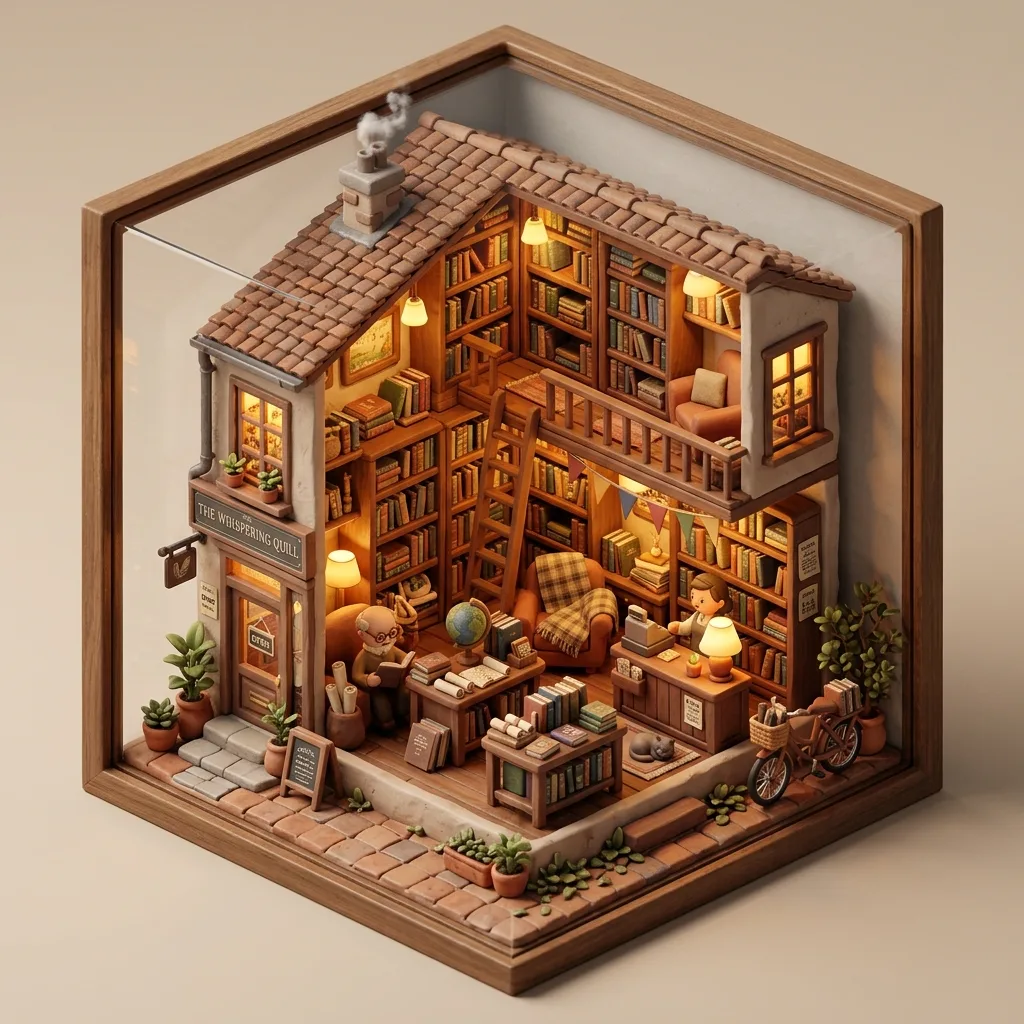
Isometric 3D render
An isometric tiny cozy bookshop, clay render, warm interior lighting, soft shadows
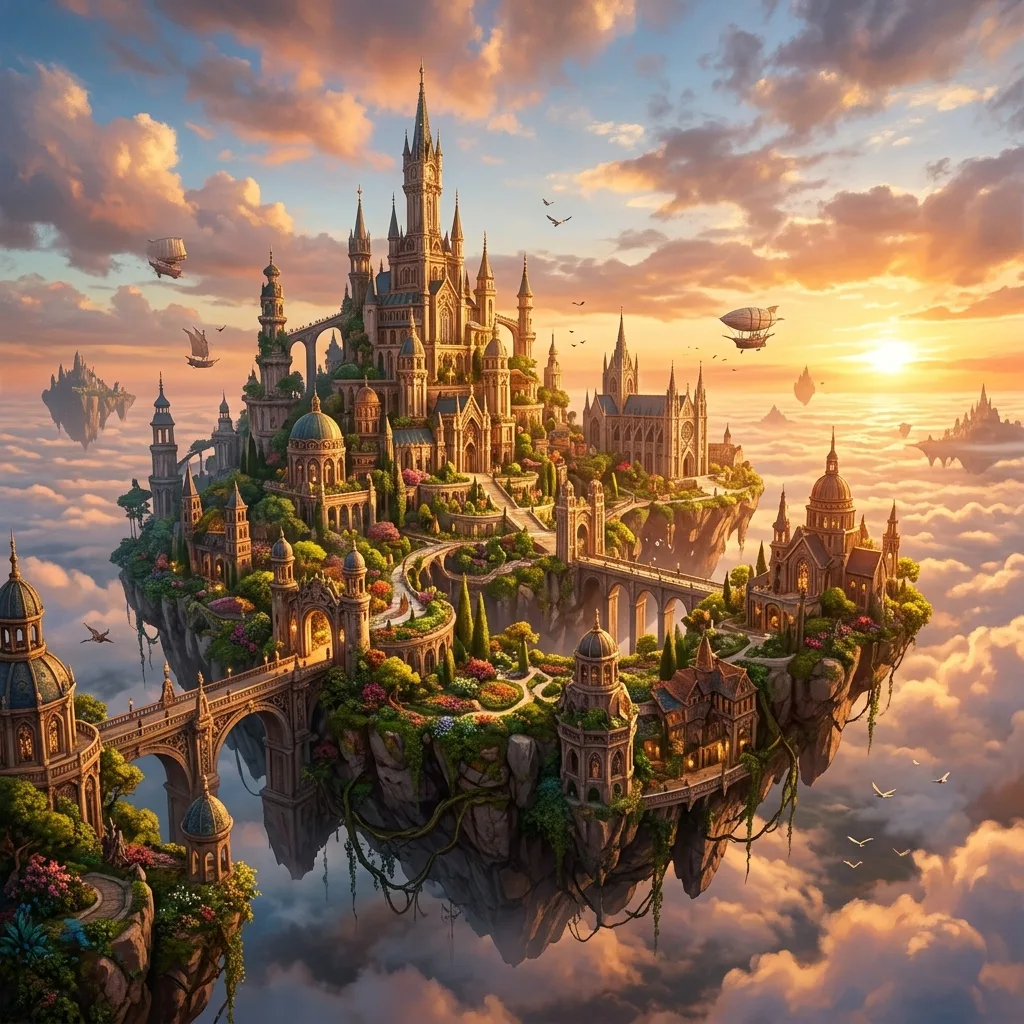
Concept art
A floating island city above the clouds at golden hour, cinematic wide shot, dramatic light
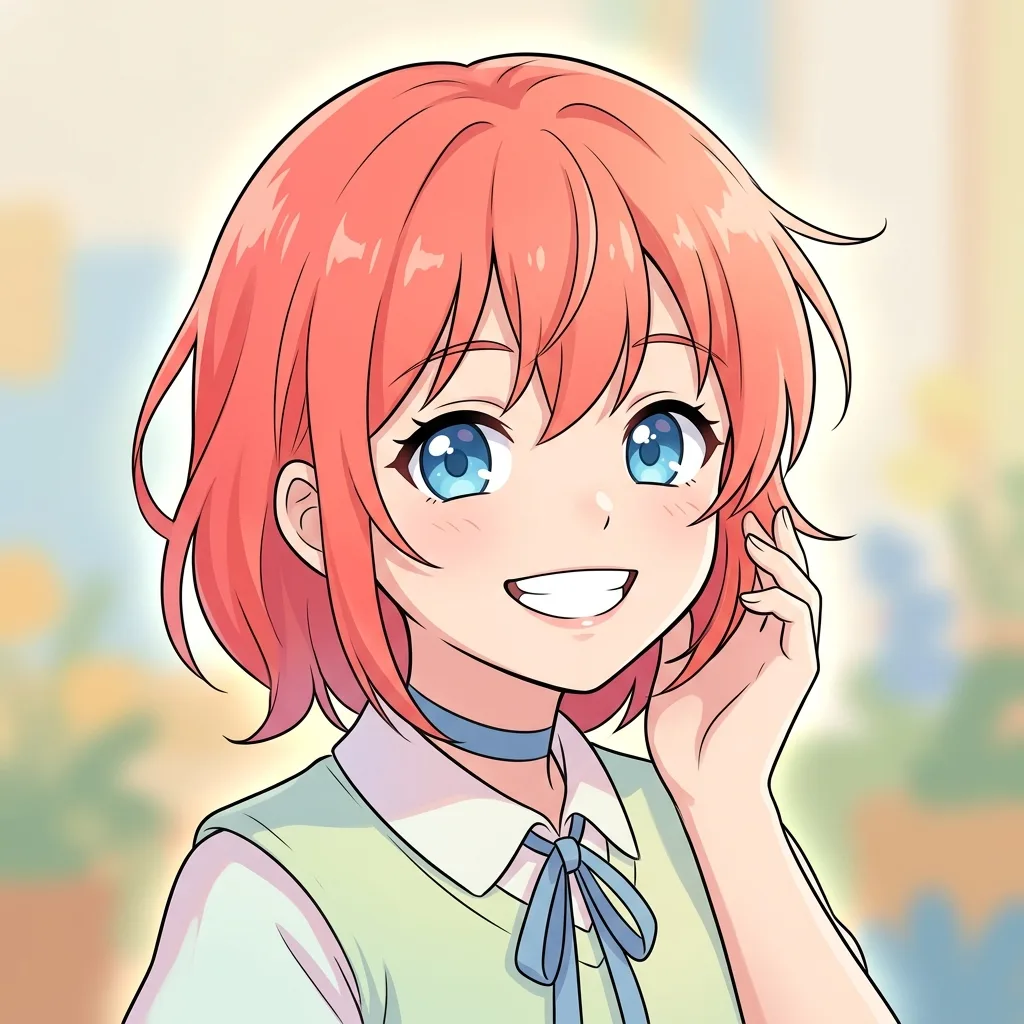
Anime portrait
Anime girl with long black hair, oversized headphones, neon city background at night, key visual style
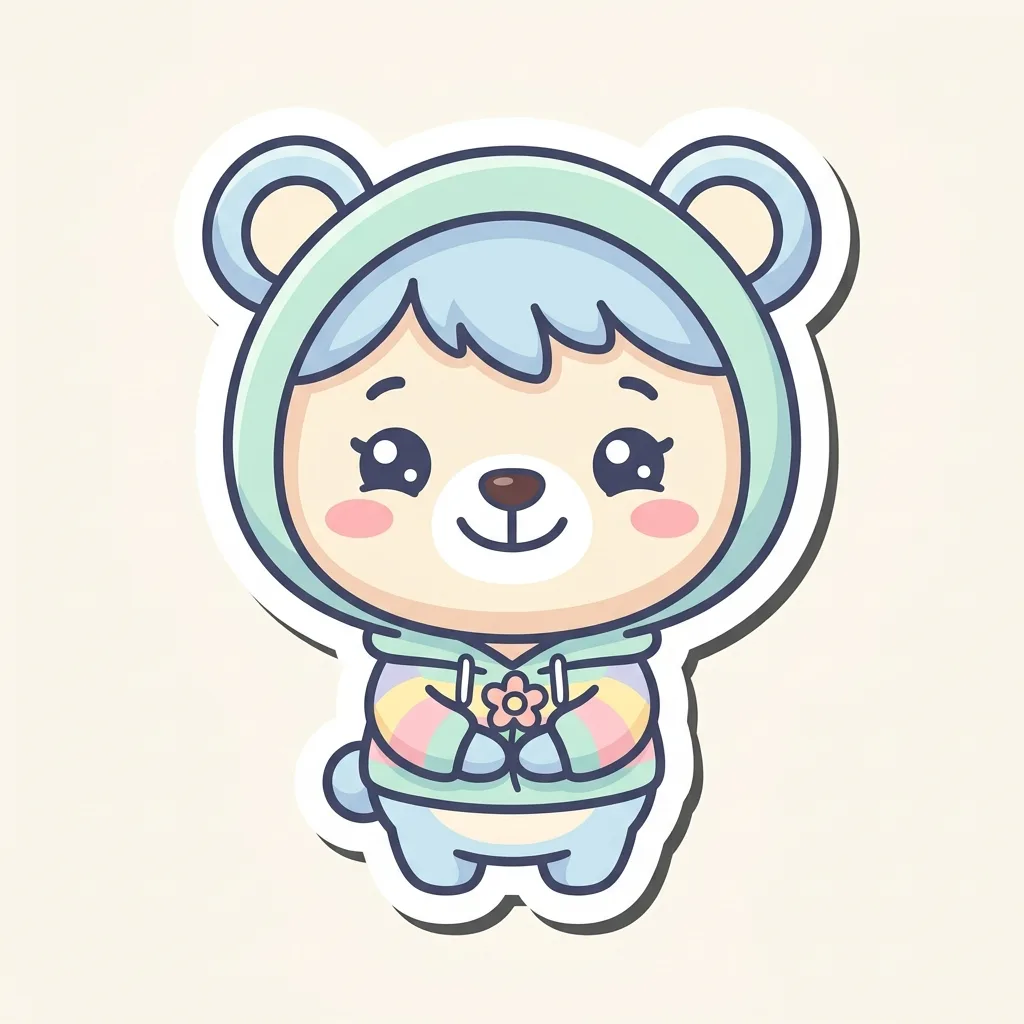
Brand mascot
Cheerful chibi cat mascot for a coffee brand, holding a latte cup, simple flat illustration, pastel colors
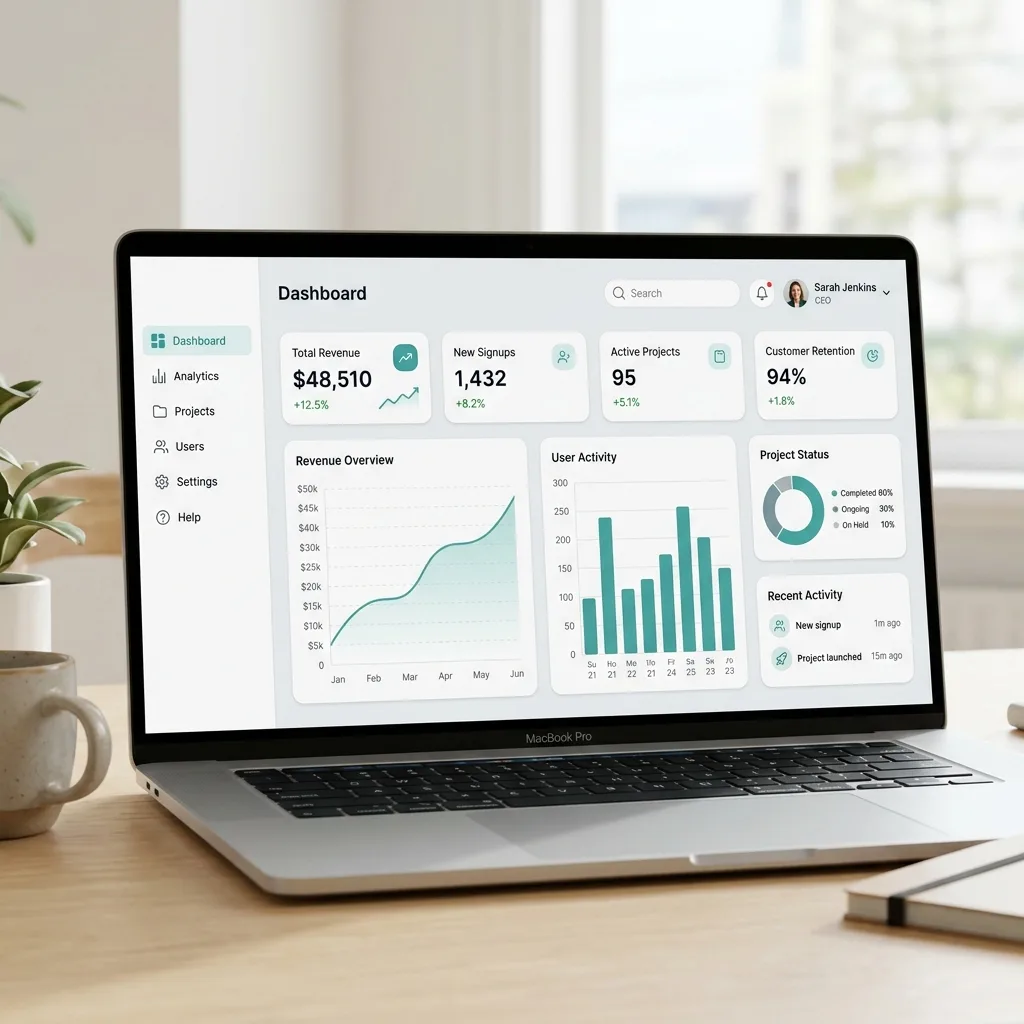
SaaS dashboard mockup
Modern SaaS dashboard UI mockup, dark theme, data visualization charts, clean sans-serif typography
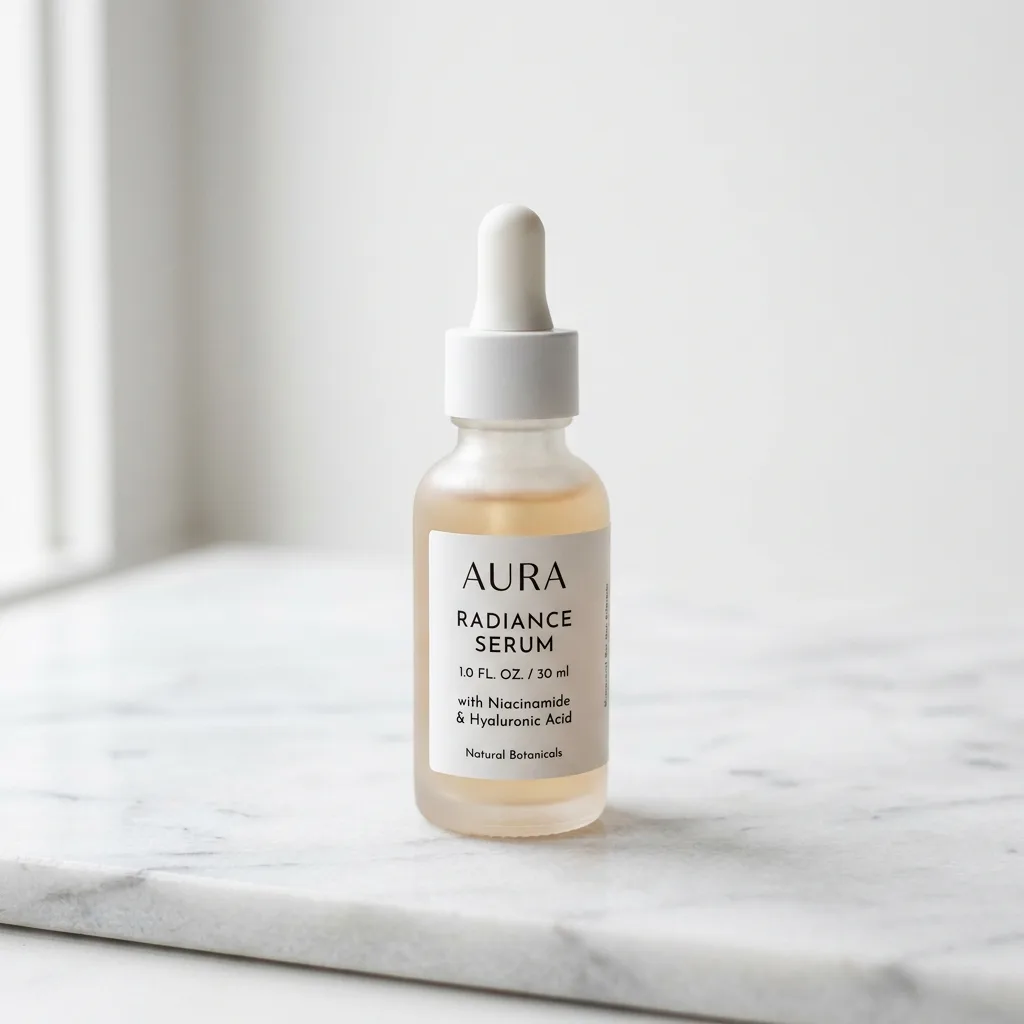
Product e-commerce shot
Skincare serum bottle on white marble pedestal, soft natural lighting, minimalist composition, professional product photography
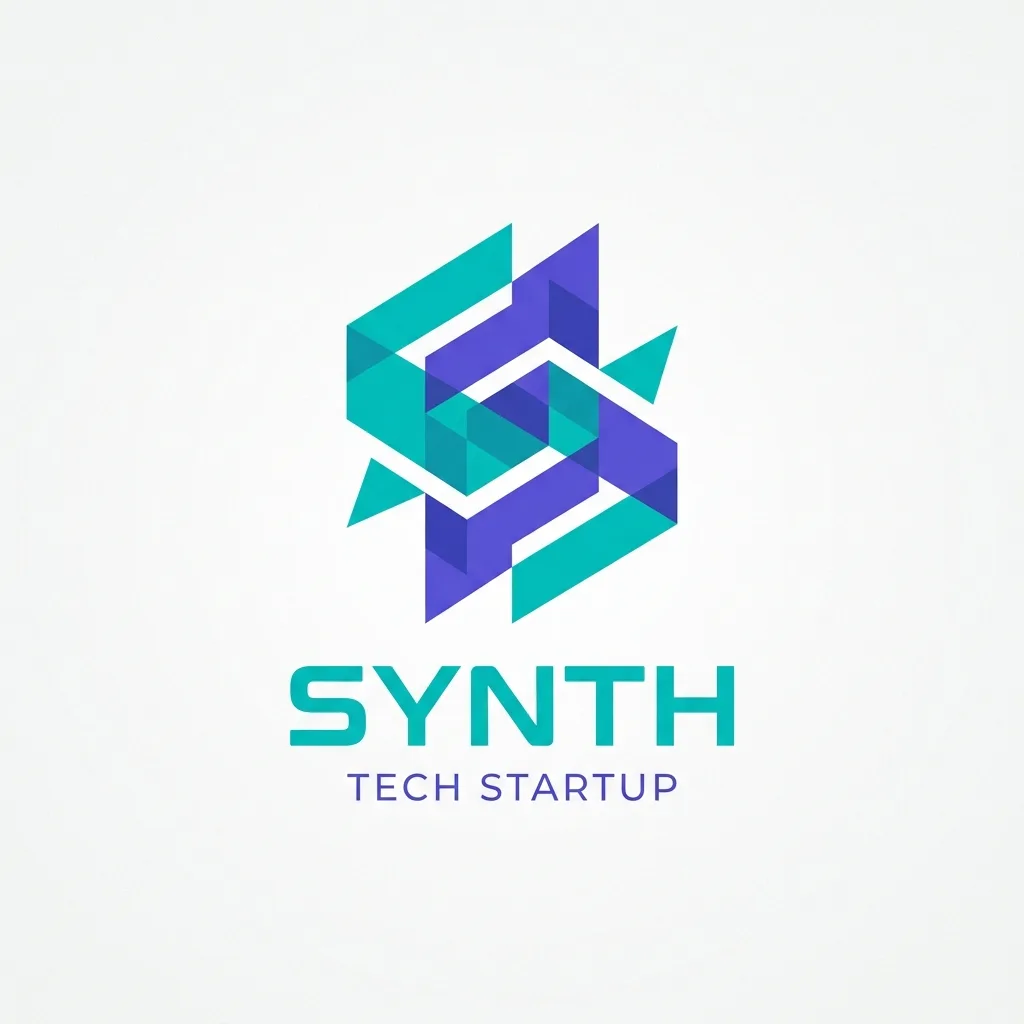
Logo design
Geometric monogram logo for a tech startup, interlocking teal and purple shapes, the word SYNTH below, clean minimal vector style on a white background
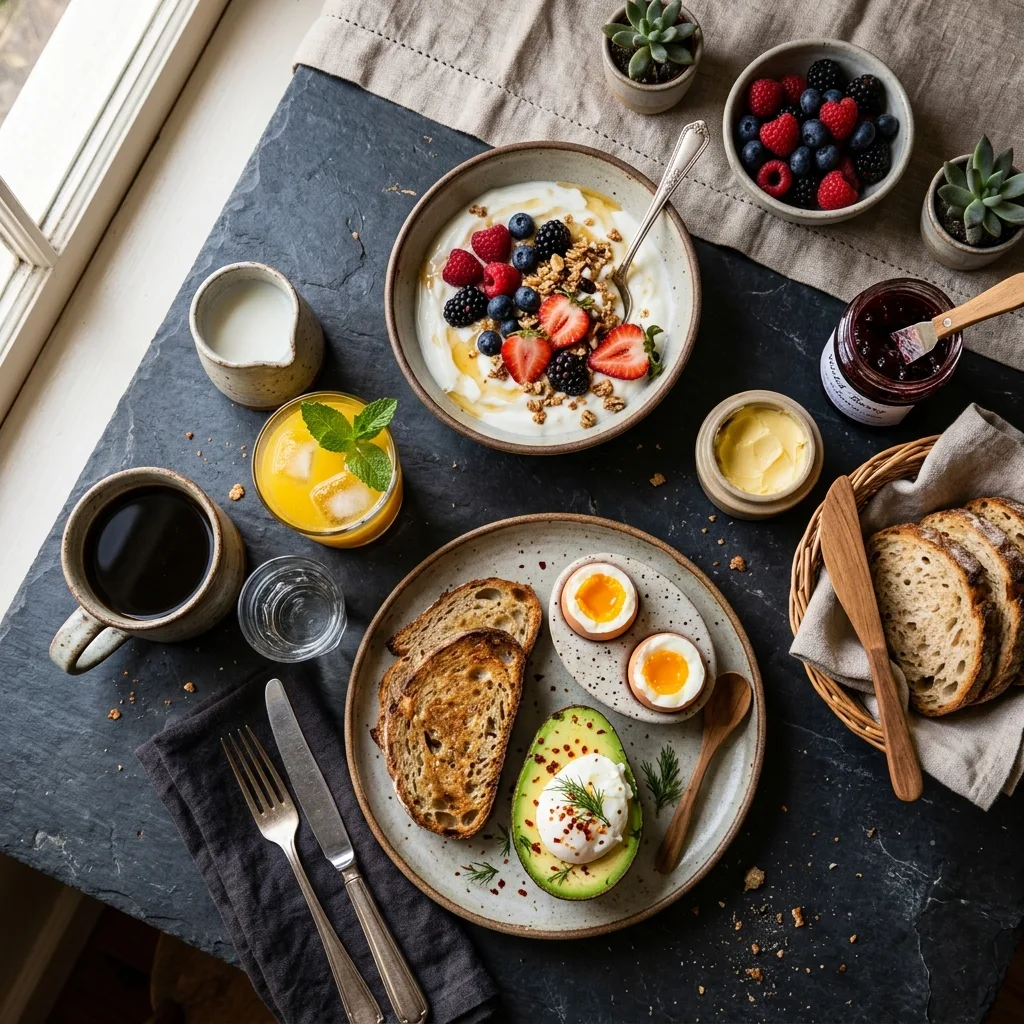
Food photography
Overhead flat-lay breakfast on a dark slate table, avocado toast with a soft-boiled egg, yogurt with berries, coffee and orange juice, soft natural window light
Why Use This Text to Image Generator
Generate with the leading text-to-image models in one workspace — with seed locking, multiple aspect ratios, and JPEG, PNG, and WebP export. The images you create are yours to use commercially.
Every model, one prompt box
Write your prompt once, then switch between Z-Image Turbo, GPT Image 2, Nano Banana 2, Seedream 4.5, Seedream 5.0 Pro, and Grok Imagine 2.0 to see which model fits your idea best. No need to manage separate accounts or subscriptions.
Fastest path from idea to image
Z-Image Turbo finishes in 5–10 seconds, so you can refine a prompt and re-run it right away. Keep the tab open while a generation runs — the result is delivered to this page. We'll auto-refund credits if the generation fails for any reason.
Aspect Ratios, Formats & Seed Control
Pick from square, portrait, and landscape ratios, export as JPEG, PNG, or WebP, lock a seed for reproducible results, and tune per-model parameters like quality tiers and image strength.
Credit-based pricing: no waste
Pay only for what you generate. Failed generations are automatically refunded. One-time credit packs and monthly plans are available — see the pricing page for current rates and credit validity.
Yours to Use Commercially
Generated images are yours to use for personal, social, or commercial projects — no attribution required and no watermark added, on free and paid plans alike.
Honest about each model's limits
We tell you when to use which model, including when NOT to use one. The model descriptions and tooltips reflect real testing, not marketing claims.
Common Text-to-Image Use Cases
Real text-to-image workflows, each with a model recommendation. Pick the one closest to your project and use the suggested model.
Social media content
Instagram posts, Twitter/X cards, LinkedIn visuals, and story backgrounds. Z-Image Turbo is the right pick — fast, affordable, and sharp enough for social. Use 1:1 for Instagram, 16:9 for X and LinkedIn.
Blog and article hero images
Featured images, in-article illustrations, OG share images. Z-Image Turbo at 16:9 covers most needs. For text-heavy graphics (titles in the image), use GPT Image 2 Medium instead.
Product mockups and e-commerce
Lifestyle product photography for listings, ads, and landing pages. Seedream 4.5 produces the most photorealistic results. Use 3:2 or 4:3 aspect for Amazon-style product cards.
Concept art and game design
Character concepts, environment art, mood boards. GPT Image 2 (High) produces the most polished concept art; Z-Image Turbo is better for rapid iteration during exploration phase.
Posters and print design
Event posters, movie posters, gallery prints. GPT Image 2 (High) for accurate text rendering, otherwise Seedream 4.5. Use portrait aspect ratios (2:3 or 3:4) for poster-style outputs.
Stock-style imagery for decks and docs
Slides, internal documents, presentations. Z-Image Turbo is fastest and cheapest for bulk generation. Pick neutral lighting and composition prompts for content that won't distract from text.
Frequently asked questions about text-to-image generation
Common questions about AI text-to-image generation, the models we offer, and how the credit system works.
What is AI text to image?
AI text to image is a technique where an AI model reads a written description (the prompt) and generates a brand-new image from scratch. Describe the subject, style, lighting, and mood — the AI builds a matching image in seconds.
How do I write a good text-to-image prompt?
Lead with the main subject, then add style, lighting, and mood. "A dog in a park" gives you something generic. "A golden retriever sitting in autumn leaves, soft morning light, shallow depth of field, photorealistic" gives you something usable. Two additions that consistently improve results: name the visual medium explicitly ("watercolor", "flat vector", "3D render", "oil painting") and use photography terms when you want realism ("50mm lens", "studio softbox", "bokeh background"). If the first result is close but not right, adjust one element at a time rather than rewriting the whole prompt — small changes are easier to trace. The Prompt Writing 101 section on this page covers four specific habits with examples.
Which model should I use for text to image?
Z-Image Turbo is the fastest and cheapest, great for quick iterations and bulk generation. GPT Image 2 produces the highest quality but takes from about 40 seconds (Low) to 3–4 minutes (High) per image and costs more. Nano Banana 2 is best when you want to preserve a specific look across multiple generations. Seedream 4.5 excels at photorealistic results; Seedream 5.0 Pro at infographics and multilingual layouts; Grok Imagine 2.0 at poster-grade typography and design edits.
Is the text to image generator free?
Yes. Every new account gets free credits — no credit card required. After that, visit the pricing page for current plans and credit pack options.
Can I use the images commercially?
Yes. You retain rights to the images you generate. Use them for client work, products, marketing, social media, or any other commercial purpose — on free and paid plans alike. See our Terms of Service for the full details on AI-generated image rights.
How long does generation take?
Measured on real generations: Z-Image Turbo 5–10 seconds. Nano Banana 2 about 25 seconds at 1K (up to 1.5 minutes at 4K). Grok Imagine 2.0 about 30 seconds at 1K, up to a minute at 2K. Seedream 4.5 30–60 seconds. Seedream 5.0 Pro 1.5–2.5 minutes. GPT Image 2 about 40 seconds (Low), 1.5 minutes (Medium), 3–4 minutes (High). The generator shows the expected time for your exact settings before you click. Keep the tab open until the image appears — a closed tab cannot receive the result.
What aspect ratios and resolutions are supported?
Z-Image Turbo and Nano Banana 2 support 7 ratios (1:1, 3:2, 2:3, 4:3, 3:4, 16:9, 9:16). Seedream 4.5 supports 5 ratios. GPT Image 2 supports 3 fixed sizes (1024×1024, 1024×768, 1024×1536). Nano Banana 2 additionally supports 0.5K / 1K / 2K / 4K resolution presets. Seedream 5.0 Pro uses 5 fixed sizes (1536×1536, 1600×1200, 1200×1600, 1920×1080, 1080×1920); Grok Imagine 2.0 supports 9 ratios including ultra-wide 2:1 and tall 1:2.
What output file formats can I get?
Z-Image Turbo, Nano Banana 2, GPT Image 2, and Grok Imagine 2.0 support JPEG, PNG, and WebP. Seedream 4.5 outputs PNG only; Seedream 5.0 Pro outputs JPEG and PNG. The format you choose doesn't affect credit cost on most models (GPT Image 2 is the exception, where PNG can cost more than JPEG or WebP — see the pricing page for details).
Why did my generation fail?
Usually a content policy violation: prompts containing explicit, harmful, or restricted content are blocked automatically and are not eligible for a credit refund. Technical failures and model outages are refunded automatically.
Generate your first image free
Create your first image in seconds with free credits — no credit card required.