
GPT Image 2 online free: create professional images with accurate text
GPT Image 2 is OpenAI's image model, and the one to reach for when output quality matters most — it renders readable in-image text and handles complex, multi-subject scenes better than the diffusion models in our lineup. Three quality tiers (Low / Medium / High) let you trade cost against polish, from quick drafts to final production images. Free credits on signup.
Low = fast draft (~40 s). Medium = balanced (~1.5 min). High = best detail, slow (3–4 min) & far more credits.
Advanced Settings▼
File format for the generated image
Est. time: up to 40 sec
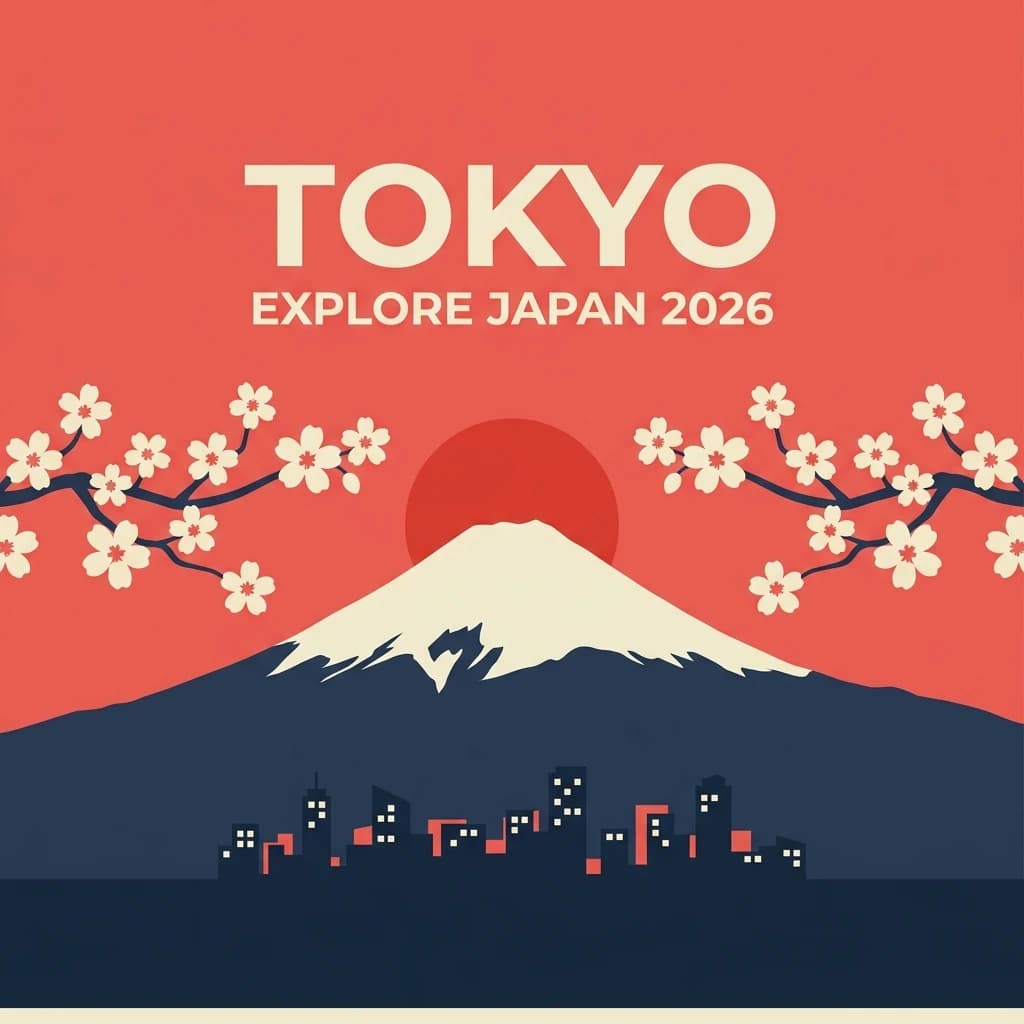
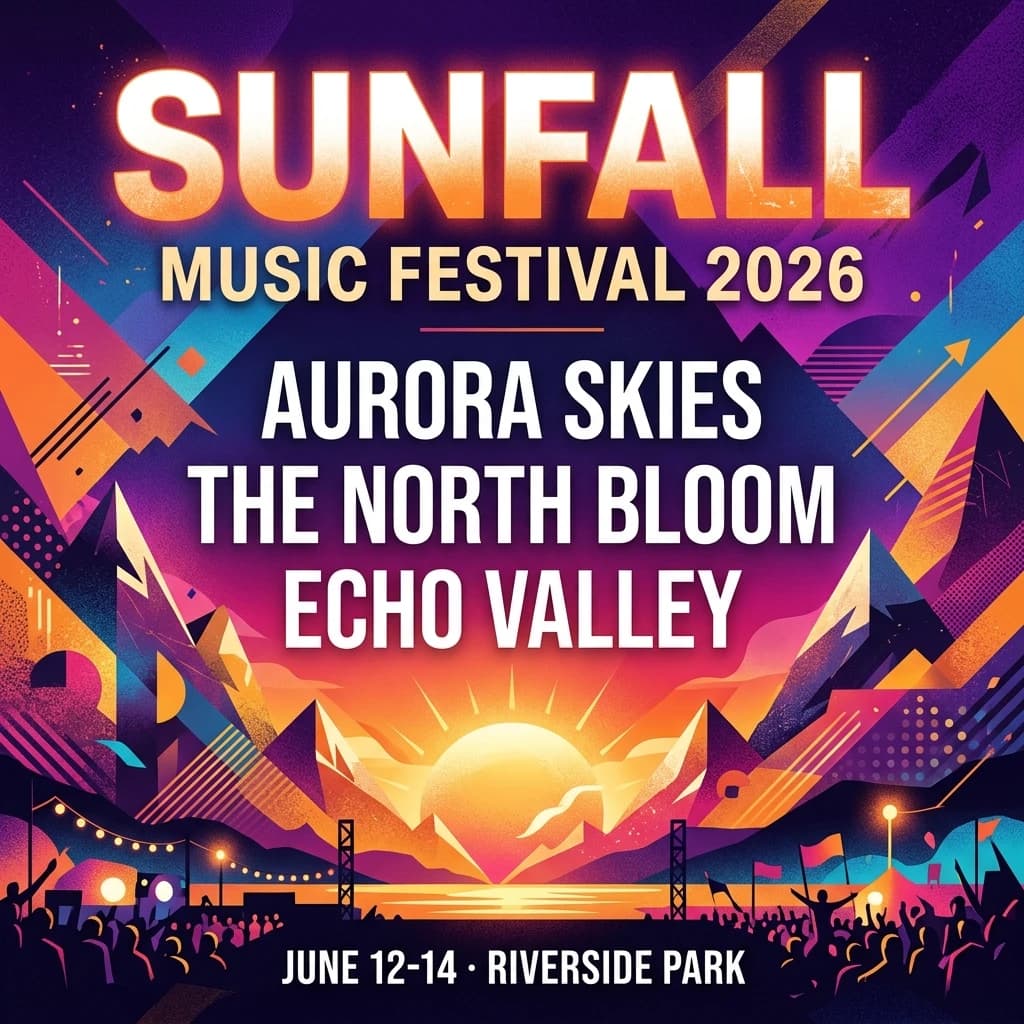
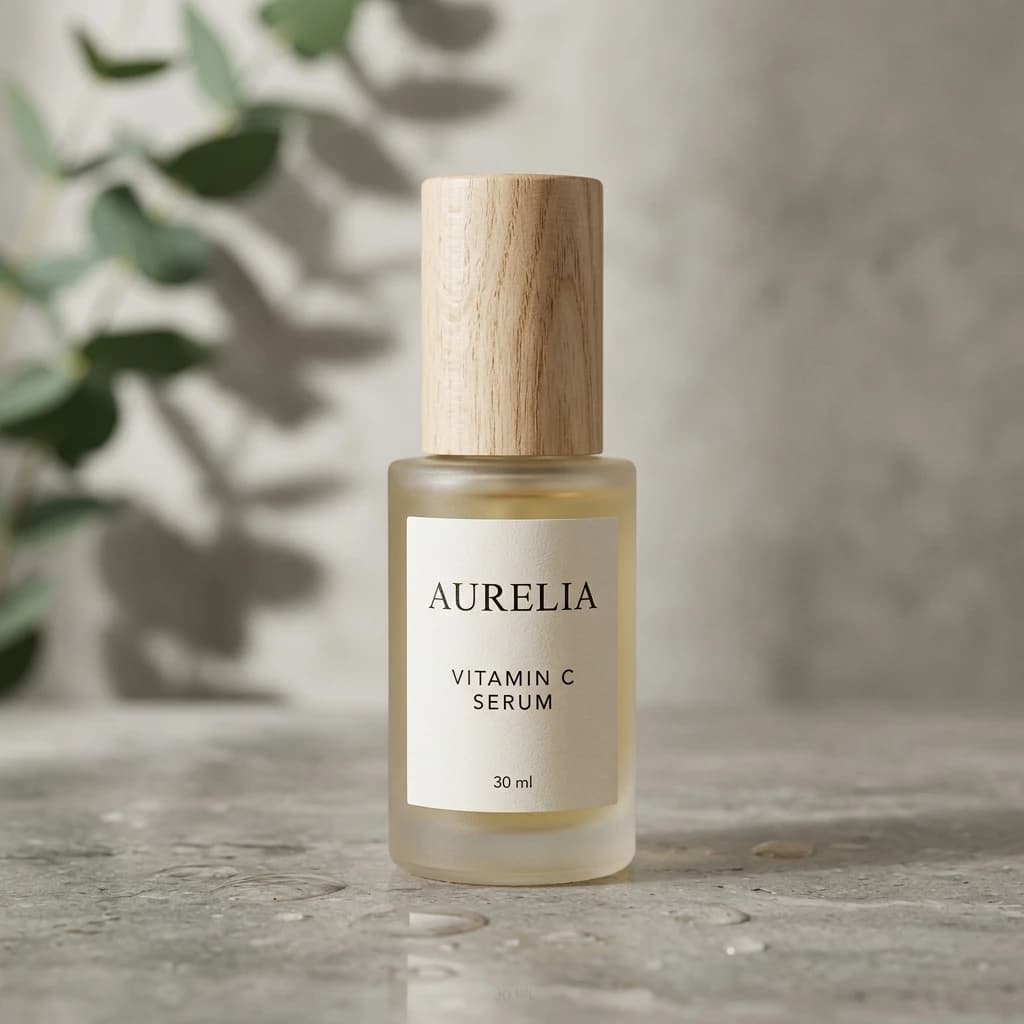
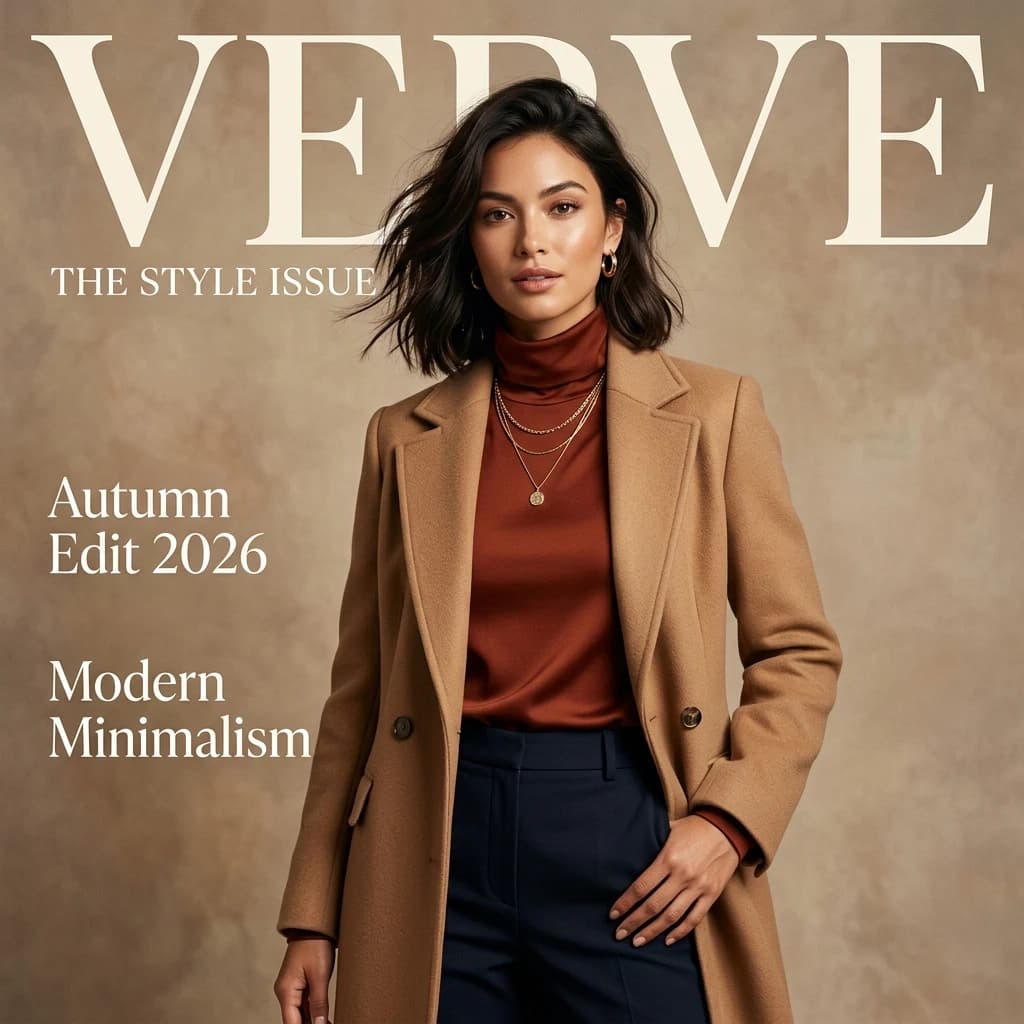
Example results — your generations will appear here.
GPT Image 2 specs: a professional AI image generator at a glance
Everything you should know before you pick this model, verified through real testing.
Three quality tiers, real differences
Low (~40 s, draft quality), Medium (~1.5 min, balanced default), and High (3–4 min, professional polish), with credit cost rising by tier. Pick based on your stage: exploring, iterating, or finalizing. See the pricing page for current per-tier credits.
Best in-image text rendering
GPT Image 2 renders readable short text correctly, where most diffusion models garble it — making it the most reliable choice for posters, product labels, signage, and headlines inside generated images.
Strong on complex compositions
GPT Image 2 handles multiple subjects, layered scenes, and intricate details noticeably better than the faster models in our lineup, keeping spatial relationships coherent where lighter models lose track.
Three fixed output sizes
1024×1024 (square), 1024×768 (4:3 landscape), 1024×1536 (2:3 portrait). OpenAI locks these, no custom dimensions. Pick the closest to your use case at generation time.
Built-in OpenAI moderation
OpenAI's content safety system runs on every request. Policy violations are blocked and credits auto-refunded. The moderation can't be disabled, strict by design.
No seed parameter
Unlike Z-Image Turbo / Nano Banana / Seedream, GPT Image 2 doesn't support seed-locking. OpenAI's model is non-deterministic by design. Each generation is slightly different, even with identical prompts.
What GPT Image 2 does best for professional, text-accurate images
The right use cases for GPT Image 2, places where its quality premium justifies the longer wait and higher cost.
Final production assets
Marketing campaign images, product hero shots, app store screenshots, anywhere the result needs to look obviously polished. Use Medium or High quality. Don't burn GPT Image 2 cycles on rough drafts.
Posters and graphics with text
Event posters, movie posters, social graphics with headlines, infographic frames. GPT Image 2 is the only model in our lineup that reliably renders 'EXPLORE' or 'TOKYO 2026' as readable text inside the image.
Complex multi-subject scenes
Three people interacting in a room, a busy market street, a sci-fi battle with multiple ships, scenes where coherent placement of many subjects matters. GPT Image 2 handles spatial relationships better than fast models.
Product photography for premium brands
Where 'looks expensive' is part of the brand promise. Medium quality is the typical sweet spot here, High is overkill unless you're working on hero brand assets.
Editorial and concept illustration
Magazine illustrations, book covers, narrative scenes. GPT Image 2 produces compositions with intentional framing, not random arrangements, useful when the image is telling a story.
App and UI mockups
Realistic-looking SaaS dashboards, mobile app screens, web app interfaces. GPT Image 2 renders UI elements (buttons, labels, charts) coherently in a way diffusion models can't.
GPT Image 2 vs other AI image models: when quality is worth it
When to use GPT Image 2, and when another model in the lineup is a better choice.
Use Z-Image Turbo instead when you're exploring
Don't burn GPT Image 2 credits on rough drafts. Z-Image Turbo costs a small fraction as much for the same exploratory work. Use Turbo to find a direction, then GPT Image 2 to finalize.
Learn more →Use Nano Banana 2 for instruction-style edits
If your task is 'change X in this photo to Y while keeping everything else', Nano Banana 2 is purpose-built for it and gets the result you want faster. GPT Image 2's image-to-image is more about restyling than surgical editing.
Learn more →Use Seedream 4.5 for photorealistic at lower cost
If you want photoreal output (portraits, products, food) and GPT Image 2 High is over budget, Seedream 4.5 sits between Z-Image Turbo and GPT Image 2 on price, strong photoreal results for less.
Learn more →Use Grok Imagine 2.0 for typography-led design work
xAI's model trails GPT Image 2 by a hair on the arena but generates in about 30 seconds to a minute instead of several minutes. For posters, covers, and label-heavy layouts produced in volume, it delivers near-top quality at a mid-tier price.
Learn more →Examples
GPT Image 2 examples: prompts for text and complex scenes
Examples where GPT Image 2's strengths show: complex composition, accurate text rendering, polished production-grade quality.

SaaS dashboard mockup
Modern SaaS analytics dashboard, dark theme, line charts and bar graphs, clean sans-serif typography, realistic UI
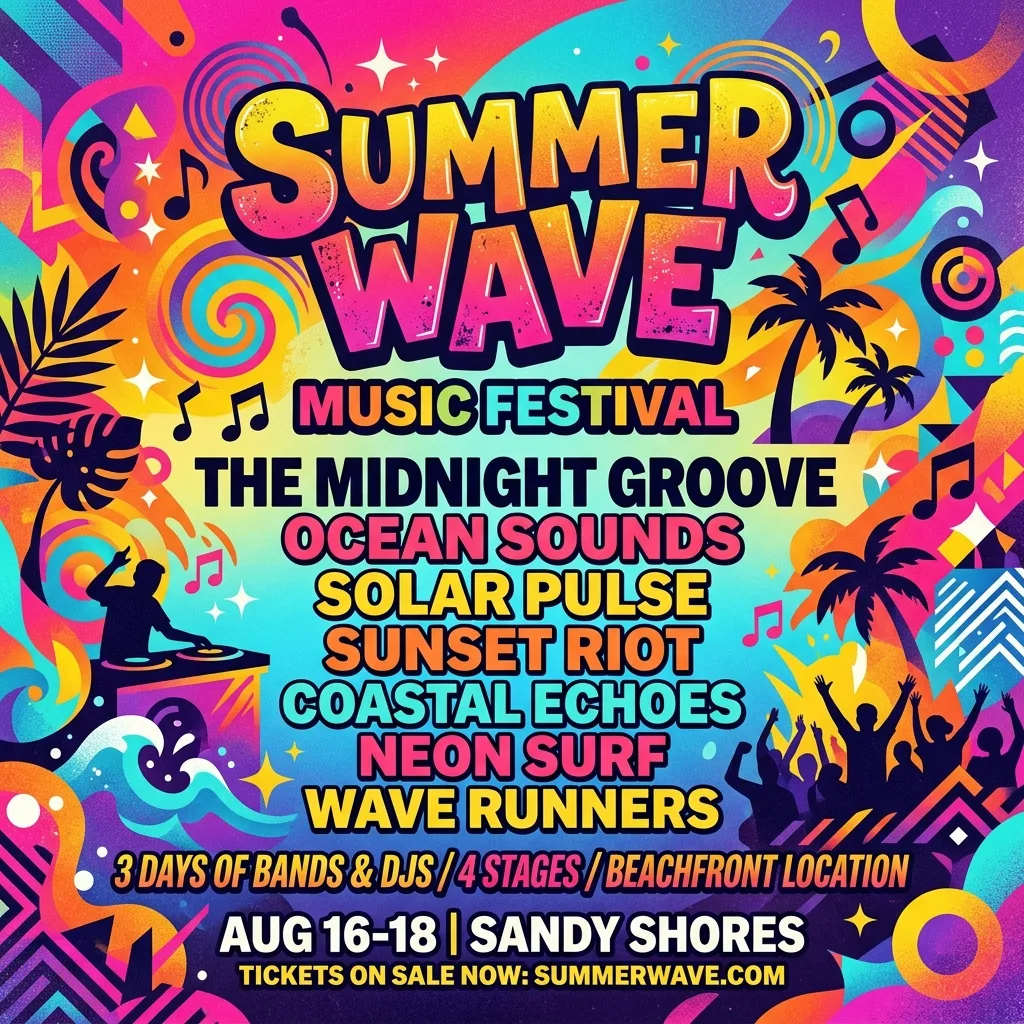
Music festival poster
Music festival poster with bold typography reading SUMMER NIGHTS 2026, geometric shapes, vibrant gradient background, layered composition
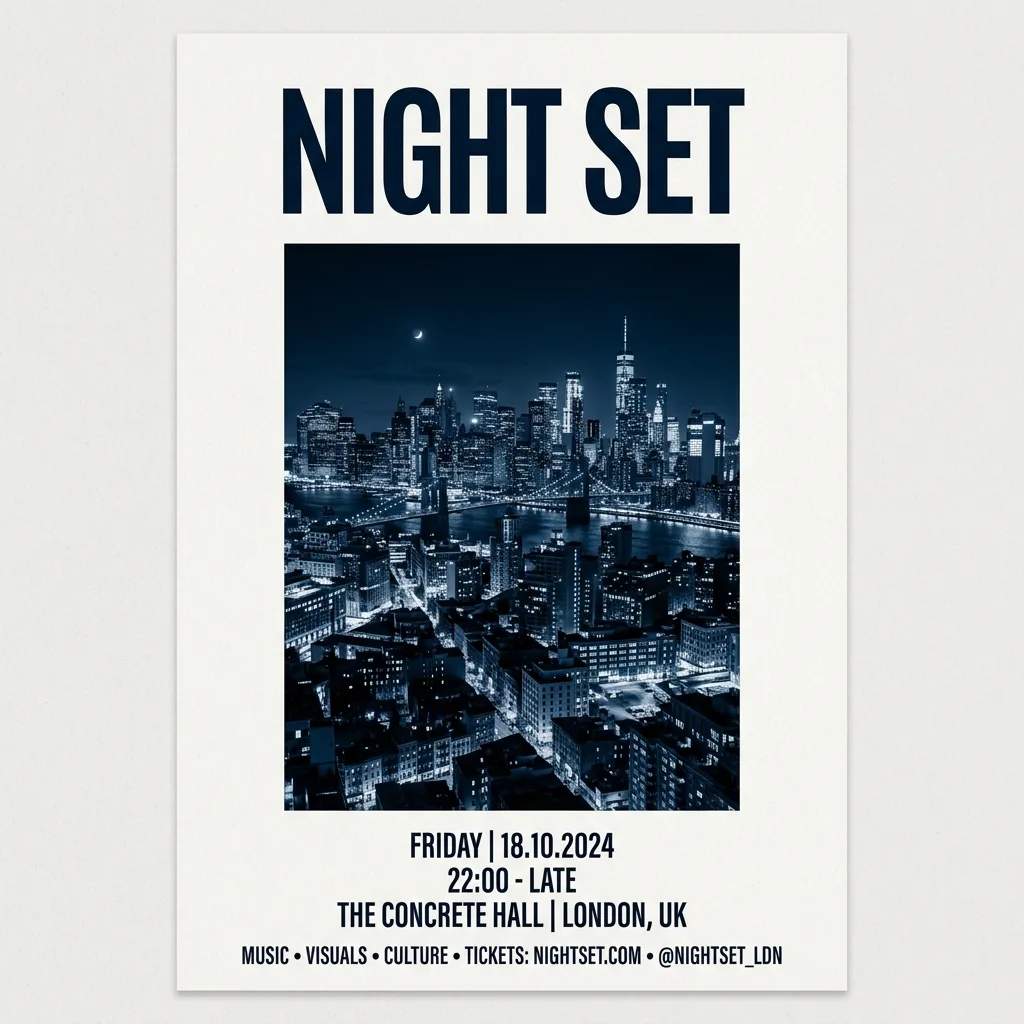
Minimal event poster
Minimal modernist event poster, large serif headline, single duotone illustration, lots of whitespace, gallery print style
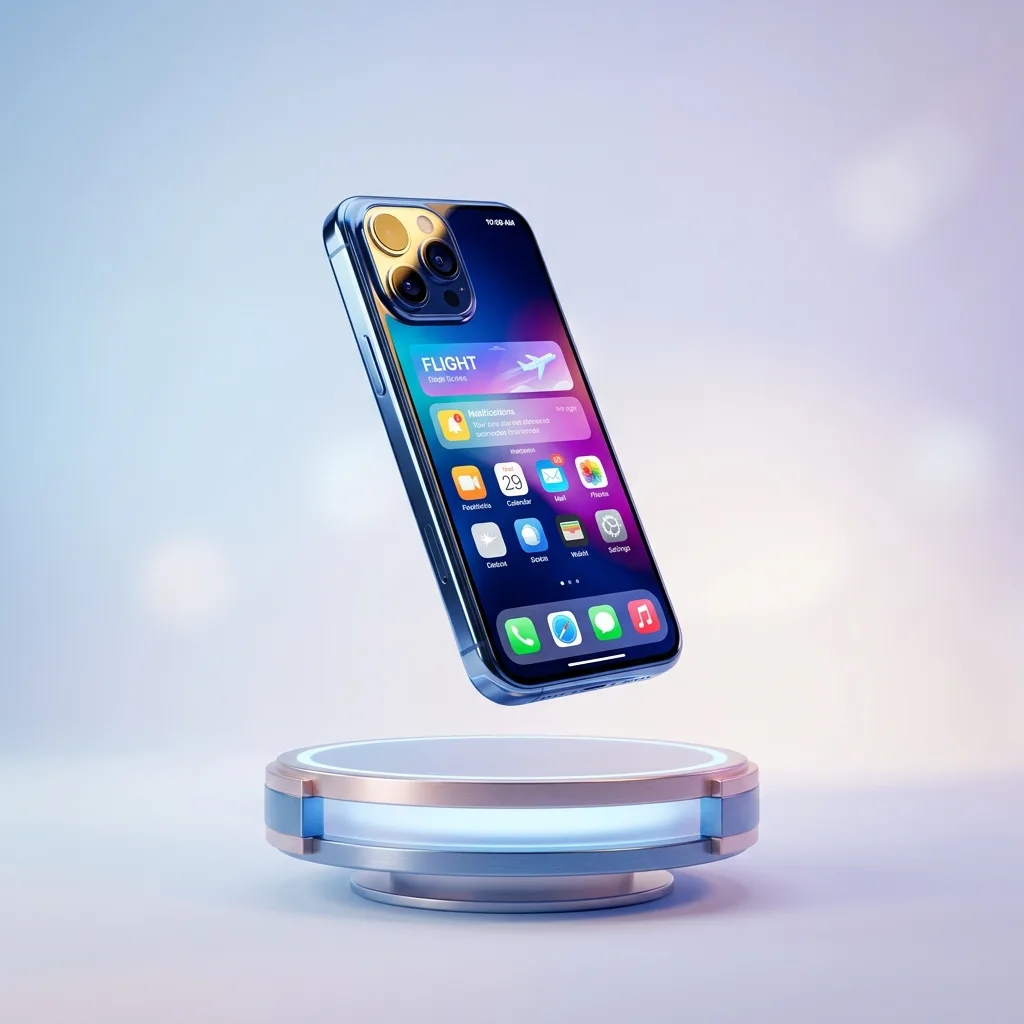
3D product mockup
Photoreal 3D product mockup, app icon floating above a soft gradient background, subtle shadow, premium polished render
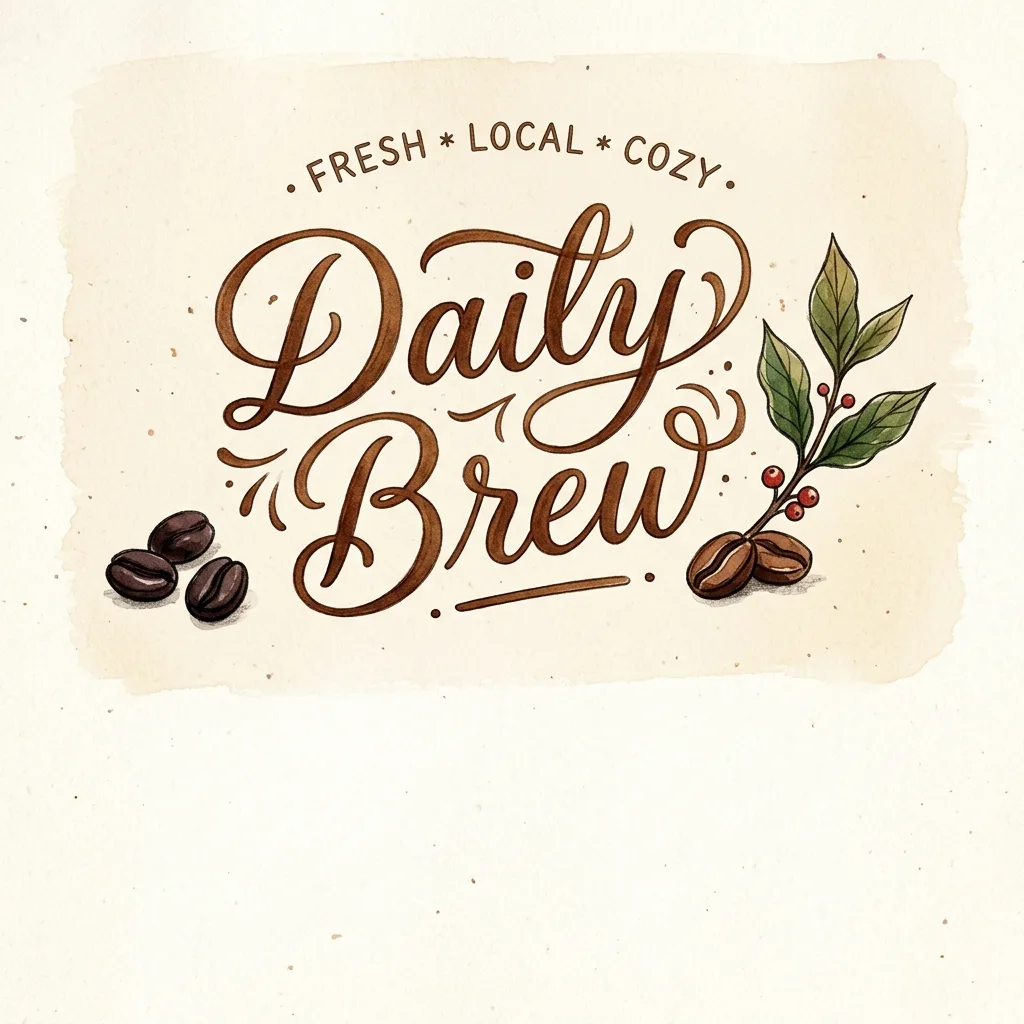
Café brand lettering
Vintage café shopfront sign with hand-painted lettering reading MORNING ROAST, weathered wood background, golden hour lighting

App onboarding screen
Mobile app onboarding screen mockup, gradient background, illustrated character, large headline text WELCOME, clean modern UI
GPT Image 2 tips: cleaner text and smarter credit spend
Three habits that help you spend GPT Image 2 credits efficiently and get the best output.
1. Draft on Low quality, finalize on Medium or High
Don't run High quality on prompts you haven't validated. Use Low quality for 5-10 quick tests to lock the direction, then run Medium or High for the final keeper. Low costs a fraction of High, so validating on Low first noticeably cuts your credit spend.
2. Spell out composition and any text you want
GPT Image 2 handles complex spatial relationships and in-image text, but only when you describe them. 'Three people in a line, the tallest in the center, looking at the camera' beats 'a group of people'. For text, put the exact string in quotes — 'a sign reading "GRAND OPENING"' — and keep it short.
3. Lock the format up front and save keepers
GPT Image 2 has three fixed sizes (1:1, 4:3, 2:3) and no seed, so you can't resize afterward or reproduce a result exactly. Pick the ratio for where the image will live — 4:3 for blog headers, 1:1 for social, 2:3 for portrait — before you generate, and save any output you like the moment it appears.
GPT Image 2 FAQ: quality tiers, text rendering, and cost
Answers to common questions about GPT Image 2 — its quality tiers, in-image text rendering, output sizes, generation speed, and how its credit cost compares to faster models.
What is GPT Image 2?
GPT Image 2 is OpenAI's image generation model, the successor to DALL-E 3. It's known for highest-quality output, especially complex scenes and accurate text rendering. We access it through the fal.ai platform for unified access alongside other models.
Why is GPT Image 2 slower than the other models?
GPT Image 2 runs multiple inference passes and uses heavier post-processing. That's how it achieves the highest quality. Low quality takes ~40 s, Medium ~1.5 min, High 3–4 min. Z-Image Turbo (5–10 s) is the right model when speed matters more than quality.
What's the difference between Low, Medium, and High quality tiers?
Three tiers trade speed and detail for cost. Low (~40 s) is for ideation drafts, Medium (~1.5 min) is the balanced default for most use cases, High (3–4 min) is for final professional output. Credit cost rises with each tier. Use Low to explore and High to finalize — for exact per-image credits, see thepricing page →
Why doesn't GPT Image 2 have a seed parameter?
OpenAI's API doesn't expose one. They intentionally made GPT Image 2 non-deterministic, so each generation has slight variations even with identical prompts. We don't add a seed input on our side because the underlying API would ignore it.
Can I use GPT Image 2 for image-to-image edits?
Yes, upload a reference image and write your edit prompt. GPT Image 2's image-edit endpoint produces high-quality refined edits. For instruction-style 'change X to Y' edits with identity preservation, Nano Banana 2 is more precise and typically faster.
Why only three output sizes?
OpenAI's API hard-locks GPT Image 2 to three sizes: 1024×1024 (1:1), 1024×768 (4:3), and 1024×1536 (2:3). No custom dimensions are supported. Pick the size closest to your end use, we whitelist these three on our pricing table and credit calculations.
Can GPT Image 2 render text in images correctly?
Yes, it's the strongest model in our lineup for in-image text. Short readable strings (up to ~10 words) render with high accuracy. Longer paragraphs still struggle. Tip: put the text in quotes in your prompt for best results.
Why does PNG cost more than JPEG for GPT Image 2?
PNG generations cost more than JPEG or WebP for GPT Image 2 because the model is priced differently by output format, and we pass that through in our credit calculation. If file size doesn't matter, JPEG or WebP is the cheaper choice. See the pricing page for current rates.
Will GPT Image 2 generate content that violates OpenAI's policies?
No, OpenAI's content moderation runs natively and can't be disabled. Policy-violating prompts are rejected before generation, and credits are automatically refunded by our retry logic. This is stricter than fal's optional safety checker on diffusion models.
Can I use GPT Image 2 outputs commercially?
Yes, on all paid plans. You retain rights to the images. As with any AI-generated image, copyright protection in some jurisdictions (notably the US) may be limited for purely AI-generated work — for the full disclaimer, see ourTerms of Service →
Try GPT Image 2 free
Free credits on signup. Generate your first GPT Image 2 image in seconds on Low quality, or wait a little longer on High for maximum polish.
Disclaimer: Zeva AI is an independent product and is not affiliated with, endorsed by, or sponsored by OpenAI. GPT Image 2 is developed and owned by OpenAI. All model names, logos, and trademarks are the property of their respective owners. Zeva AI accesses GPT Image 2 through the fal.ai platform.