
AI Polaroid Generator: Turn a Selfie into Instant Film
Upload a photo and the AI rebuilds it as an authentic vintage Polaroid — the thick white instant-film frame, soft flash, faded film colors and gentle light leaks. Your face and pose stay recognizable, and you can optionally drop yourself into a scene or next to someone. Powered by Nano Banana 2, with free credits on signup and no watermark.
Click to upload an image
or drag and drop • Max 10MB
Image resolution quality
Seed for reproducible results
File format for the generated image
Est. time: up to 25 sec
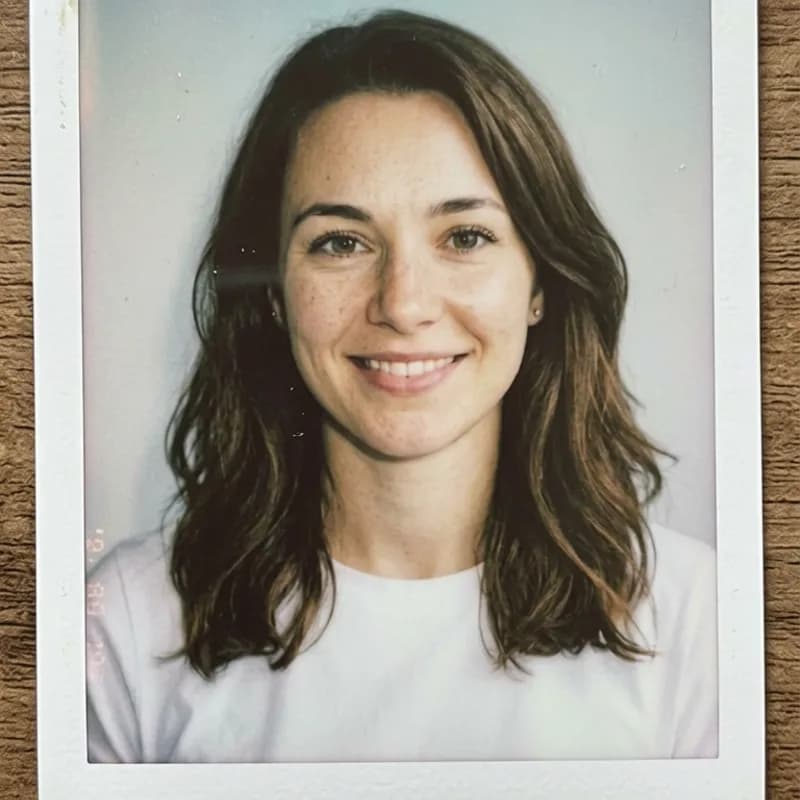
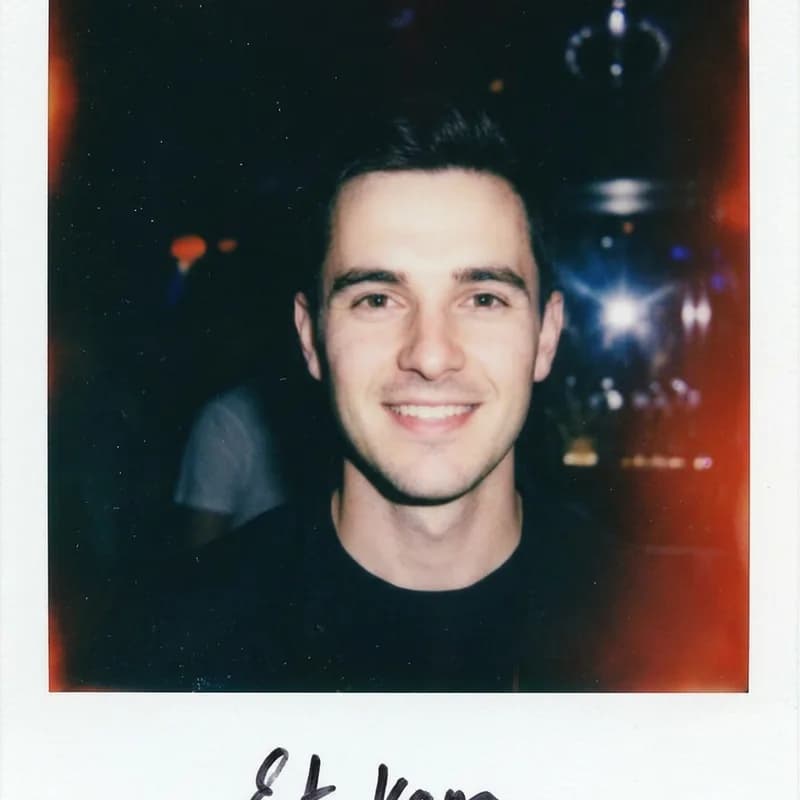
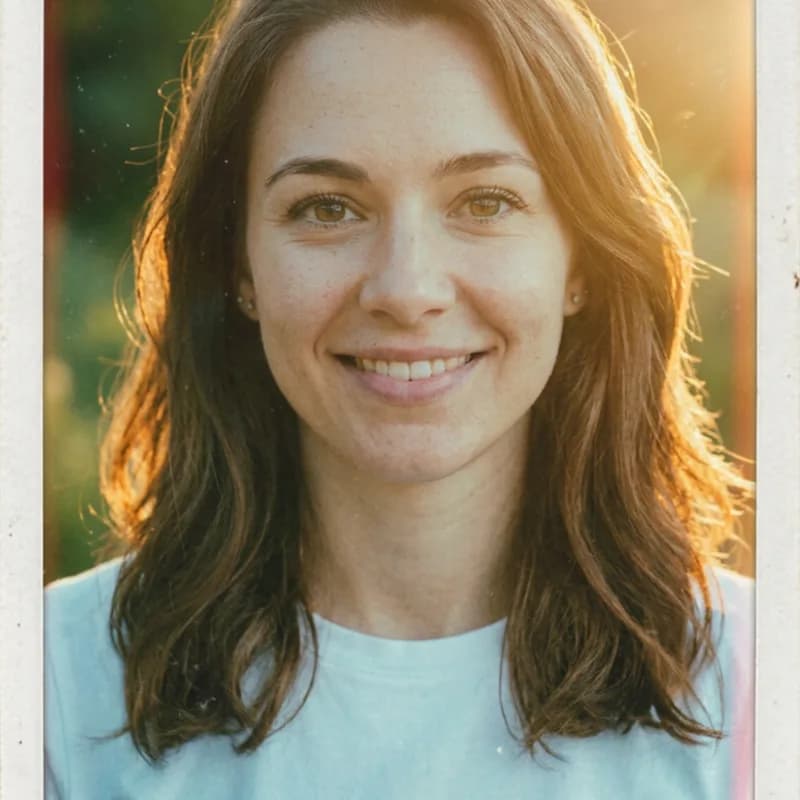
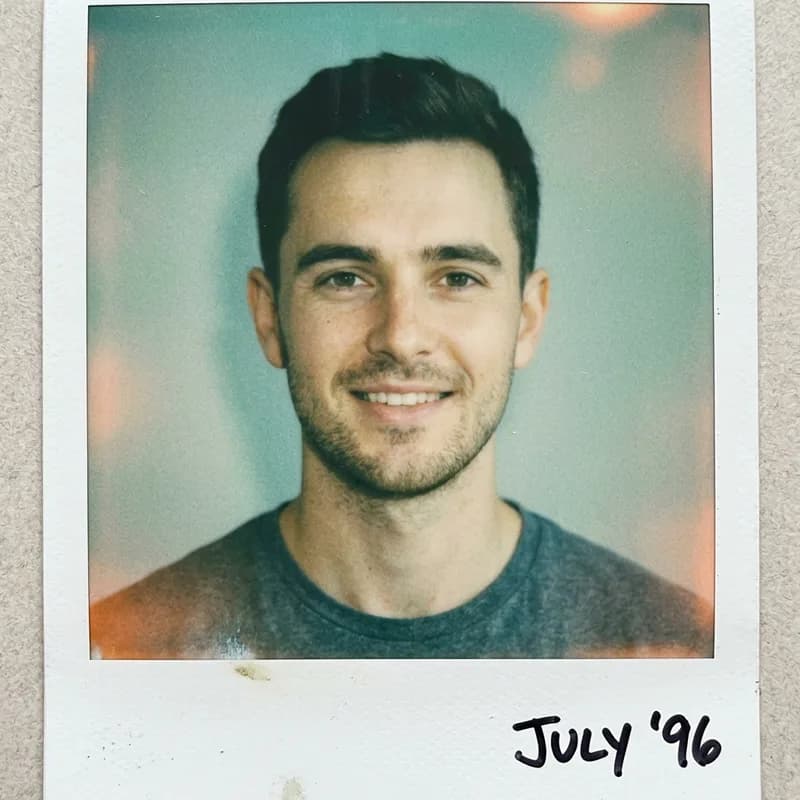
Example results — your generation will appear here.
How to Create a Polaroid AI Photo in 3 Steps
There is no instant camera and no editing involved — you upload a photo, optionally add a scene, and the AI generates the finished Polaroid for you.
1. Upload your photo
Drop in a clear selfie or any photo you want as a Polaroid. A well-lit, front-facing shot gives the most authentic instant-film look. JPEG, PNG and WebP all work.
2. Add a scene or person (optional)
Optionally type a scene or someone to add — 'on a beach', 'at a party', 'with a friend' — and the AI places you in it. Leave it blank for a classic studio-flash Polaroid.
3. Generate and download
Click Generate and your Polaroid is ready in seconds, frame and all. Download it free with no watermark, then post or print it.
AI Polaroid Photo Examples: Before & After
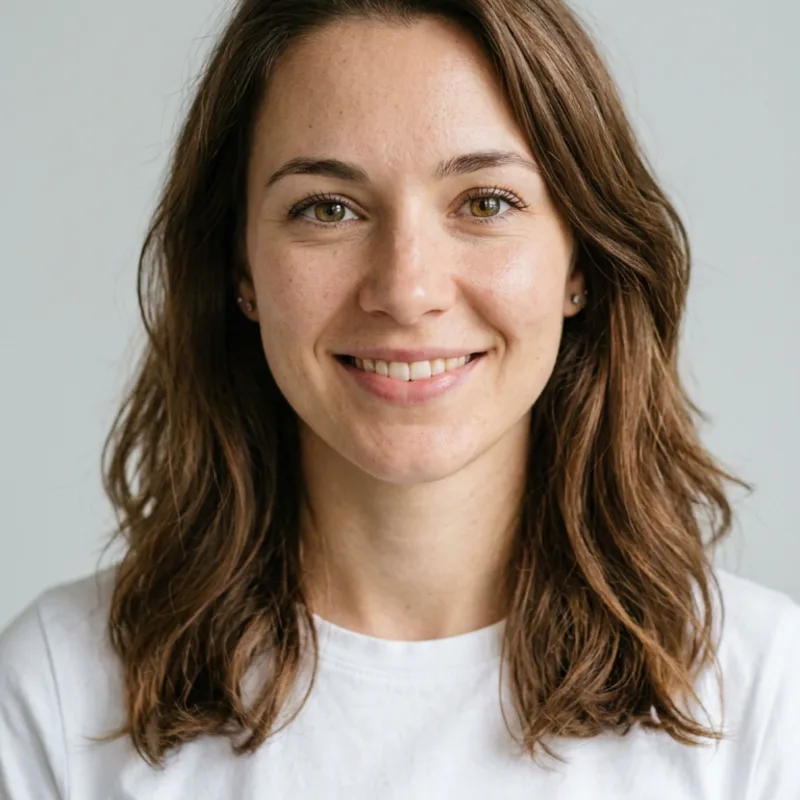
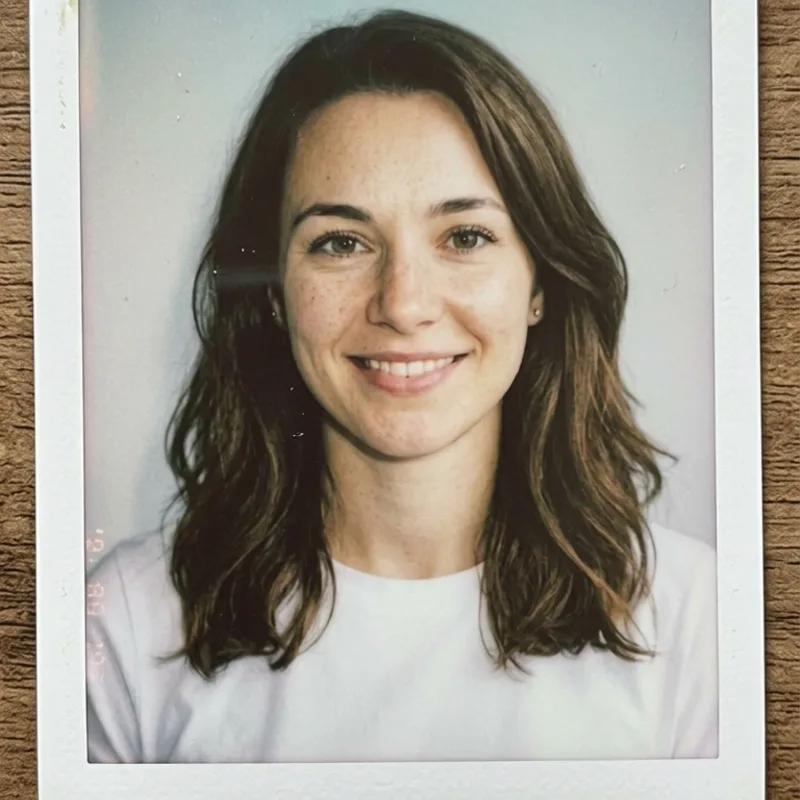
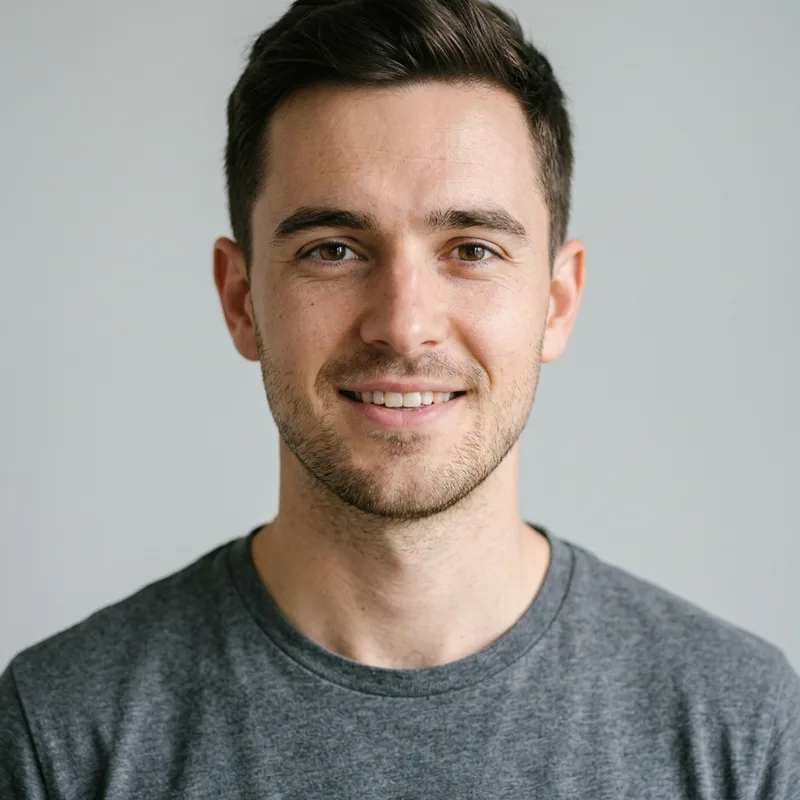
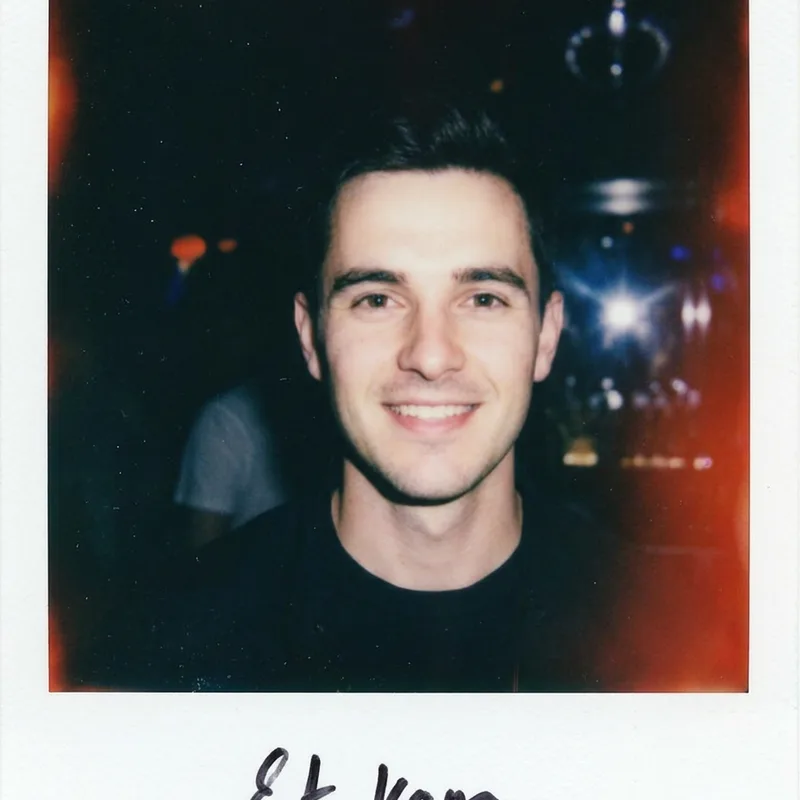
Each example below is a real photo turned into a vintage Polaroid — the same person, now in authentic instant film with the classic frame.
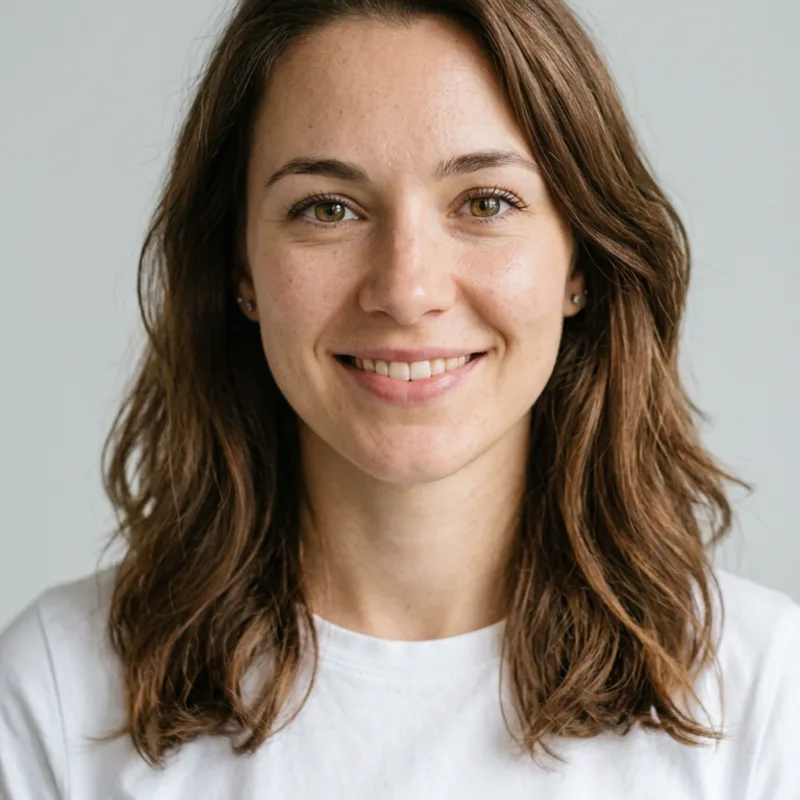
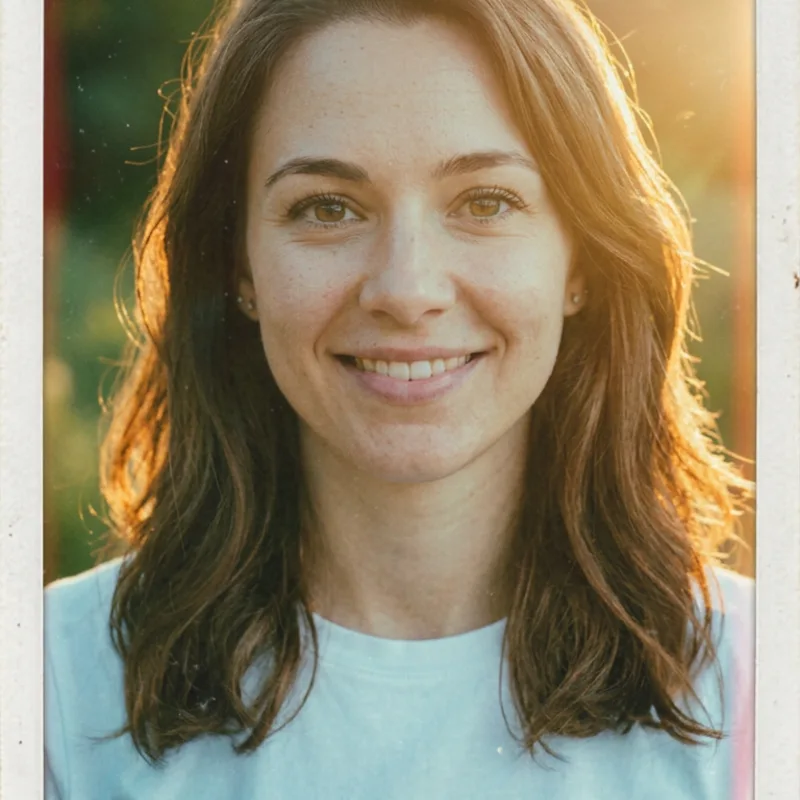
What People Make Polaroids For
People turn photos into Polaroids for aesthetic profile pictures, keepsakes, on-trend social posts and fun photos 'with' anyone — anywhere a warm vintage snapshot beats a plain selfie.
Aesthetic profile pictures
Give your social profiles a warm, nostalgic Polaroid look that stands out from plain selfies.
Keepsakes and gifts
Turn a favorite photo of a friend, partner or pet into a vintage Polaroid to print, frame or send.
On-trend social content
Recreate the viral Polaroid trend for Instagram, TikTok and Threads without an instant camera or film.
Photos 'with' anyone
Add a friend, a celebrity or a K-pop idol to your Polaroid and the AI composites them in with matching film tones.
Why Make Your Polaroid Here
It turns one photo into an authentic instant-film Polaroid that is recognizable, warm and ready to share — without film, scanning or editing.
Authentic instant-film look
Powered by Nano Banana 2, it reproduces the real Polaroid frame, soft flash, faded colors and light leaks, instead of slapping a flat filter over your photo.
It still looks like you
The AI keeps your face, expression, hairstyle and glasses, so the Polaroid is recognizably you in vintage film, not a different person.
One click, no editing
There is no film, no scanning and no photo editor — you upload a photo and the finished Polaroid is generated for you in seconds.
AI Polaroid Generator FAQ
Answers on which photos work best, adding scenes and people, Polaroid styles, watermarks, privacy and what you get on the free plan.
How do I turn my photo into a Polaroid?
Upload a clear photo, optionally type a scene or a person to add, and click Generate. The AI rebuilds your photo as an authentic vintage Polaroid — white instant-film frame, soft flash and faded film tones — while keeping your face and pose recognizable. It takes a few seconds and the download is free.
Is the AI Polaroid generator free?
You get free credits when you sign up, which is enough to make several Polaroids, and there is no watermark on the result. You only need a paid plan if you want to make a lot of them.See pricing
Will the Polaroid still look like me?
Yes. The model preserves your face, expression, hairstyle and glasses, so the Polaroid is clearly you, just rendered as vintage instant film. A clear, front-facing photo gives the most authentic result.
What photo works best?
A clear, well-lit, front-facing photo. Portraits and group shots both work. Avoid heavy existing filters, sunglasses that hide your eyes, and very low-resolution images.
Can I add a scene or another person?
Yes. There is an optional field where you can describe a scene or a person to add — for example 'on a beach', 'at a concert' or 'with a friend' — and the AI places you in it with matching Polaroid film tones.
What Polaroid styles can I make?
From a classic warm vintage Polaroid to a 2000s night-flash snapshot, a golden-hour shot or a faded 90s film look. Describe the mood in the scene field and the AI matches the lighting and colors.
Is there a watermark on the result?
No. Downloads have no watermark, so you can use your Polaroid as a profile picture, print it, or share it anywhere.
Are my photos kept private?
Your photo is used only to generate your Polaroid and is not shared or sold.Read the privacy policy
Make your Polaroid now
Upload a photo, add an optional scene, and download your vintage Polaroid in seconds — free credits on signup, no credit card required.