
Free Old Photo Restoration: Repair & Colorize Your Memories
Old photo restoration AI brings damaged and faded photos back to life. Remove scratches, creases and spots, sharpen blurred faces, fix color casts, and add natural color to black-and-white shots. Just upload a photo and generate — no editing skills needed — then download your restored picture free.
Click to upload an image
or drag and drop • Max 10MB
Image resolution quality
Seed for reproducible results
File format for the generated image
Est. time: up to 45 sec
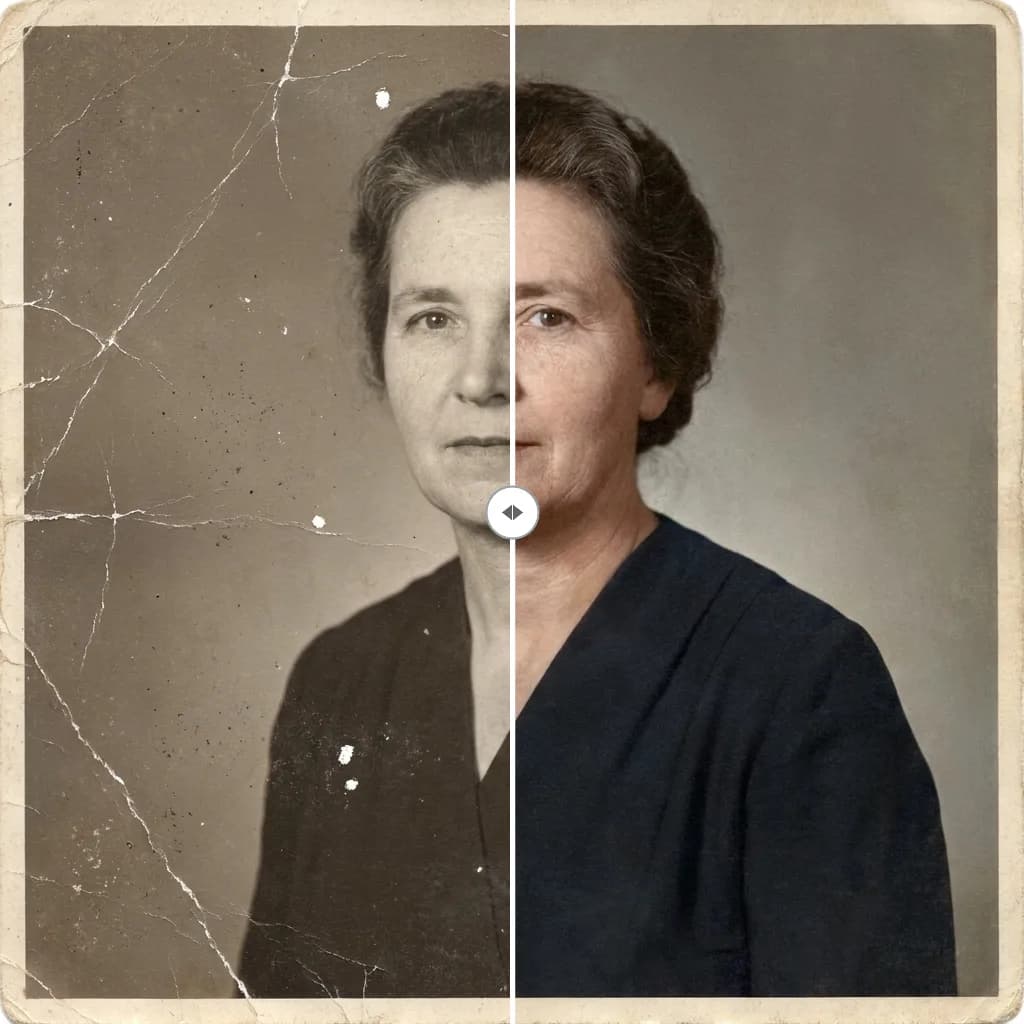

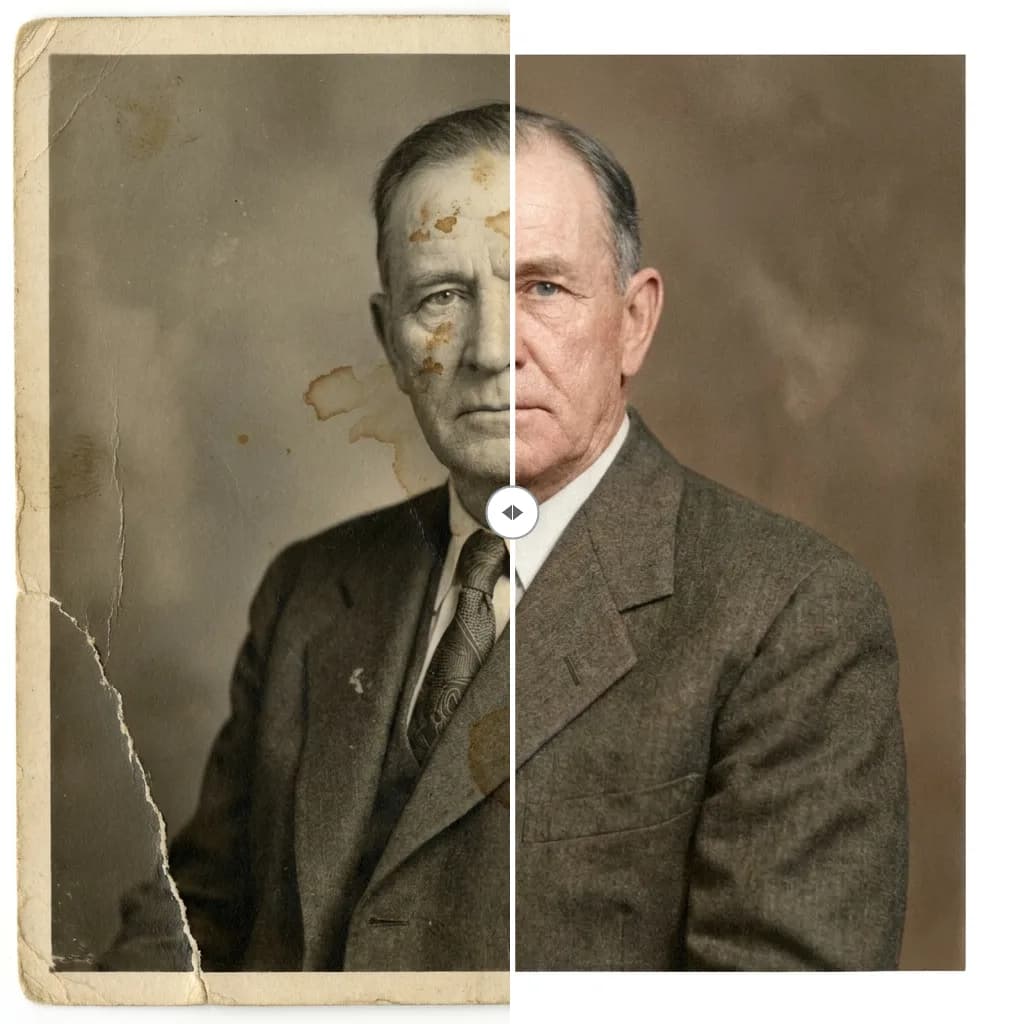
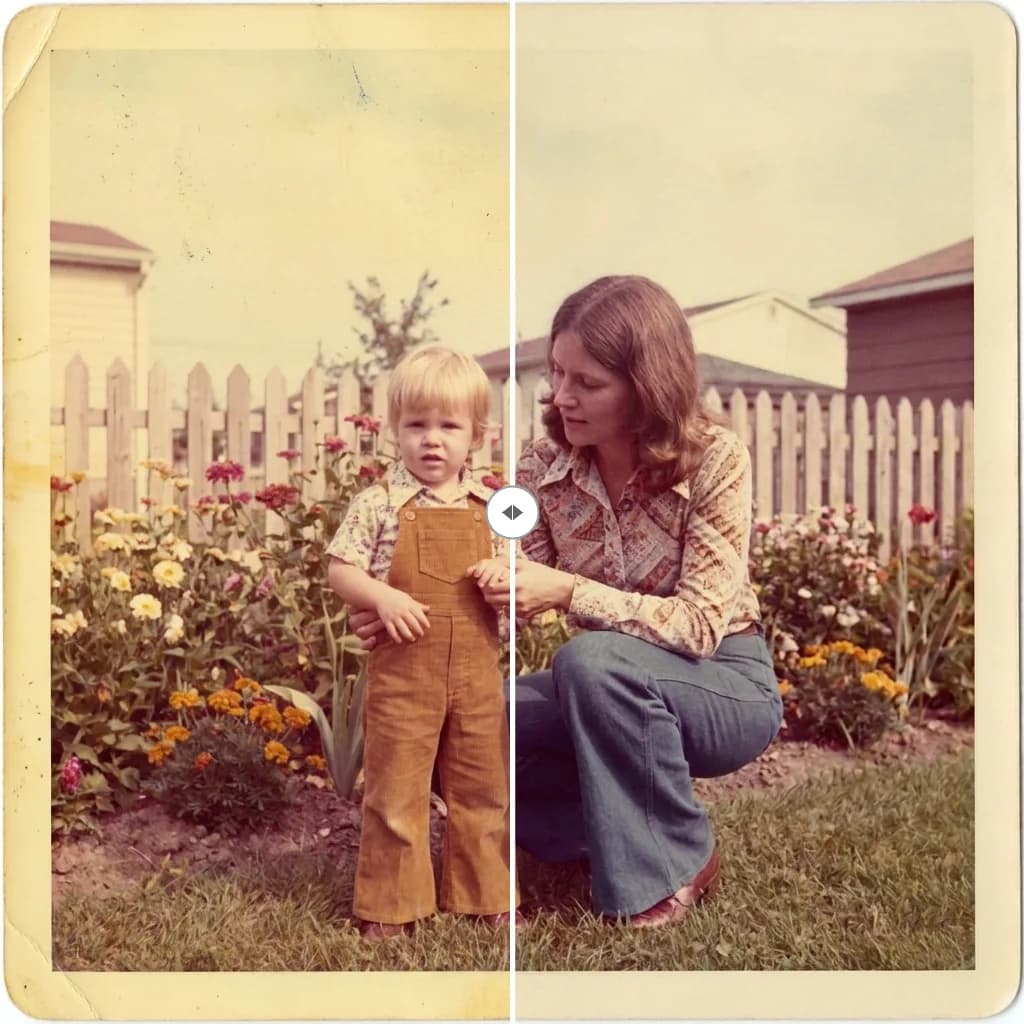
Example results — your generation will appear here.
Restore an old photo in three steps
Restoring an old photo takes three steps and no editing skills — you upload it, the AI repairs the damage, and you download the result.
1. Upload your old photo
Scan or photograph the picture you want to fix and drop it in. Scratched, torn, faded or black-and-white — JPEG, PNG or WebP all work.
2. Click Restore
The restoration is preset — there's no prompt to write. The AI removes damage, sharpens faces, corrects fading and adds natural color where it's missing.
3. Download your photo
In a few seconds your repaired photo is ready to download — watermark-free and ready to print, share or keep for the family archive.
See what old photo restoration brings back
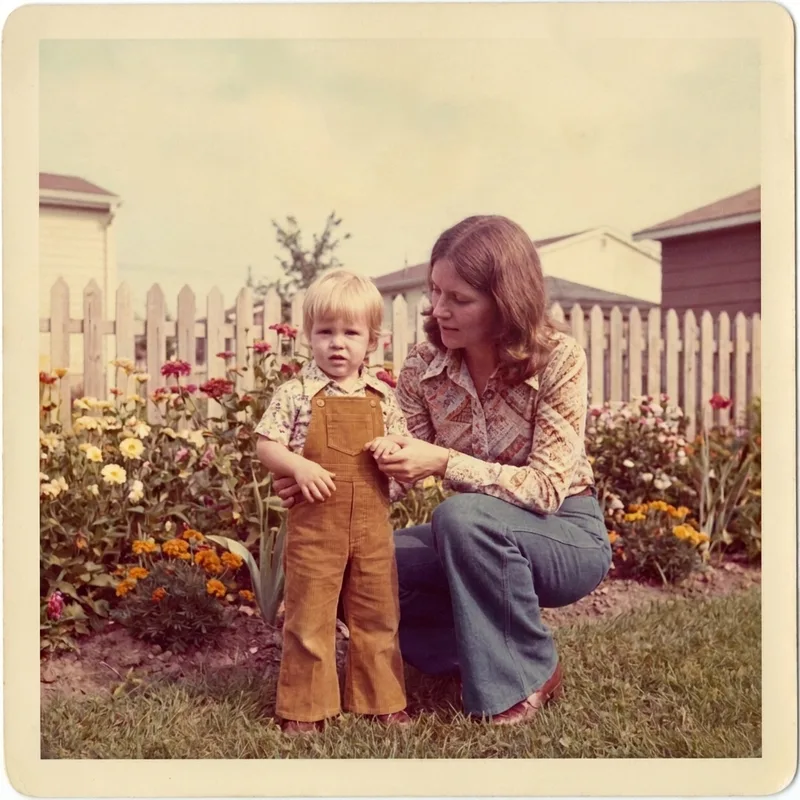
These are real restorations: the AI removes the damage, sharpens faces, corrects faded color, and brings black-and-white photos back to life.
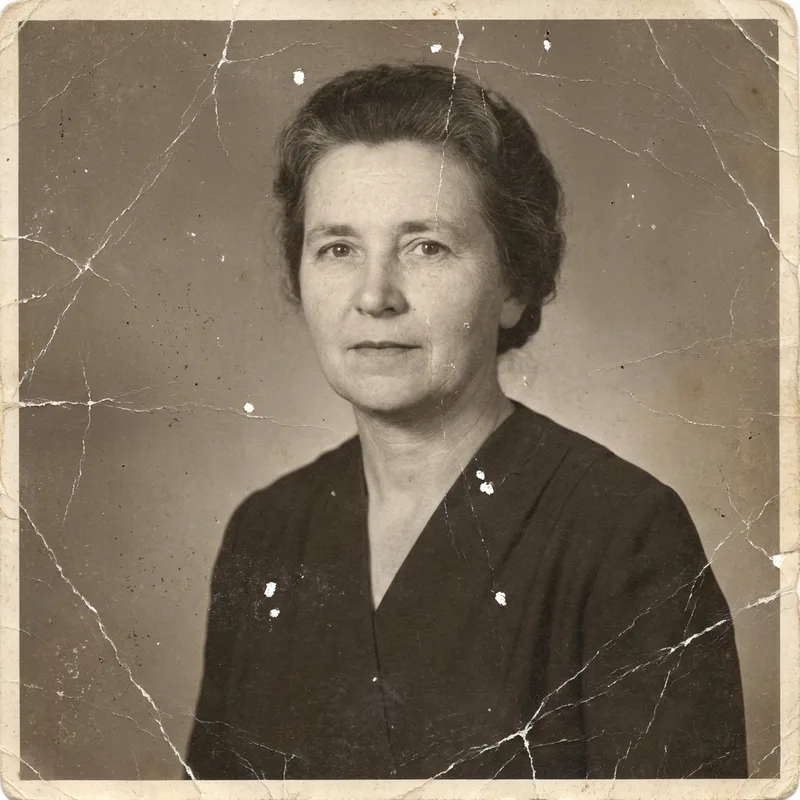
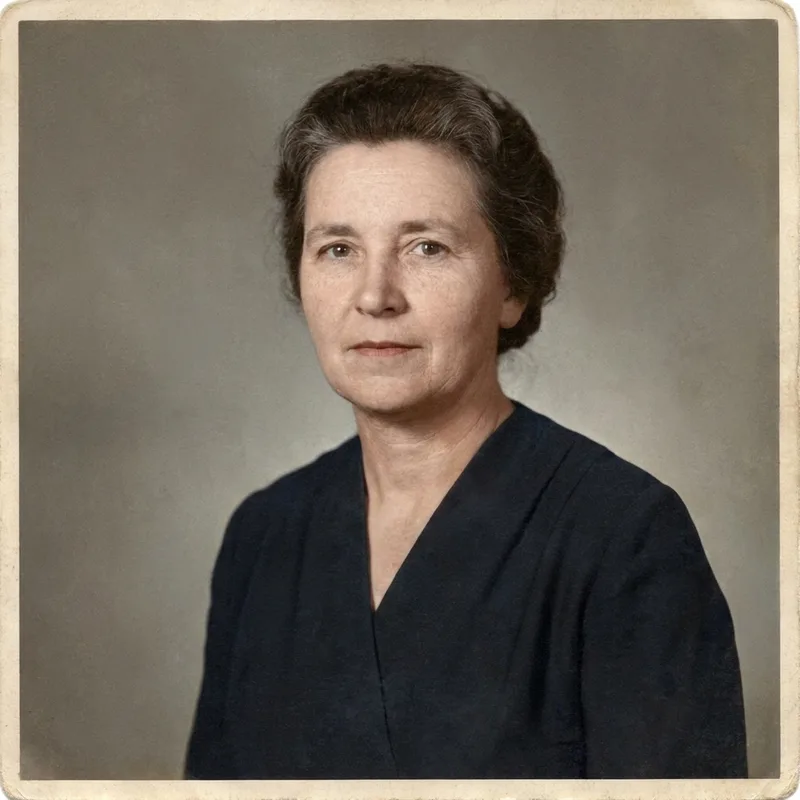
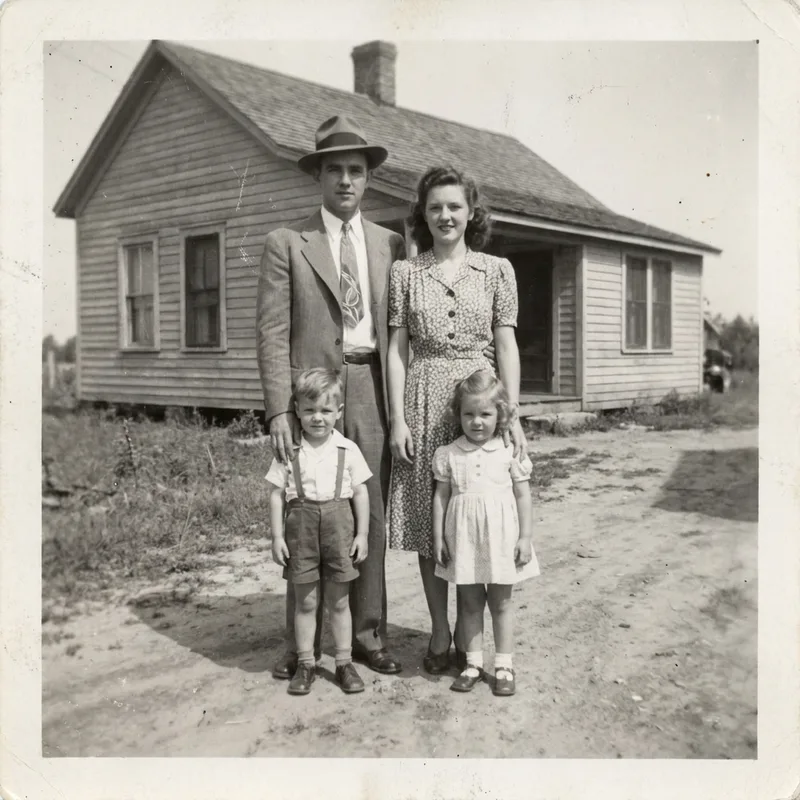
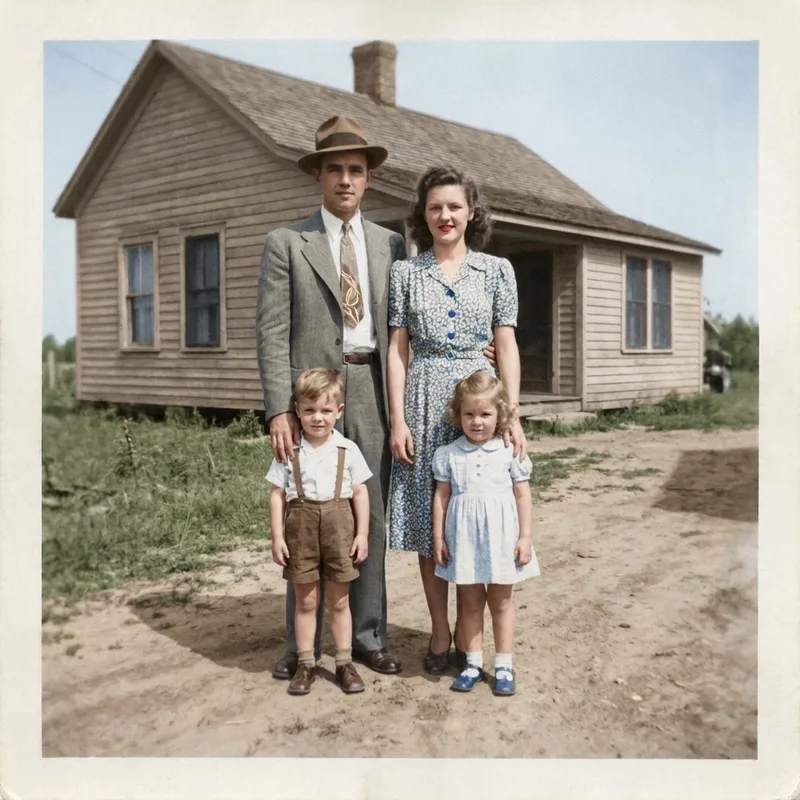
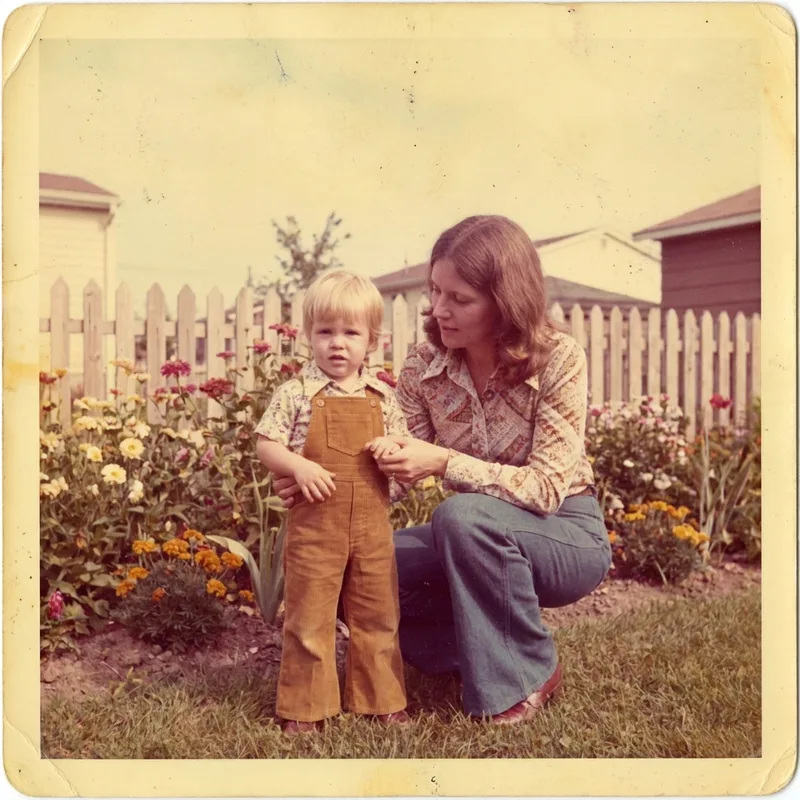
What you can restore with old photo restoration
Whether you're fixing a single damaged print or digitizing a whole box of family photos, the tool handles the most common kinds of old-photo damage.
Family & ancestor photos
Rescue irreplaceable photos of parents, grandparents and family events before they fade any further.
Damaged & torn prints
Repair scratches, creases, tears, water damage and missing corners on old printed photos.
Faded & yellowed photos
Bring back the color and contrast of photos that have yellowed or washed out with age.
Black-and-white colorization
Add natural, believable color to vintage black-and-white photographs in one click.
AI Restore Old Photos in One Click
The tool automates the work a retouching pro would do by hand, and you can start restoring photos for free.
No editing skills needed
The restoration is preset. You just upload and click — no prompts, no sliders, no Photoshop.
Faces stay recognizable
Repairs sharpen and clean up faces while preserving identity, so the person still looks like themselves.
Free & watermark-free
Start free with credits on signup and download your restored photo in full quality, no watermark.
Old photo restoration FAQ
Everything you need to know about restoring your photos.
Restore your old photos now
Sign up, get free credits, and bring your first old photo back to life in seconds.