
Photo to Coloring Page Converter
Turn a photo into a coloring page in one click: clean black outlines on a white background, with faces and pets that still look like themselves. Upload a picture, pick Simple or Detailed, then download the PNG, print it, or save a Letter or A4 PDF.
Click to upload an image
or drag and drop • Max 10MB
Image resolution quality
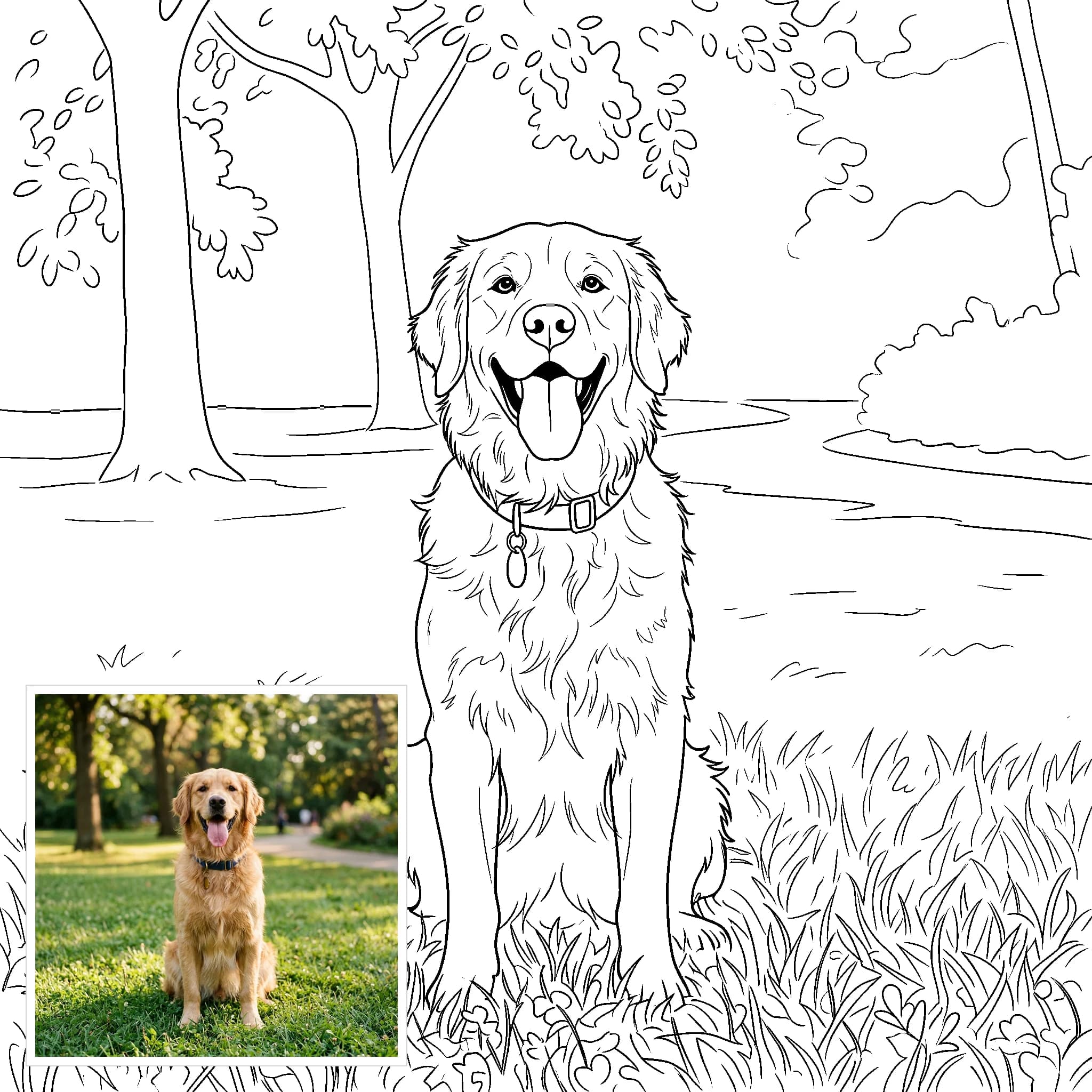
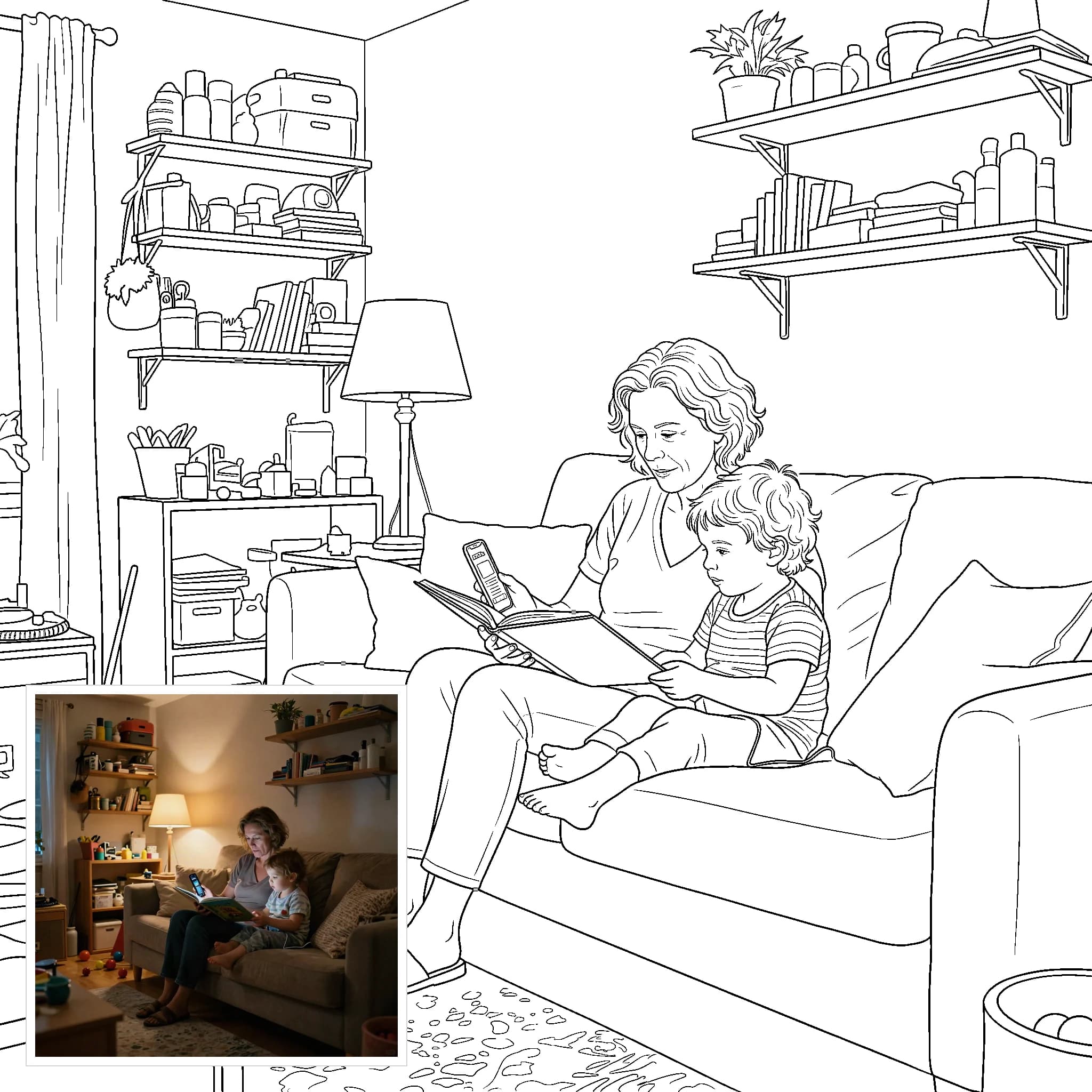
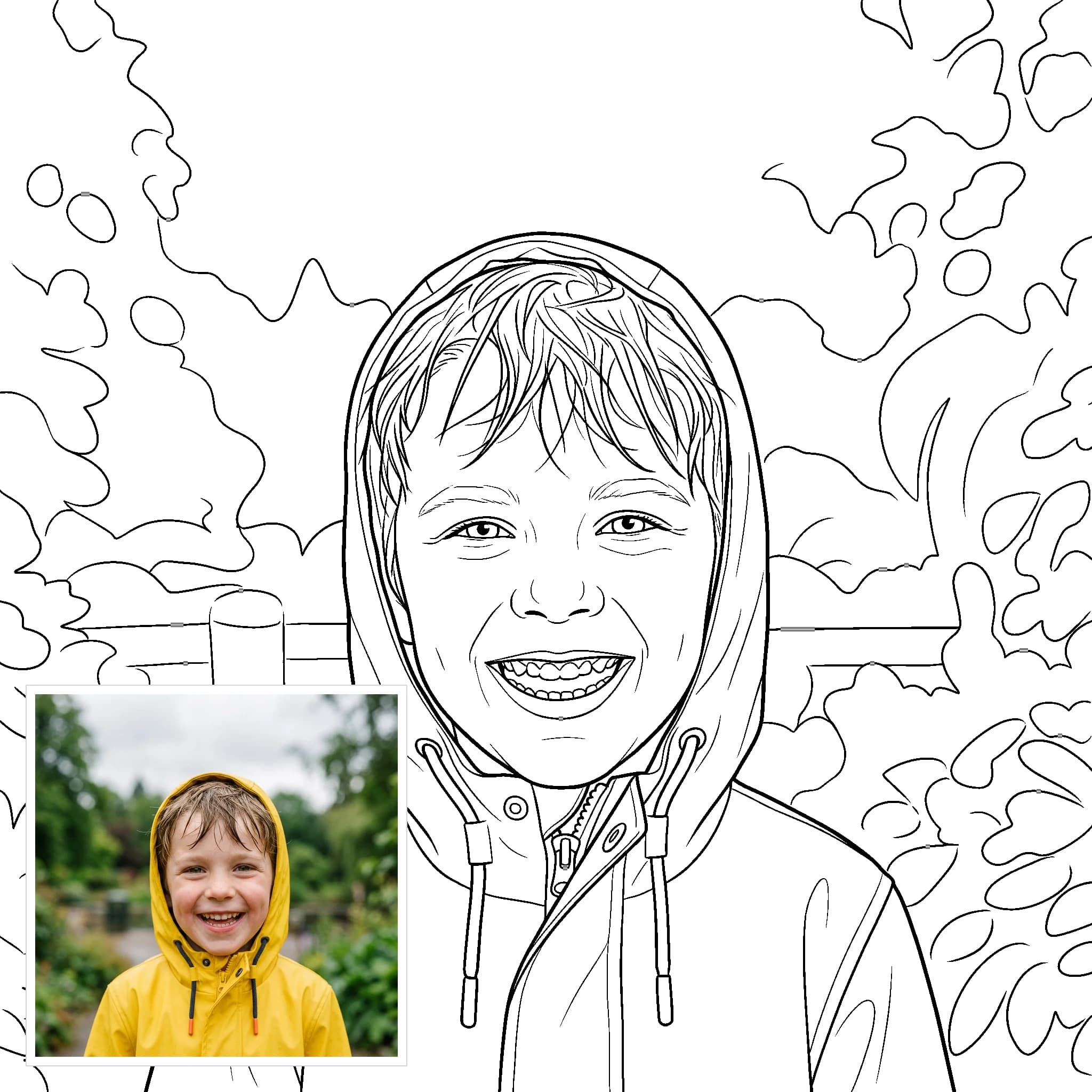
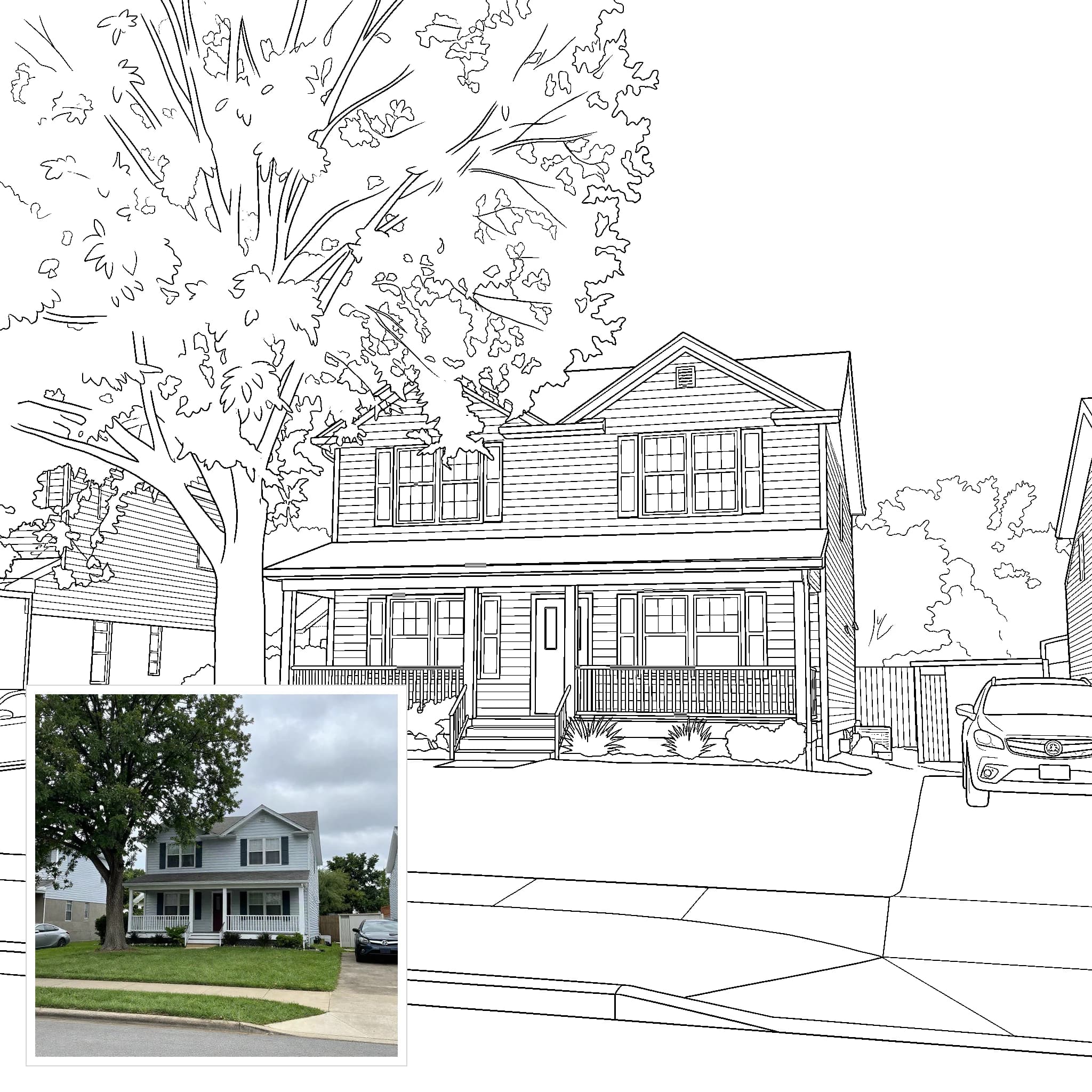
Example results — your generation will appear here.
How to Turn a Photo into a Coloring Page
Making a coloring page from a photo takes three steps and no drawing or prompt writing.
1. Upload your photo
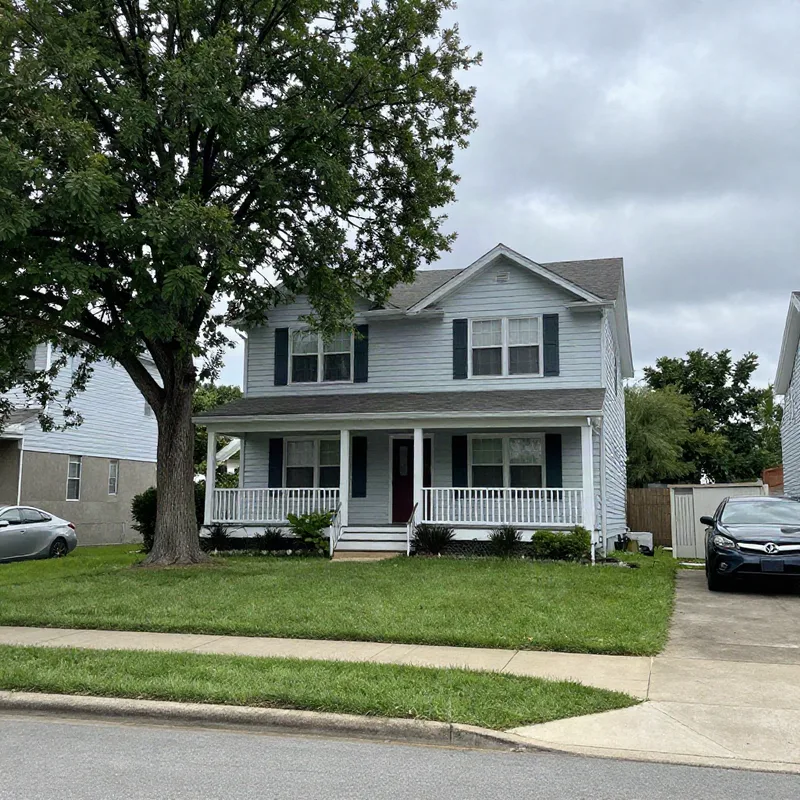
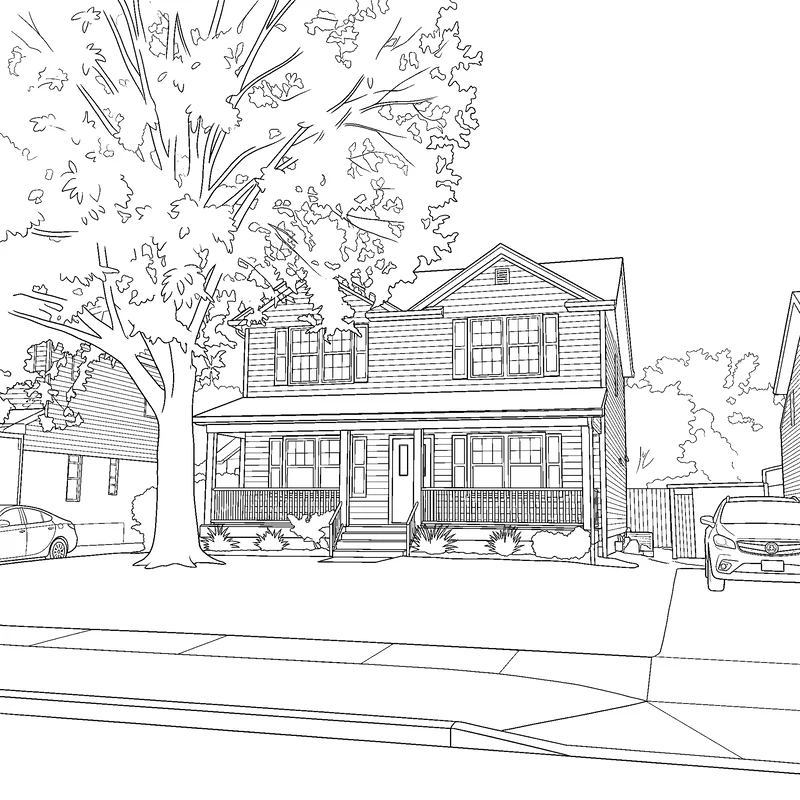
Choose a JPEG, PNG or WebP of a person, a pet, your house or any scene. The coloring page keeps the same shape as your photo, portrait or landscape.
2. Pick a detail level and generate
Detailed keeps faces, fur and background recognizable. Simple draws bold outlines and big shapes for young children. Then click Generate.
3. Download or print
The result is cleaned to pure black and white. Download it as a PNG, print it straight from the page, or save a Letter or A4 PDF.
Photo to Coloring Page Examples
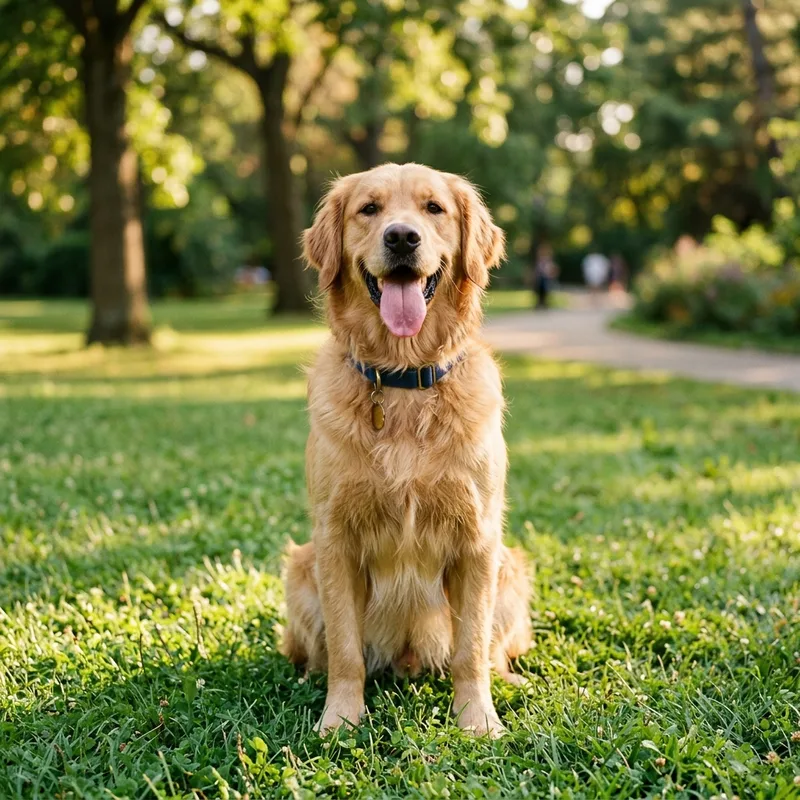
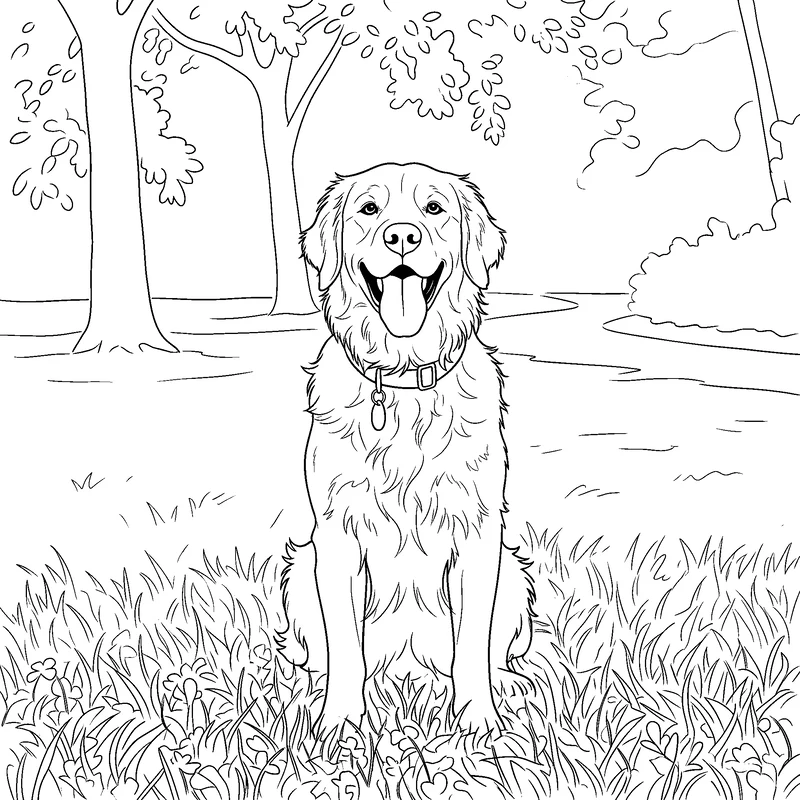
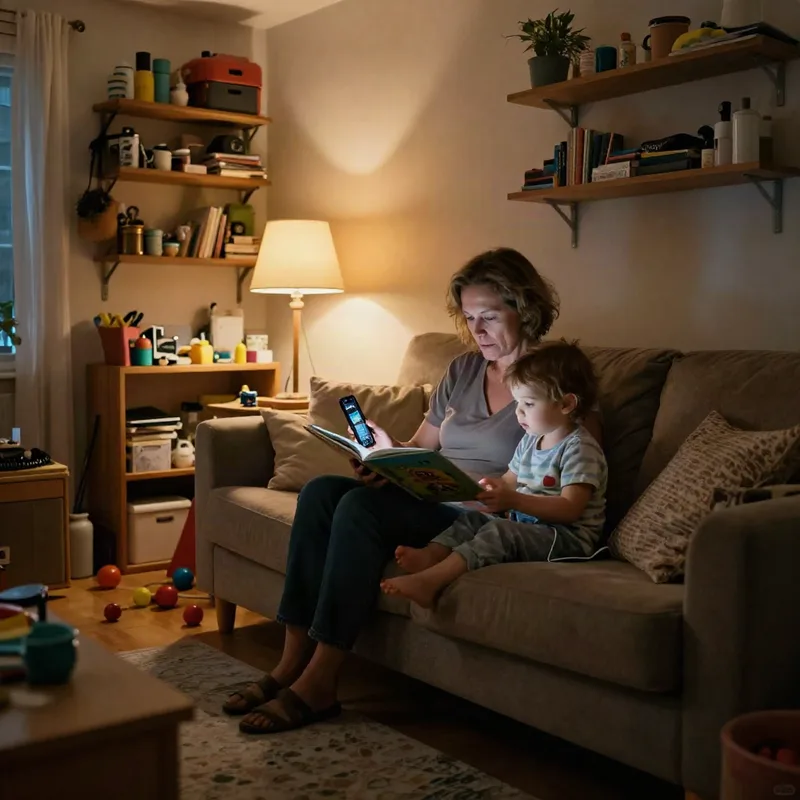
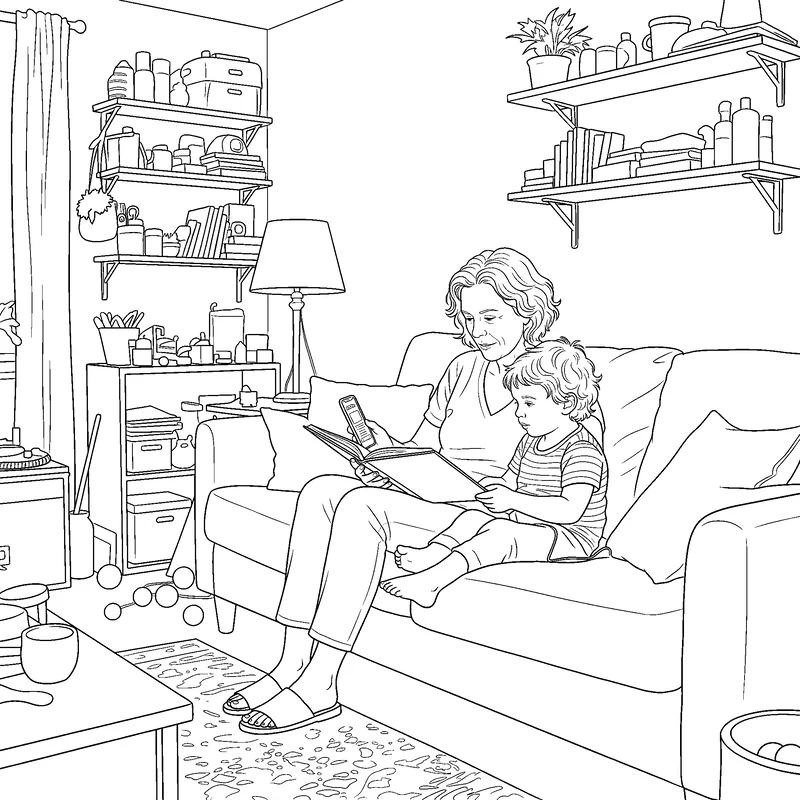
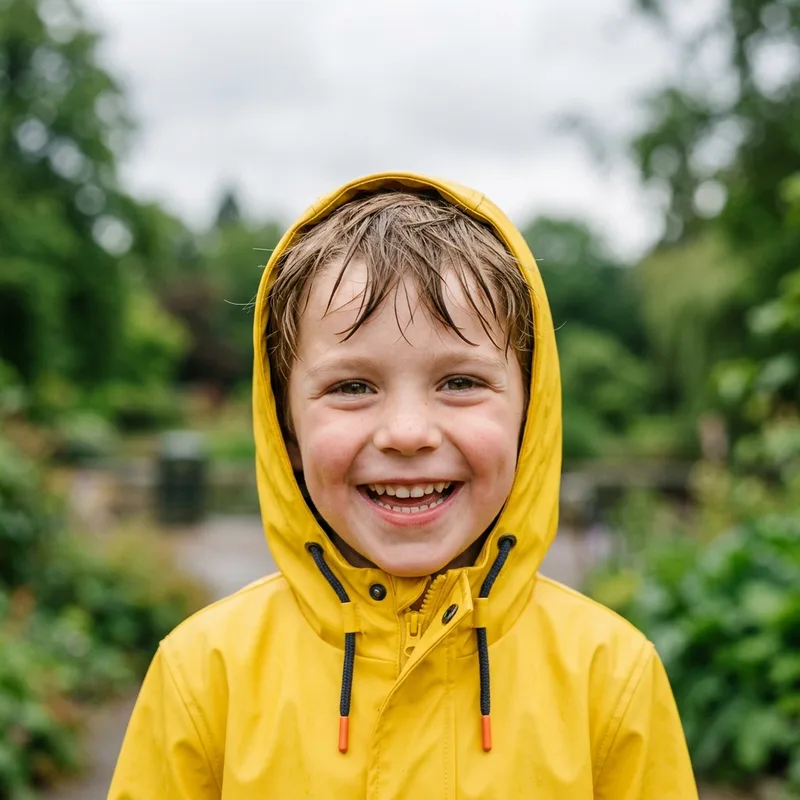
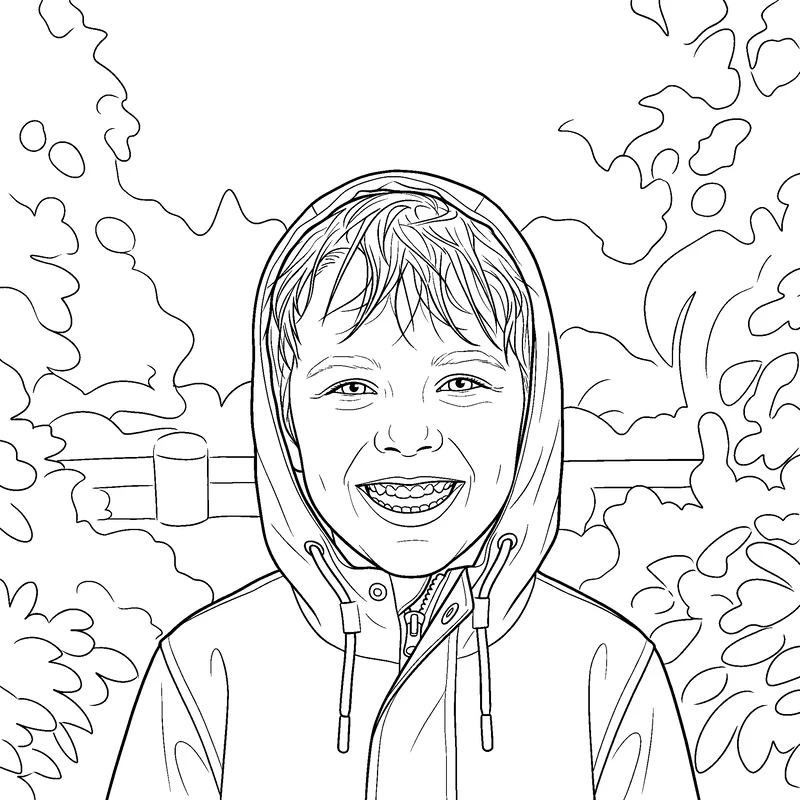
Each coloring page below came straight out of this tool on the Detailed setting, with no manual cleanup.
Custom Coloring Pages for Families, Classrooms and Pet Owners
Turn your own photos into coloring pages of the people, pets and places that matter to you.
Parents and grandparents
Turn a birthday, a holiday or the family dog into a coloring page for a rainy afternoon. Use Simple for toddlers and preschoolers.
Teachers and party hosts
Print a class photo, a field trip or the birthday child as an activity sheet. One photo gives you a page you can copy for the whole group.
Pet owners
The Detailed setting keeps ears, markings and fur shape, so the page reads as your pet rather than a generic dog or cat.
Coloring book makers
Build a custom coloring book from your own photos for a gift, an Etsy listing or a KDP interior. Pages have no watermark and can be used for personal and commercial projects, provided you have the rights to the photos.
Tips for the Best Coloring Page from Your Photo
The converter handles most photos, including dim and cluttered ones. These choices make the page cleaner and easier to color.
Start with a clear subject
Photos where the person or pet fills a good part of the frame give the most recognizable faces. Very small faces in a wide shot lose detail.
Match the detail level to the child
Simple suits ages 2 to 5: thick lines and large areas, but faces become generic cartoon faces and pets lose their breed. Choose Detailed when likeness matters.
Print from the PDF
The PDF centers the page on Letter or A4 with a margin, so nothing is cut off. Pages are generated at 2K by default, which holds up at full page size.
Expect a drawing, not a tracing
The AI redraws your photo, so small things can differ. Big smiles may show individual teeth and children can look slightly older. Generate again for a fresh take.
Photo to Coloring Page FAQ
Here is what to know before you convert a photo to a coloring page: cost, accuracy, printing and usage rights.
How do I turn a photo into a coloring page?
Upload the photo, choose Simple or Detailed, and click Generate. There is no prompt to write. When the page appears you can download it as a PNG, print it, or save it as a PDF.
Will people and pets look like themselves?
On the Detailed setting, yes: face shape, hairstyle, glasses and a pet's features are kept. On Simple the drawing is reduced to bold shapes for small children, so faces and pets are not meant to be a likeness.
Can I print the coloring page?
Yes. Every result is converted to pure black lines on white in your browser, so it prints without gray patches. Use Print for a quick copy or Download PDF for a Letter or A4 page with margins.
What kinds of photos can I convert to a coloring page?
Portraits, couples, children, pets, houses and indoor scenes all work, including dim or cluttered rooms. Busy backgrounds are simplified into clean outlines. JPEG, PNG and WebP files are accepted.
Is photo to coloring page free to use?
It is free to try. New accounts get free credits on signup with no credit card, and each coloring page shows its credit cost before you generate. Downloads never carry a watermark. After the free credits you can top up as needed.See pricing & credits
How long does it take?
Most pages are ready within about a minute at the default resolution. The exact wait estimate is shown under the Generate button, and higher resolutions take longer.
Can I convert photos to coloring book pages and sell the book?
You can use the pages in personal and commercial projects, such as a printed gift book or a book you sell, as long as you own the photos or have permission to use them and the people in them agree. Convert one photo per page and collect the PDFs or PNGs into your book layout.
What happens to the photos I upload?
Your photo is sent to our servers only to generate the coloring page; it is not shared or sold. The black-and-white cleanup, printing and PDF export all run in your browser.Read our Privacy Policy
Turn your photo into a coloring page
Sign up without a credit card and use your free credits to turn a photo into a printable coloring page.