
Nano Banana 2.1 online: Google's newest image model, ready in your browser
Nano Banana 2.1 is Google's October 2026 update to Nano Banana 2 — cleaner text inside images, steadier faces and products across a series of edits, and output up to 4K. In the Gemini app it sits behind a paid Google AI plan; here you use it directly in the browser with no subscription and no API key, at a lower cost per image than Nano Banana 2. Free credits on signup.
Image resolution quality
Seed for reproducible results
File format for the generated image
Est. time: up to 25 sec
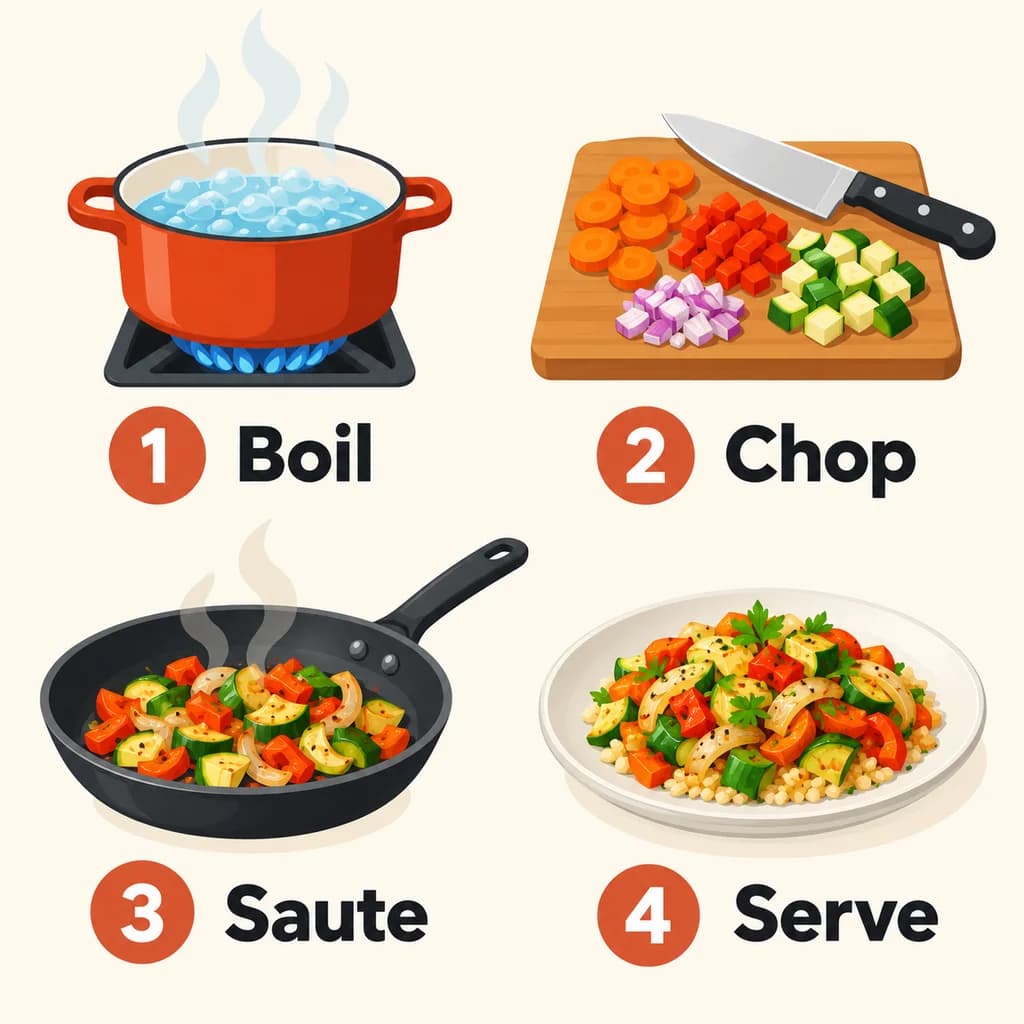
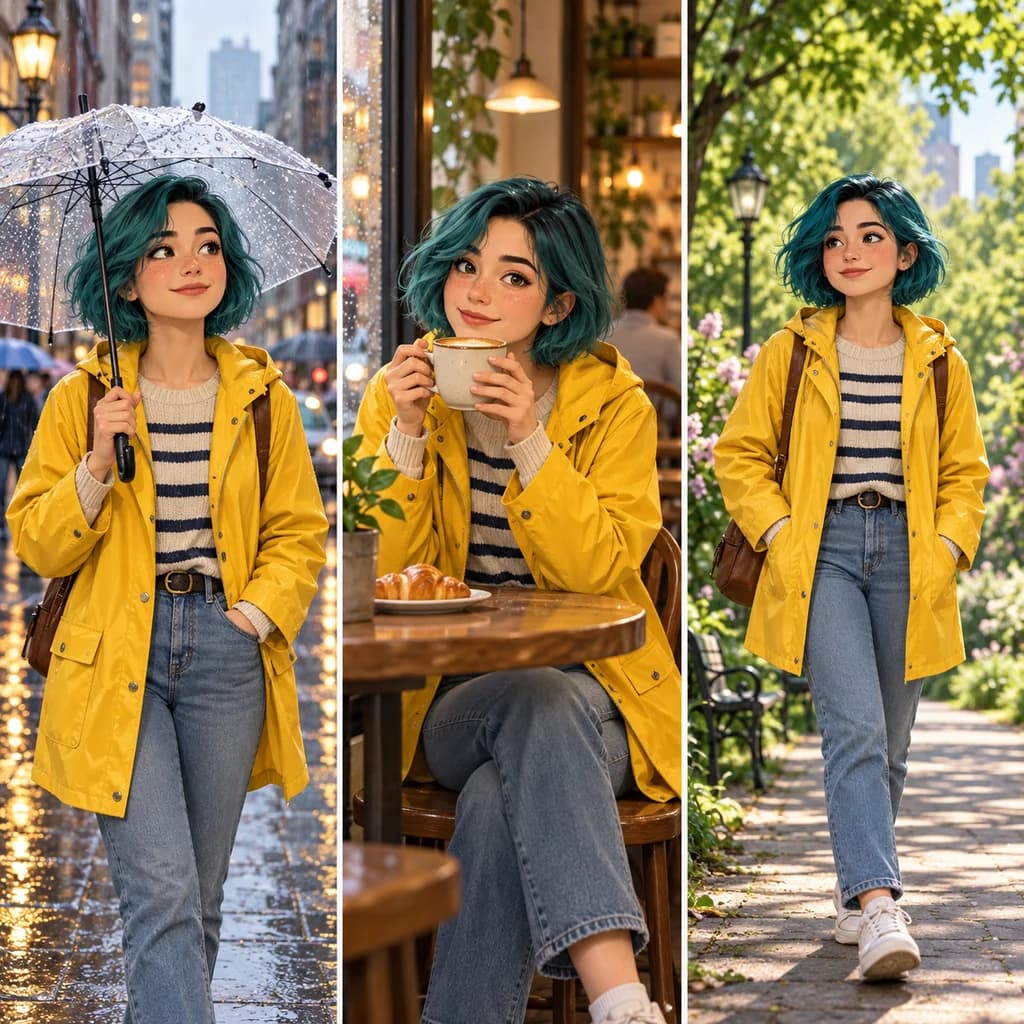
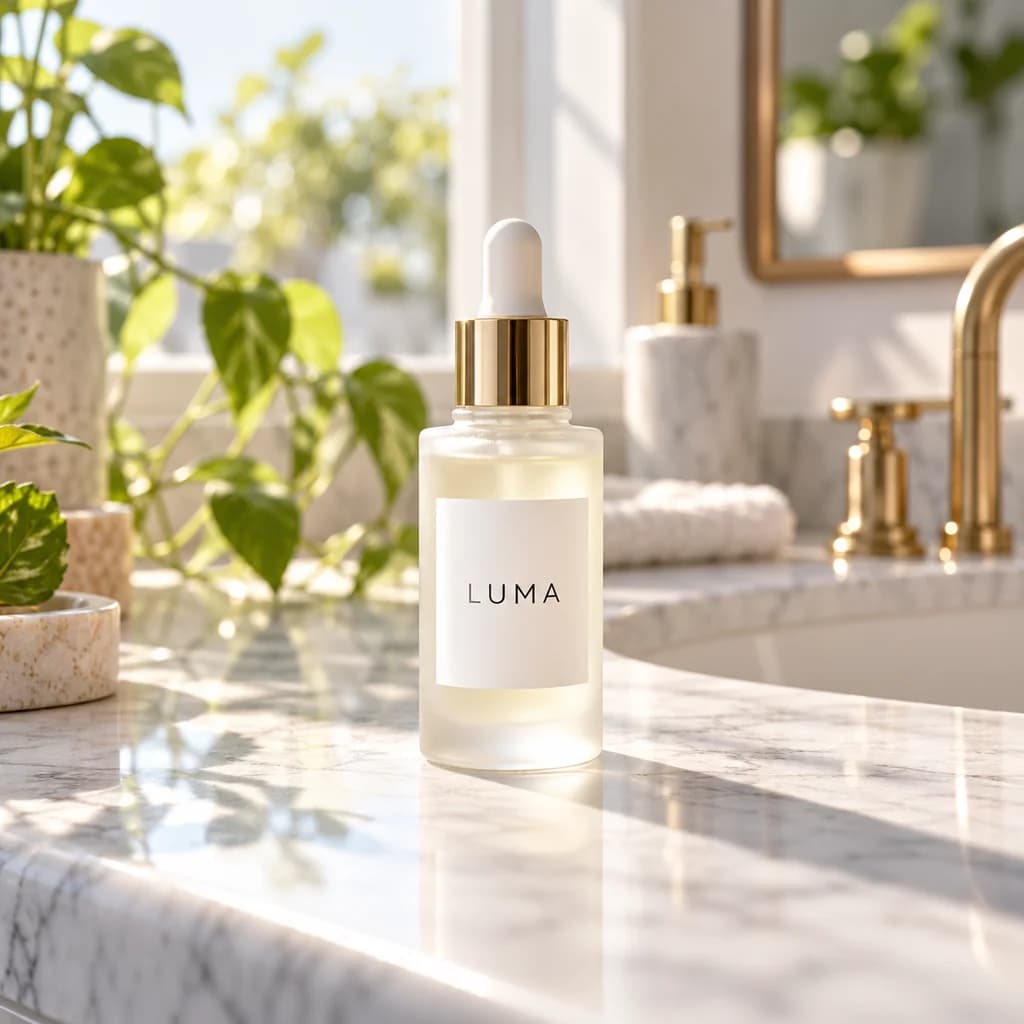
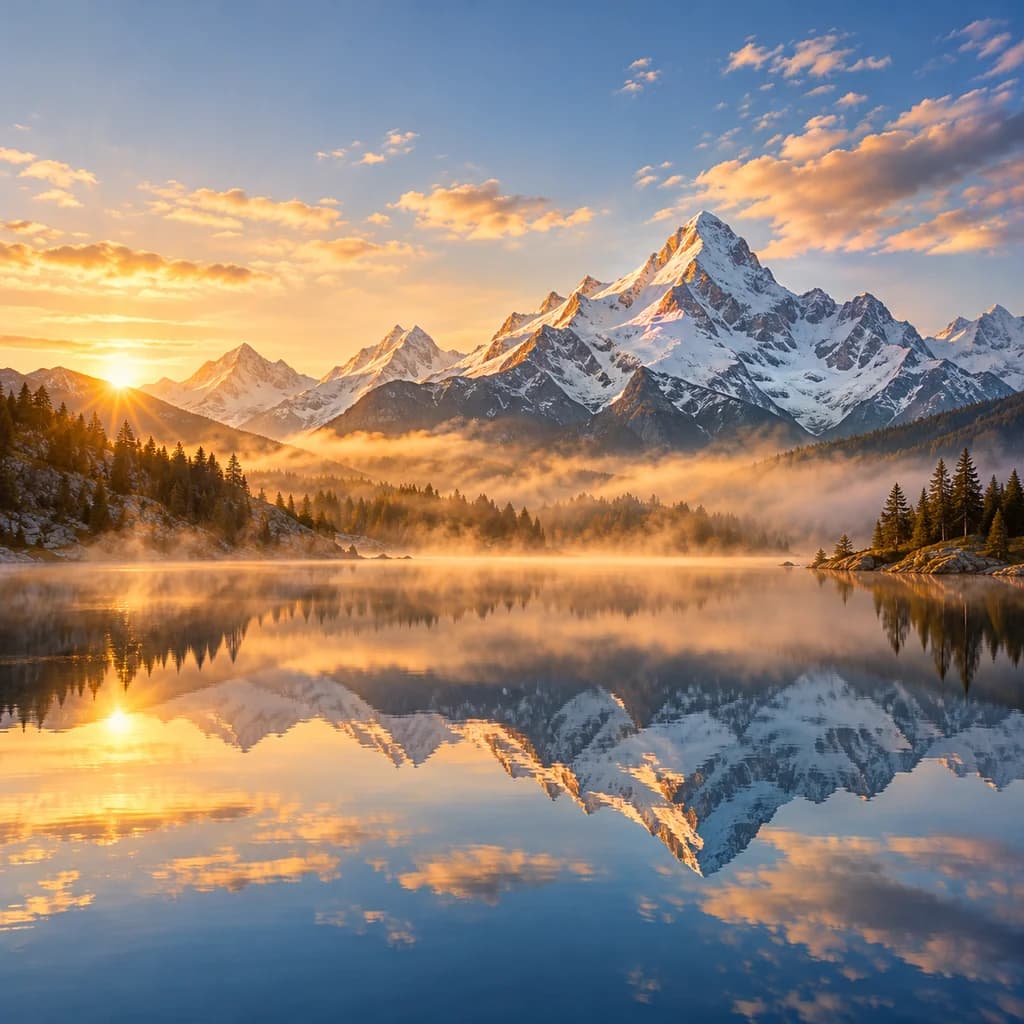
Example results — your generations will appear here.
Gemini Nano Banana 2.1 specs: what changed from Nano Banana 2
Key facts about Nano Banana 2.1, checked against Google's model card and the API schema we run it through.
Released October 2026
Nano Banana 2.1 is part of Google's Gemini 3 image family and shipped in early October 2026 as a direct successor to Nano Banana 2. Same instruction-following editor, tuned for better visual design and lower cost.
Cleaner text and infographics
Google calls out improved text rendering and infographic accuracy. Labels, step numbers, and short headlines come back legible more often than on Nano Banana 2 — quote the exact words you want and keep them short.
Steadier subjects across edits
Subject consistency is the headline upgrade: the same face, product, or character holds up across a series of edits. On this site you can attach up to 4 reference images per edit.
1K, 2K, and 4K output
Three resolutions, from quick 1K drafts to 4K finals. Google also fixed the tiling artifacts Nano Banana 2 could show at 2K and 4K on very wide or tall ratios.
9 aspect ratios
The usual 1:1, 3:2, 2:3, 4:3, 3:4, 16:9, and 9:16, plus ultra-wide 21:9 for banners and 4:5 for Instagram feed posts. In edit mode the output follows your uploaded image by default.
Lower cost than Nano Banana 2
Every resolution costs fewer credits than the same output on Nano Banana 2, and text-to-image and edits are priced the same. The generator shows the exact cost before every run, and current rates are on the pricing page.
What Google's Nano Banana 2.1 does best
Nano Banana 2.1 is at its best when the same subject has to appear again and again, or when the image needs words people can actually read — here are the jobs where that upgrade pays off.
Character and mascot series
Keep one character or mascot recognizable across a comic strip, a sticker set, or a run of social posts. Attach your reference art and describe each new scene.
Product photos in new scenes
Drop the same product into a kitchen, a beach, or a studio set without the label warping. Useful for e-commerce listings and ad variations.
Infographics and recipe cards
Short step-by-step cards, labeled diagrams, and simple charts with readable text. Best when each label is a few words, not a paragraph.
Photo edits by instruction
'Change the jacket to red', 'remove the people in the background', 'make it golden hour' — describe the change and the rest of the photo stays as it was.
Banners and social formats
21:9 website headers, 4:5 feed posts, and 9:16 stories from one prompt, at up to 4K so nothing looks soft on a large screen.
Portraits and headshots
Restyle a portrait — new outfit, background, or lighting — while the face stays the same person. Upload two or three angles for the most stable result.
Nano Banana 2.1 vs Pro, Nano Banana 2, and other AI image models
Pick Nano Banana 2.1 for consistent subjects and everyday edits at a lower cost; switch to another model when you need the most polished single image, poster typography, or the cheapest drafts.
Nano Banana 2.1 vs Nano Banana 2
2.1 is newer, cheaper, and better at text and multi-image consistency, so it is the default pick for most jobs. Nano Banana 2 stays available for anyone who wants to keep results consistent with images already made on it.
Learn more →Nano Banana 2.1 vs Nano Banana Pro
Google positions 2.1 as a faster, lower-cost model, and it beats the earlier Nano Banana Pro on some benchmarks (The Decoder, October 2026). Pro still targets the most demanding studio-grade work; for everyday generation and edits, 2.1 is the cheaper choice.
Use GPT Image 2 for the most polished single image
GPT Image 2 on High still produces the most refined individual images, at a much higher cost and several minutes of wait. Nano Banana 2.1 is faster and cheaper for everyday work.
Learn more →Use Grok Imagine 2.0 for poster typography
For posters, covers, and layouts where the lettering is the design, Grok Imagine 2.0 plans typography more deliberately. Nano Banana 2.1 wins on subject consistency and 4K output.
Learn more →Use Z-Image Turbo to explore ideas
Z-Image Turbo is the cheapest model in the lineup and returns images in 5–10 seconds, so it's the fast way to try compositions. Re-run the prompt you like on Nano Banana 2.1 for the final.
Learn more →Examples
Nano Banana AI 2.1 prompt examples to copy
Prompts written for Nano Banana 2.1's strengths. Copy one into the generator above and adjust it to your subject.
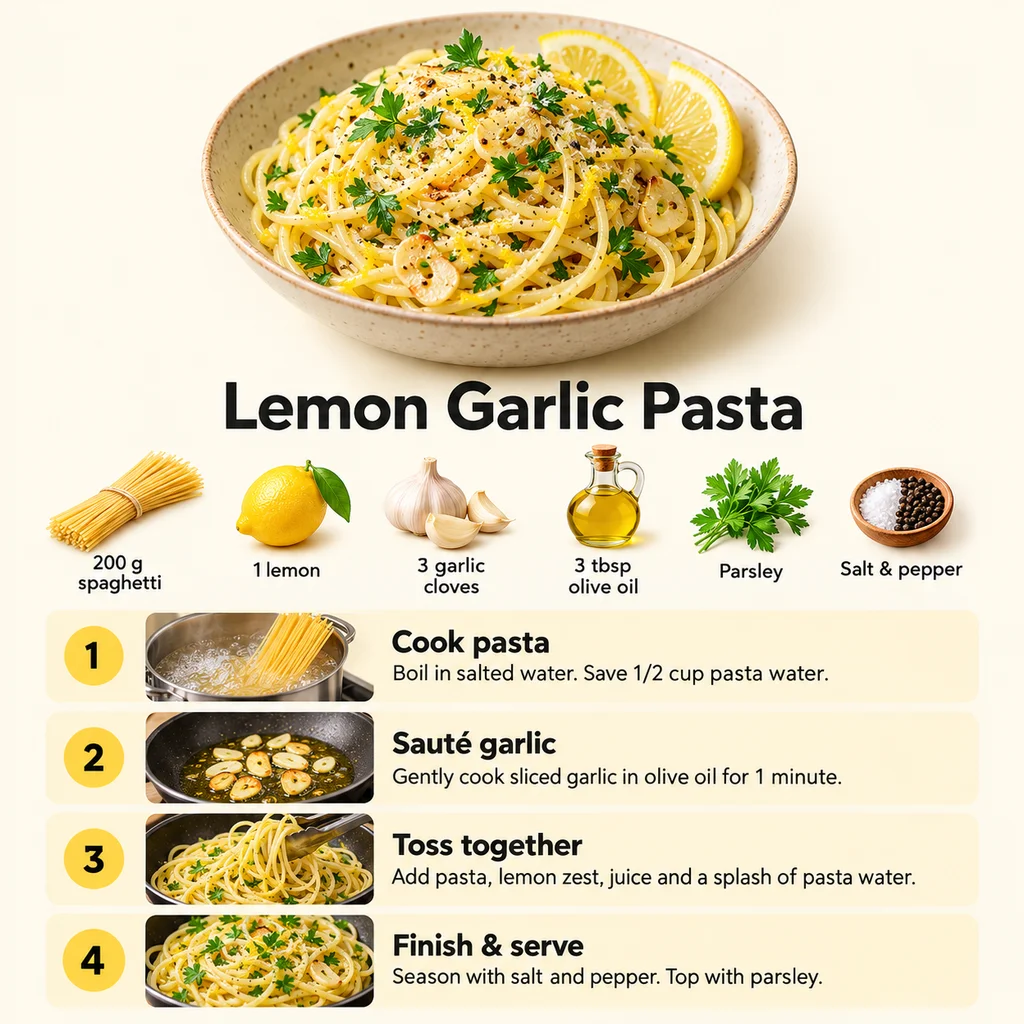
Recipe infographic card
Vertical recipe card for "Lemon Garlic Pasta" with four numbered steps, small ingredient icons, and a photo of the finished dish at the top, clean flat design on a cream background, readable sans-serif labels
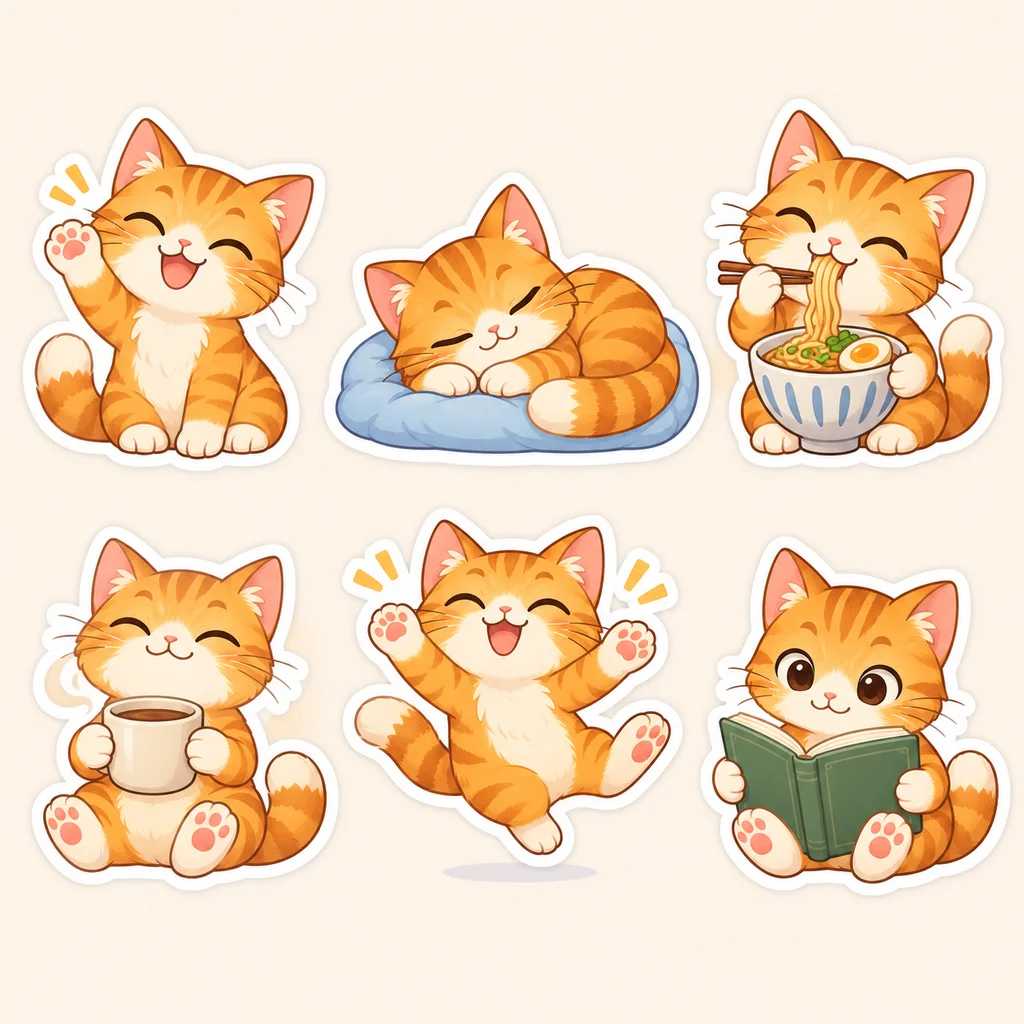
Sticker set of one character
Sticker sheet of the same cheerful orange cat character in six poses: waving, sleeping, eating noodles, holding a coffee cup, jumping, and reading, thick white outline, consistent face and colors
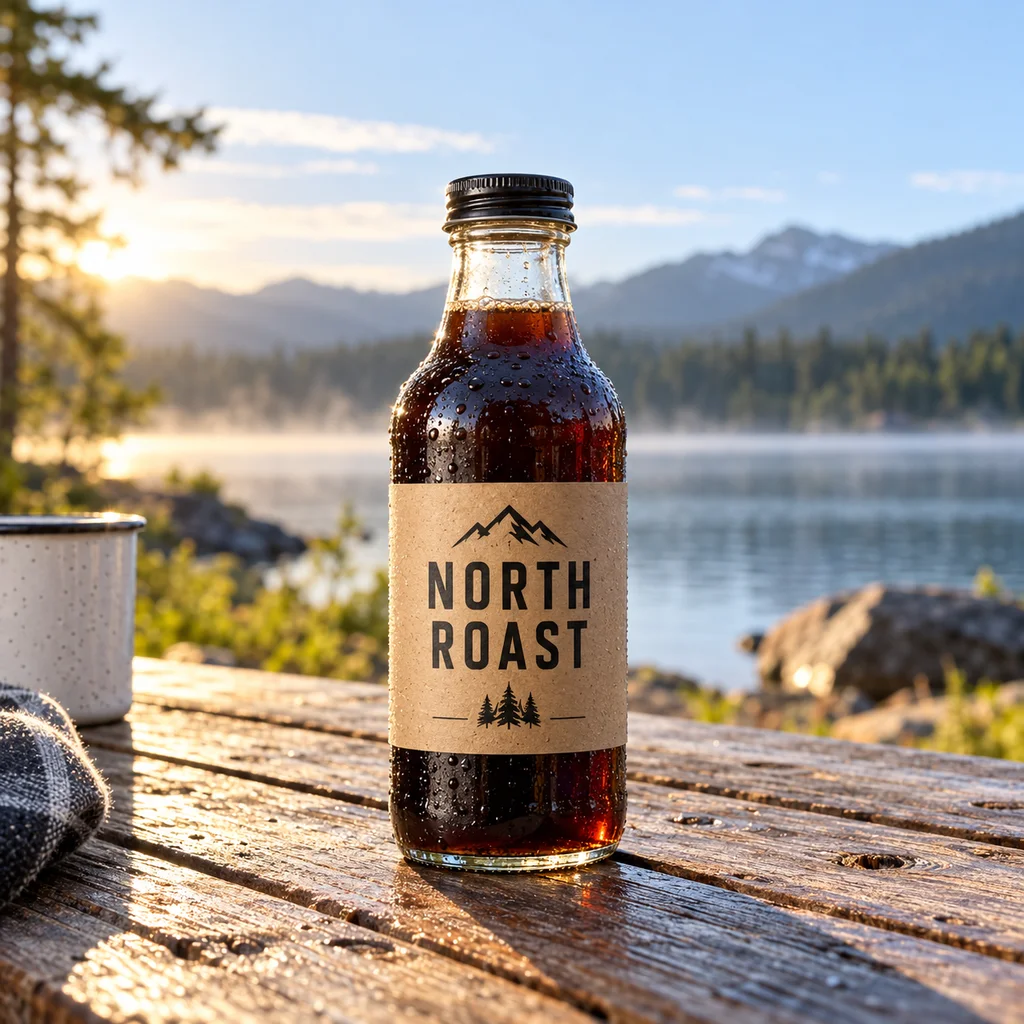
Product on location
A glass bottle of cold brew coffee with a kraft-paper label reading "NORTH ROAST" on a wooden picnic table by a lake, morning light, shallow depth of field, lifestyle product photo
Nano Banana 2.1 tips: get consistent results
These three habits help Google's Nano Banana 2.1 keep your subject consistent, spell text correctly, and save credits while you refine a prompt.
1. Give it more than one reference
For a person, product, or character you want to keep consistent, upload two to four images from different angles. More references give the model a firmer idea of what must not change.
2. Quote short text exactly
Put the words you want rendered in quotation marks and keep each one short: a label reading "NORTH ROAST". Long sentences inside an image are still where mistakes happen.
3. Draft at 1K, finish at 4K
Work out the prompt at 1K, the cheapest and fastest tier, then re-run the version you like at 4K for print or large screens. Same prompt, sharper result.
Nano Banana 2.1 FAQ
Here are straight answers about using Nano Banana 2.1 online — what it costs, how it differs from Nano Banana 2 and Pro, and what happens if a generation fails.
What is Nano Banana 2.1?
Nano Banana 2.1 is Google's image generation and editing model released in October 2026, the successor to Nano Banana 2. It creates images from text and edits photos from plain-language instructions, with better text rendering, stronger subject consistency across edits, and output up to 4K.
How can I use Nano Banana 2.1 for free?
Sign up here and your free signup credits cover your first Nano Banana 2.1 images — in the browser, with no Google AI plan and no API key. After that, generations are pay-as-you-go.
How much does Nano Banana 2.1 cost?
It's pay-as-you-go with credits — no subscription required. Cost depends on resolution (1K, 2K, or 4K), text-to-image and edits are priced the same, and it costs less per image than Nano Banana 2. The generator shows the exact cost before each run.View current pricing
Do I need a Gemini or Google AI subscription?
Not on this site. In the Gemini app, Nano Banana 2.1 is part of the paid Google AI plans. This site runs the model through its API, so you pay per image with credits instead of a monthly Google subscription.
What's the difference between Nano Banana 2.1 and Nano Banana 2?
2.1 renders text and infographics more accurately, keeps subjects more consistent across multiple reference images, fixes tiling artifacts at high resolutions on extreme ratios, and costs less per image. Nano Banana 2 remains available on its own page.
Is Nano Banana 2.1 better than Nano Banana Pro?
For most everyday work, it's the better value: Google built 2.1 to be faster and cheaper, and it beats the earlier Nano Banana Pro on some benchmarks (The Decoder, October 2026). Pro remains aimed at the most demanding studio-grade output. Nano Banana Pro isn't offered on this site; Nano Banana 2.1 and Nano Banana 2 are.
What if a prompt is blocked or a generation fails?
Every prompt is checked against our content policy before any credits are used, so a blocked prompt costs nothing. If a generation fails after it starts, the credits are returned automatically. Note that the mask-based region editing Google added in 2.1 isn't available here yet — edits are made by describing the change in words.
How many reference images can I upload?
Up to 4 per edit on this site. In edit mode the output follows your first image's aspect ratio unless you pick one.
What resolutions and aspect ratios are supported?
1K, 2K, and 4K, in nine aspect ratios: 1:1, 3:2, 2:3, 4:3, 3:4, 16:9, 9:16, ultra-wide 21:9, and 4:5.
Is there a Nano Banana 2.1 API?
Yes, Google offers it to developers through the Gemini API. If you just want images rather than building an integration, you don't need it — this page is the model, ready to use.
Try Nano Banana 2.1 free
Sign up for free credits and create consistent characters, product scenes, and clean infographics with Google's newest image model.
Disclaimer: Zeva AI is an independent product and is not affiliated with, endorsed by, or sponsored by Google. Nano Banana 2.1 is developed and owned by Google. All model names, logos, and trademarks are the property of their respective owners. Zeva AI accesses Nano Banana 2.1 through the fal.ai platform.