
Nano Banana 2 online free: edit any photo by typing what to change
Nano Banana 2 is Google's instruction-following image model, built for 'change X to Y' edits while preserving everything else. Write commands in plain English, get the exact change you asked for. The strongest model in our lineup for surgical edits, identity preservation across variations, and natural-language image modification. Free credits on signup.
Image resolution quality
Advanced Settings▼
Seed for reproducible results
File format for the generated image
Est. time: up to 25 sec
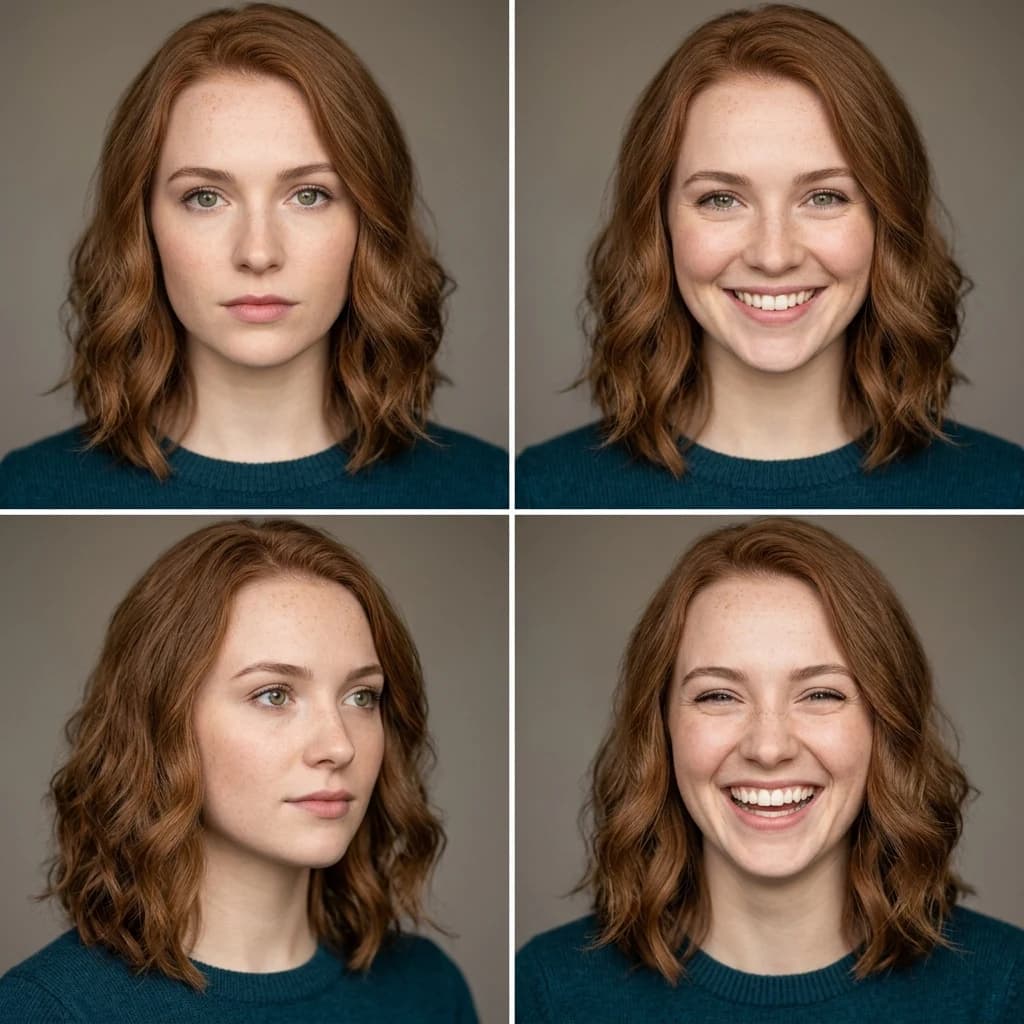
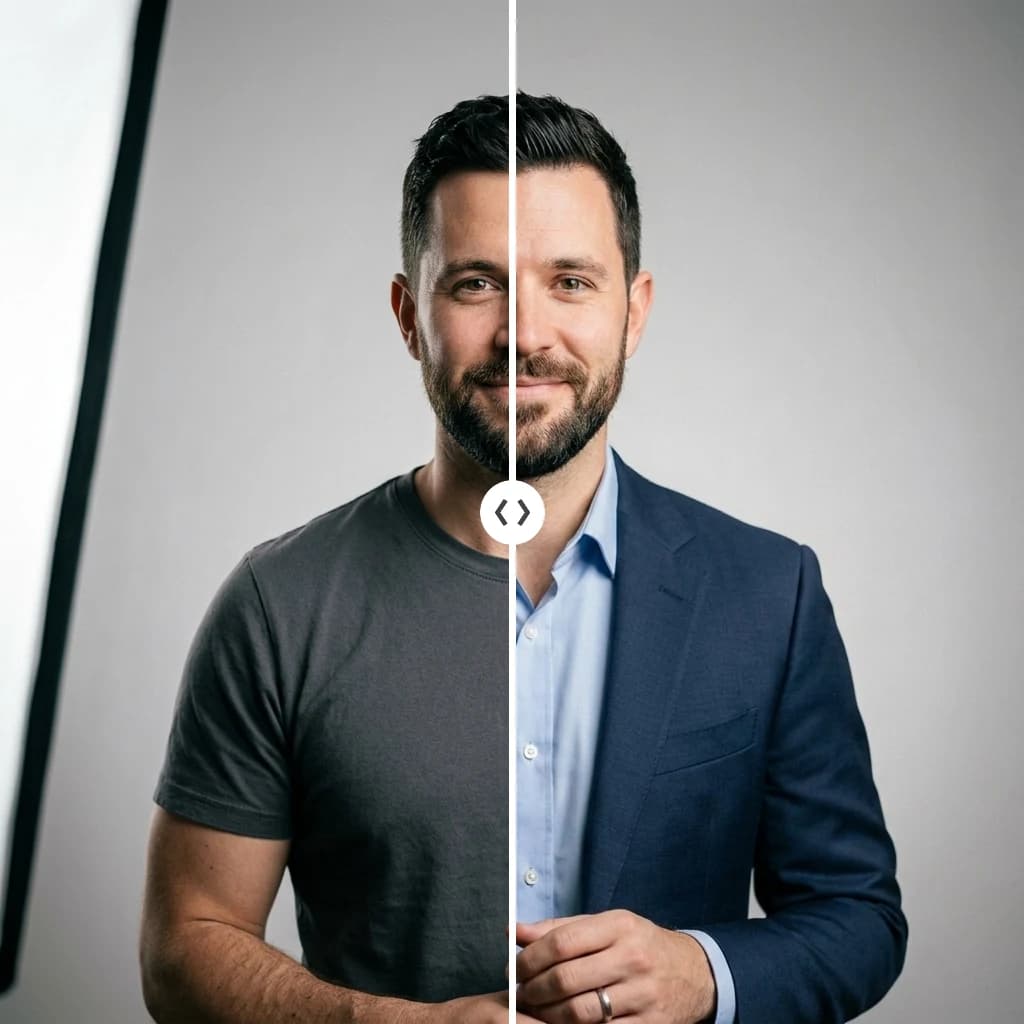
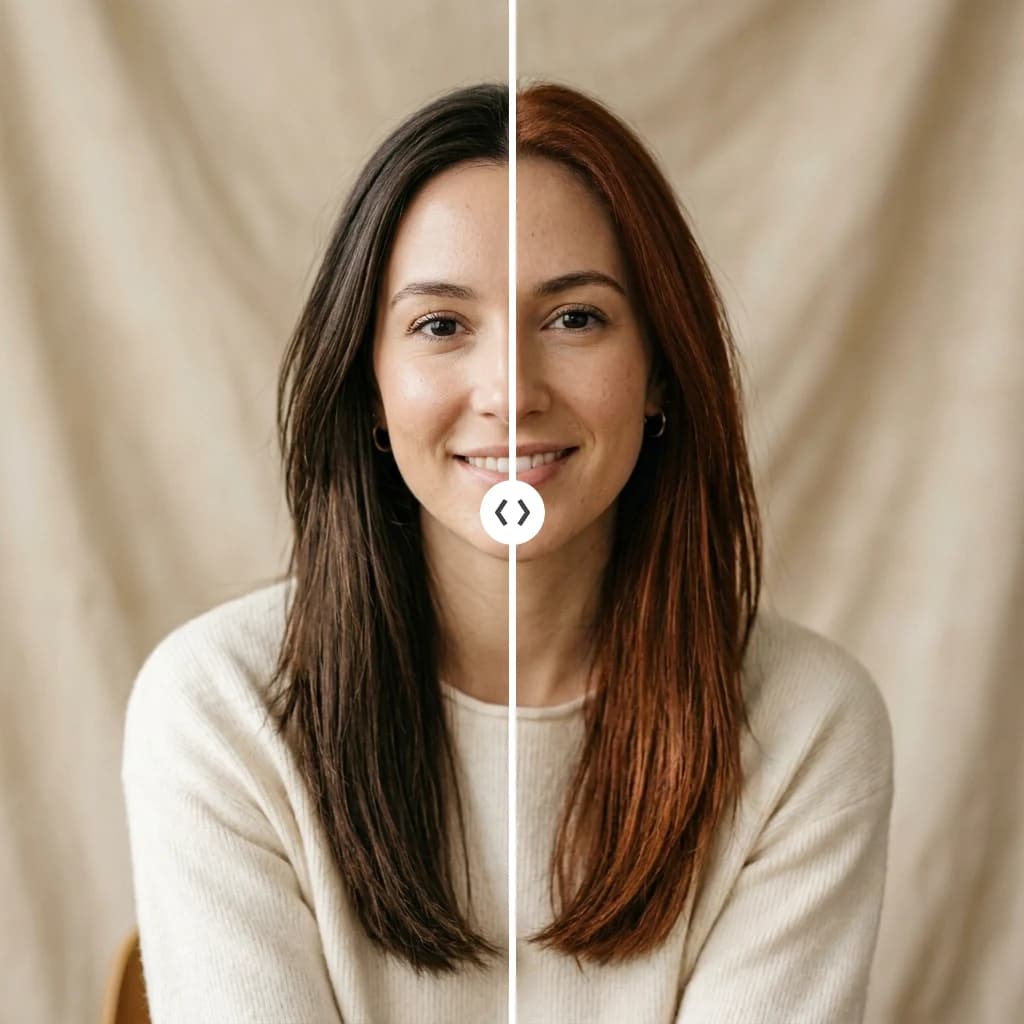
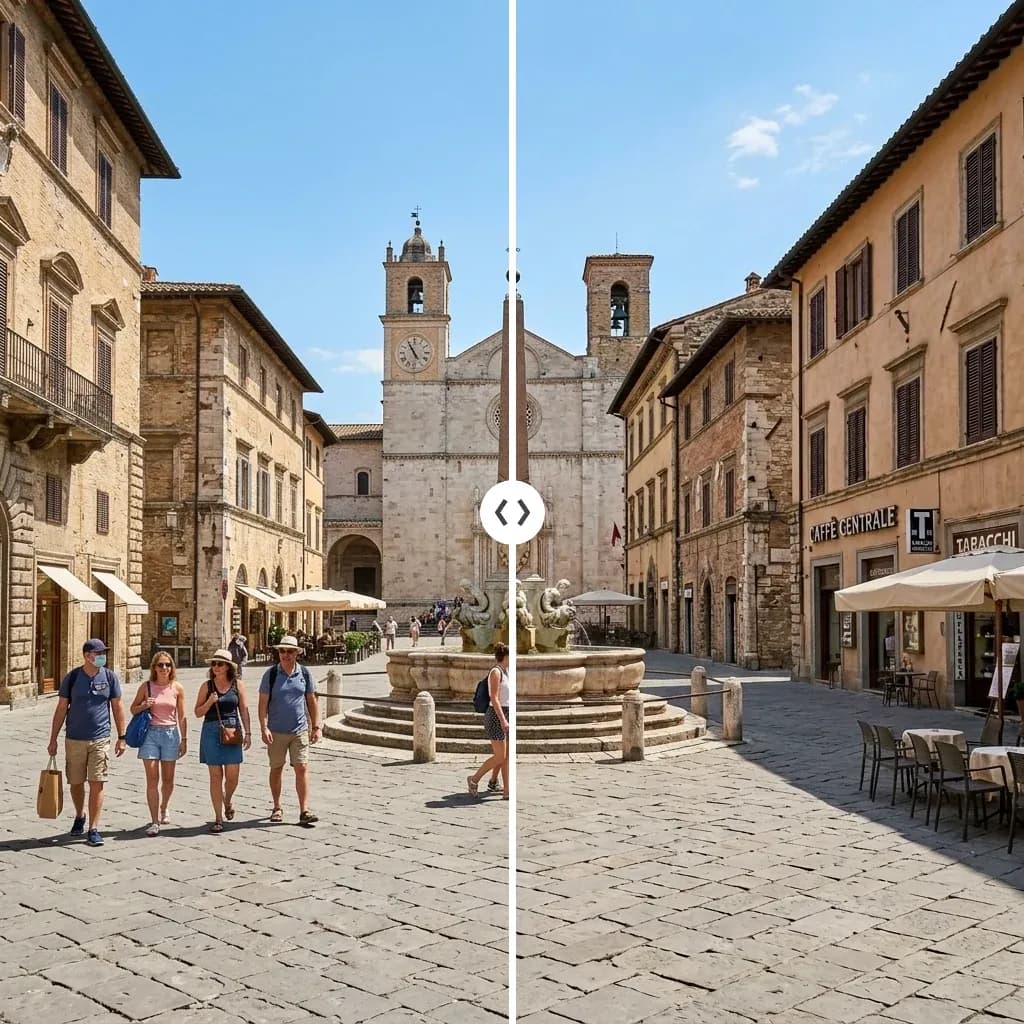
Example results — your generations will appear here.
Nano Banana 2 specs: a Google AI image editor at a glance
Here's what sets Nano Banana 2 apart from the diffusion models in the lineup.
Instruction-following architecture
Unlike diffusion models that try to match a caption, Nano Banana 2 understands instructions. Tell it 'replace the jacket with a sweater' and that's what it does, without rewriting the face, background, or other elements.
Built-in identity preservation
Same face, same character, same product, preserved across multiple edits. Generate 10 variations of one subject without it drifting into 10 different people. Critical for character design and consistent product photography.
Aspect ratios, including extreme formats
Standard (1:1, 3:2, 2:3, 4:3, 3:4, 16:9, 9:16) plus wide cinematic (21:9), unusual (5:4, 4:5), and ultra-wide banner formats (4:1, 1:4, 8:1, 1:8). We surface a curated set of these in the UI.
Resolutions up to 4K
Choose 0.5K, 1K (default), 2K, or 4K output. 4K is suitable for print and large displays without external upscaling. Higher resolutions cost proportionally more credits.
Strict safety controls
Pinned to safety_tolerance level 2 (strict). Content violations rejected and credits auto-refunded. We pin this stricter than fal's default 4 because safety is more reliable than user goodwill.
Multi-image input for edits
Image-to-image edit endpoint accepts an array of up to 10 reference images. Useful for style transfer with multiple references, or for grounding edits in multiple views of the same subject.
What Nano Banana 2 does best for instruction-based photo edits
The tasks where Nano Banana 2 is the right tool, based on what we've seen work consistently in testing.
'Change just this one thing' edits
Outfit swap, hair color change, accessory add/remove, background switch, season/weather change, anywhere you want to modify one element while leaving the rest of the image alone. This is Nano Banana 2's specialty.
Character variations and consistency
Generate 6 poses of the same character, or the same product from different angles. Nano Banana 2 keeps the subject coherent. Most useful for game character design, brand mascots, and lookbook-style product shoots.
Product photo refinement
Take a basic product shot and make targeted improvements, 'change the background to a marble surface', 'add soft directional lighting from the left', 'remove the second product in the background'.
Headshot and portrait editing
'Change the suit to a turtleneck', 'remove glasses', 'change tie color to navy'. Nano Banana 2's identity preservation means the person still looks like the same person after the edit.
Photo restoration and modernization
'Sharpen the details', 'fix the lighting', 'change to portrait orientation while keeping the subject'. Subtle edits at low strength preserve the original character while polishing weaknesses.
Logo and icon variation
Generate horizontal, vertical, light-on-dark, and condensed versions of a logo from one source. Or generate icon variations (rounded, sharp, outlined) from one design.
Nano Banana 2 vs other AI image models: when to edit, not generate
When Nano Banana 2 is the right call, and when another model in the lineup fits the task better.
Use Z-Image Turbo for full-scene rewrites
If you want everything to change (different subject, different scene, different style), Nano Banana 2 won't go that far because it's trying to preserve. Z-Image Turbo at strength 0.85+ is the right tool for dramatic rewrites.
Learn more →Use GPT Image 2 for higher final quality
Nano Banana 2's outputs are good but not premium. For final marketing assets, GPT Image 2 (High) produces noticeably more polished images. The trade-off: GPT Image 2 is slower and doesn't preserve identity as well.
Learn more →Use Seedream 4.5 for photoreal portraits
For portraits where you want maximum photorealism and you're not doing instruction edits, Seedream 4.5 produces more lifelike skin tones and lighting. Nano Banana 2 is stronger when the task is 'edit this specific photo'.
Learn more →Use Grok Imagine 2.0 for design-oriented edits
When the edit is about layout and lettering — restyle a poster, swap a background behind readable text — Grok Imagine 2.0's typography planning takes over. Keep Nano Banana 2 for edits where the face must stay pixel-faithful.
Learn more →Examples
Nano Banana 2 examples: edit prompts you can adapt
Real instruction-based edit prompts for Nano Banana 2, with the output behind each one — copy and adapt them for your own portrait edits, product refinements, and character variations.
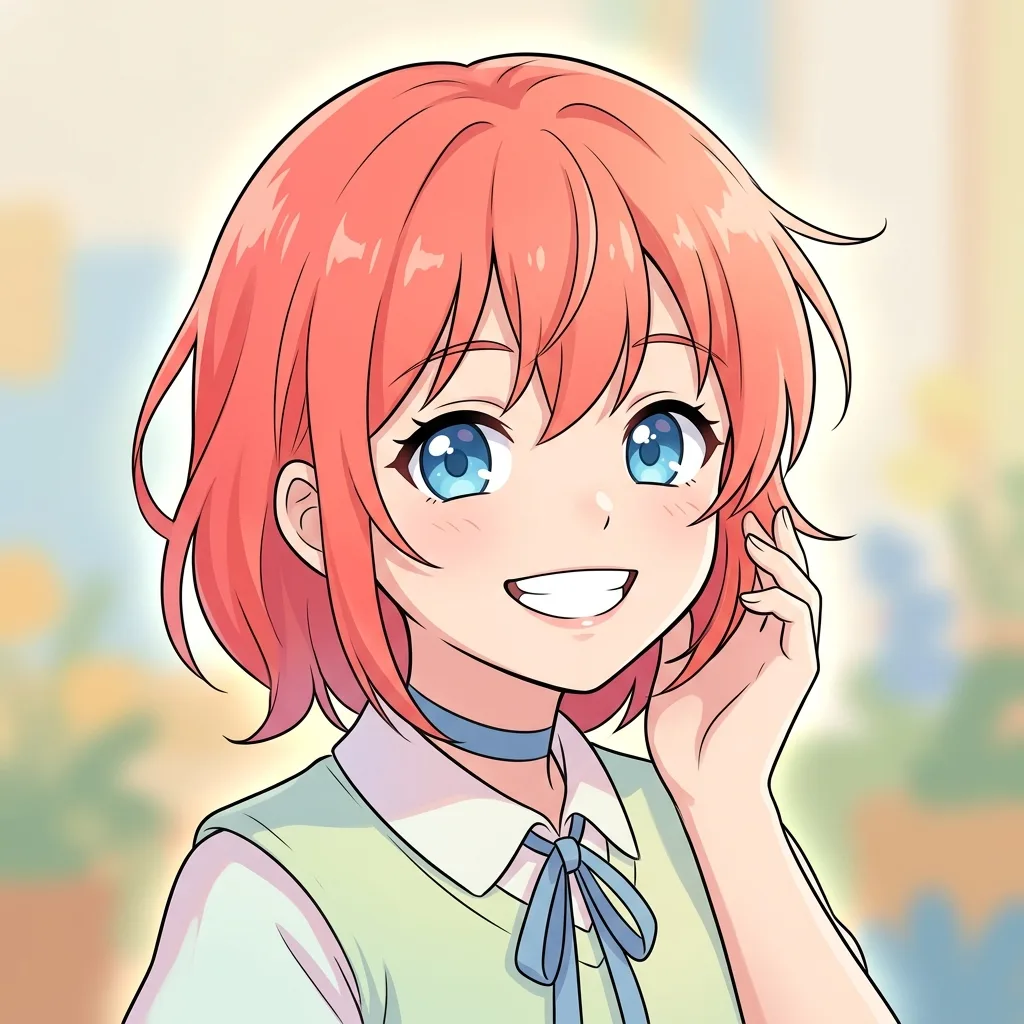
Anime character portrait
Anime girl portrait, long dark hair, oversized headphones, neon city lights in background, key visual style, cinematic framing
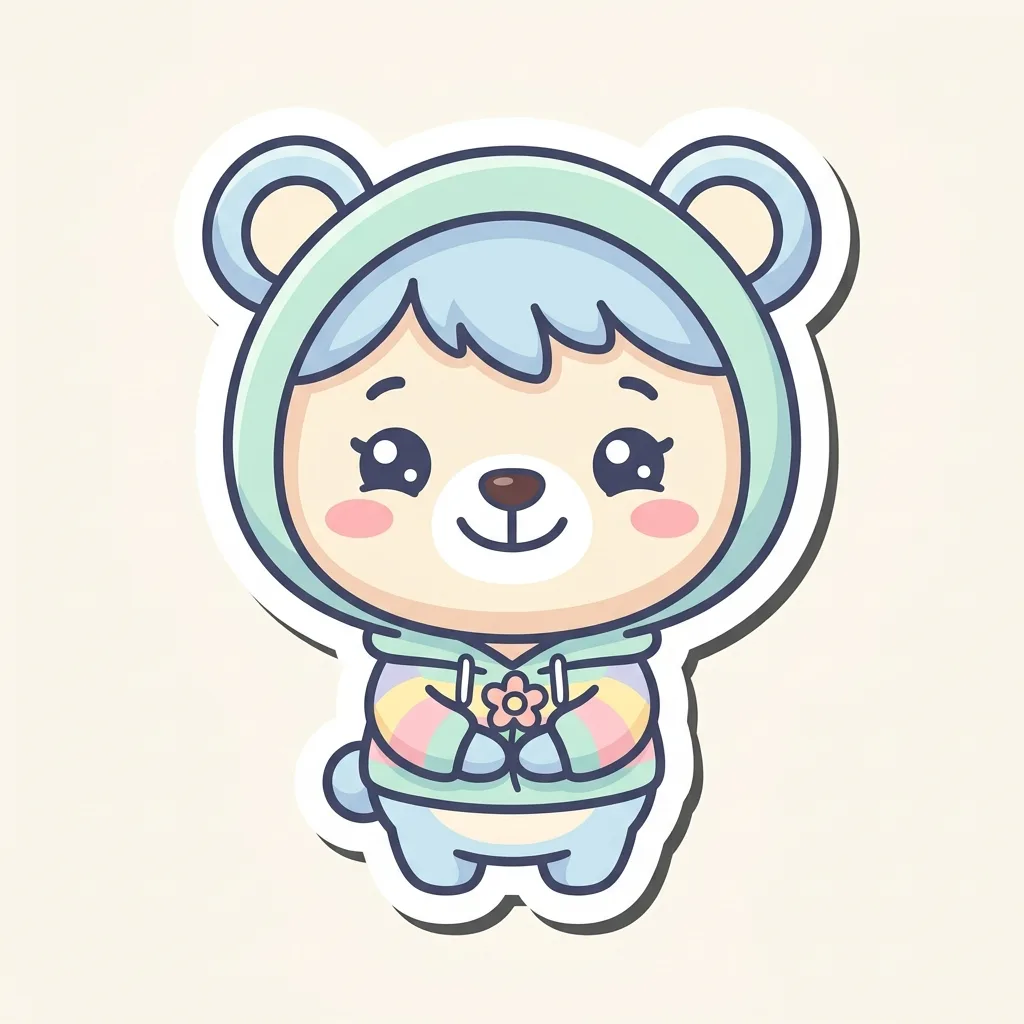
Chibi mascot character
Cheerful chibi cat character holding a latte cup, flat illustration with subtle shading, pastel color palette, mascot design
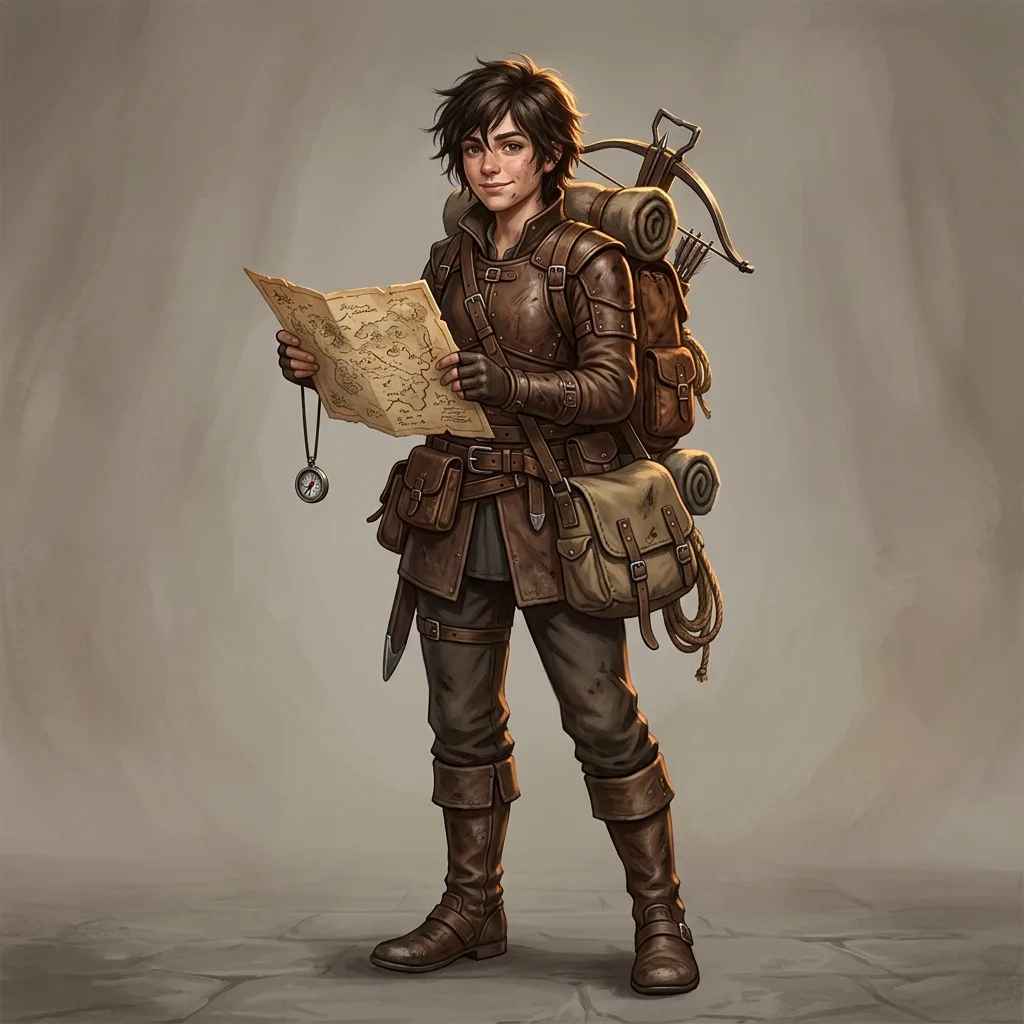
Fantasy explorer character
Fantasy explorer character with leather coat and traveler's pack, standing in mountain pass at sunset, painterly digital art style
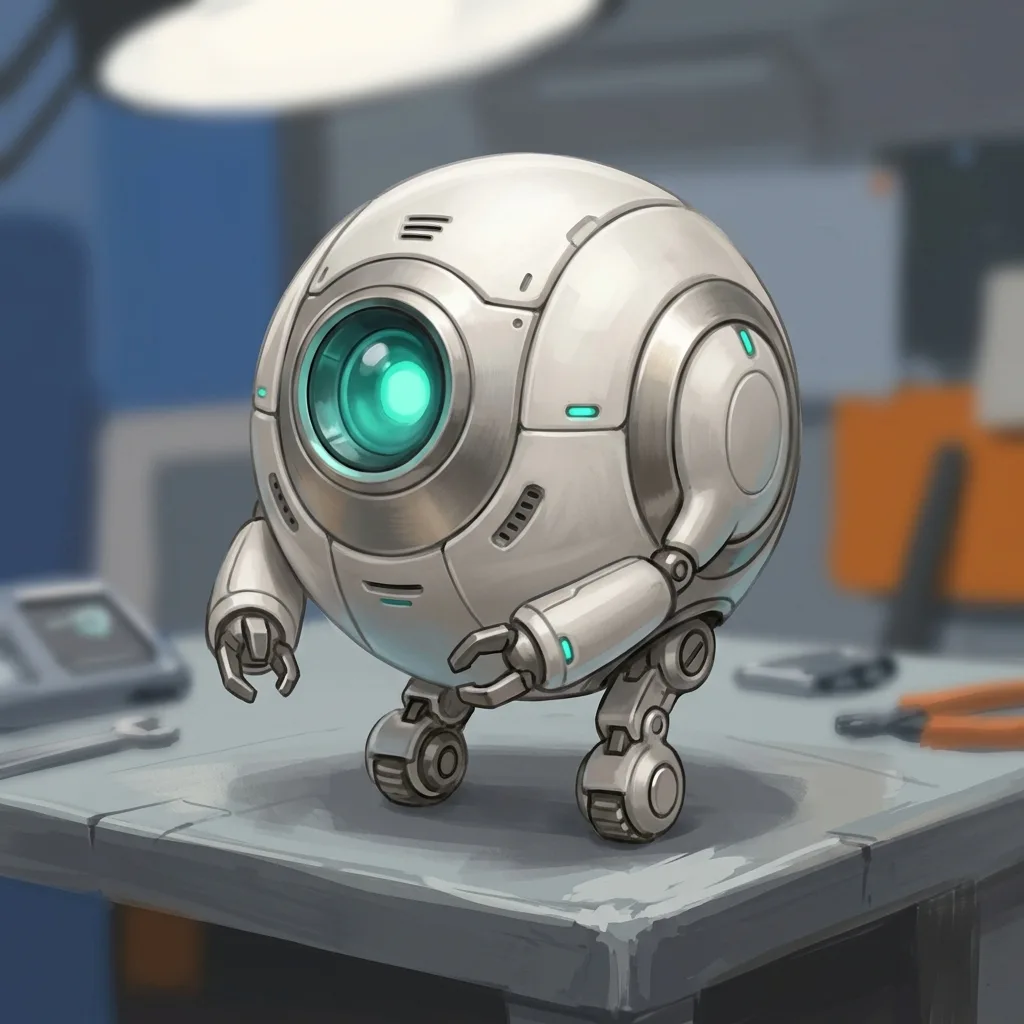
Robot companion
Friendly companion robot, soft rounded edges, large expressive eyes, pastel color scheme, character design sheet style
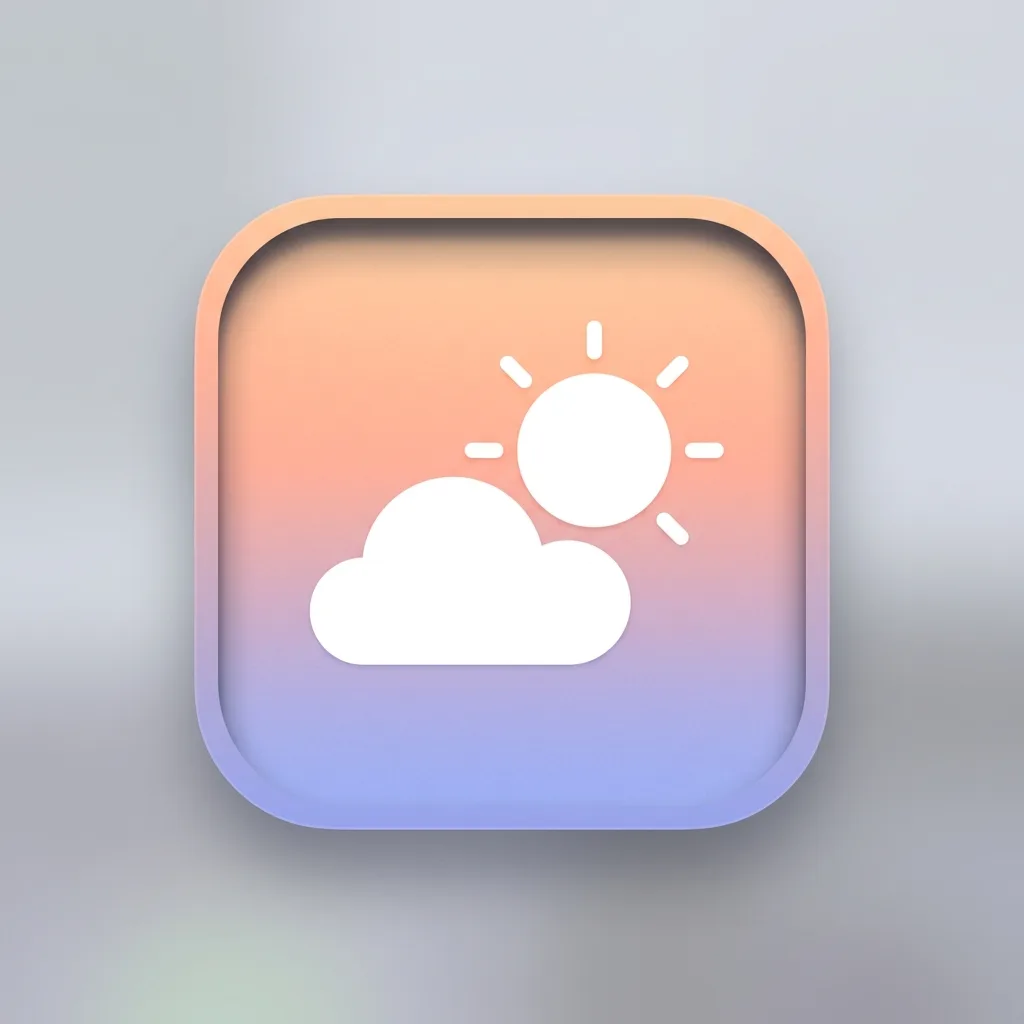
Weather app icon
Clean minimal weather app icon, sun behind a cloud, soft gradient background, modern iOS-style design
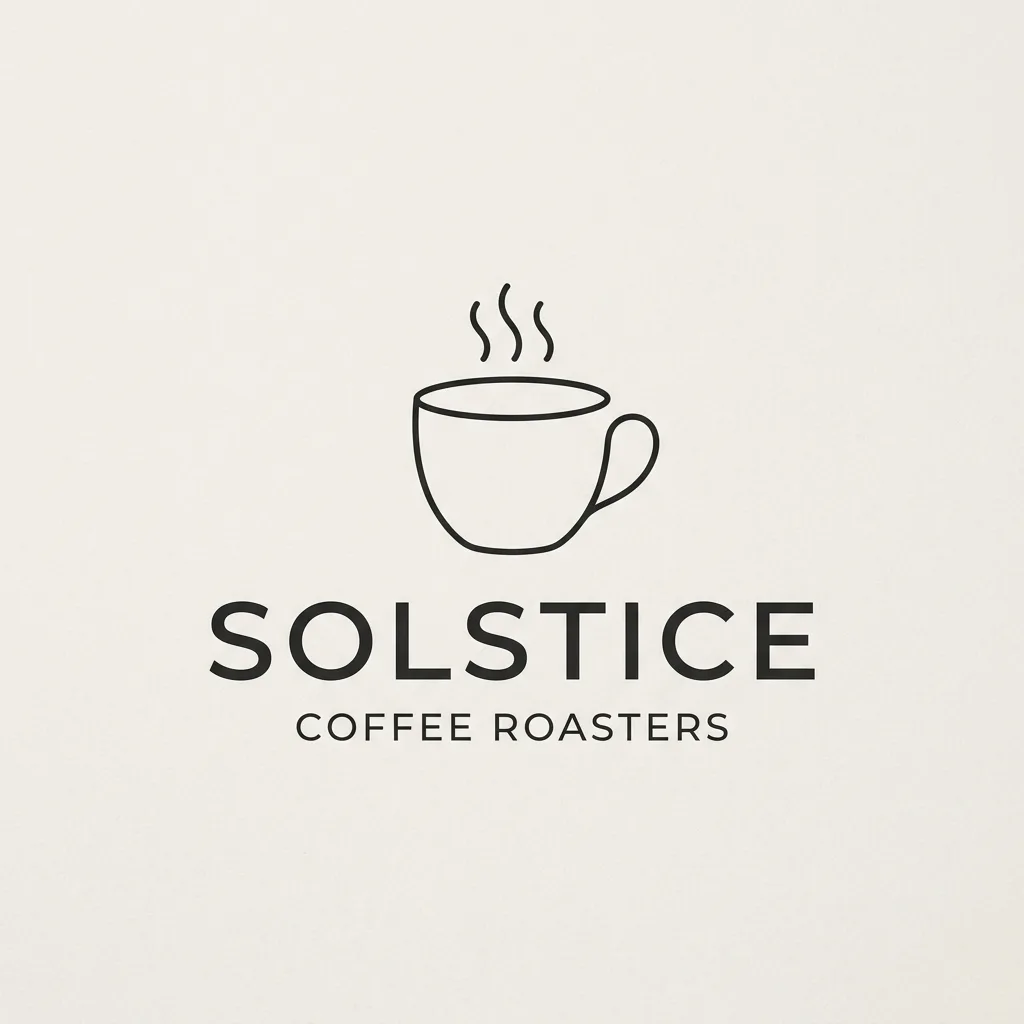
Minimal coffee logo
Minimal coffee shop logo, single line drawing of a coffee cup with steam, modern sans-serif wordmark below
Nano Banana 2 tips: prompts for precise, identity-safe edits
Three habits that consistently produce better Nano Banana 2 results, based on testing instruction-style edits across many subjects.
1. Write commands, and name what to keep
Nano Banana 2 follows instructions, not descriptions: 'change the denim jacket to a pink dress' beats 'a woman in a pink dress'. Lead with action verbs — change, replace, add, remove, make — and spell out what should stay untouched: 'keep the face and background identical'. Naming the parts you don't want changed helps the model focus on the targeted edit.
2. One change per prompt, then iterate
'Change the jacket AND the hair AND the background' often produces mixed results. Make one edit, save the result, then run the next edit on the saved version. Iterative editing beats batching every change into a single prompt.
3. Match resolution and ratio to where it'll be used
1K is the default and fine for most cases; use 2K for print and banner work, 4K for high-DPI displays — don't pay for resolution you don't need. Need both a 1:1 social post and a 9:16 story? Generate one, then re-run the same prompt at the other ratio; identity preservation keeps the subject coherent across both.
Nano Banana 2 FAQ: editing, identity, and plain-English commands
Answers to common questions about Nano Banana 2 — plain-English editing, how it preserves identity, its resolution options, and when to pick it over Z-Image Turbo.
What is Nano Banana 2?
Nano Banana 2 is Google's AI image model designed for instruction-following edits and identity-preserving generation. Unlike pure text-to-image diffusion models that generate from scratch, Nano Banana 2 excels at modifying existing images according to natural-language instructions while preserving everything you didn't ask to change.
Who made Nano Banana 2?
Nano Banana 2 is developed by Google's AI research teams. It's the second version of Google's 'Nano Banana' model family, built for its instruction-following capability.
When should I use Nano Banana 2 vs. Z-Image Turbo?
Nano Banana 2 for precise instruction edits, keeping the same subject and changing one specific thing ('change the background to a beach', 'make it nighttime'). Z-Image Turbo for full-scene rewrites, speed-critical tasks, or pure text-to-image work without an existing source. The two models solve different problems.
Can Nano Banana 2 do text-to-image?
Yes, Nano Banana 2 also generates images from text prompts, but it shines most at image-to-image instruction edits. For pure text-to-image, Z-Image Turbo is much faster and GPT Image 2 produces higher quality. Pick the model for the task — the generator lets you switch at any time.
What's the difference between 1K, 2K, and 4K resolution?
Three tiers trading detail for credit cost. 1K (~1024px) is the default and fine for web and social, 2K (~2048px) suits print and high-DPI displays, and 4K (~4096px) is for large-format banners and posters. Higher resolution costs more credits per image — for exact per-image credits, see thepricing page →
How does Nano Banana 2 preserve identity?
It's built into the model architecture. Nano Banana 2 was trained to treat the input image as a strong reference, modifying only what the instruction explicitly targets. It's not a parameter you tune; it's how the model fundamentally works. This is the opposite of diffusion models, which treat the input as a loose starting point.
Why is the credit cost higher than Z-Image Turbo?
Nano Banana 2 is a more capable instruction-following model than Z-Image Turbo, and Google charges more for it through fal. Worth it when you need precision or identity preservation; overkill for fast ideation. Pick based on the task, not the price.
Can Nano Banana 2 handle multiple changes at once?
Technically yes, but reliability drops with each additional change. 'Change the jacket AND remove the glasses AND change the background' may produce inconsistent results. The better approach: make one edit, save, then make the next edit on the saved version. Iterative editing wins.
What does safety_tolerance mean for Nano Banana 2?
It's a 1-6 strictness scale (1 = strictest, 6 = most permissive) used instead of an on/off safety checker. We pin it to 2 (strict) server-side, and you can't loosen it client-side. Policy-violating prompts are rejected and credits auto-refunded.
Does Nano Banana 2 support transparent backgrounds?
No, not natively in our current implementation, so all outputs come with a background. For transparent-background needs (icons, logos), run the output through a background remover after generation, or use a prompt that produces simple solid-color backgrounds that are easier to remove later.
Is Nano Banana 2 free?
Yes to start: signup gives you free credits, and each Nano Banana 2 image shows its credit cost on the generate button. There is no subscription — when the free credits run out, further images use the site's regular credit packs.
Try Nano Banana 2 free
Free credits on signup, no card required. Your first instruction-based edit is seconds away.
Disclaimer: Zeva AI is an independent product and is not affiliated with, endorsed by, or sponsored by Google. Nano Banana 2 is developed and owned by Google. All model names, logos, and trademarks are the property of their respective owners. Zeva AI accesses Nano Banana 2 through the fal.ai platform.