
Z-Image Turbo: Fast & Free AI Image Generation
Z-Image Turbo is Alibaba's fast distilled image model: it returns results in 5–10 seconds with surprisingly good detail for the speed. It's the lowest-cost model in our lineup and the default choice for rapid ideation, full-scene rewrites, and bulk generation. Use it free here for text-to-image and image-to-image, with free credits to start when you sign up.
Advanced Settings▼
Seed for reproducible results (-1 for random)
File format for the generated image
Est. time: up to 10 sec
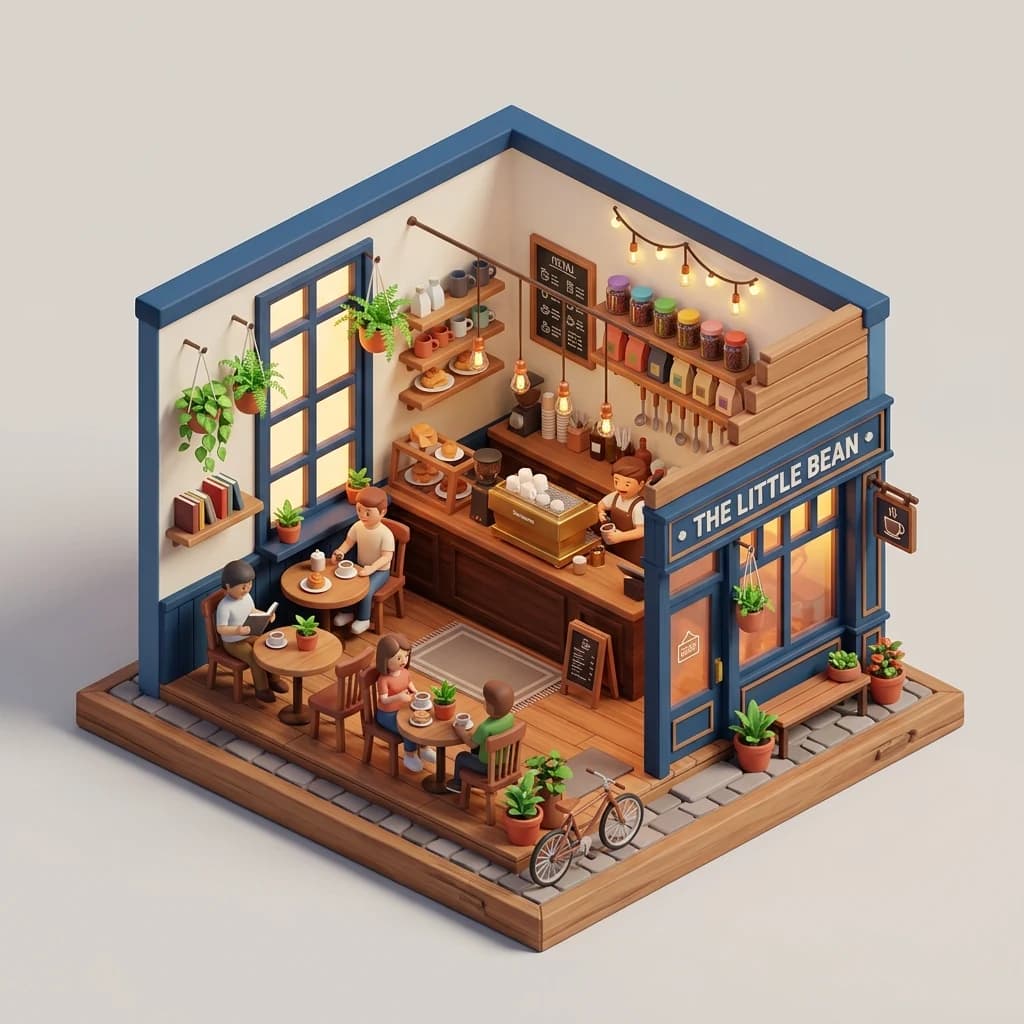
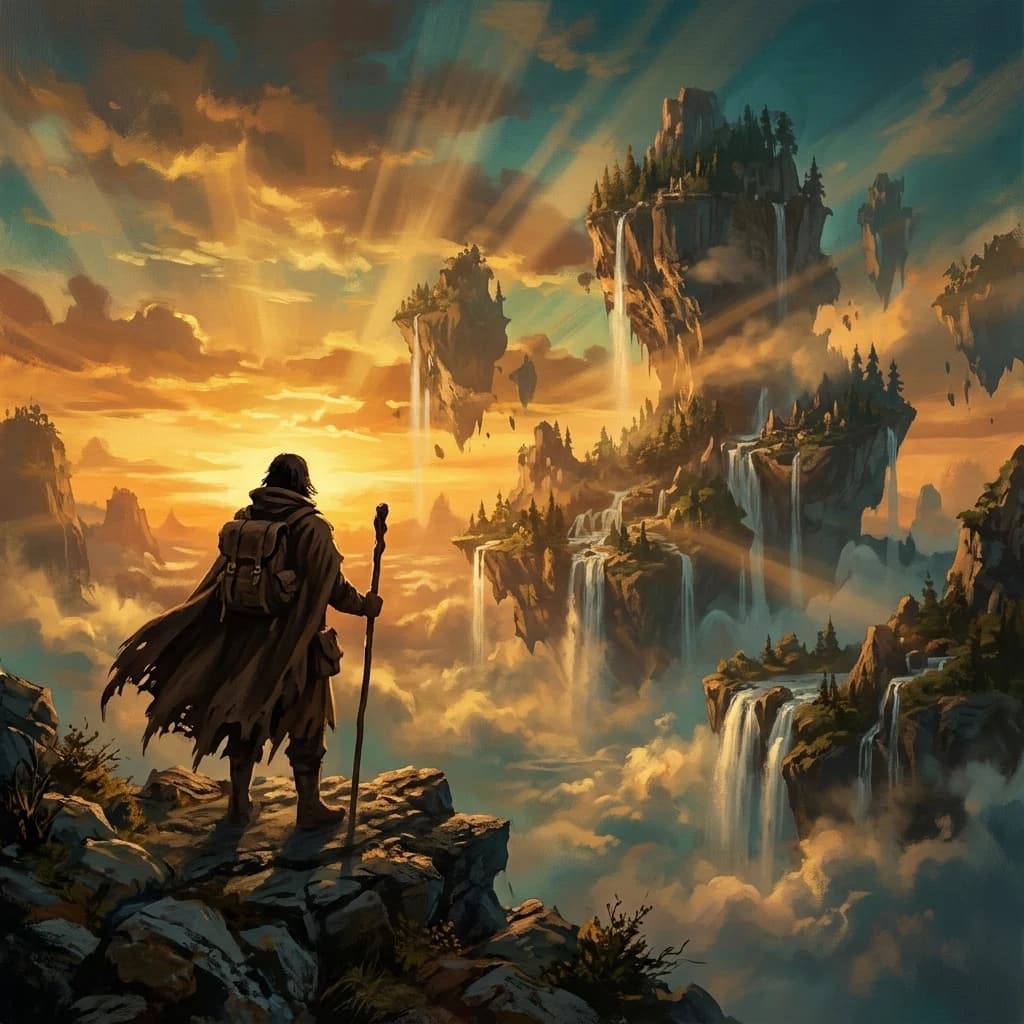

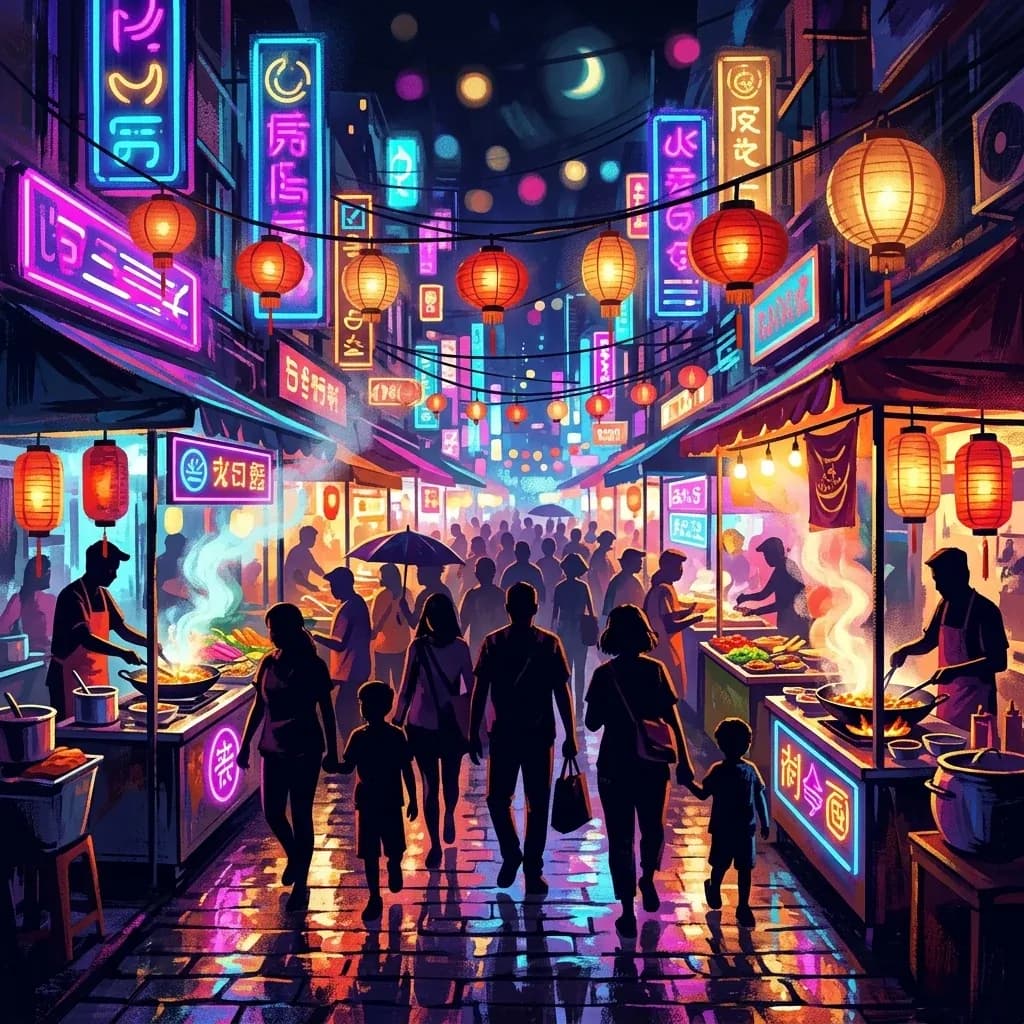
Example results — your generations will appear here.
Z-Image Turbo specs: what this fast AI image generator delivers
What you get when you pick this model, verified through real testing on our platform.
5–10 second generation
Z-Image Turbo runs 8 distilled inference steps, so most generations land in 5–10 seconds. That's 4–6× faster than GPT Image 2 on Low (30–40 s) and over 20× faster than High (3–4 min) — perfect for iteration.
Lowest cost per image in the lineup
Z-Image Turbo uses the fewest credits per image of any model on the platform, so the same credit pack stretches much further here than with the slower, higher-fidelity models. See our pricing page for current credit packs.
Landscape, portrait & square at up to 720p HD
Square (1:1) at 1024×1024, landscape (16:9, 4:3, 3:2) and portrait (9:16, 3:4, 2:3) at 1280px on the long edge. Non-square ratios match the 720p HD standard that feels appropriately high-res.
Adjustable strength for image-to-image
Strength parameter (0.0-1.0) controls how much the source image is rewritten. Default 0.7 gives clear changes while keeping composition. Push to 0.85+ for dramatic full-scene rewrites.
JPEG / PNG / WebP output
Three output formats. JPEG and WebP are smaller and faster to download; PNG is lossless for further editing. Z-Image Turbo's per-image cost is the same regardless of format.
Built-in safety checker
fal's content safety filter runs on every generation. Policy-violating outputs are blocked and credits auto-refunded. You never pay for content that doesn't reach you.
What Z-Image Turbo does best as a fast text-to-image model
Where this model is the clear right choice, based on real testing against the other models in our lineup.
Rapid ideation and brainstorming
When you want to test 20 variations of a concept in five minutes, only Z-Image Turbo can keep up. 5–10 second cycle time means you iterate at the speed of thought, not at the speed of OpenAI's servers.
Social media content at scale
Instagram posts, TikTok thumbnails, Twitter/X cards. Z-Image Turbo at 1:1 or 9:16 is fast enough that you can generate a week of content in one sitting, picking the best 7 of 50.
Concept art and mood boards
During exploration phase, you don't need polished output, you need lots of options. Z-Image Turbo at strength 0.8+ in image-to-image mode lets you spin out a dozen atmospheric variations in the time a slower model needs for one.
Illustrations and flat design
Vector-style, flat color, isometric, low-poly renders all work well. Z-Image Turbo handles these styles competently and you can keep iterating on the same seed to refine.
Bulk content for blog and SEO
Every blog post needs a hero image. Z-Image Turbo's low per-image cost makes it feasible to generate a custom hero for every post instead of relying on stock photos, even across a large back catalog.
Z-Image Turbo vs other AI image models: when to pick speed
A quick comparison of when to stay on Z-Image Turbo and when to switch to another model on the platform.
Switch to GPT Image 2 when you need polish
Final marketing assets, hero images for a campaign, anything that needs text rendered accurately. GPT Image 2 produces noticeably higher-fidelity results, but takes far longer and costs much more per image. Use Z-Image Turbo to explore, GPT Image 2 for the final.
Learn more →Switch to Nano Banana 2 for surgical edits
Z-Image Turbo image-to-image rewrites the whole scene rather than making localized changes. When you need 'change just the jacket color while keeping the face identical', Nano Banana 2 is built for exactly that kind of targeted edit.
Learn more →Switch to Seedream 4.5 for photorealism
Z-Image Turbo's photorealistic output is decent but not class-leading. For product photography, food shots, or portraits where realism matters, Seedream 4.5 produces noticeably more lifelike skin tones, lighting, and material rendering.
Learn more →Examples
Z-Image Turbo examples: prompts and outputs to copy
See real prompts and their outputs from Z-Image Turbo. It's especially strong on stylized illustrations and flat design, a sweet spot for this model.
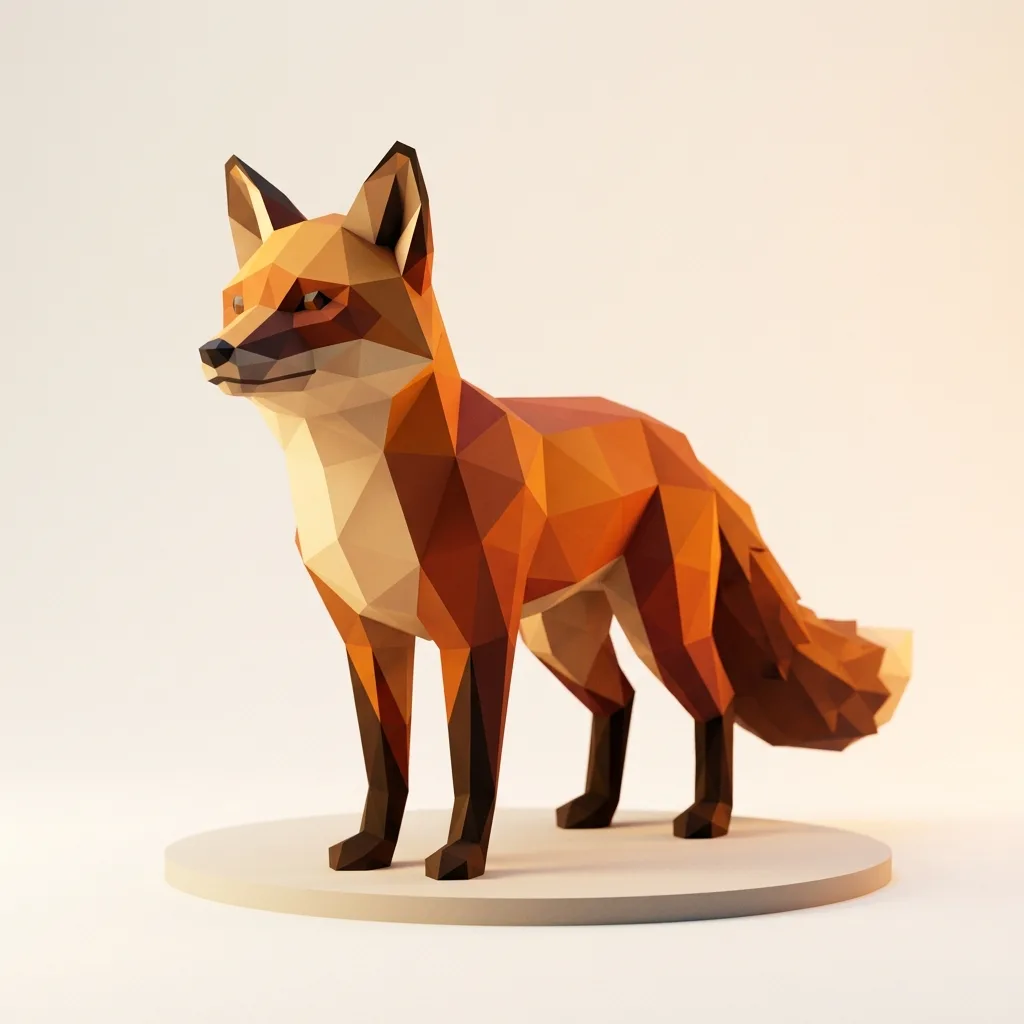
Low-poly character
Low-poly fox standing in a stylized forest, geometric facets, soft pastel color palette, isometric perspective

Flat city skyline
Minimalist flat illustration of a city skyline at sunset, gradient sky, layered silhouettes, vector style
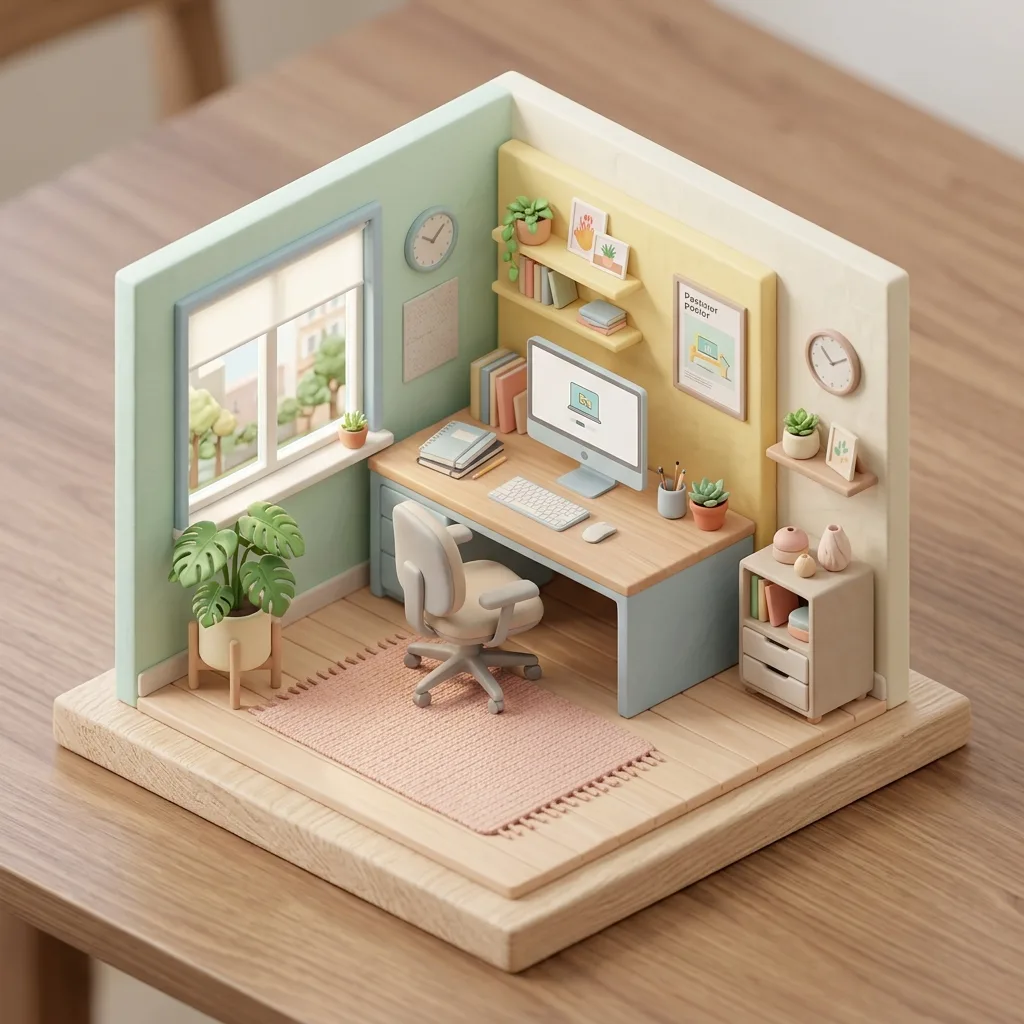
Isometric workspace
Isometric illustration of a cozy home office, plants, books, laptop with steam from a coffee cup, warm afternoon light
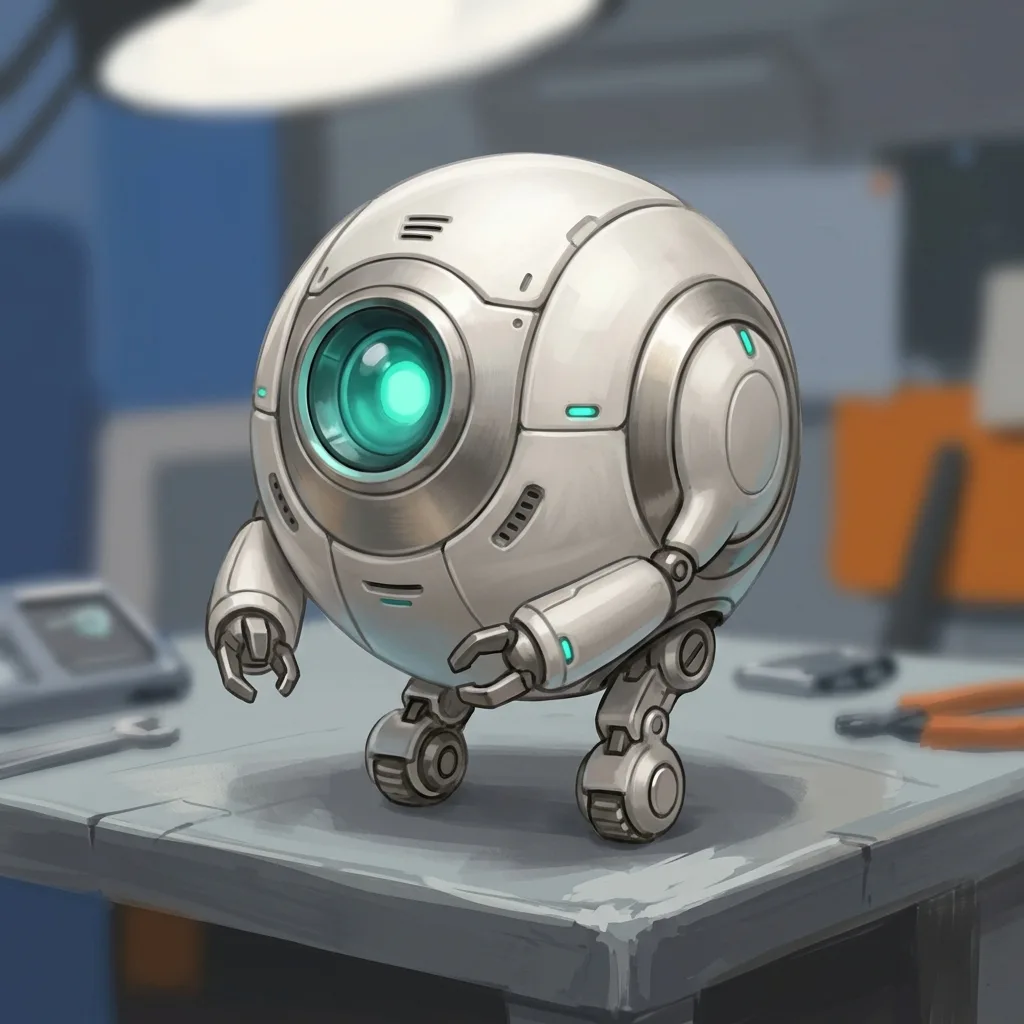
Robot companion
Friendly cartoon robot companion, large expressive eyes, soft pastel color scheme, simple background

Brand mascot
Friendly brand mascot character holding a sign, flat vector style, vibrant colors, simple geometric shapes
Story background
Painterly fantasy landscape, distant mountains, rolling meadows, soft volumetric lighting, illustration book style
Z-Image Turbo tips: prompts for sharper, faster generations
What we've learned about getting sharper results from Z-Image Turbo, from hands-on testing.
Treat speed as a feature
Don't chase the perfect prompt on the first try. Fire off a few quick variants, pick the best, then refine — the whole loop takes seconds, not minutes.
Dial in seed and strength
Use a random seed to explore, then lock the seed (Advanced Settings) to refine the same composition. For image-to-image, start at strength 0.7, push to 0.85 for bigger changes or drop to 0.5 for subtle ones.
Add style and lighting keywords
Short cues like 'flat vector style', 'isometric clay render', or 'golden hour light' shift the output dramatically. Z-Image Turbo stays responsive to style direction despite being a fast model.
Skip in-image text
Z-Image Turbo garbles readable text inside images. When you need an accurate headline or product label, switch to GPT Image 2 (Medium or High) or Seedream 4.5.
Z-Image Turbo FAQ: speed, cost, and free use
Answers to the questions people ask most about Z-Image Turbo — how fast it runs, what it costs in credits, whether it's free, and how it handles image-to-image edits.
What is Z-Image Turbo?
Z-Image Turbo is a fast image generation model developed by Alibaba. It's a distilled version of the larger Z-Image model, fewer inference steps (typically 8) for much faster generation, with modest quality trade-offs. Best in the lineup for speed and cost.
Is Z-Image Turbo really free?
Yes, you can try it free. New accounts get free credits on signup — no credit card required — enough to generate a batch of Z-Image Turbo images and judge the quality for yourself. When you run out, Z-Image Turbo stays the lowest-cost model per image in our lineup. See our pricing page for current credit packs and subscription options.
How does Z-Image Turbo compare to GPT Image 2?
Z-Image Turbo is 4–6× faster than GPT Image 2 on Low (5–10 s vs 30–40 s) and over 20× faster than GPT Image 2 on High (3–4 min) and costs far less per image. GPT Image 2 produces higher final quality and is much better at complex compositions and text in images. Choose Turbo for speed and iteration; choose GPT Image 2 for final professional output.
Can I do image-to-image edits with Z-Image Turbo?
Yes. Z-Image Turbo image-to-image is best for full-scene rewrites: replace the whole subject, change the entire style, atmospheric transformations. It's NOT well-suited for surgical edits like 'change just the jacket color'. For those, switch to Nano Banana 2 which is built for instruction-following edits.
What strength setting should I use for image-to-image?
Use 0.7 as the default — it gives clear changes while preserving composition. Drop to 0.3-0.5 for subtle adjustments or push to 0.85-0.95 for dramatic rewrites where the source becomes a loose reference. The platform default is 0.6, but we found 0.7 gives more visibly satisfying results.
Can Z-Image Turbo render text in images?
No, not reliably. Like most fast diffusion models, Z-Image Turbo tends to garble text inside images (signs, labels, posters with headlines). For prompts that need accurate text rendering, switch to GPT Image 2 (Medium quality or higher) or Seedream 4.5.
Does the output format (JPEG / PNG / WebP) affect cost?
No, all three formats cost the same on Z-Image Turbo, so the choice is purely about file size and quality. (GPT Image 2 is different — PNG can cost more there; see its model page for details.)
Can I use Z-Image Turbo outputs commercially?
Yes, on all paid plans. You retain rights to images you generate, with no watermark and no attribution requirement. See our Terms of Service for the full details on AI-generated image rights.
Why is the output 1280px and not 1024px for non-square ratios?
We picked 1280px as the long-edge length for landscape/portrait ratios because it hits the 720p HD threshold and feels properly high-res to users. Square stays at 1024×1024 because that's the native preset for Z-Image Turbo.
Who made Z-Image Turbo?
Z-Image and its turbo variant are developed by Alibaba's AI research team. We access the model through a hosting platform that serves it. We don't own the model — Alibaba does.
Try Z-Image Turbo now
Start generating with Z-Image Turbo in seconds, free credits included when you create an account.
Disclaimer: Zeva AI is an independent product and is not affiliated with, endorsed by, or sponsored by Alibaba. Z-Image Turbo is developed and owned by Alibaba. All model names, logos, and trademarks are the property of their respective owners. Zeva AI accesses Z-Image Turbo through the fal.ai platform.