
Free AI Image & Video Generator
Turn a prompt or a photo into an image or a short video, with the leading image and video models in one place. Start free with signup credits.
Low = fast draft (~40 s). Medium = balanced (~1.5 min). High = best detail, slow (3–4 min) & far more credits.
Advanced Settings▼
File format for the generated image
Est. time: up to 40 sec
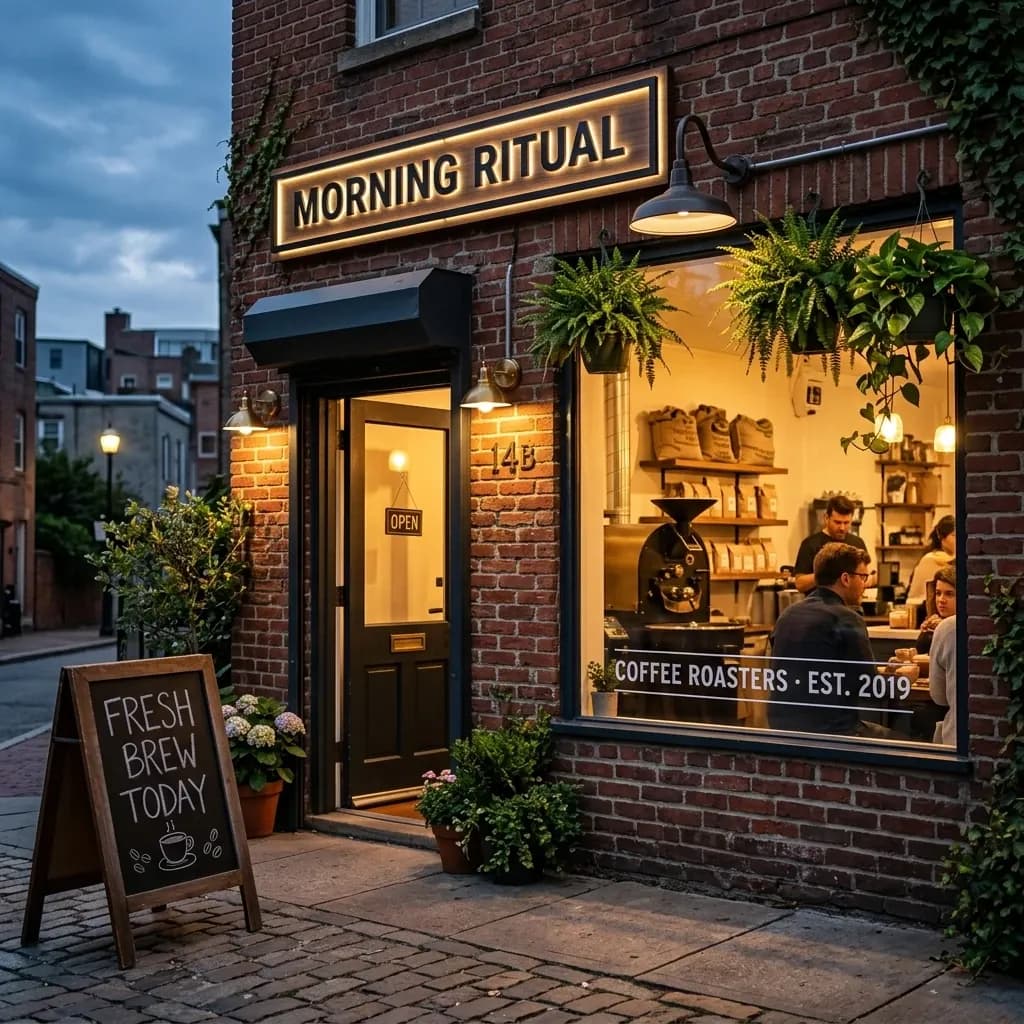
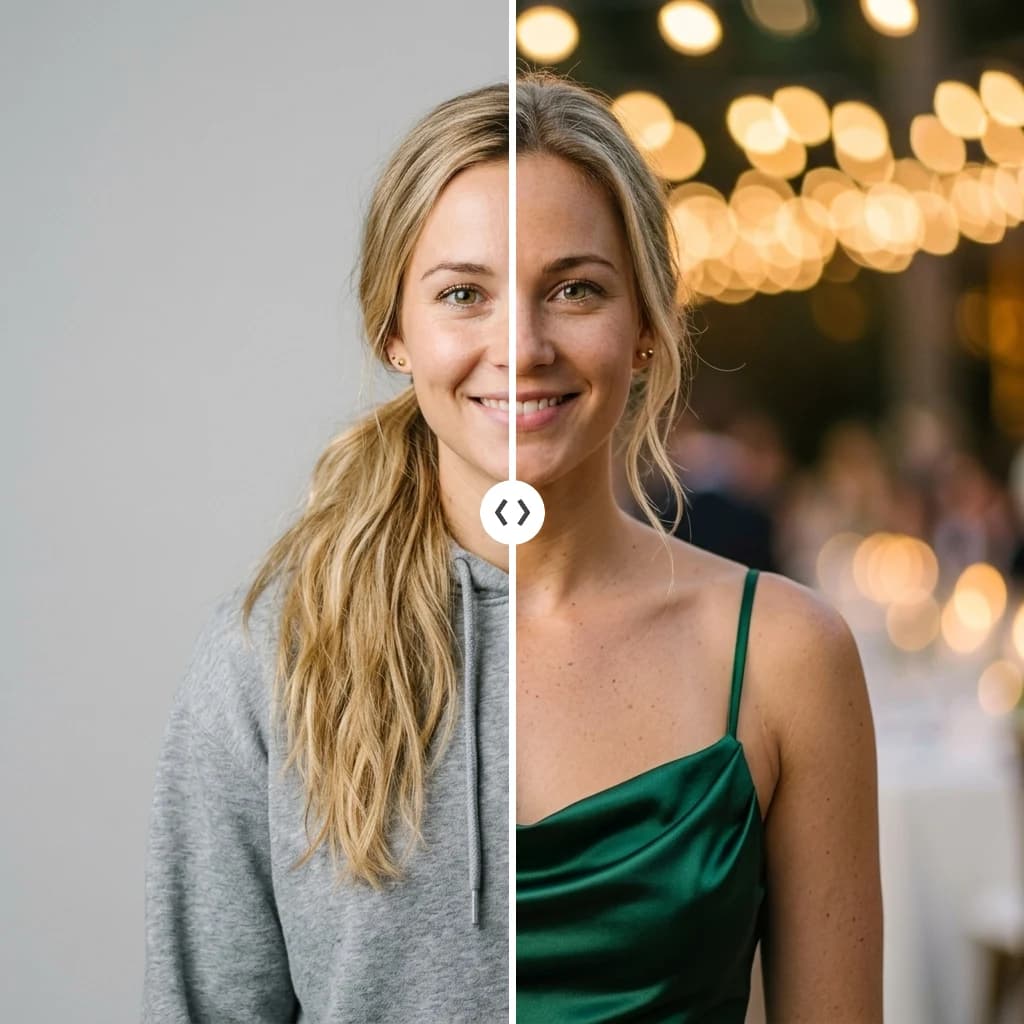
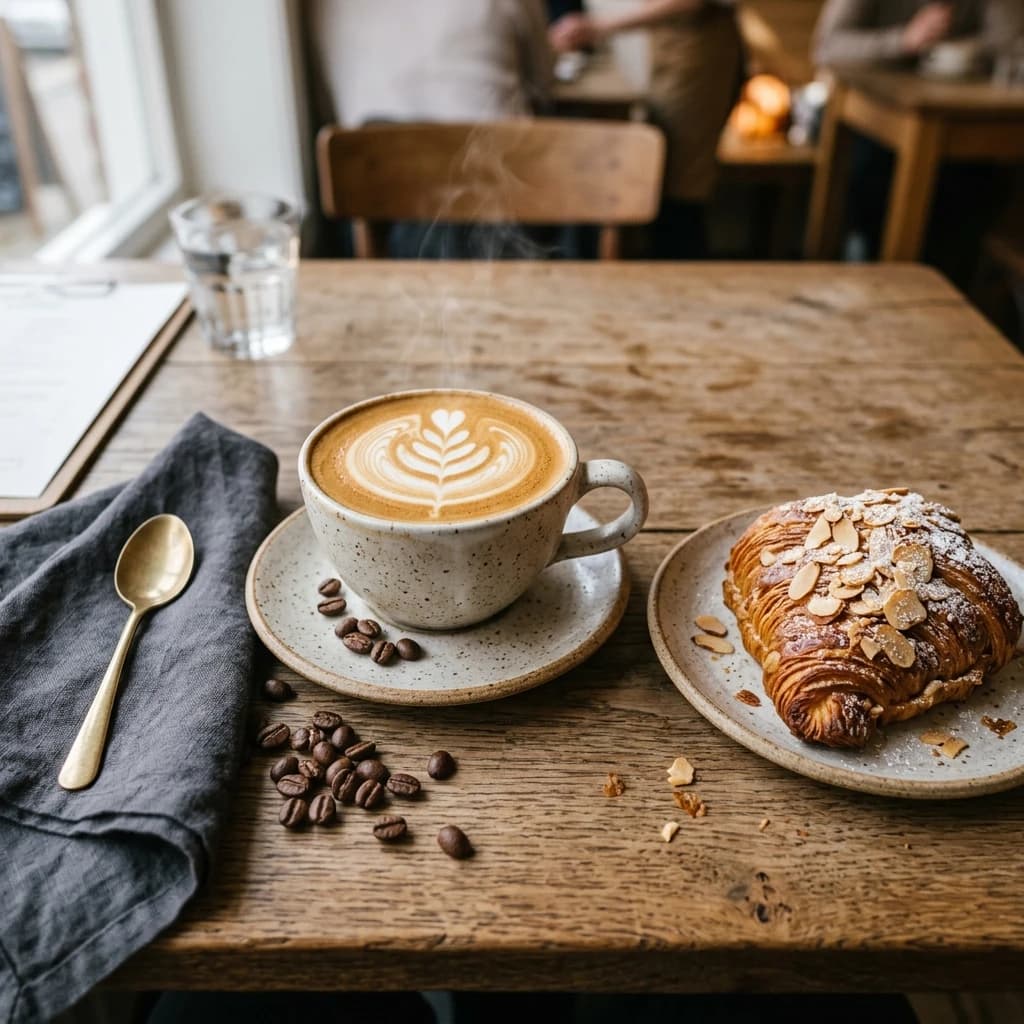
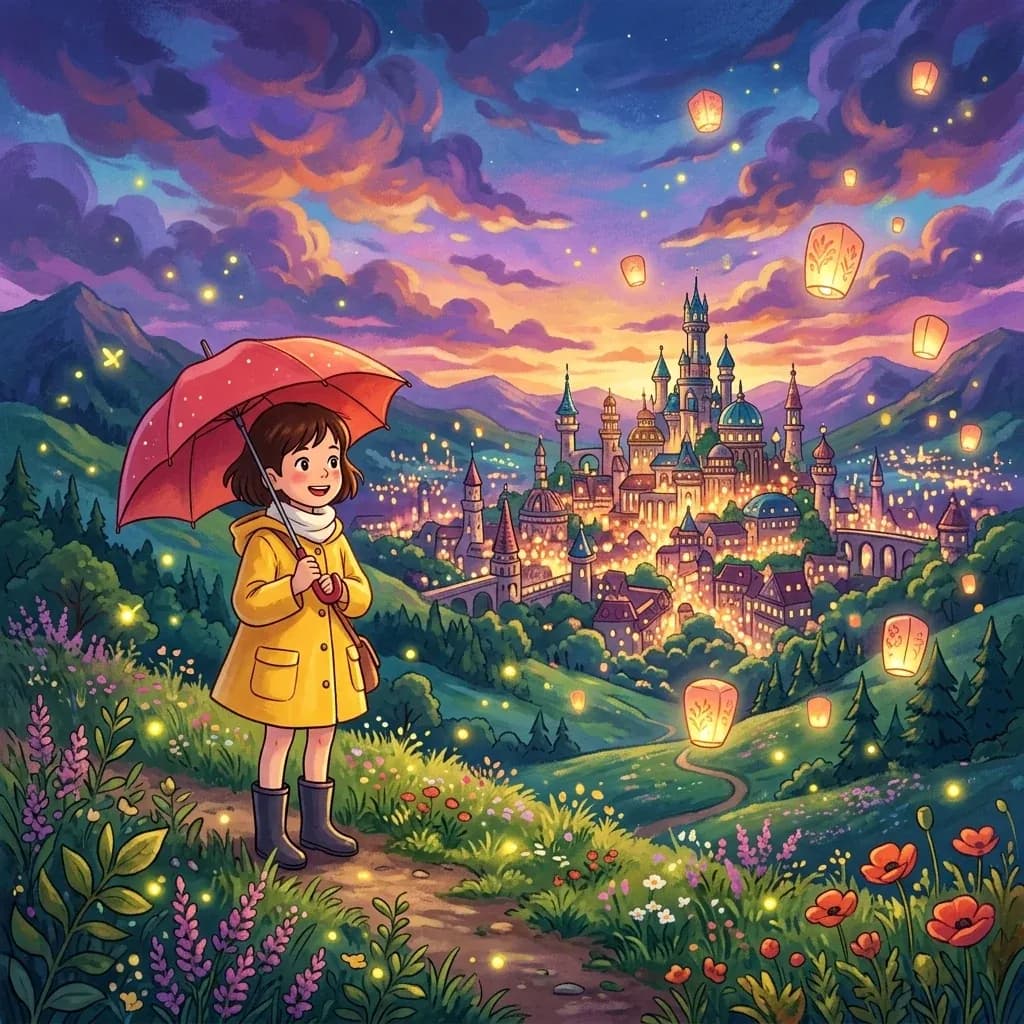
Example results — your generations will appear here.
Related AI Image Tools
Browse the full set of AI image tools — turn photos into Ghibli or cartoon art, restore old photos, swap backgrounds, and create headshots in a few clicks.
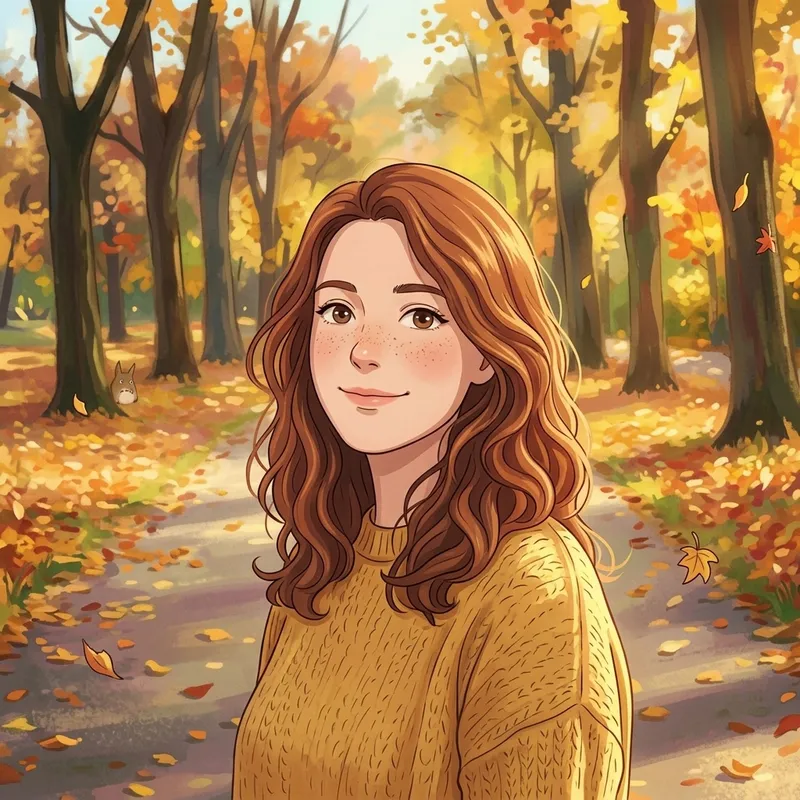
Ghibli AI Generator
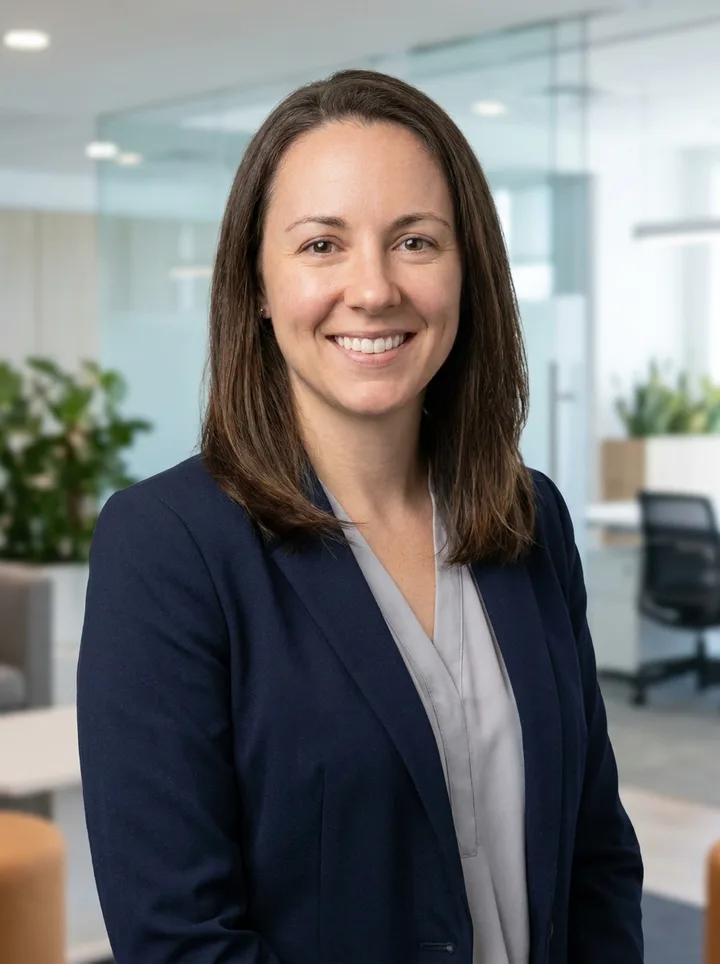
AI Headshot Generator
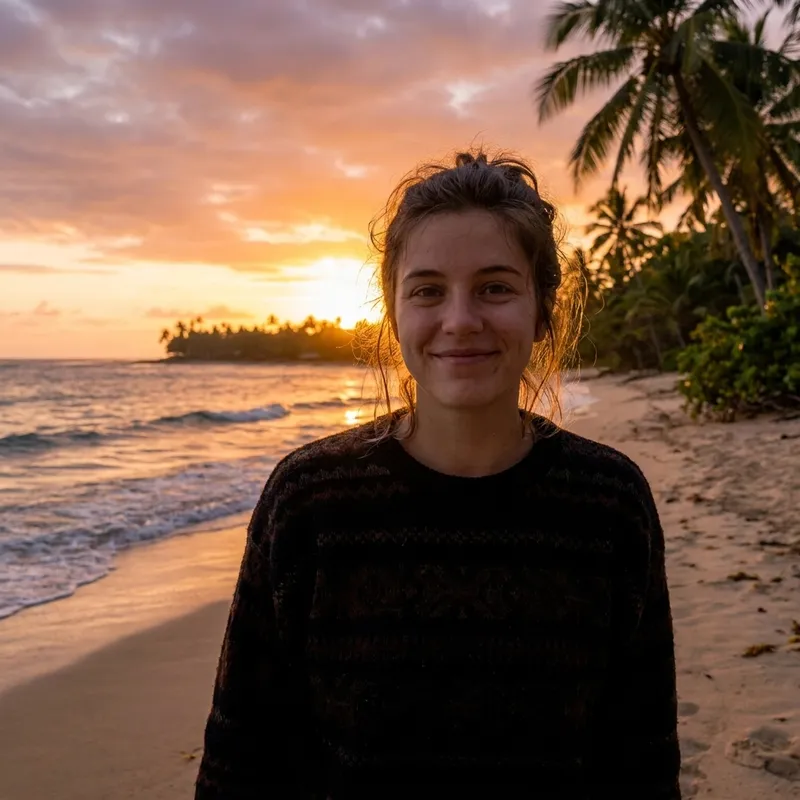
AI Background Changer
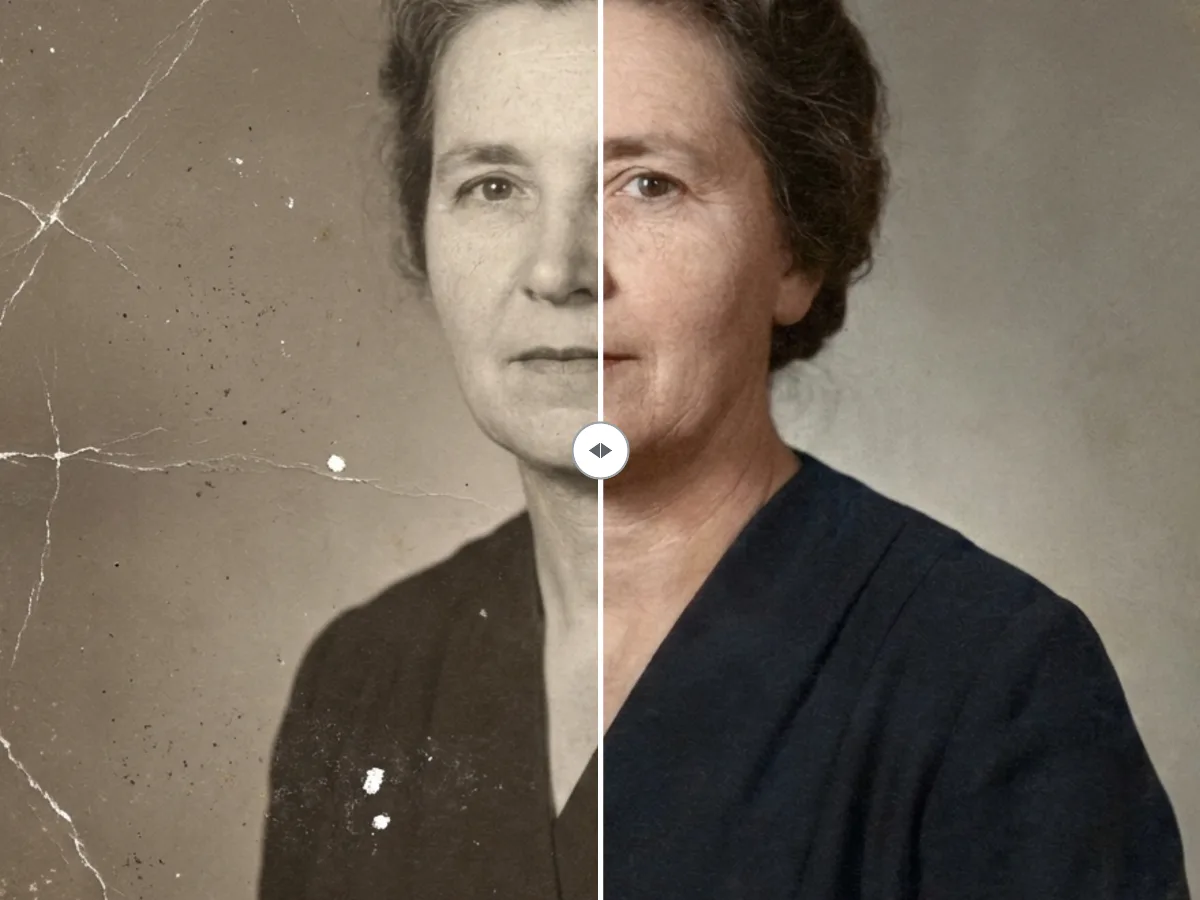
Old Photo Restoration
AI Cartoon Generator
AI Face Rating
Looksmaxing AI
Image to Prompt
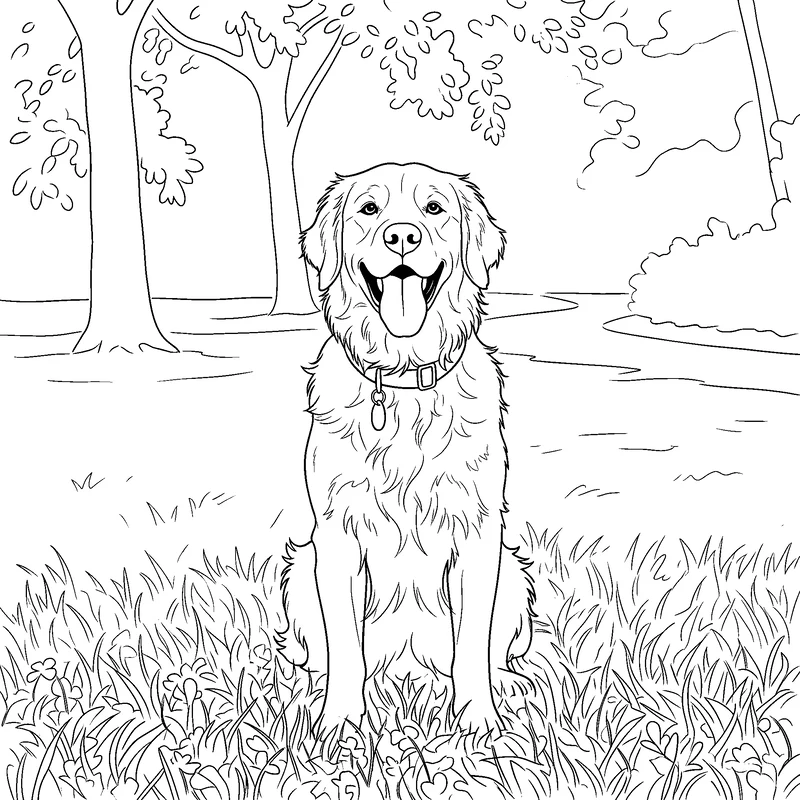
Photo to Coloring Page
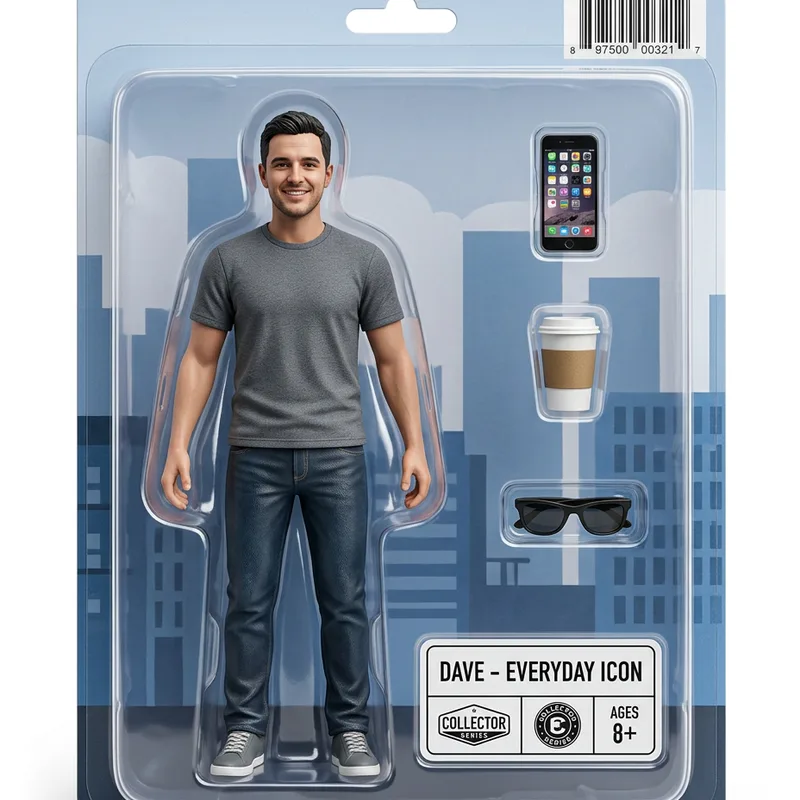
AI Action Figure Generator
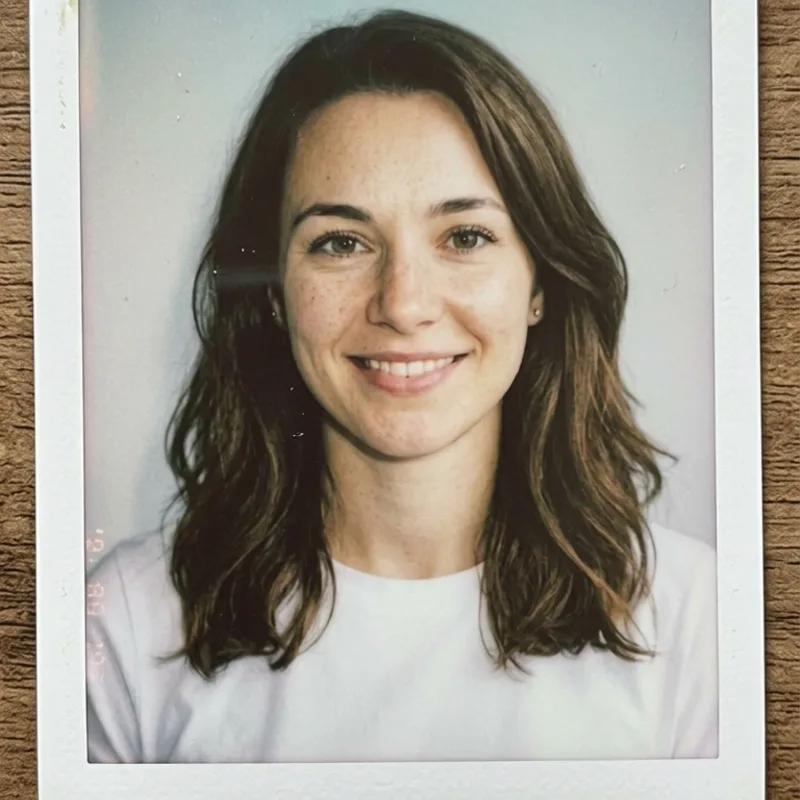
AI Polaroid Generator
Bulk Background Remover
Prompt Cases
AI Image Prompt Examples → Real Results
Browse real prompts and the images they produced — photography, illustration, poster design, and more. Copy any prompt and run it yourself.
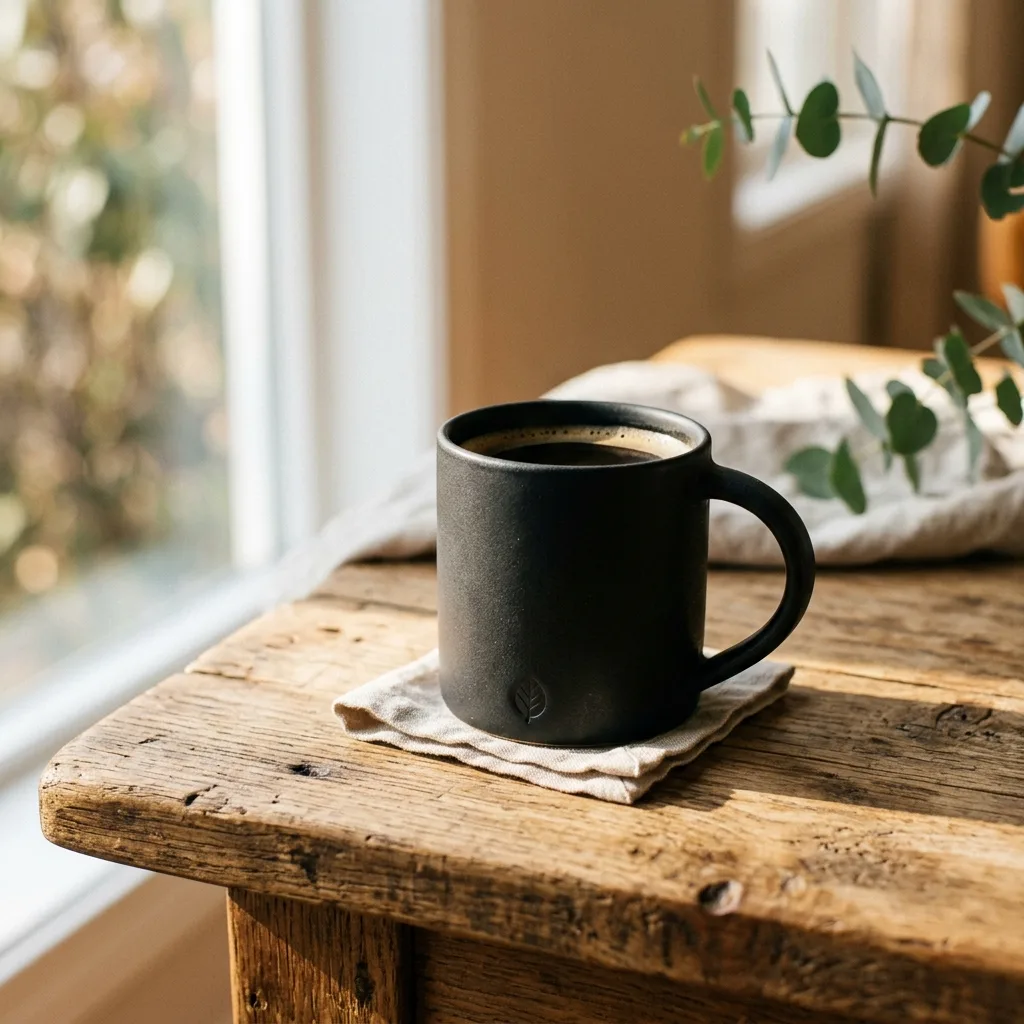
Product photography
A matte black ceramic mug on a sunlit oak table, soft morning shadows, shallow depth of field
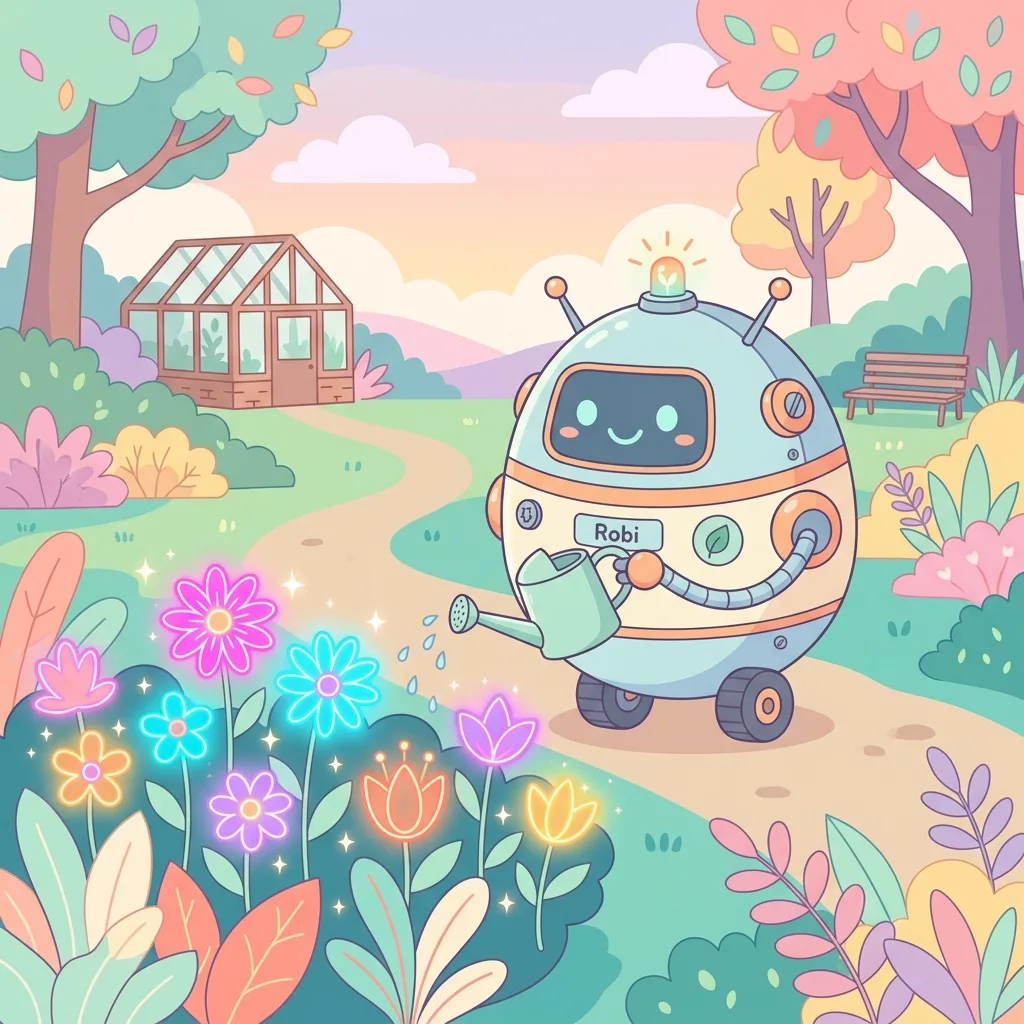
Character illustration
A friendly robot gardener watering glowing neon flowers, flat vector style, pastel palette
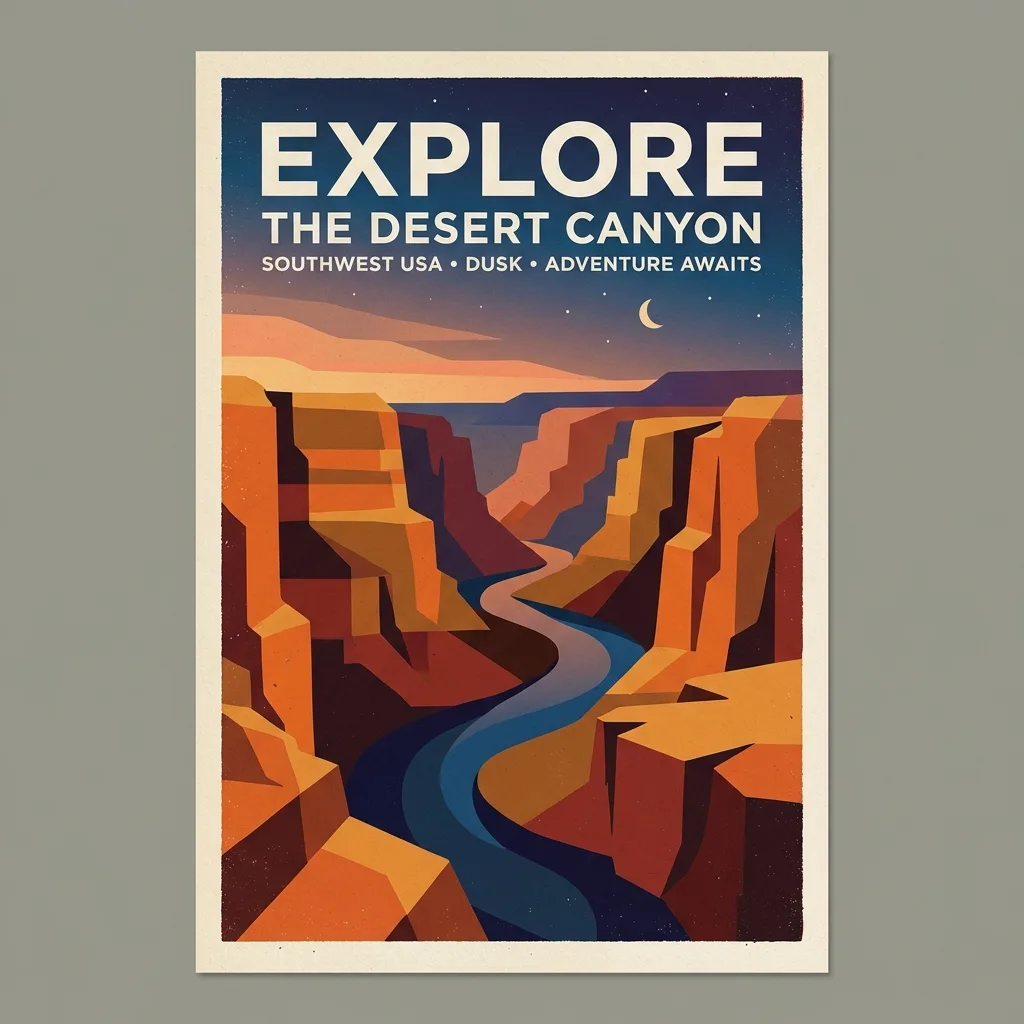
Poster design
Minimalist travel poster of a desert canyon at dusk, bold sans-serif headline reading EXPLORE
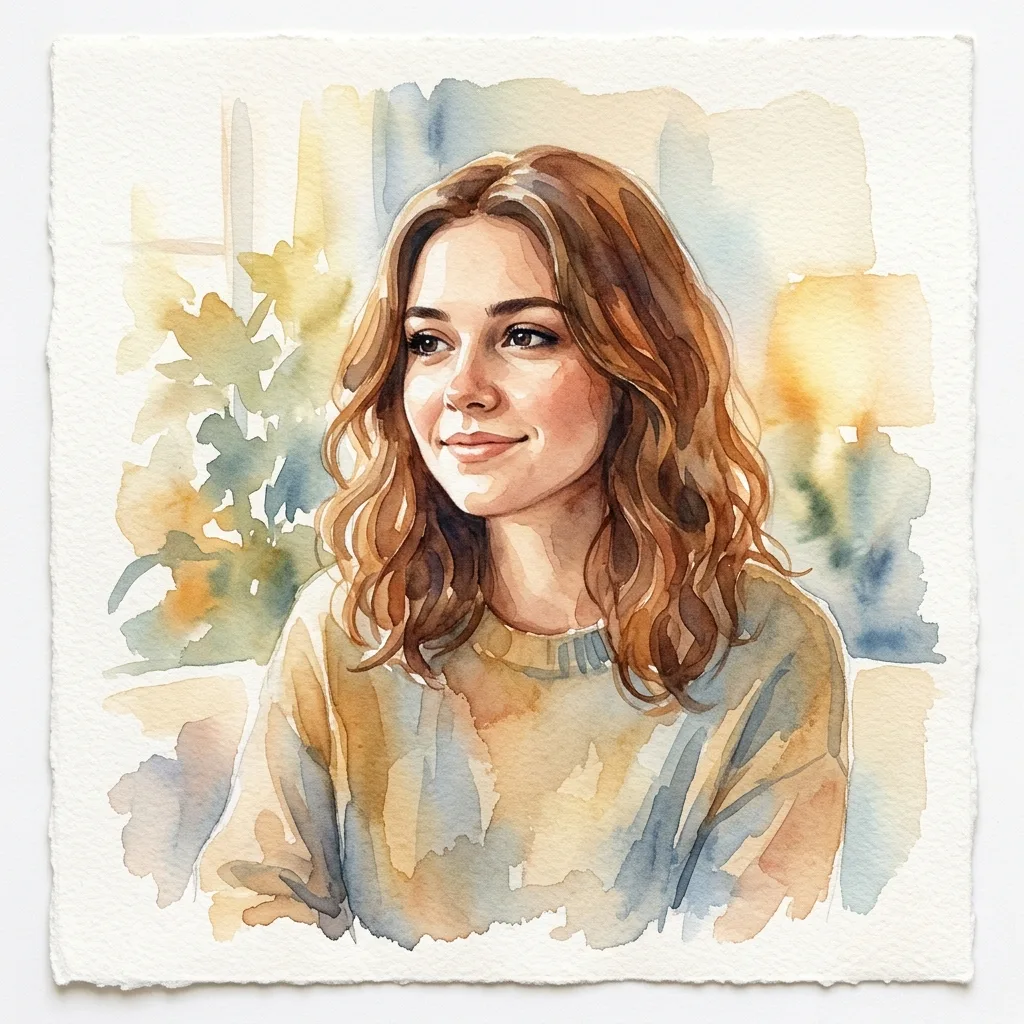
Photo restyle
Transform this portrait into a soft watercolor painting with warm afternoon tones
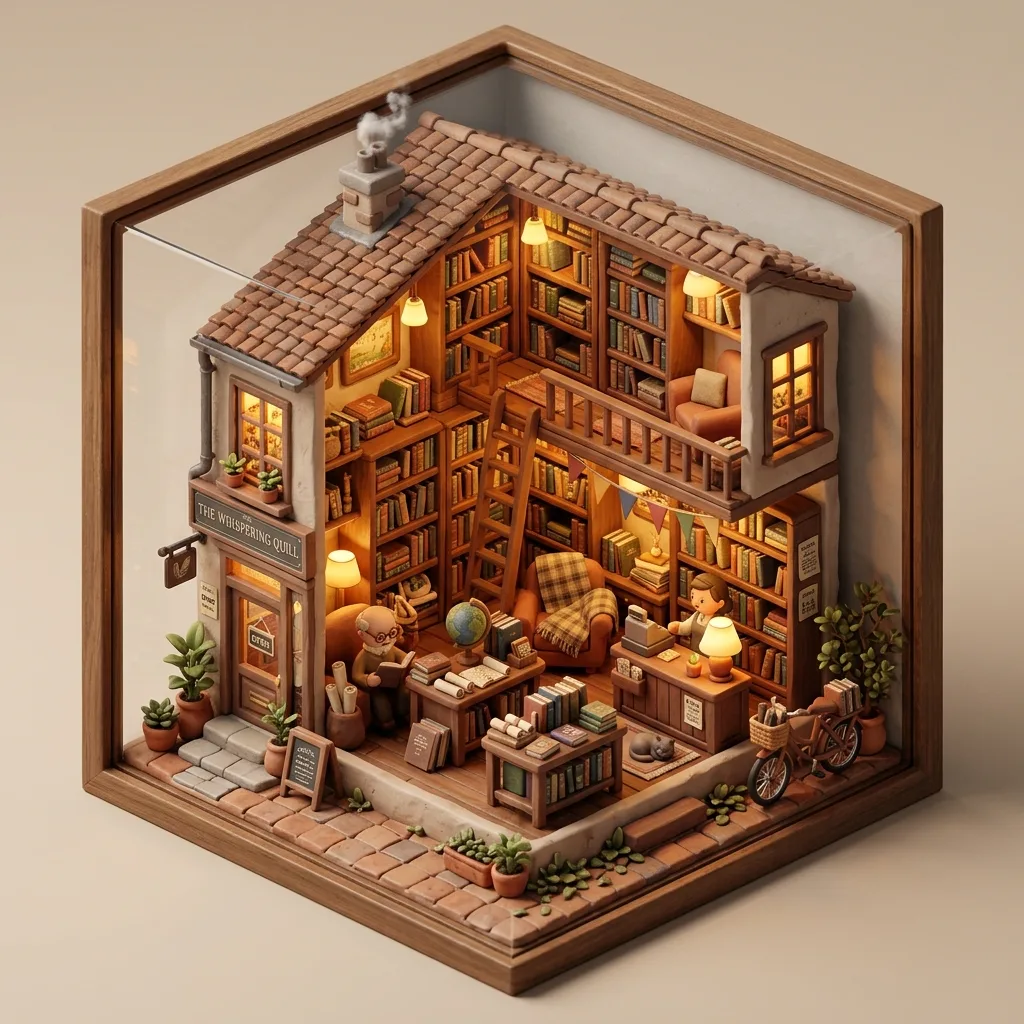
3D render
An isometric tiny cozy bookshop, clay render, warm interior lighting, soft shadows
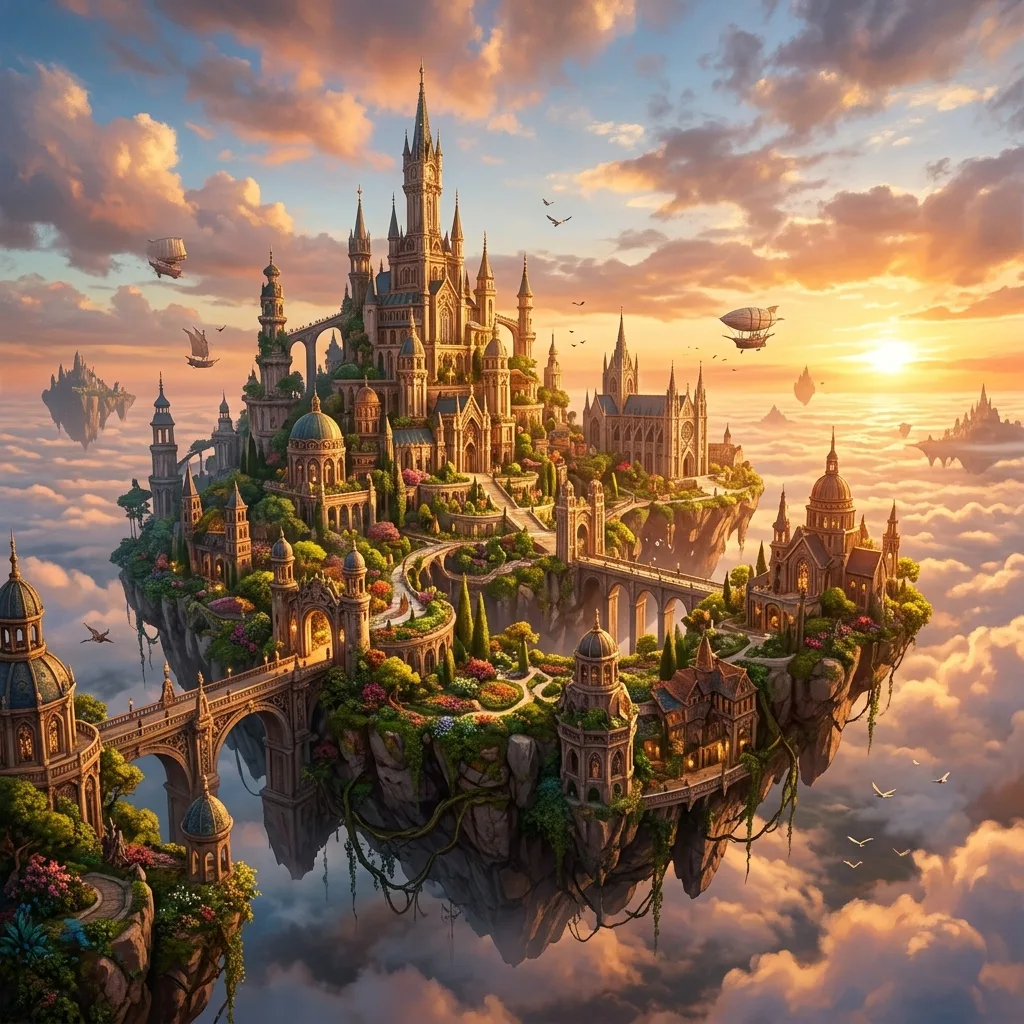
Concept art
A floating island city above the clouds at golden hour, cinematic wide shot, dramatic light
How to Generate AI Images in Three Steps
Write a text prompt or upload a photo, pick your model and format, and generate. Your AI image is ready to download in seconds — no design experience needed.
Describe or upload
Type a prompt for what you want, or upload a reference photo to edit or transform. The clearer your description, the closer the result.
Choose your settings
Pick a model, aspect ratio, and output format. Switch between text-to-image and image-to-image at any point.
Generate and download
Click generate — your AI image is ready in seconds. Download it, or refine your prompt and generate again.
Multiple AI Image Models, One Plan
GPT Image 2 for photorealistic quality, Nano Banana 2 for precise edits, Z-Image Turbo for fast drafts, Seedream 4.5 for product photography, Seedream 5.0 Pro for infographics and layouts, Grok Imagine 2.0 for poster-grade typography. Pick the right model for every image — all on one plan, no extra subscriptions.
Fast Iteration: Refine and Regenerate in Seconds
Z-Image Turbo generates in about 5–10 seconds, so you can refine your prompt and try again instantly. If a generation ever fails, your credits are refunded automatically.
Generate from Text or Edit a Photo
Generate from a text prompt, or upload a photo to restyle, edit, or reimagine it. Text to Image and Image to Image live in one generator.
Aspect Ratios for Every Platform
Square, portrait, and landscape presets fit social posts, banners, prints, and thumbnails, with no cropping or resizing afterward.
The Right Model for Each Image
GPT Image 2 for text inside images, Nano Banana 2 for precise edits, Seedream 4.5 for photorealism, Grok Imagine 2.0 for typography and layout, Z-Image Turbo for speed and cost. Switch between them in one click.
Yours to Sell, No Watermark
Images you generate are yours to use commercially, with no watermark and no attribution required. We never train AI on your prompts or uploads.
Start Free with Signup Credits
Sign up and get free credits instantly — no card, no app to download, no Discord server to join. Generate your first AI image in under a minute.
Choose Your AI Image Model — All Free to Try
Start from a text prompt, or upload a reference image to edit. Pick the model that matches your speed, quality, and budget — each one has its own strength.
Text to Image
Generate an image from a written description. Best for ideation, content creation, and turning a written idea into something visual.
Learn more →Image to Image
Upload a reference photo and ask for an edit. Restyle, swap objects, change backgrounds, or reimagine the scene while keeping the subject.
Learn more →Z-Image Turbo: Fastest & Cheapest
By Alibaba. 5–10 second generation and the lowest cost per image in the lineup. Best for rapid ideation and high-volume work.
Learn more →GPT Image 2: Highest Quality
By OpenAI. Three quality tiers from Low (~40 s, draft) to High (3–4 min, professional). Best at complex compositions and accurate text rendering.
Learn more →Nano Banana 2: Instruction-Following
By Google. Best at understanding natural language commands and preserving subject identity across edits. Pick this when you want a specific, surgical change.
Learn more →Seedream 4.5: Photorealistic
By ByteDance. Strong photorealistic output at a flat per-image rate, with multi-image reference support. Pick this for product shots, food photography, and lifestyle scenes.
Learn more →Seedream 5.0 Pro: Layout & Text
By ByteDance. The reasoning flagship — dense infographics, structured layouts, and native text in 14 languages. Pick this when labels and layout must hold together.
Learn more →Grok Imagine 2.0: Typography & Edits
By xAI. Arena #2 for both generation and editing — designer-grade typography, precise instruction edits, and ultra-wide 2:1 / tall 1:2 formats.
Learn more →Nano Banana 2.1: Text & Consistency
By Google. Released October 2026 — sharper text rendering, stronger subject consistency across edits, and 1K to 4K output at a lower cost than Nano Banana 2.
Learn more →Choose Your AI Video Model — Free to Try
Turn a text prompt or a photo into a short video with sound. MiniMax H3 handles both text-to-video and image-to-video — more video models coming.
AI Image Use Cases: Find Your Fit
Match your project to the model that fits it best — here are four common workflows and the model we recommend for each. Pick the one closest to what you make.
Social Content
Posts, stories, thumbnails, and profile art for every platform. Z-Image Turbo keeps high-volume posting fast and cheap.
Marketing Visuals
Ad creative, banners, and promo graphics on demand, no design team. Reach for GPT Image 2 when the text inside the image has to be readable.
Art & Illustration
Concept art, character design, and original illustration from a line of text. Nano Banana 2 keeps a character consistent across a series.
Product & E-commerce
Clean product shots and lifestyle scenes from a description, no studio. Seedream 4.5 delivers the photorealism product pages need.
Comparison
AI Image Generator Comparison: Midjourney, DALL·E 3 and More
See how the models compare side by side on features, generation speed, and free access, so you can pick the right one before you generate.
| Feature | Zeva AI | Midjourney | DALL·E 3 |
|---|---|---|---|
| Generation speed | From 5 s | ~30s | ~15s |
| Text to Image | ✓ Yes | ✓ Yes | ✓ Yes |
| Image to Image | ✓ Yes | Limited | Limited |
| Free credits to start | ✓ Yes | ✗ No | ✗ No |
| Aspect ratio presets | ✓ Multiple | 3 | Limited |
| Output formats | JPEG, PNG, WebP | PNG | PNG |
| Photo editing tools | ✓ Yes | ✗ No | ✗ No |
Frequently Asked Questions
Common questions about AI image generation, editing, pricing, and content policy.
Is this AI image generator free to use?
Yes. New accounts get free credits at signup — no credit card required — enough to test the models and find what works for your project. When you need more, one-time credit packs and monthly subscriptions are available; see the pricing page for current rates.
How do I write a prompt that gets good results?
Be specific about subject, style, lighting, and mood. "A red sports car" gets a generic result. "A red Ferrari on a coastal road at golden hour, cinematic wide shot, shallow depth of field" gets something closer to what you're picturing. Three habits that help: describe what you want rather than what you don't want; name a visual style or reference ("watercolor", "studio photography", "isometric 3D"); include the mood or atmosphere. The Prompt Examples section on this page shows real prompts and real outputs — use them as a starting point.
What is the difference between Text to Image and Image to Image?
Text to Image creates a new image from a written description — nothing to upload, just type and generate. Image to Image starts from a photo you provide and changes it based on your instructions: restyle it, swap the background, change colors, or reimagine the scene. You can switch between the two modes in the same generator without losing your prompt or settings.
Which AI model should I pick?
Start with Z-Image Turbo — the fastest (5–10 seconds) and lowest-cost option, good for testing ideas quickly. Switch to GPT Image 2 when you need the highest quality or readable text inside the image. Use Nano Banana 2 for precise instruction-based edits where you want one specific thing changed while the rest stays the same. Choose Seedream 4.5 for photorealistic product shots, food photography, or lifestyle scenes; Seedream 5.0 Pro for infographics and multilingual layouts; and Grok Imagine 2.0 for poster-grade typography and design-oriented edits. Try the same prompt across two models to find which style fits your project.
How long does a generation take?
Measured on real generations: Z-Image Turbo 5–10 seconds. Nano Banana 2 about 25 seconds at 1K (up to 1.5 minutes at 4K). Grok Imagine 2.0 about 30 seconds at 1K, up to a minute at 2K. Seedream 4.5 30–60 seconds. Seedream 5.0 Pro 1.5–2.5 minutes. GPT Image 2 about 40 seconds (Low), 1.5 minutes (Medium), 3–4 minutes (High). The generator shows the expected time for your exact settings before you click. Keep the tab open until the image appears — the result is delivered to the page you generated from, and a closed tab cannot receive it.
How much does it cost, and do credits expire?
New accounts get free credits at signup — no card required. For paid plan pricing, credit pack options, and expiry details, visit thepricing page →
What image formats and aspect ratios can I export?
Export as JPEG, PNG, or WebP. Aspect ratios include 1:1 (square), 3:2 / 2:3, 4:3 / 3:4, and 16:9 / 9:16 — covering social posts, banners, prints, thumbnails, and stories. Exact ratio support varies by model; the full matrix is on each model's page.
Can I use the generated images commercially?
Yes. Images you generate are yours to use for personal and commercial projects — no attribution required, no watermark added. We do not claim copyright on outputs. Note: in some jurisdictions (including the US), purely AI-generated images may not qualify for full copyright protection. If copyright ownership matters for your use case, consult a qualified attorney. Full details in Terms of Service §5.
Are my prompts and uploaded photos private?
Yes. Prompts and uploads are stored only to deliver the service (so you can access your generation history) and to meet legal obligations. We do not sell user data. We never use your prompts, uploads, or generated images to train any AI model. See the Privacy Policy for full details.
What content is not allowed?
Generating or uploading sexual, violent, hateful, or illegal content is prohibited and blocked automatically. This includes NSFW imagery, graphic violence, content sexualizing minors, and anything that violates applicable laws. Generations blocked for policy violations are not eligible for a credit refund. If you believe a generation was blocked in error, contact support.
What happens if a generation fails?
Credits are automatically refunded to your balance. You never pay for a generation that doesn't complete — this covers platform errors and upstream model failures. Note: generations blocked by content moderation for policy violations are not refunded.
Can I generate video, not just images?
Yes. Alongside image generation, you can create short videos with MiniMax H3 — text-to-video from a prompt, or image-to-video from a photo, each with a generated soundtrack. Open the Video Models menu to try it.
Which video models are available?
Video currently runs on MiniMax H3 — H3 Turbo for speed and cost, H3 Max for higher-fidelity motion, up to 1080p and ready in seconds. More video models are on the way; image generation already offers six models.
Generate Your First Image Free
Create your first image in seconds with free credits — no credit card needed. Text to Image and Image to Image, together in one generator.